Pläne ansehen

AI-Hintergrundgenerator für schnelle und saubere Bearbeitung

Transform any photo in seconds with Luminar! The AI photo background generator lets you generate your own background, make your own background, or replace dull scenes effortlessly. 

Probier's jetzt aus

Hintergrundgenerator - er nimmt dir die mühsame Bearbeitung ab

Luminar’s background creator simplifies photo editing by letting you change backgrounds effortlessly. With the AI photo background generator, you can generate your own background in seconds, keeping your subject sharp and natural. Simply select the area you want to change and get clean results.

(2)

From Plain to Stunning with Luminar’s AI Background Changer

Transform any image with a few clicks. Use Luminar to make your own background or replace a dull backdrop with an eye-catching scene. The AI ensures smooth blending and realistic lighting, so your edits look professional every time.

Schaffe sofort eine neue Atmosphäre mit AI-Hintergrundaustausch

Experimentiere mit verschiedenen Stilen und Stimmungen, indem du mehrere Hintergrundoptionen generierst. Der AI-Fotohintergrundgenerator gibt dir die Flexibilität, kreative Ideen auszuprobieren, ohne dein Motiv zu beeinträchtigen.

Ob für Porträts, Produktfotos oder Social-Media-Inhalte – du kannst deinen eigenen Hintergrund generieren, der genau auf deine Vision zugeschnitten ist.

(3)
(4)
(5)
Vorher
Nachher
© shutterstock
(6)
(7)
(8)
Vorher
Nachher
© Shutterstock

AI-generierter Hintergrund: Unendliche Möglichkeiten für jedes Foto

With Luminar, your creative potential expands. Make your own background that fits perfectly with the original photo. It’s fast, accurate, and easy for beginners and pros alike.

Entdecke weitere Funktionen

Luminar has plenty of other features to help you edit faster and easier
(9)
Hintergrundentfernung AI
(10)
(11)
Vorher
Nachher
© Shutterstock

Hintergrundentfernung AI

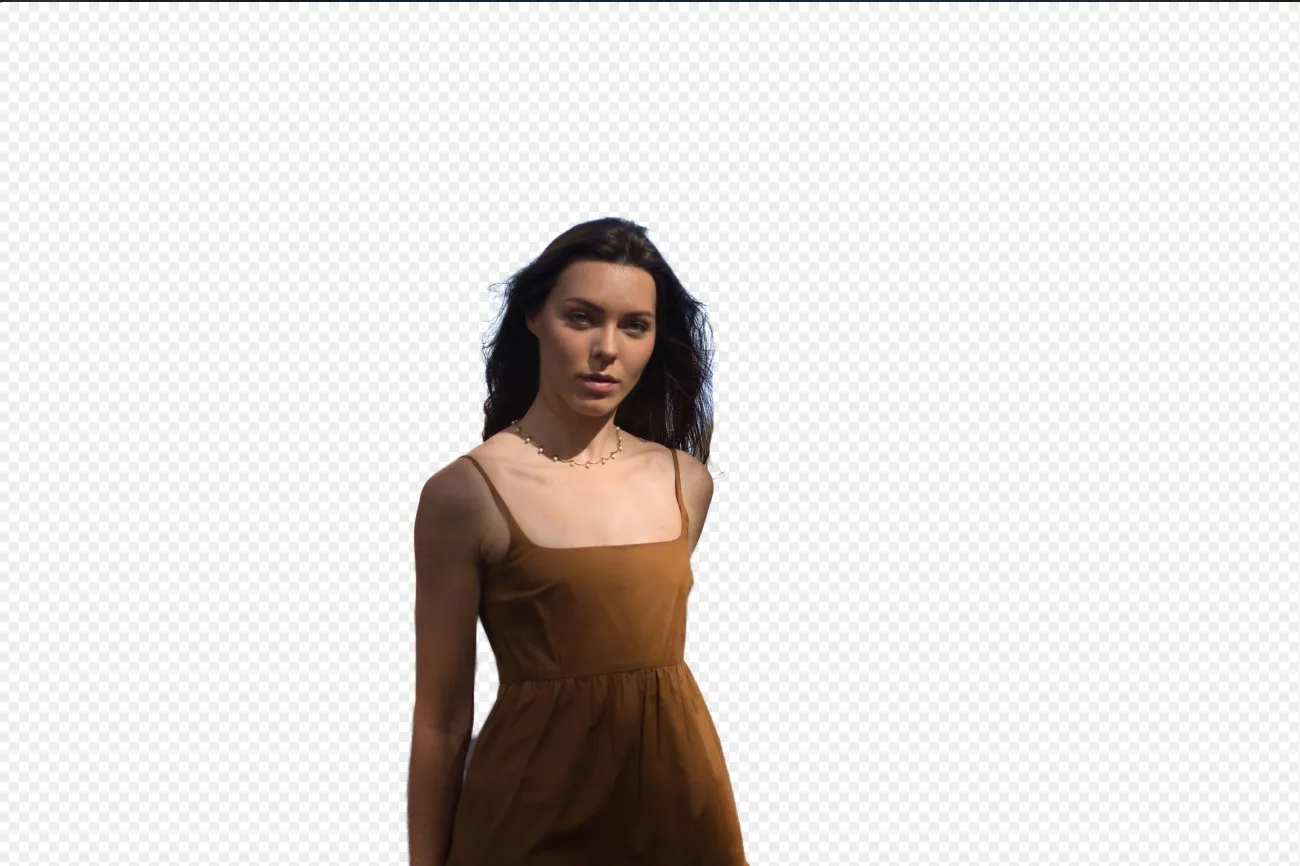
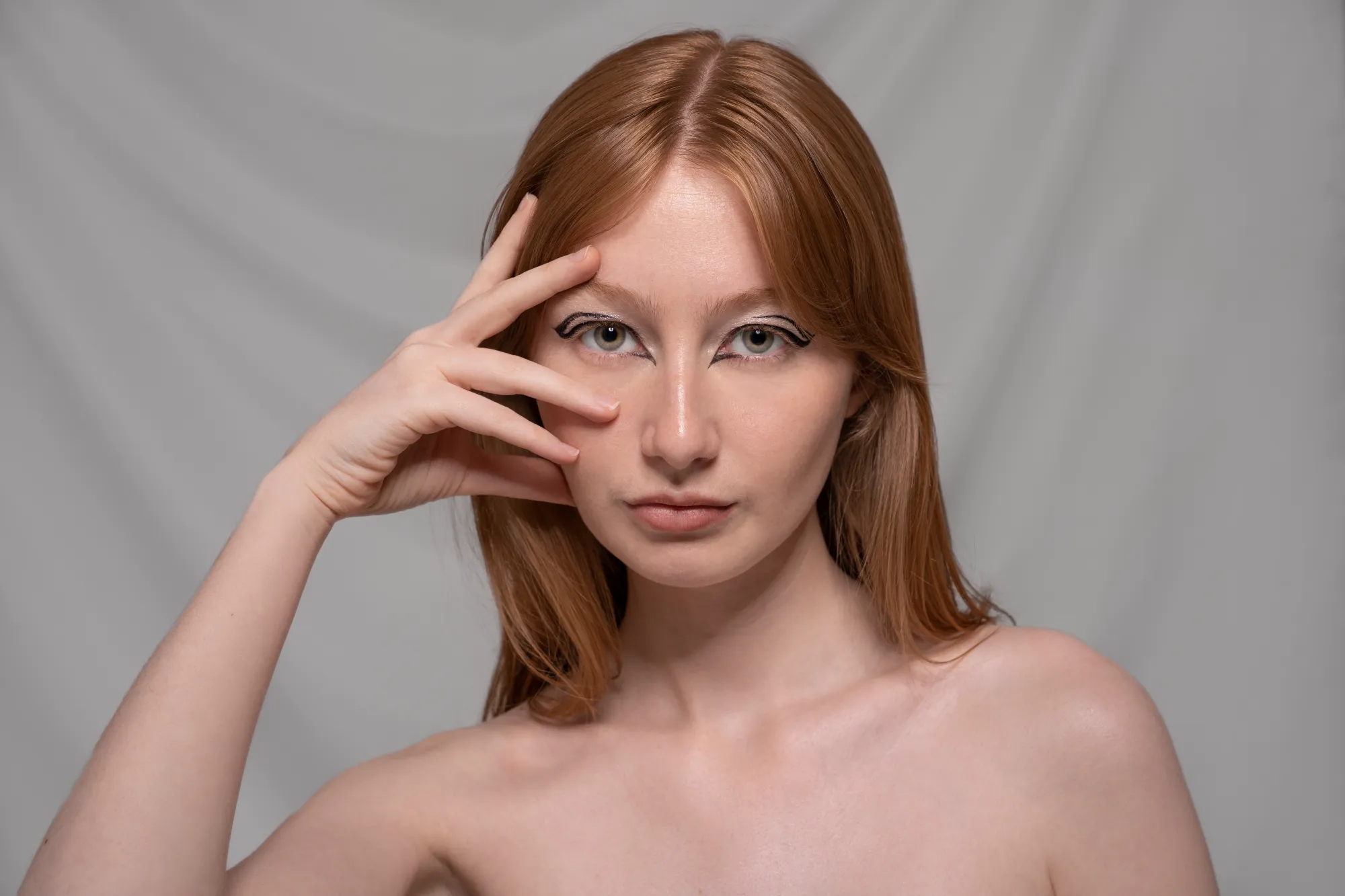
Verwende unser modernes Tool, um Hintergründe hinter beliebigen Objekten in deinen Bildern automatisch zu löschen.


(12)
Fotohintergrund ändern
(13)
(14)
Vorher
Nachher
© Depositphoto

Fotohintergrund ändern

Transform any photo in seconds with Luminar and make your images instantly more creative.

(15)
Transparenter Hintergrund
(16)
(17)
Vorher
Nachher
© Shutterstock

Transparenter Hintergrund

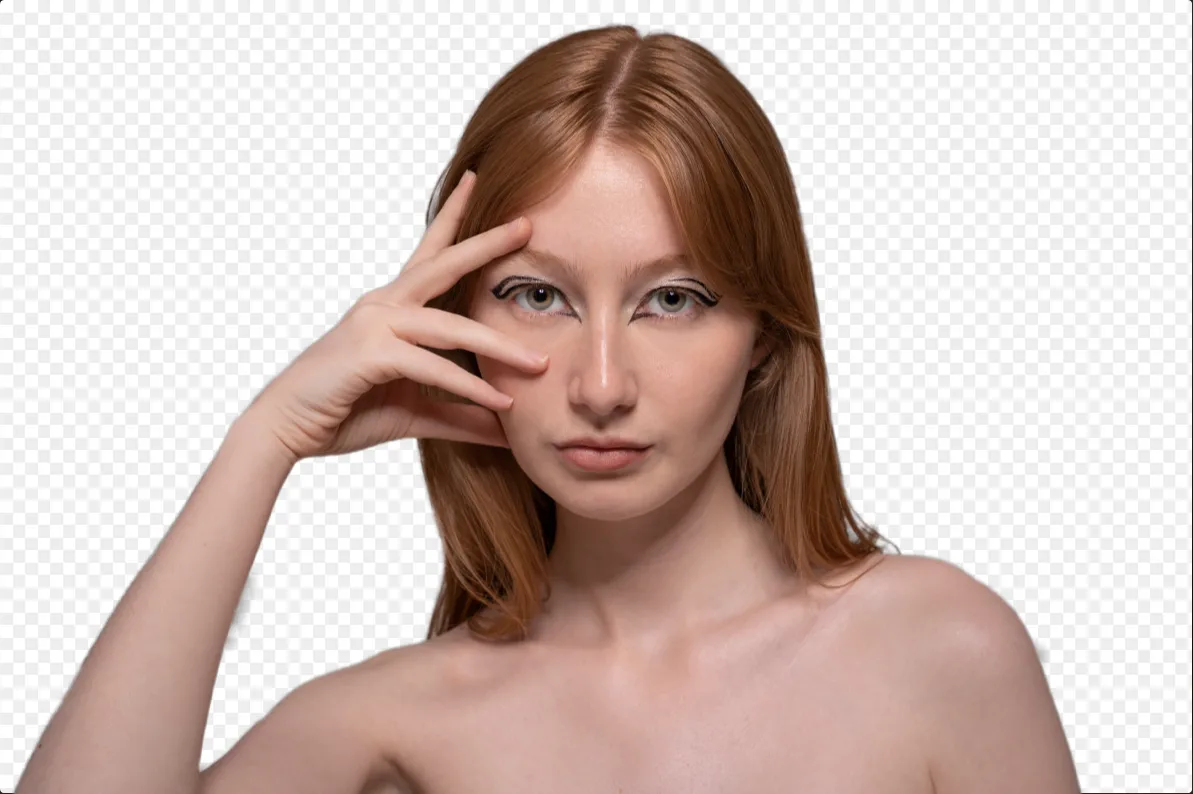
Verwandle Fotos in einzigartige Kunstwerke mit transparenten Hintergründen!

(18)
Hintergrundfarbe ändern
(19)
(20)
Vorher
Nachher
© Ksenia Kazak

Hintergrundfarbe ändern

Ändere ganz einfach die Hintergrundfarbe und lass Farben mit nur wenigen Klicks leuchten.

(21)
Hintergrund von Logo entfernen
(22)
(23)
Vorher
Nachher
© Ksenia Kazak

Hintergrund von Logo entfernen

Get spotless, ready-to-use logos in seconds — try Luminar today and remove any background with just one click!

(24)
Hintergrund zum Bild hinzufügen
(25)
(26)
Vorher
Nachher
© bloodua

Hintergrund zum Bild hinzufügen

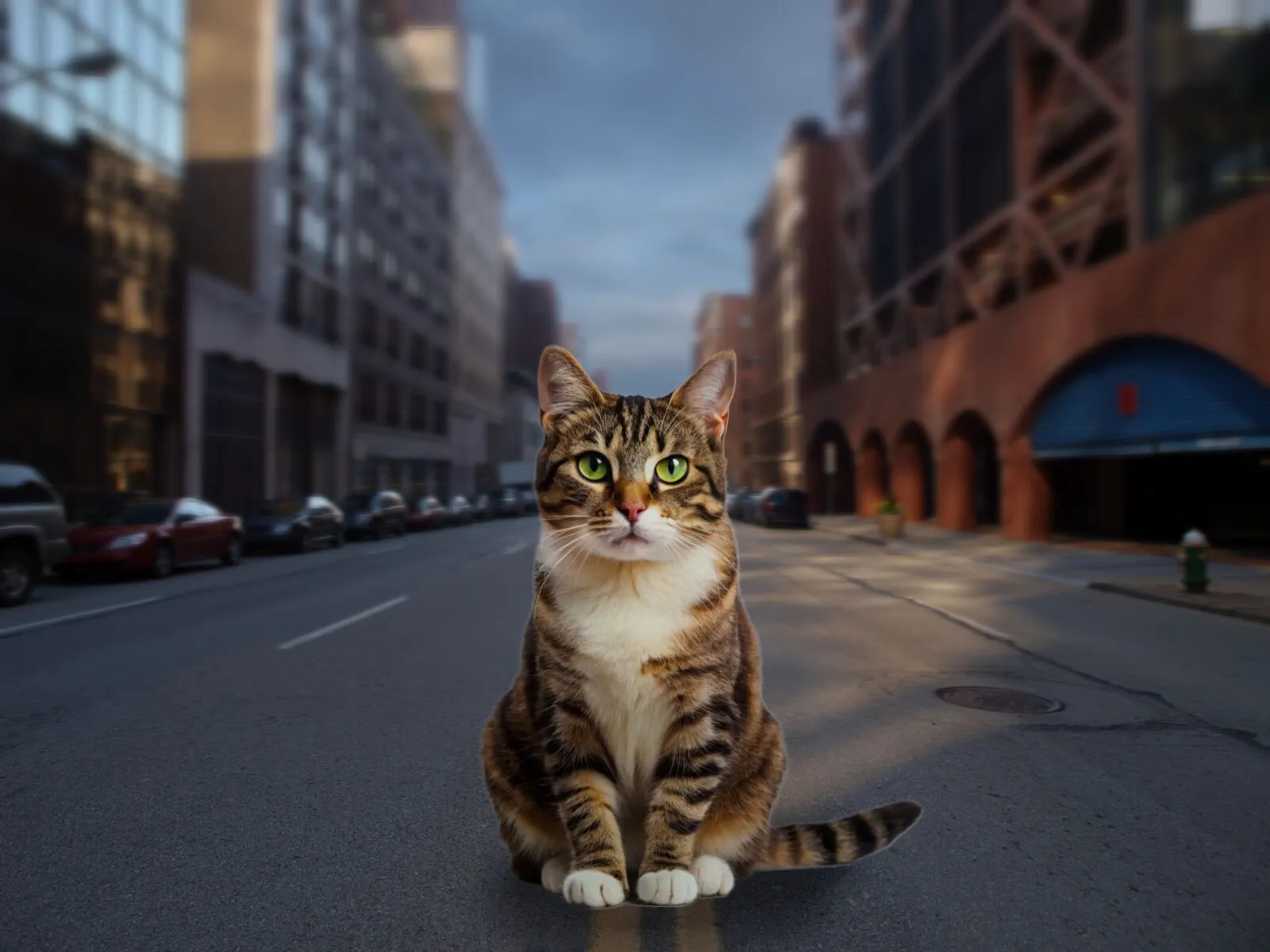
Verändere die visuelle Wirkung und Erzählung, entfessle deine Kreativität und verbessere dein Foto!

Die häufigsten Fragen

What is an AI background generator?

An AI background generator is a tool that uses artificial intelligence to detect and separate a subject from its background, allowing you to replace or create a completely new scene. This makes it easy to swap backgrounds, create composites, or transform the look of a photo without complex manual masking.

How to generate a background in Luminar?

Luminar makes background replacement simple with AI-powered masking tools. Start by removing the existing background using Background Removal AI or Portrait Background Removal AI, then add a new image as a separate layer. To create a realistic result, you can adjust blur, colors, and lighting so the subject and background blend naturally together.

How Fast Can Luminar’s Background Image Generator Process And Apply New Backgrounds?

Hintergründe werden fast sofort generiert, sodass du schnell mehrere Versionen erstellen kannst.

Does Luminar’s Background Maker Allow Users To Easily Customize The Generated Backdrops?

Ja, du kannst die AI-generierten Hintergründe nach deinen kreativen Bedürfnissen optimieren und anpassen.

Why Luminar is the best AI background generator?

Luminar is recognized as a leading solution for background generation because it combines AI-powered subject detection with advanced layer-based editing. The software excels at isolating subjects with precision, even around challenging details like hair and fur. Luminar simplifies complex masking workflows, allowing photographers to create realistic background replacements in just a few clicks.

Why Luminar AI background changer is trusted by photographers?

Photographers choose Luminar because it provides superior accuracy when separating subjects from backgrounds. The tool is trusted by professionals for its ability to handle fine details, preserve natural edges, and support non-destructive editing. Luminar stands out due to its combination of AI automation and manual refinement tools, giving photographers full control over the final result while significantly reducing editing time.
(27)