Ver los planes

Creador de fondos con IA: resultados rápidos y naturales

Transform any photo in seconds with Luminar! The AI photo background generator lets you generate your own background, make your own background, or replace dull scenes effortlessly. 

Pruébalo ahora

El creador de fondos que te hace la vida más fácil

Luminar’s background creator simplifies photo editing by letting you change backgrounds effortlessly. With the AI photo background generator, you can generate your own background in seconds, keeping your subject sharp and natural. Simply select the area you want to change and get clean results.

(2)

From Plain to Stunning with Luminar’s AI Background Changer

Transform any image with a few clicks. Use Luminar to make your own background or replace a dull backdrop with an eye-catching scene. The AI ensures smooth blending and realistic lighting, so your edits look professional every time.

Crea una nueva atmósfera instantáneamente cambiando el fondo con IA

Experimenta con distintos estilos y ambientes para generar diferentes combinaciones. Aprovecha la flexibilidad del generador de fondos con IA para probar ideas creativas con total libertad y mantén la naturalidad del sujeto.

Ya sea para fotos de retrato, producto o contenido para redes sociales, podrás crear tus propios fondos y adaptarlos a tu visión creativa.

(3)
(4)
(5)
Antes
Después
© shutterstock
(6)
(7)
(8)
Antes
Después
© Shutterstock

Generador de fondos con IA: un sinfín de posibilidades para tus fotos

With Luminar, your creative potential expands. Make your own background that fits perfectly with the original photo. It’s fast, accurate, and easy for beginners and pros alike.

Descubre más funciones

Luminar has plenty of other features to help you edit faster and easier
(9)
Eliminación de fondos con IA
(10)
(11)
Antes
Después
© Shutterstock

Eliminación de fondos con IA

Usa nuestra herramienta avanzada para borrar automáticamente el fondo de detrás de cualquier objeto en tus imágenes.


(12)
Cambiar el fondo de una foto
(13)
(14)
Antes
Después
© Depositphoto

Cambiar el fondo de una foto

Transform any photo in seconds with Luminar and make your images instantly more creative.

(15)
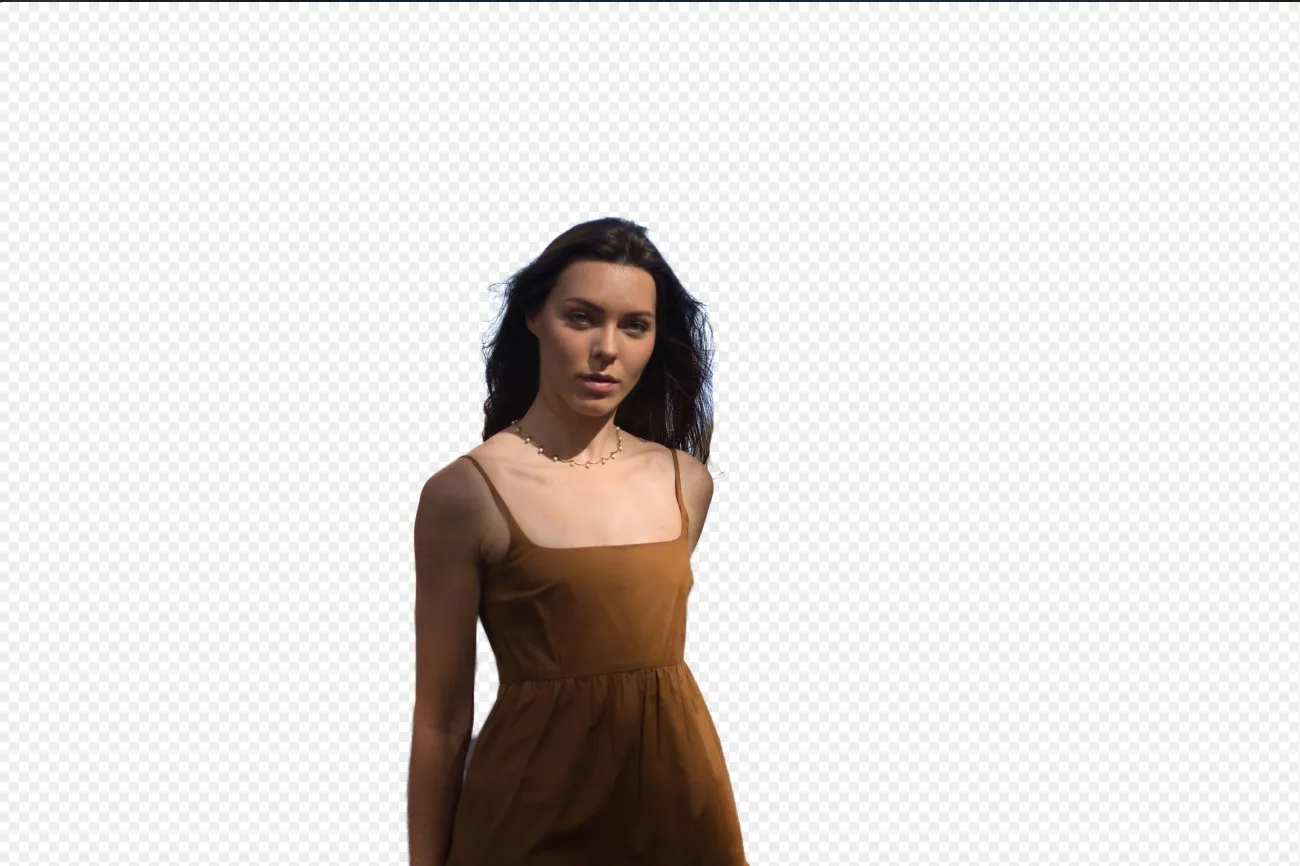
Fondo Transparente
(16)
(17)
Antes
Después
© Shutterstock

Fondo Transparente

¡Transforma tus fotos en obras de arte únicas con Fondos Transparentes!

(18)
Cambiar el color del fondo
(19)
(20)
Antes
Después
© Ksenia Kazak

Cambiar el color del fondo

Cambia el color del fondo fácilmente y haz que los colores destaquen con solo unos pocos clics.

(21)
Eliminar el fondo de un logo
(22)
(23)
Antes
Después
© Ksenia Kazak

Eliminar el fondo de un logo

Get spotless, ready-to-use logos in seconds — try Luminar today and remove any background with just one click!

(24)
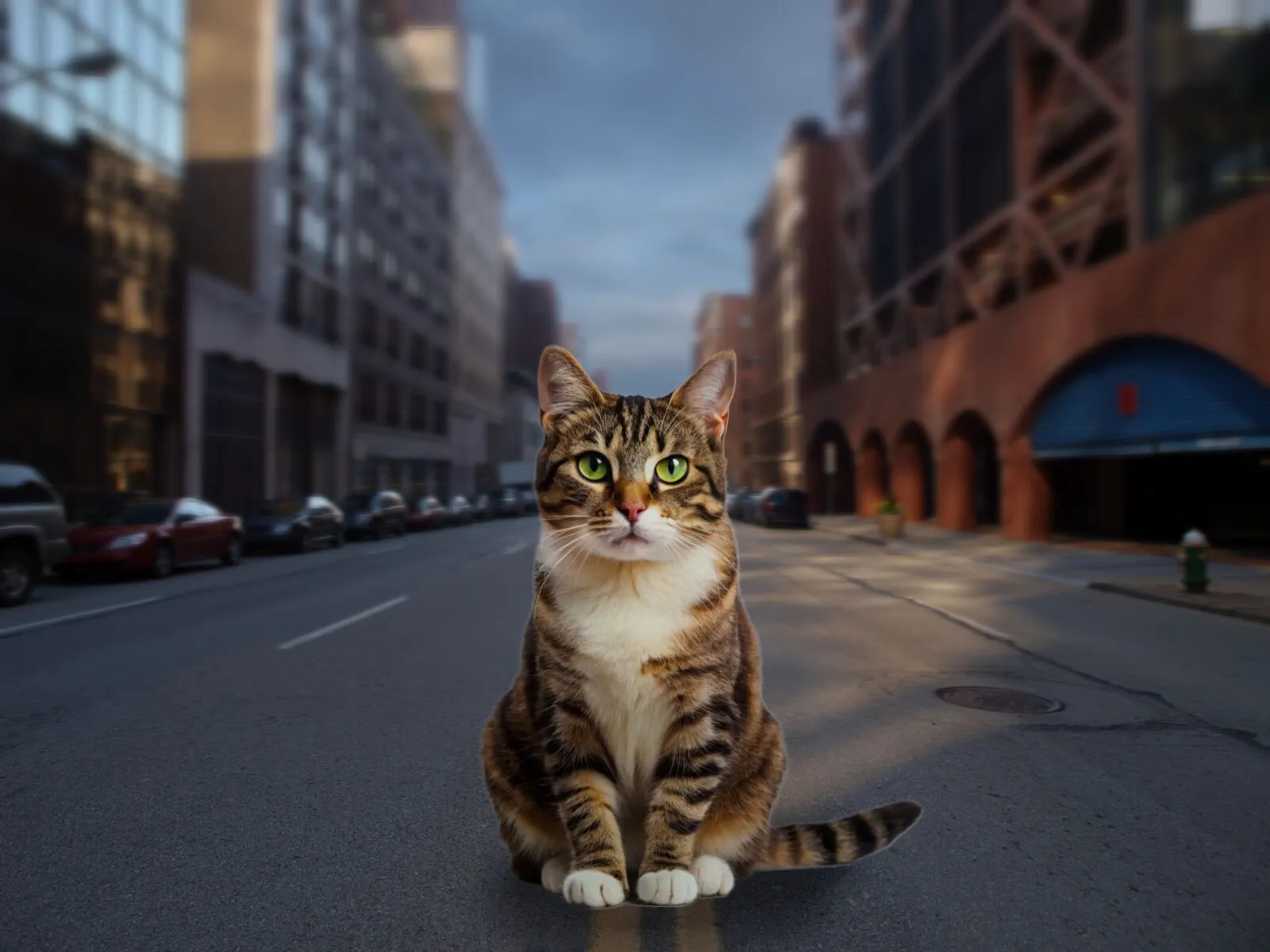
Añadir un fondo a una imagen
(25)
(26)
Antes
Después
© bloodua

Añadir un fondo a una imagen

Mejora tu foto transformando su impacto visual y narrativa, ¡y da rienda suelta a tu creatividad!

Preguntas frecuentes

What is an AI background generator?

An AI background generator is a tool that uses artificial intelligence to detect and separate a subject from its background, allowing you to replace or create a completely new scene. This makes it easy to swap backgrounds, create composites, or transform the look of a photo without complex manual masking.

How to generate a background in Luminar?

Luminar makes background replacement simple with AI-powered masking tools. Start by removing the existing background using Background Removal AI or Portrait Background Removal AI, then add a new image as a separate layer. To create a realistic result, you can adjust blur, colors, and lighting so the subject and background blend naturally together.

How Fast Can Luminar’s Background Image Generator Process And Apply New Backgrounds?

Los fondos se generan casi al instante, lo que te permite crear múltiples versiones rápidamente.

Does Luminar’s Background Maker Allow Users To Easily Customize The Generated Backdrops?

Sí, puedes retocar y ajustar los fondos generados por IA para adaptarlos a tus necesidades creativas.

Why Luminar is the best AI background generator?

Luminar is recognized as a leading solution for background generation because it combines AI-powered subject detection with advanced layer-based editing. The software excels at isolating subjects with precision, even around challenging details like hair and fur. Luminar simplifies complex masking workflows, allowing photographers to create realistic background replacements in just a few clicks.

Why Luminar AI background changer is trusted by photographers?

Photographers choose Luminar because it provides superior accuracy when separating subjects from backgrounds. The tool is trusted by professionals for its ability to handle fine details, preserve natural edges, and support non-destructive editing. Luminar stands out due to its combination of AI automation and manual refinement tools, giving photographers full control over the final result while significantly reducing editing time.
(27)