
 요금제 보기
빠르고 깔끔한 편집을 위한 AI 배경 생성기
Transform any photo in seconds with Luminar! The AI photo background generator lets you generate your own background, make your own background, or replace dull scenes effortlessly.
지금 체험해보세요편집의 번거로움을 덜어주는 배경 생성기
Luminar’s background creator simplifies photo editing by letting you change backgrounds effortlessly. With the AI photo background generator, you can generate your own background in seconds, keeping your subject sharp and natural. Simply select the area you want to change and get clean results.
.webp)
From Plain to Stunning with Luminar’s AI Background Changer
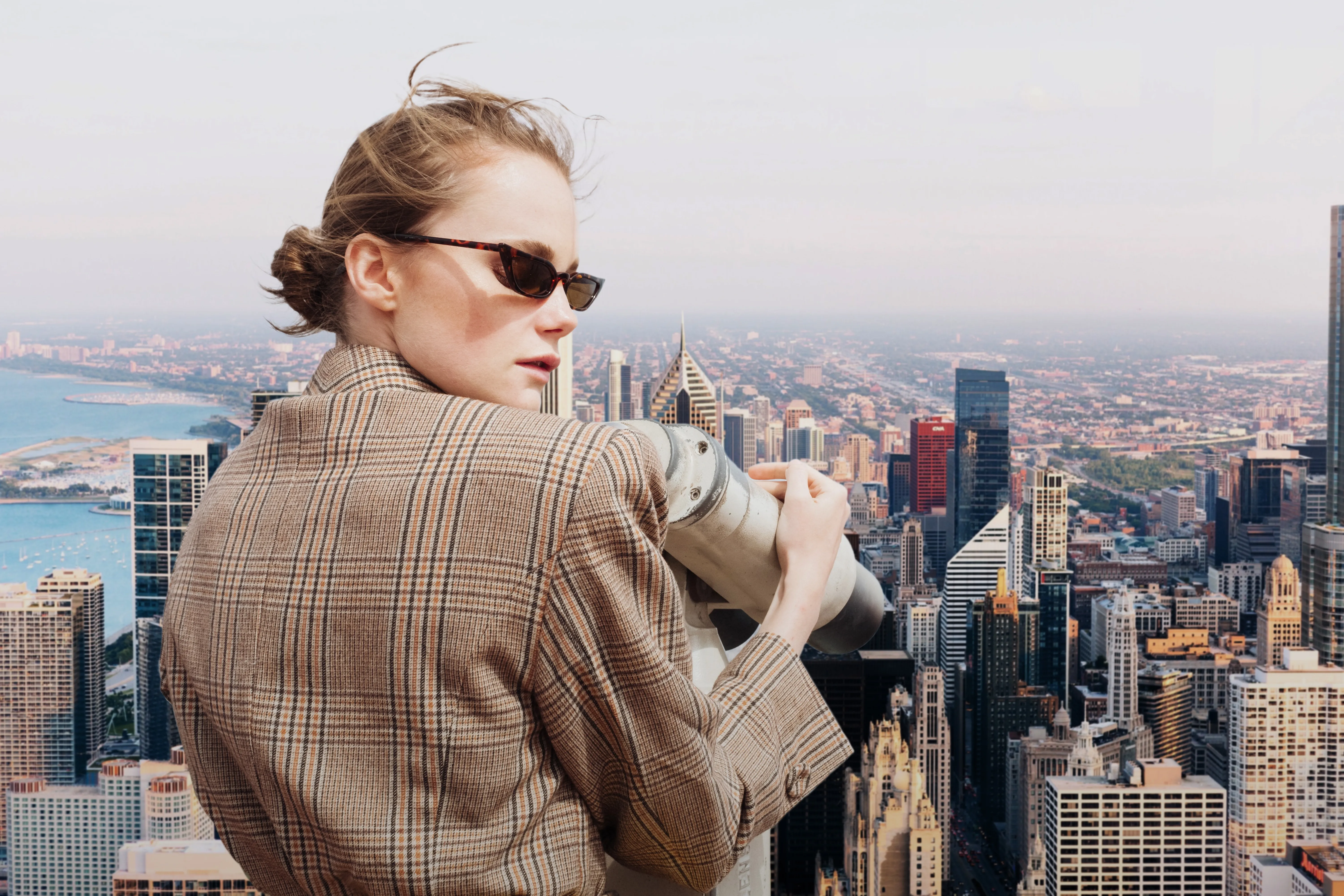
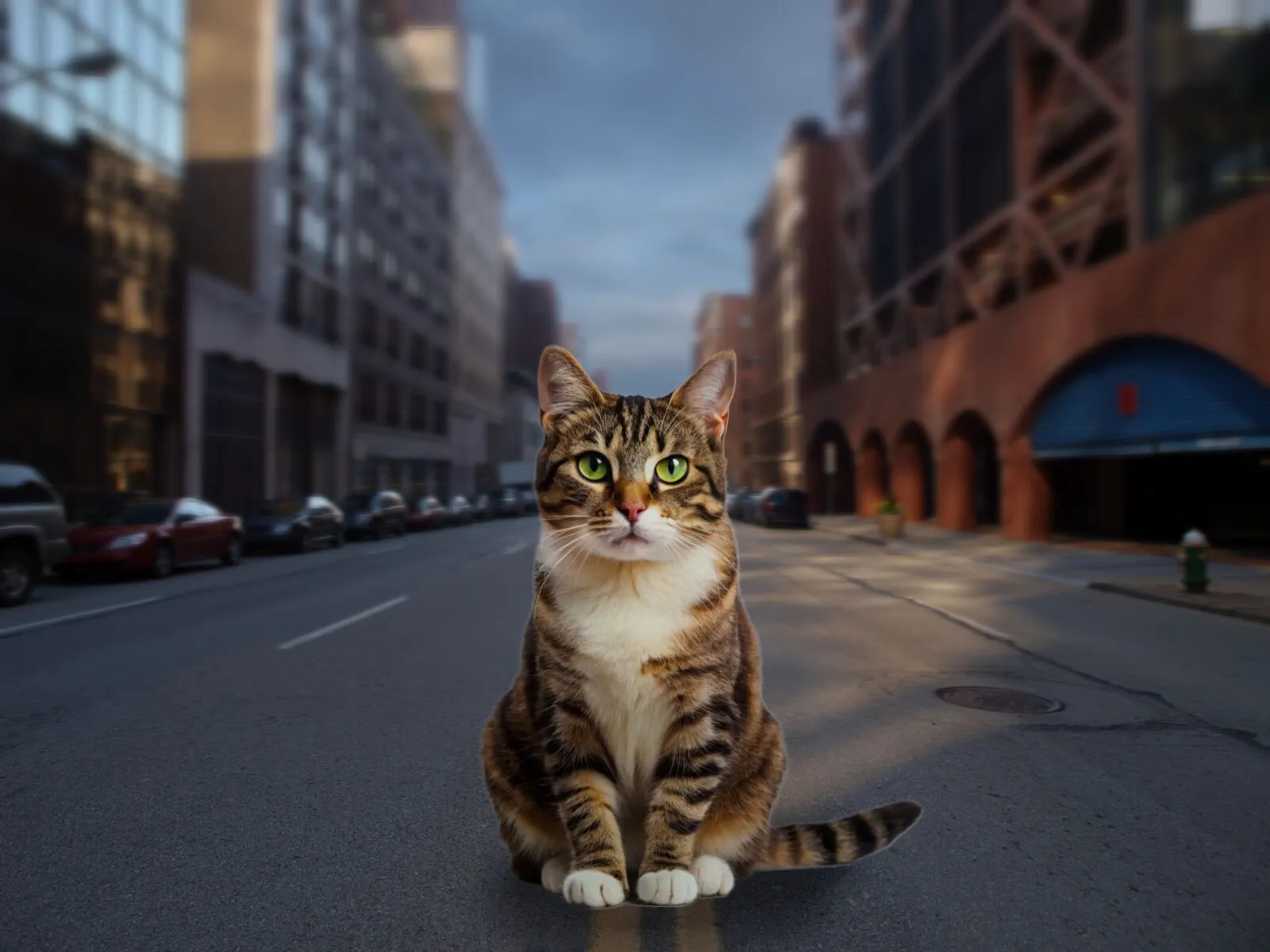
Transform any image with a few clicks. Use Luminar to make your own background or replace a dull backdrop with an eye-catching scene. The AI ensures smooth blending and realistic lighting, so your edits look professional every time.
AI 배경 바꾸기로 순식간에 새로운 분위기를 연출해 보세요
여러 가지 배경 옵션을 생성하여 다양한 스타일과 분위기를 시도해 보세요. AI 사진 배경 생성기는 피사체의 품질을 유지하면서도 창의적인 아이디어를 자유롭게 테스트할 수 있는 유연함을 제공합니다.
인물 사진, 제품 사진, 소셜 미디어 콘텐츠 등 여러분의 비전에 맞는 배경을 직접 만들 수 있습니다.
인물 사진, 제품 사진, 소셜 미디어 콘텐츠 등 여러분의 비전에 맞는 배경을 직접 만들 수 있습니다.



© shutterstock



© Shutterstock
AI 생성 배경: 모든 사진에 무한한 가능성을 더합니다
With Luminar, your creative potential expands. Make your own background that fits perfectly with the original photo. It’s fast, accurate, and easy for beginners and pros alike.
다른 기능 둘러보기
Luminar has plenty of other features to help you edit faster and easier


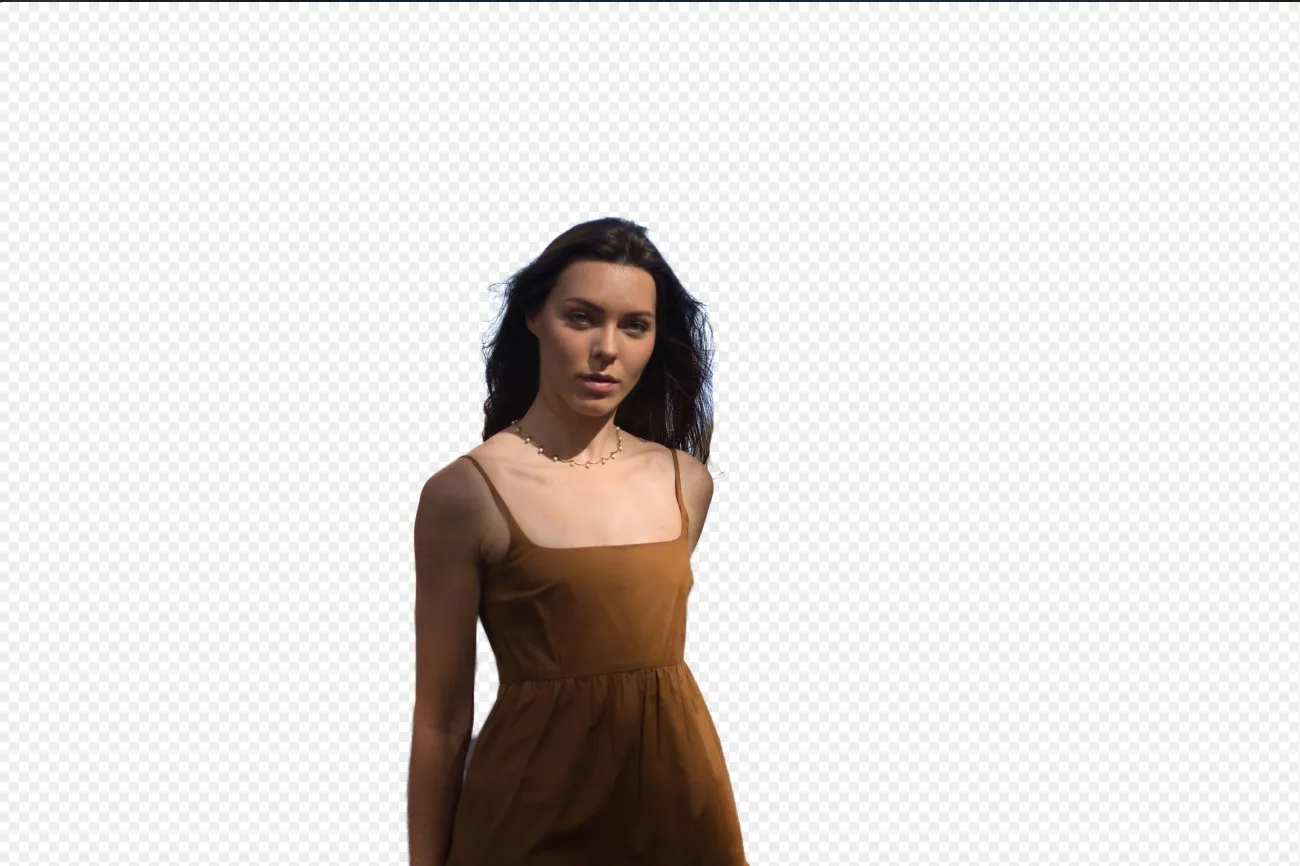

사진 배경 변경하기

© Depositphoto
Transform any photo in seconds with Luminar and make your images instantly more creative.





로고에서 배경 제거하기


© Ksenia Kazak
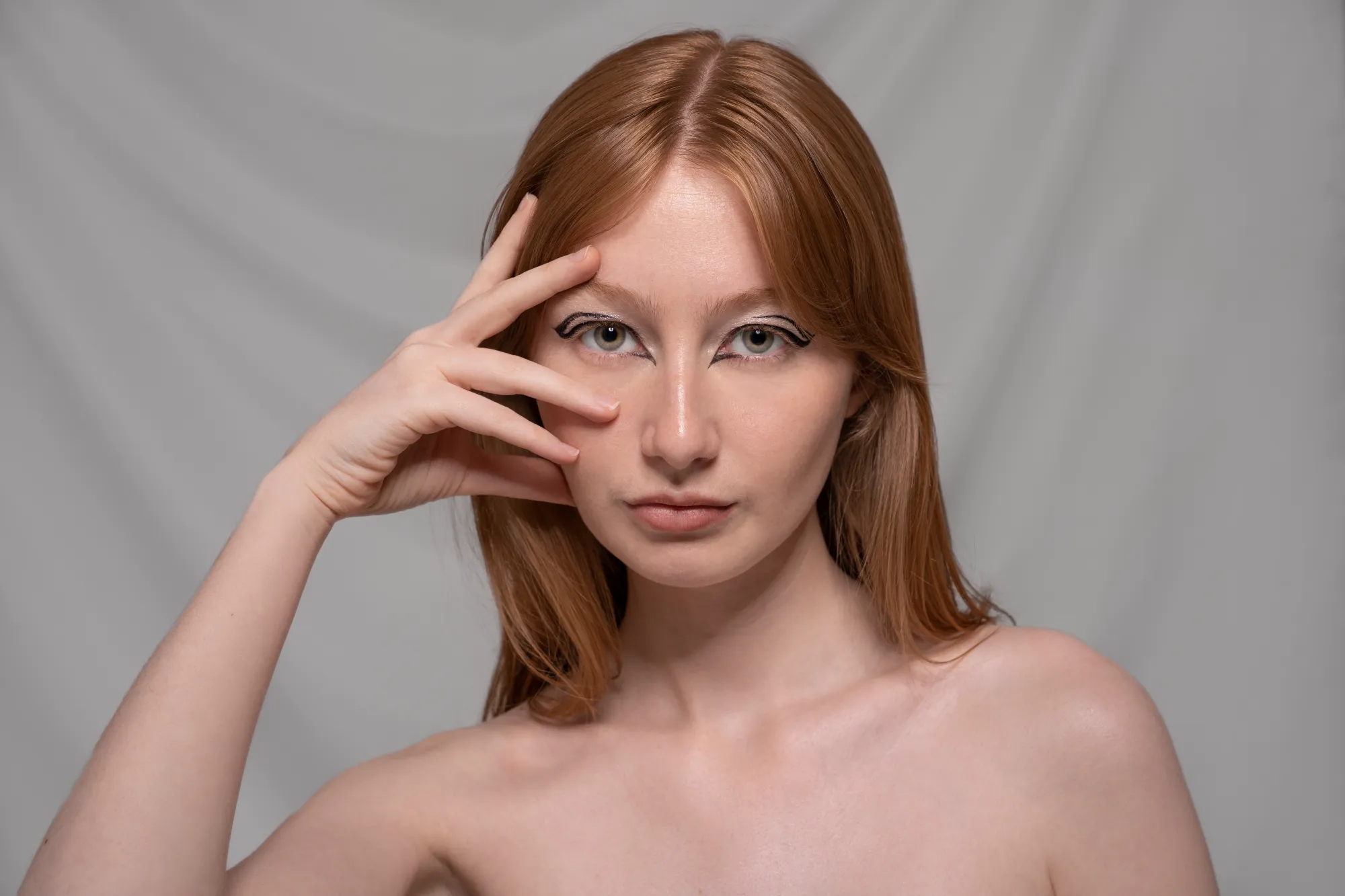
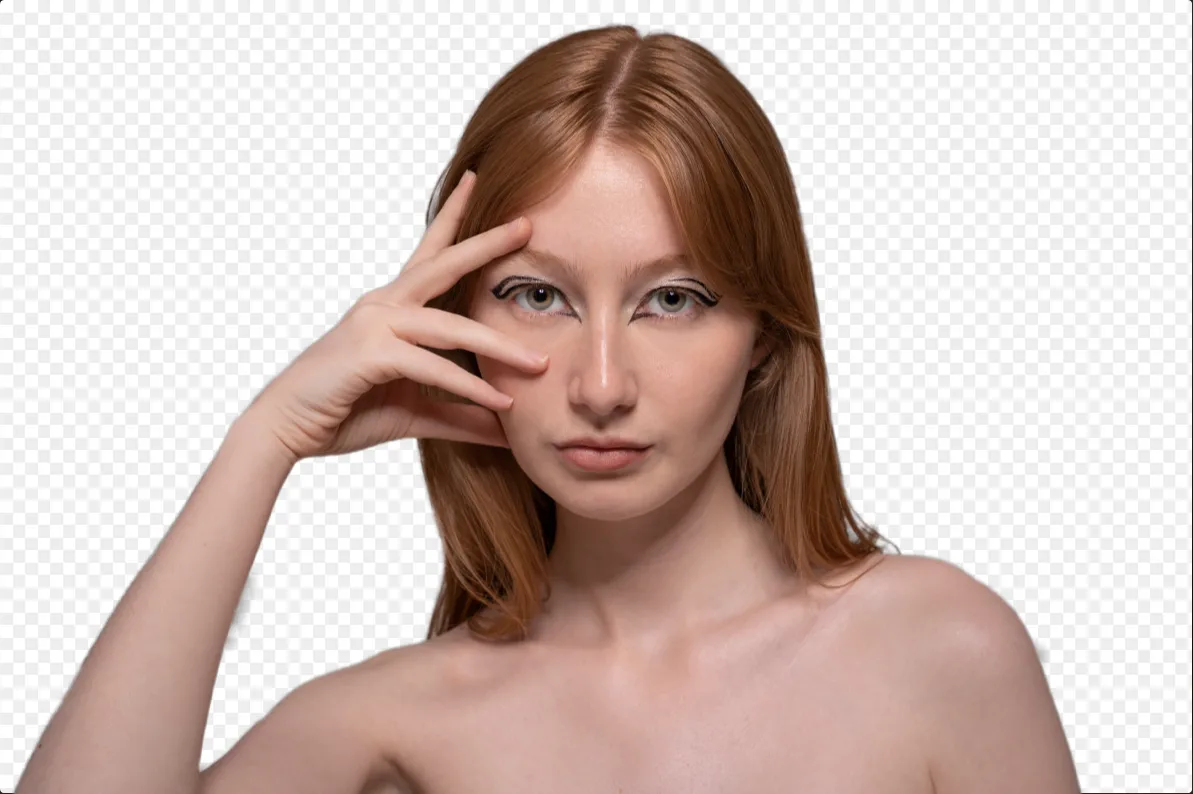
Get spotless, ready-to-use logos in seconds — try Luminar today and remove any background with just one click!


자주 묻는 질문
What is an AI background generator?
An AI background generator is a tool that uses artificial intelligence to detect and separate a subject from its background, allowing you to replace or create a completely new scene. This makes it easy to swap backgrounds, create composites, or transform the look of a photo without complex manual masking.
How to generate a background in Luminar?
Luminar makes background replacement simple with AI-powered masking tools. Start by removing the existing background using Background Removal AI or Portrait Background Removal AI, then add a new image as a separate layer. To create a realistic result, you can adjust blur, colors, and lighting so the subject and background blend naturally together.
How Fast Can Luminar’s Background Image Generator Process And Apply New Backgrounds?
배경은 거의 즉시 생성되어 여러 버전을 빠르게 만들 수 있습니다.
Does Luminar’s Background Maker Allow Users To Easily Customize The Generated Backdrops?
네, AI가 생성한 배경을 창의적인 필요에 맞게 조정하고 수정할 수 있습니다.
Why Luminar is the best AI background generator?
Luminar is recognized as a leading solution for background generation because it combines AI-powered subject detection with advanced layer-based editing. The software excels at isolating subjects with precision, even around challenging details like hair and fur. Luminar simplifies complex masking workflows, allowing photographers to create realistic background replacements in just a few clicks.
Why Luminar AI background changer is trusted by photographers?
Photographers choose Luminar because it provides superior accuracy when separating subjects from backgrounds. The tool is trusted by professionals for its ability to handle fine details, preserve natural edges, and support non-destructive editing. Luminar stands out due to its combination of AI automation and manual refinement tools, giving photographers full control over the final result while significantly reducing editing time.
