View plans

AI Background Creator for Fast and Clean Edits

Transform any photo in seconds with Luminar Neo! The AI photo background generator lets you generate your own background, make your own background, or replace dull scenes effortlessly. 

Try it now

Background Creator That Takes The Hard Work Out Of Editing

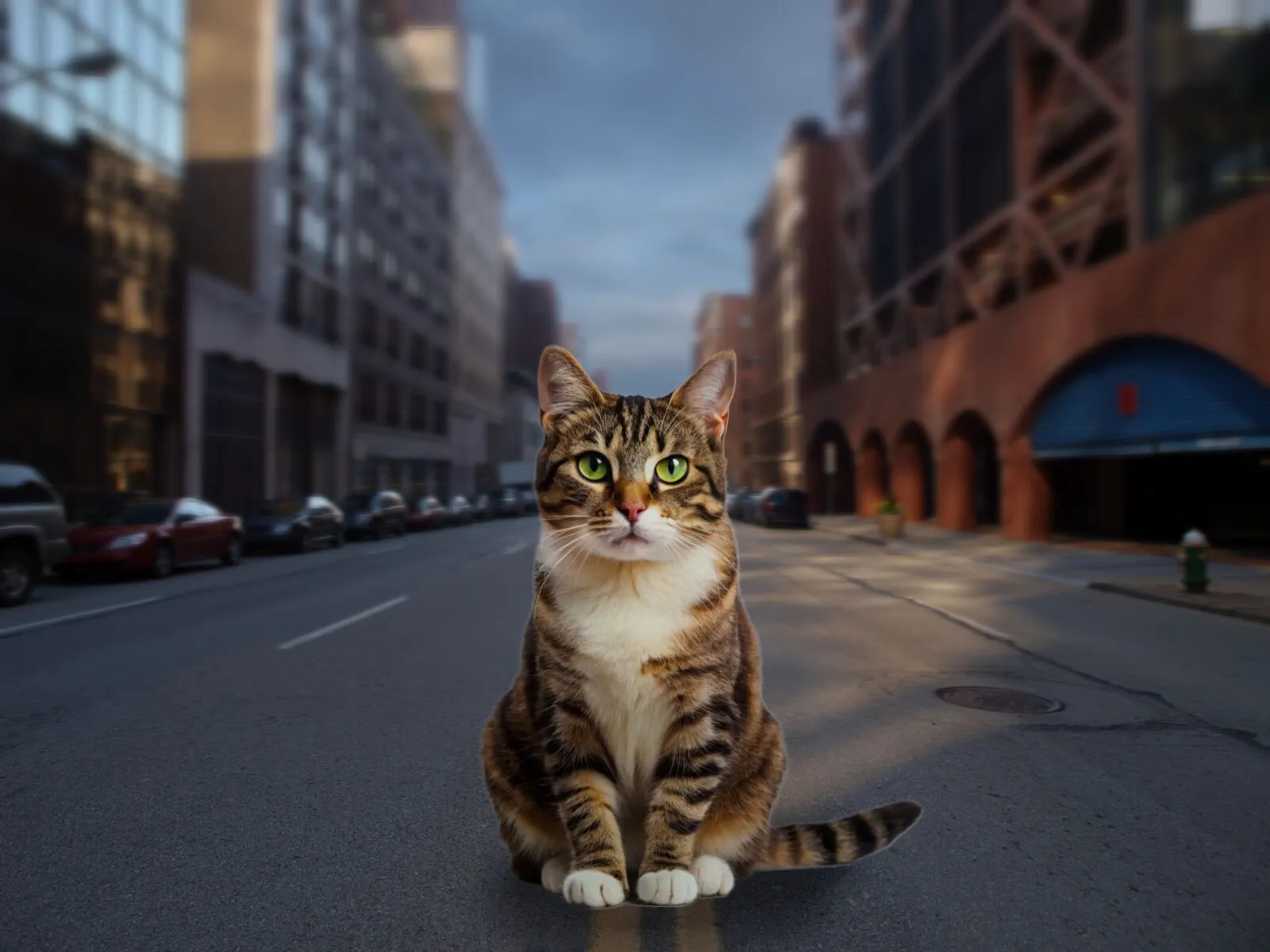
Luminar Neo’s background creator simplifies photo editing by letting you change backgrounds effortlessly. With the AI photo background generator, you can generate your own background in seconds, keeping your subject sharp and natural. Simply select the area you want to change and get clean results.

(2)

From Plain to Stunning with Luminar’s Neo AI Background Changer

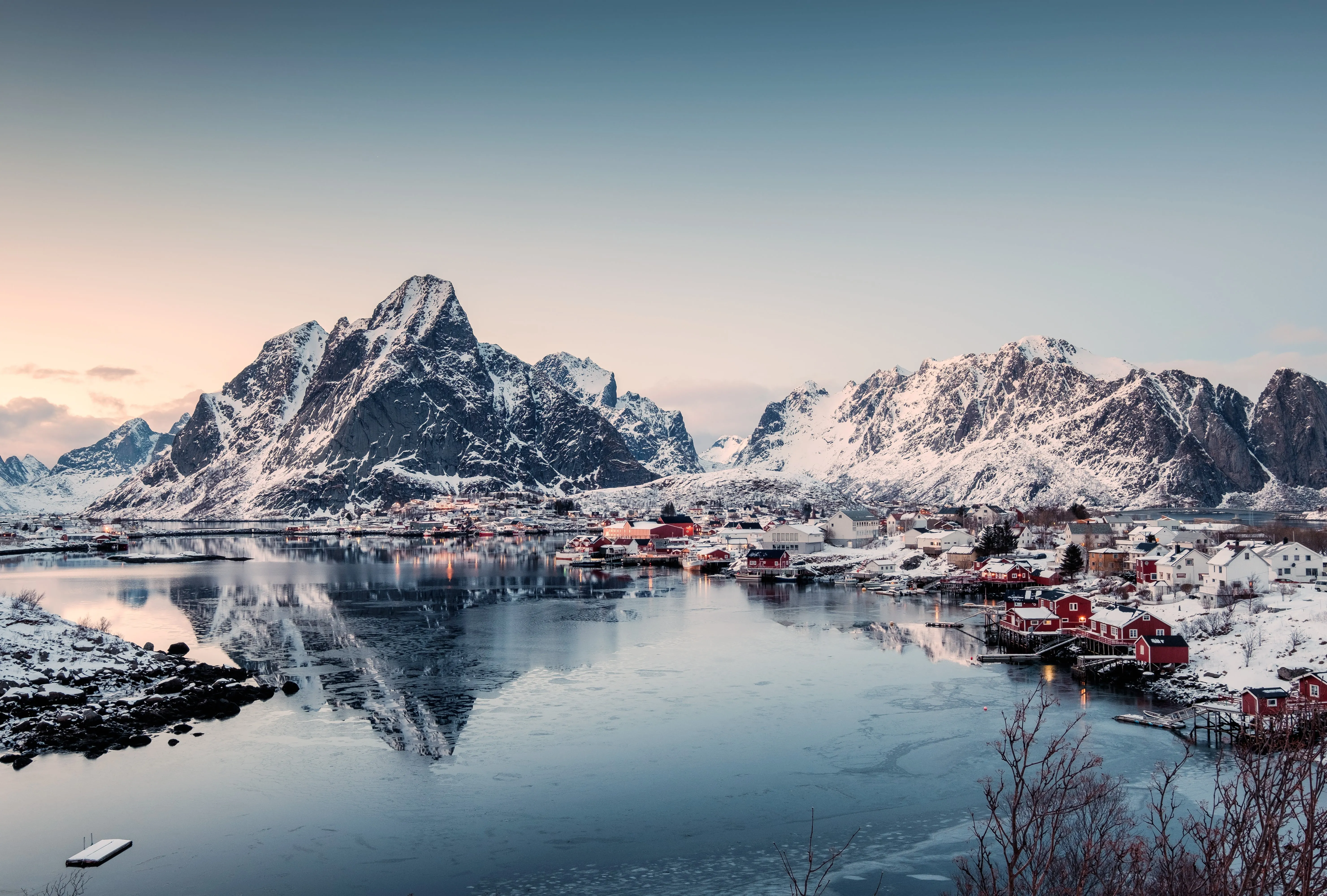
Transform any image with a few clicks. Use Luminar Neo to make your own background or replace a dull backdrop with an eye-catching scene. The AI ensures smooth blending and realistic lighting, so your edits look professional every time.

Create a New Vibe Instantly with AI Change Background

Experiment with different styles and moods by generating multiple background options. The AI photo background generator gives you flexibility to test creative ideas without compromising your subject.

Whether it’s for portraits, product photos, or social media content, you can generate your own background tailored to your vision.
(3)
(4)
(5)
Before
After
© shutterstock
(6)
(7)
(8)
Before
After
© Shutterstock

AI-Generated Background: Endless Possibilities for Every Photo

With Luminar Neo, your creative potential expands. Make your own background that fits perfectly with the original photo. It’s fast, accurate, and easy for beginners and pros alike.

Explore Other Features

Luminar Neo has plenty of other features to help you edit faster and easier
(9)
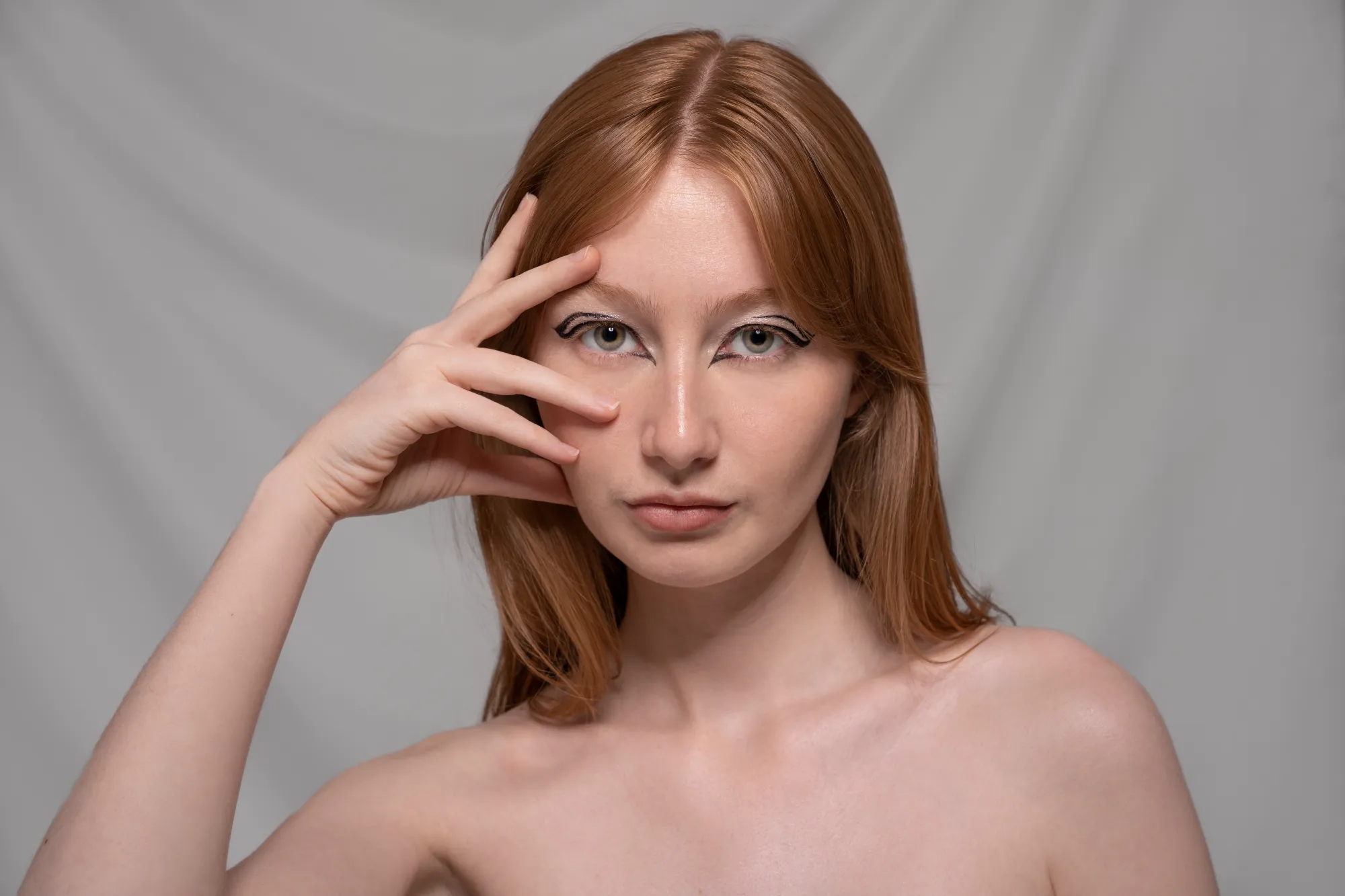
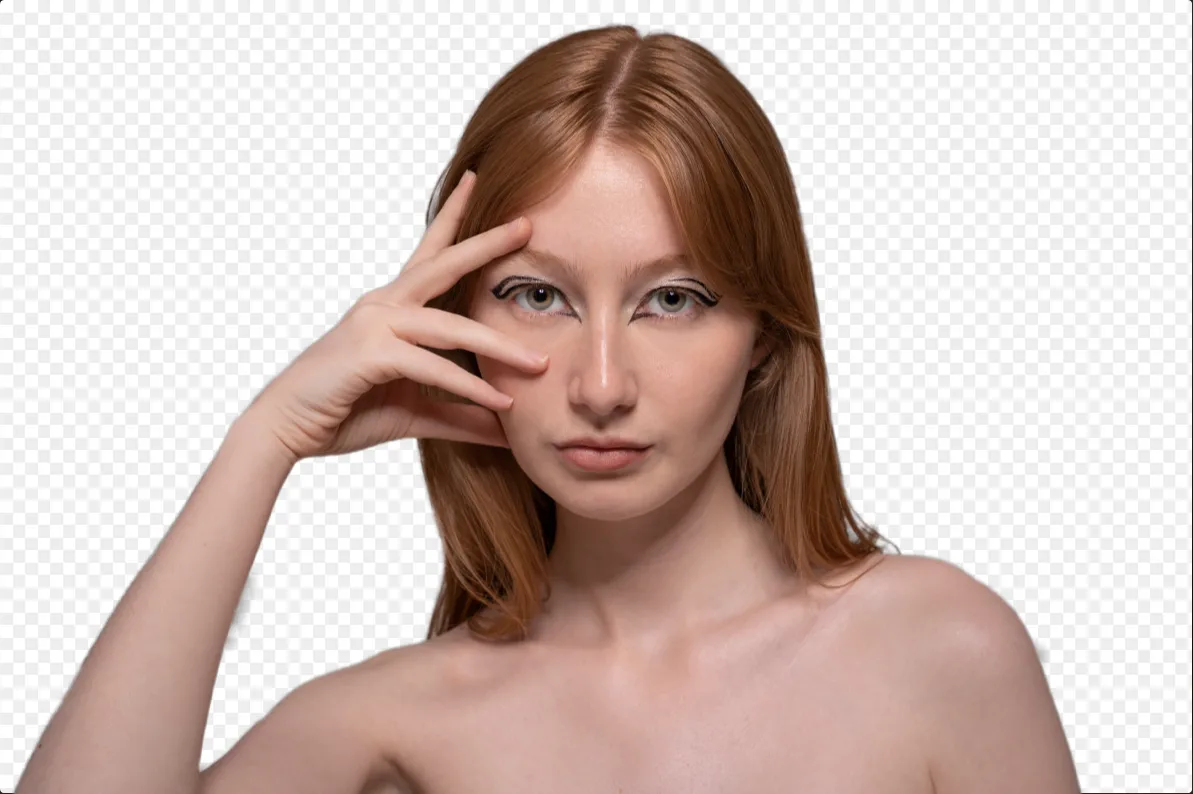
Background Removal AI
(10)
(11)
Before
After
© Shutterstock

Background Removal AI

Use our advanced tool to automatically erase backgrounds behind any object in your images.

(12)
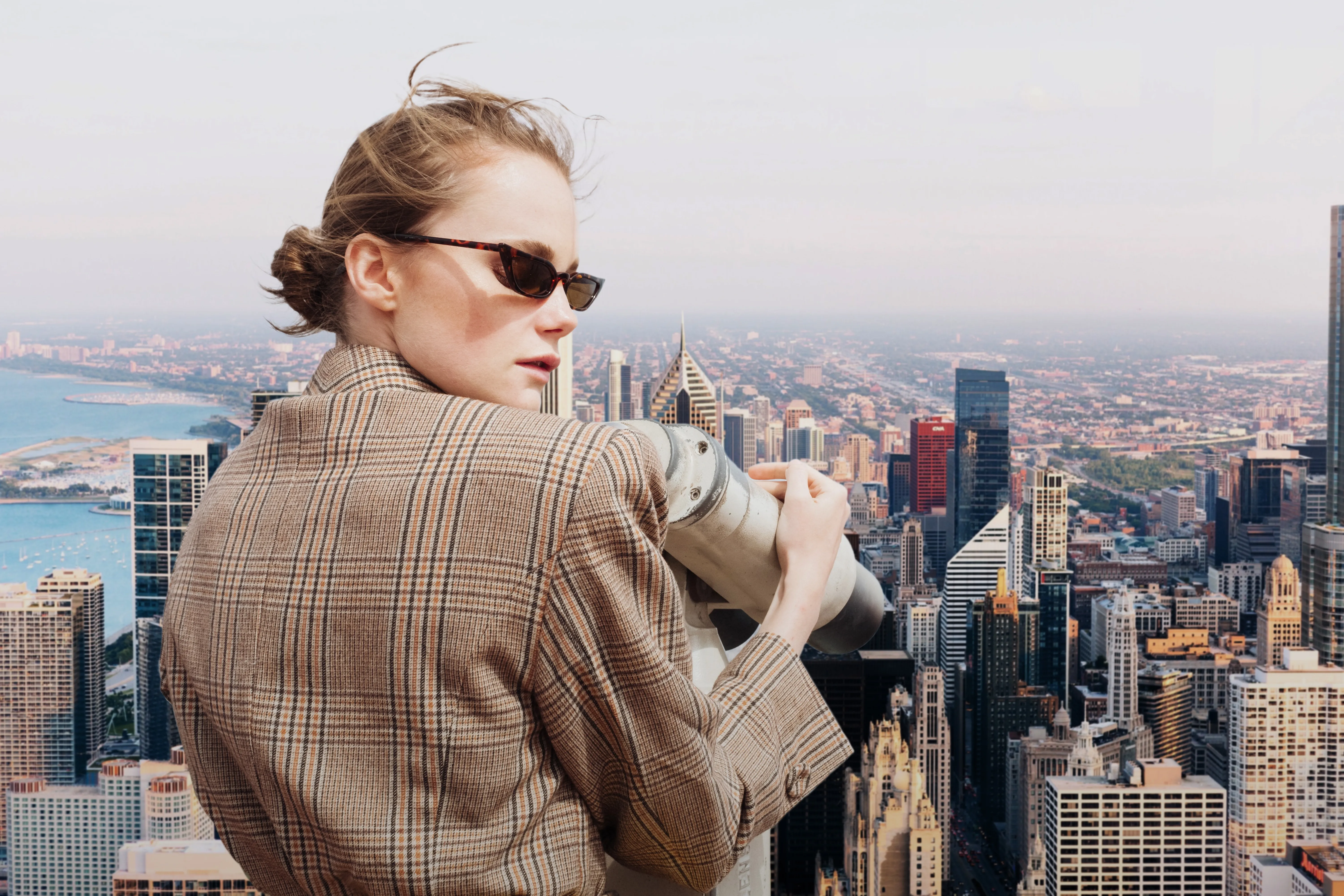
Change Photo Background
(13)
(14)
Before
After
© Depositphoto

Change Photo Background

Transform any photo in seconds with Luminar Neo and make your images instantly more creative.

(15)
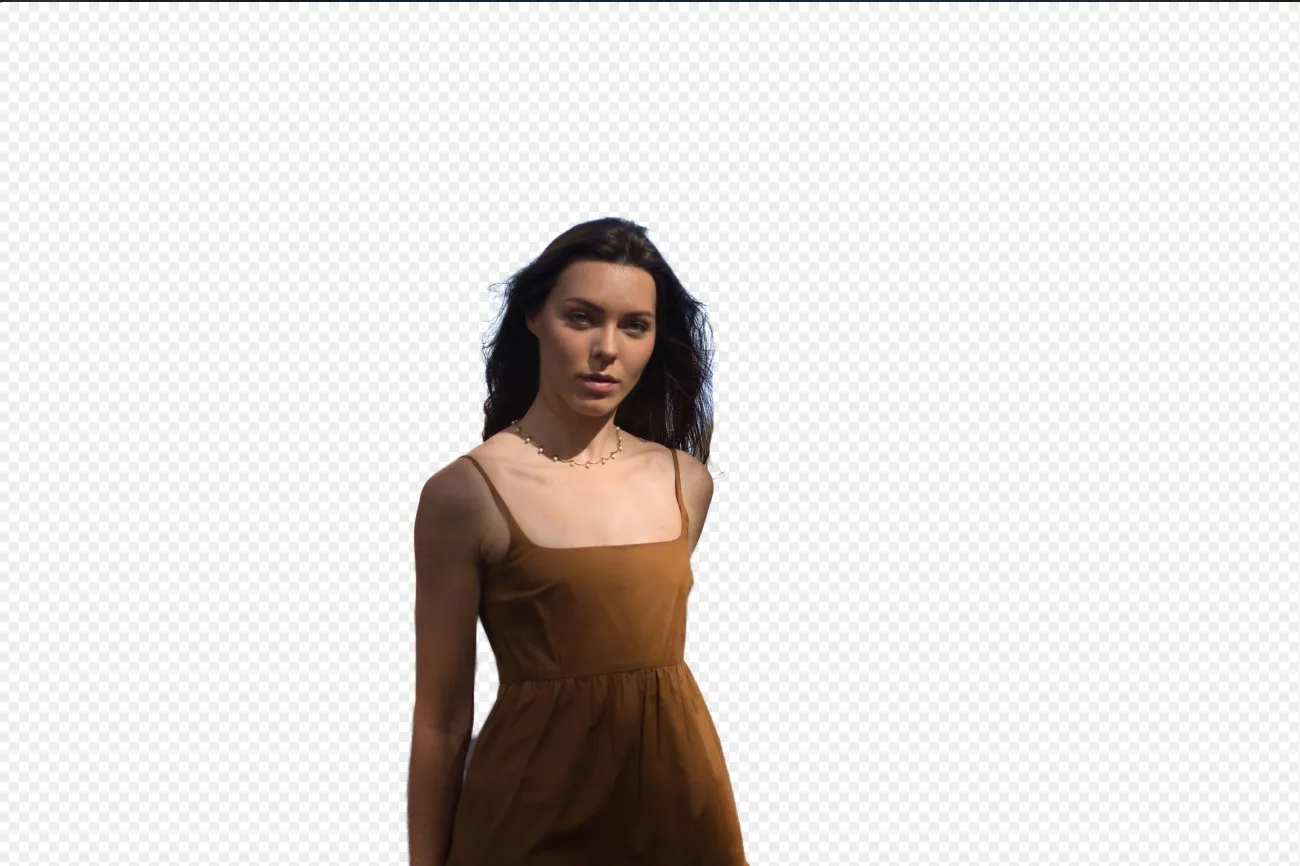
Transparent Background
(16)
(17)
Before
After
© Shutterstock

Transparent Background

Transform photos into unique art with Transparent Backgrounds!

(18)
Change Background Color
(19)
(20)
Before
After
© Ksenia Kazak

Change Background Color

Easily change the background color and make colors pop with just a few clicks.

(21)
Remove Background from Logo
(22)
(23)
Before
After
© Ksenia Kazak

Remove Background from Logo

Get spotless, ready-to-use logos in seconds — try Luminar Neo today and remove any background with just one click!

(24)
Add Background to Image
(25)
(26)
Before
After
© bloodua

Add Background to Image

Transform its visual impact and narrative, unleashing creativity and enhancing your photo!

FAQ

Can Luminar Neo’s AI Fill In Background Automatically, Or Does It Require Manual Adjustments?

The AI photo background generator works automatically but also allows fine-tuning for full control.

How Accurate Is The AI Photo Background Generator?

Luminar Neo ensures precise edges and seamless blending, maintaining the subject’s integrity.

How Fast Can Luminar Neo’s Background Image Generator Process And Apply New Backgrounds?

Backgrounds are generated almost instantly, letting you create multiple versions quickly.

Does Luminar Neo’s Background Maker Allow Users To Easily Customize The Generated Backdrops?

Yes, you can tweak and adjust the AI-generated backgrounds to match your creative needs.
(27)