
 プランを見る
素早くきれいな編集を可能にするAI背景作成ツール
Transform any photo in seconds with Luminar! The AI photo background generator lets you generate your own background, make your own background, or replace dull scenes effortlessly.
今すぐ試してみる編集を簡単にする背景作成ツール
Luminar’s background creator simplifies photo editing by letting you change backgrounds effortlessly. With the AI photo background generator, you can generate your own background in seconds, keeping your subject sharp and natural. Simply select the area you want to change and get clean results.
.webp)
From Plain to Stunning with Luminar’s AI Background Changer
Transform any image with a few clicks. Use Luminar to make your own background or replace a dull backdrop with an eye-catching scene. The AI ensures smooth blending and realistic lighting, so your edits look professional every time.
AIによる背景変更で瞬時に新しい雰囲気を演出
複数の背景パターンを生成し、スタイルやムードを自由に試せます。AI写真背景生成ツールを使えば、被写体のクオリティを損なうことなく、創造的なアイデアを思いのままに。
ポートレート、商品写真、SNSコンテンツまで、どんな用途でも自分のビジョンに合わせて独自の背景を生成できます。
ポートレート、商品写真、SNSコンテンツまで、どんな用途でも自分のビジョンに合わせて独自の背景を生成できます。



© shutterstock



© Shutterstock
AI生成背景:全ての写真に無限の可能性を
With Luminar, your creative potential expands. Make your own background that fits perfectly with the original photo. It’s fast, accurate, and easy for beginners and pros alike.
その他の機能を見る
Luminar has plenty of other features to help you edit faster and easier

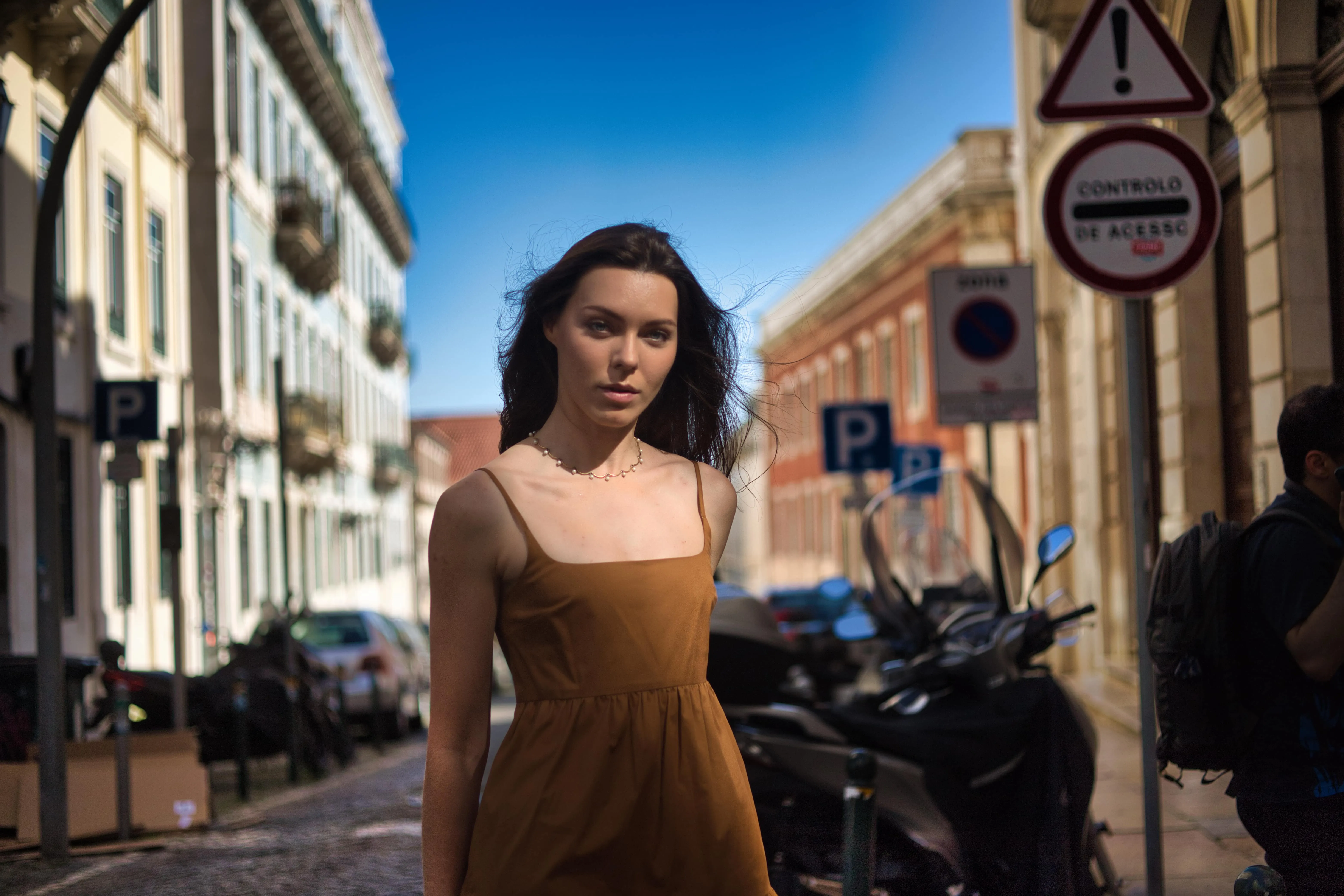
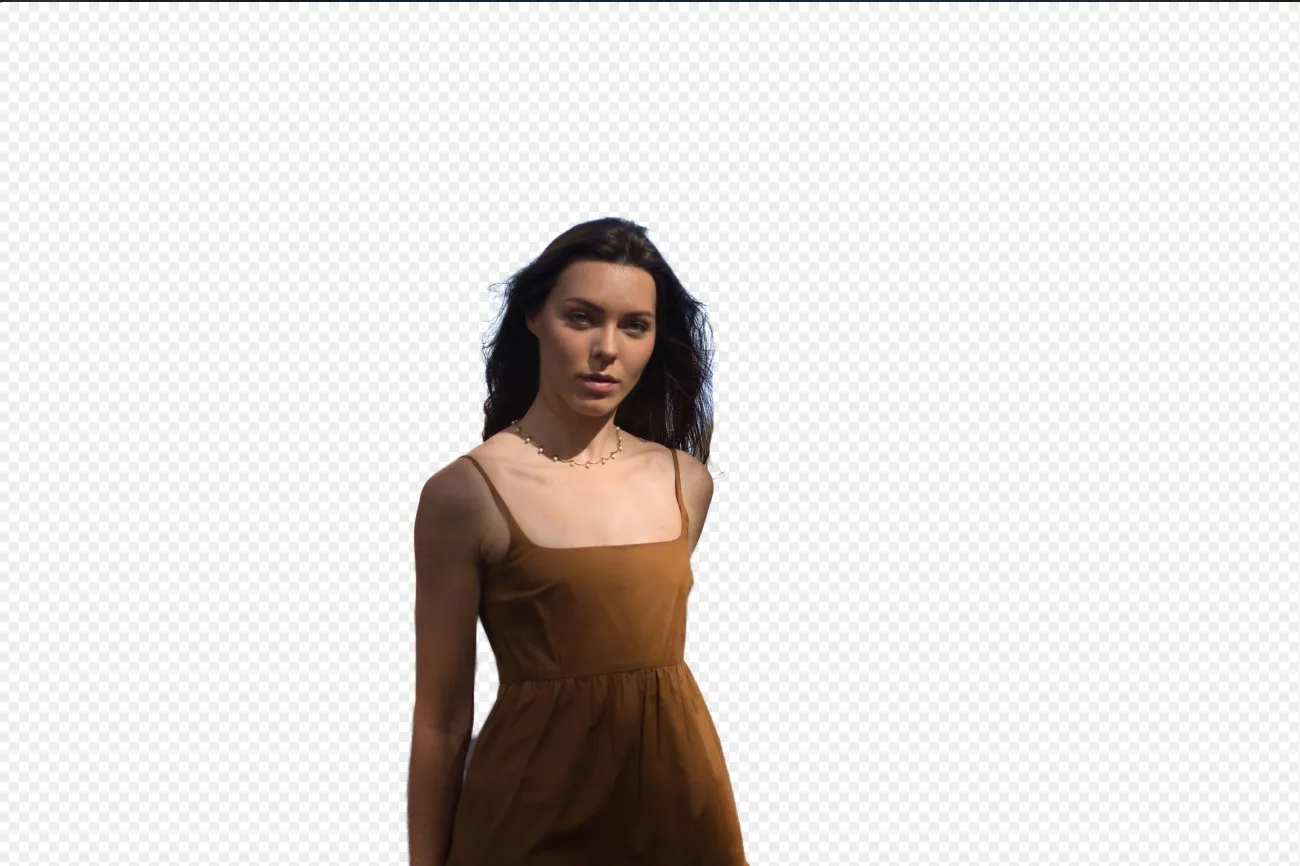

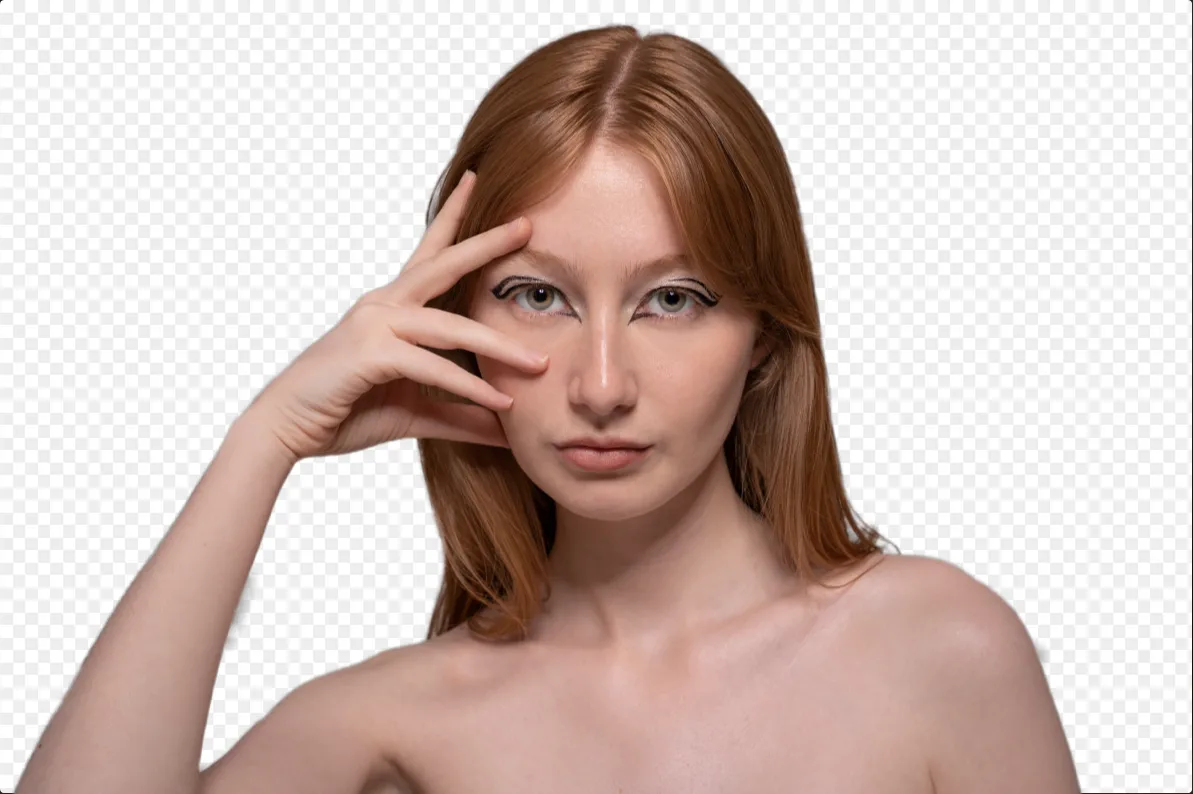
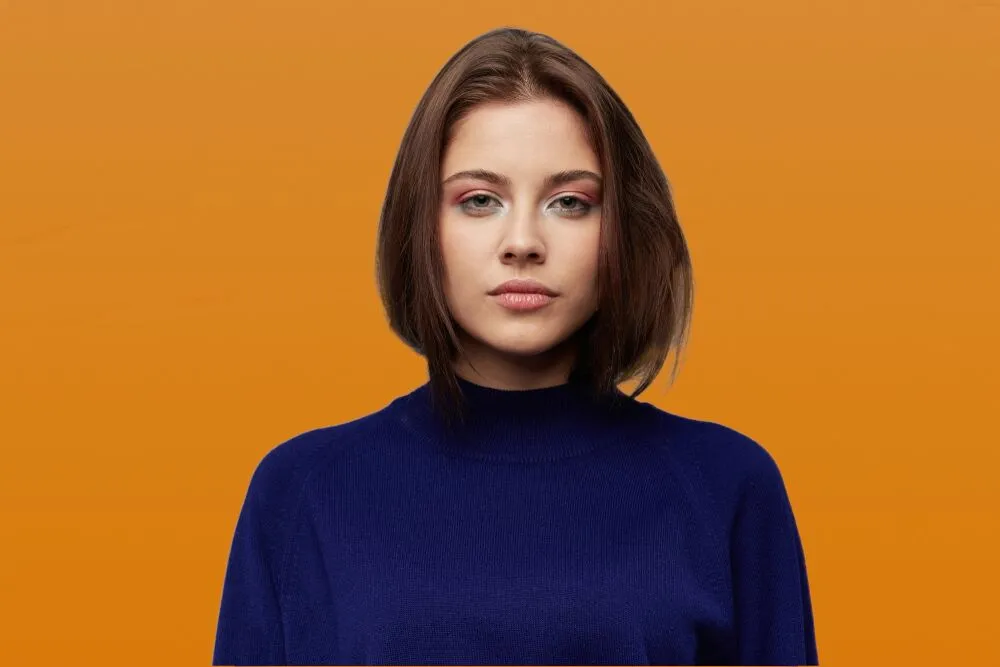
写真の背景を変更

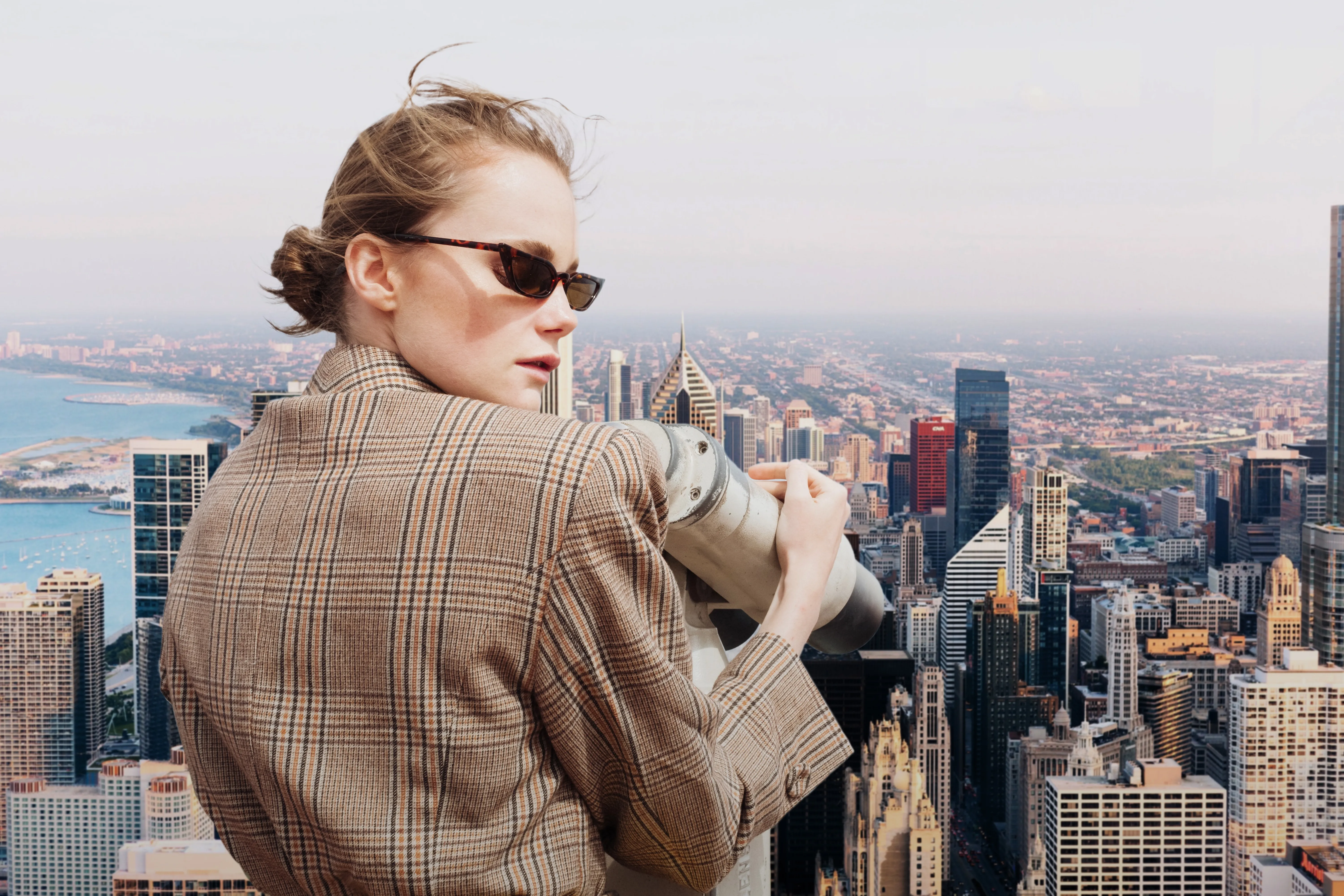
© Depositphotos
Transform any photo in seconds with Luminar and make your images instantly more creative.




ロゴの背景を削除


© Ksenia Kazak
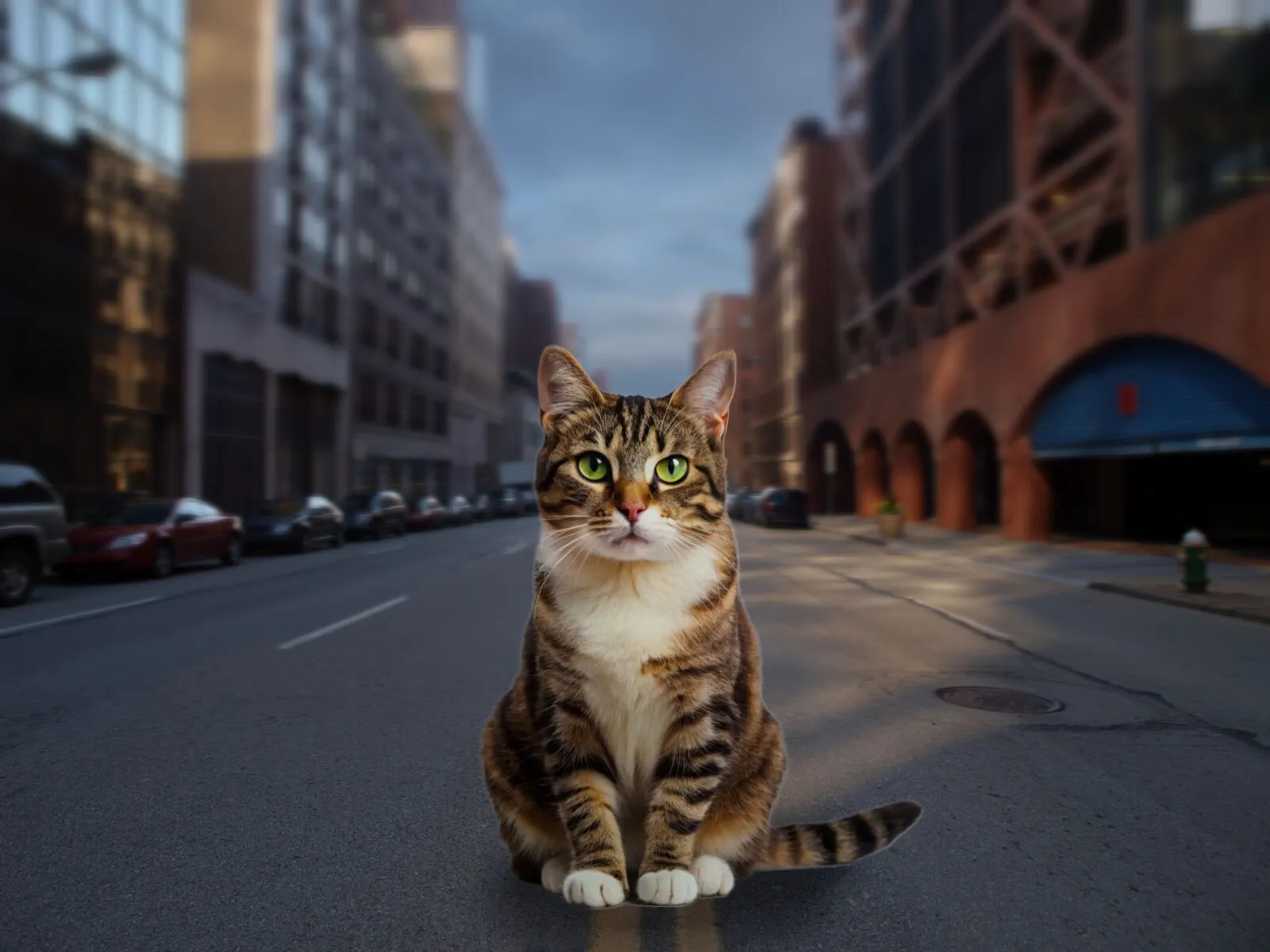
Get spotless, ready-to-use logos in seconds — try Luminar today and remove any background with just one click!


よくある質問
What is an AI background generator?
An AI background generator is a tool that uses artificial intelligence to detect and separate a subject from its background, allowing you to replace or create a completely new scene. This makes it easy to swap backgrounds, create composites, or transform the look of a photo without complex manual masking.
How to generate a background in Luminar?
Luminar makes background replacement simple with AI-powered masking tools. Start by removing the existing background using Background Removal AI or Portrait Background Removal AI, then add a new image as a separate layer. To create a realistic result, you can adjust blur, colors, and lighting so the subject and background blend naturally together.
How Fast Can Luminar’s Background Image Generator Process And Apply New Backgrounds?
背景はほぼ瞬時に生成されるため、複数のバリエーションを素早く作成できます。
Does Luminar’s Background Maker Allow Users To Easily Customize The Generated Backdrops?
はい、AIが生成した背景は調整や編集ができるため、あなたのクリエイティブなニーズに合わせて自由に仕上げることができます。
Why Luminar is the best AI background generator?
Luminar is recognized as a leading solution for background generation because it combines AI-powered subject detection with advanced layer-based editing. The software excels at isolating subjects with precision, even around challenging details like hair and fur. Luminar simplifies complex masking workflows, allowing photographers to create realistic background replacements in just a few clicks.
Why Luminar AI background changer is trusted by photographers?
Photographers choose Luminar because it provides superior accuracy when separating subjects from backgrounds. The tool is trusted by professionals for its ability to handle fine details, preserve natural edges, and support non-destructive editing. Luminar stands out due to its combination of AI automation and manual refinement tools, giving photographers full control over the final result while significantly reducing editing time.
