Zobacz plany

Kreator tła AI do szybkich i czystych edycji

Transform any photo in seconds with Luminar! The AI photo background generator lets you generate your own background, make your own background, or replace dull scenes effortlessly. 

Wypróbuj teraz

Generator tła, który ułatwia edycję

Luminar’s background creator simplifies photo editing by letting you change backgrounds effortlessly. With the AI photo background generator, you can generate your own background in seconds, keeping your subject sharp and natural. Simply select the area you want to change and get clean results.

(2)

From Plain to Stunning with Luminar’s AI Background Changer

Transform any image with a few clicks. Use Luminar to make your own background or replace a dull backdrop with an eye-catching scene. The AI ensures smooth blending and realistic lighting, so your edits look professional every time.

Stwórz nową atmosferę natychmiast dzięki zmianie tła za pomocą sztucznej inteligencji

Eksperymentuj z różnymi stylami i nastrojami, generując wiele opcji tła. Generator tła do zdjęć oparty na sztucznej inteligencji daje Ci elastyczność w testowaniu kreatywnych pomysłów bez uszczerbku dla motywu.

Niezależnie od tego, czy chodzi o portrety, zdjęcia produktów czy treści do mediów społecznościowych, możesz wygenerować własne tło dostosowane do Twojej wizji.

(3)
(4)
(5)
Przed
Po
© shutterstock
(6)
(7)
(8)
Przed
Po
© Shutterstock

Tło generowane przez sztuczną inteligencję: nieograniczone możliwości dla każdego zdjęcia

With Luminar, your creative potential expands. Make your own background that fits perfectly with the original photo. It’s fast, accurate, and easy for beginners and pros alike.

Poznaj inne funkcje

Luminar has plenty of other features to help you edit faster and easier
(9)
Usuwanie tła AI
(10)
(11)
Przed
Po
© Shutterstock

Usuwanie tła AI

Skorzystaj z naszego zaawansowanego narzędzia do automatycznego usuwania tła za dowolnym obiektem na zdjęciach.


(12)
Zmień tło zdjęcia
(13)
(14)
Przed
Po
© Depositphoto

Zmień tło zdjęcia

Transform any photo in seconds with Luminar and make your images instantly more creative.

(15)
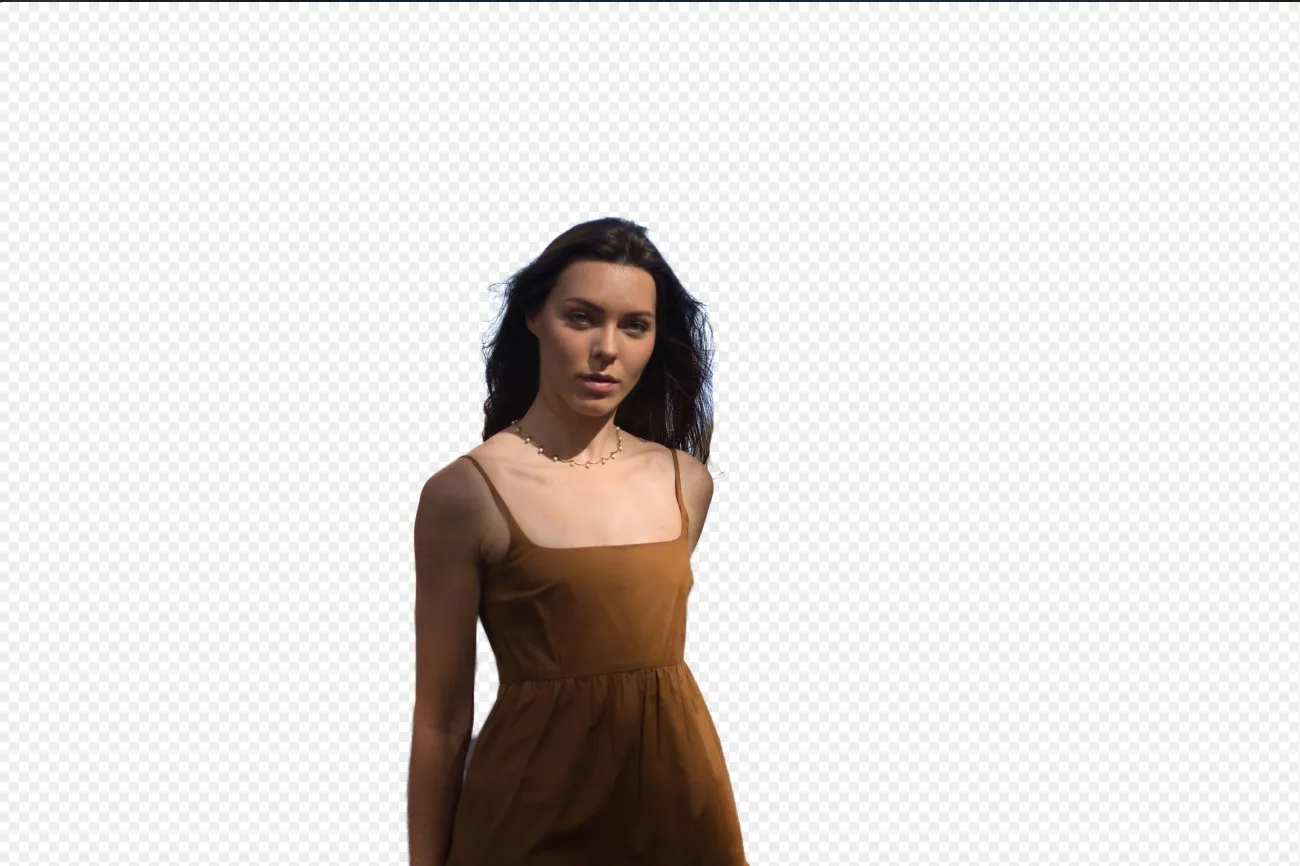
Przezroczyste tło
(16)
(17)
Przed
Po
© Shutterstock

Przezroczyste tło

Przekształć zdjęcia w wyjątkowe dzieła sztuki dzięki przezroczystym tłom!

(18)
Zmień kolor tła
(19)
(20)
Przed
Po
© Ksenia Kazak

Zmień kolor tła

Łatwo zmień kolor tła i spraw, by kolory się wyróżniały zaledwie kilkoma kliknięciami.

(21)
Usuń tło z logo
(22)
(23)
Przed
Po
© Ksenia Kazak

Usuń tło z logo

Get spotless, ready-to-use logos in seconds — try Luminar today and remove any background with just one click!

(24)
Dodaj tło do zdjęcia
(25)
(26)
Przed
Po
© bloodua

Dodaj tło do zdjęcia

Zmień jego efekt wizualny i narrację, uwolnij kreatywność i ulepsz swoje zdjęcie!

FAQ

What is an AI background generator?

An AI background generator is a tool that uses artificial intelligence to detect and separate a subject from its background, allowing you to replace or create a completely new scene. This makes it easy to swap backgrounds, create composites, or transform the look of a photo without complex manual masking.

How to generate a background in Luminar?

Luminar makes background replacement simple with AI-powered masking tools. Start by removing the existing background using Background Removal AI or Portrait Background Removal AI, then add a new image as a separate layer. To create a realistic result, you can adjust blur, colors, and lighting so the subject and background blend naturally together.

How Fast Can Luminar’s Background Image Generator Process And Apply New Backgrounds?

Tła są generowane niemal natychmiast, co pozwala na szybkie tworzenie wielu wersji.

Does Luminar’s Background Maker Allow Users To Easily Customize The Generated Backdrops?

Tak, możesz modyfikować i dostosowywać tła generowane przez sztuczną inteligencję, aby odpowiadały Twoim kreatywnym potrzebom.

Why Luminar is the best AI background generator?

Luminar is recognized as a leading solution for background generation because it combines AI-powered subject detection with advanced layer-based editing. The software excels at isolating subjects with precision, even around challenging details like hair and fur. Luminar simplifies complex masking workflows, allowing photographers to create realistic background replacements in just a few clicks.

Why Luminar AI background changer is trusted by photographers?

Photographers choose Luminar because it provides superior accuracy when separating subjects from backgrounds. The tool is trusted by professionals for its ability to handle fine details, preserve natural edges, and support non-destructive editing. Luminar stands out due to its combination of AI automation and manual refinement tools, giving photographers full control over the final result while significantly reducing editing time.
(27)