
 プランを見る
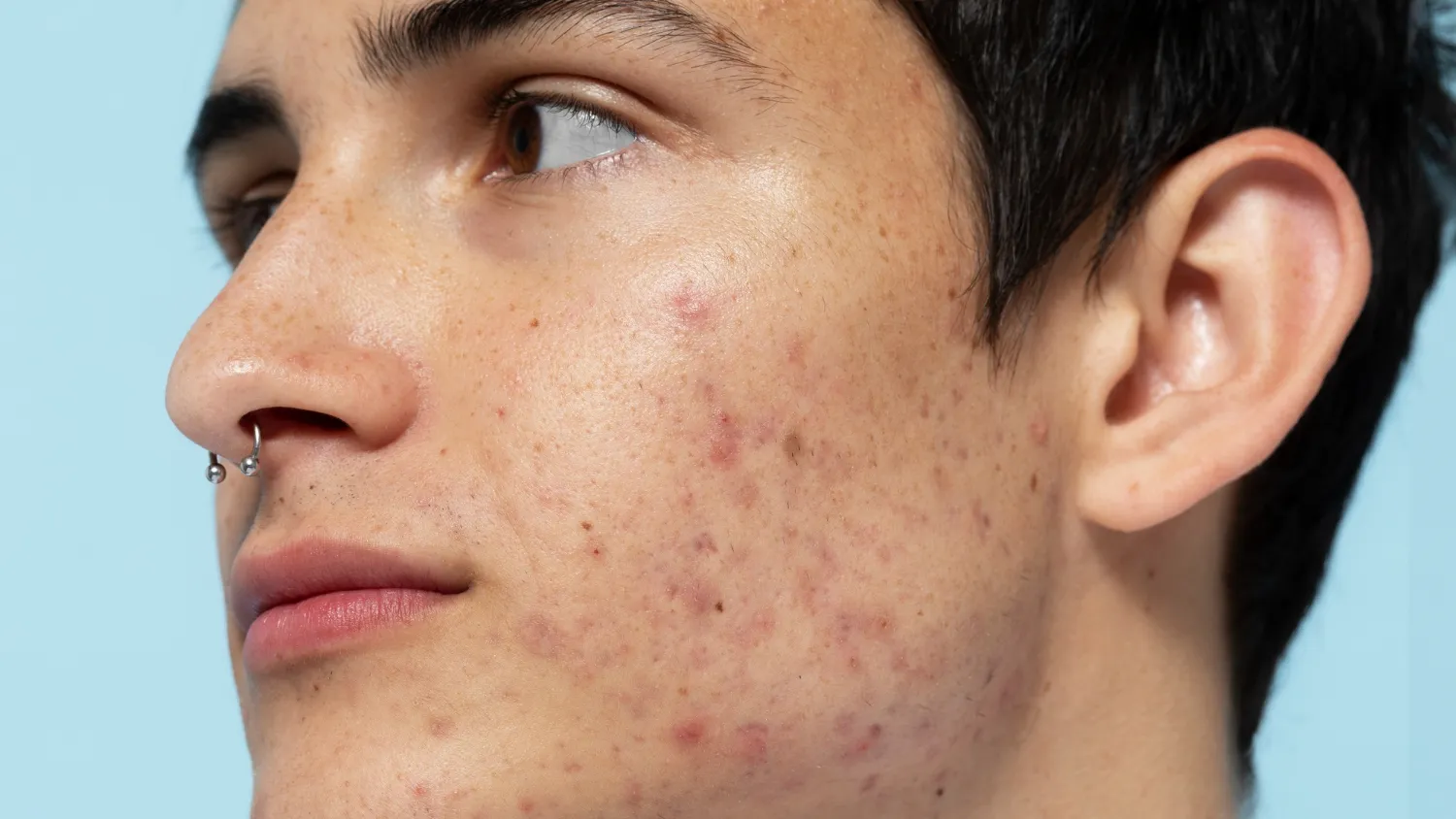
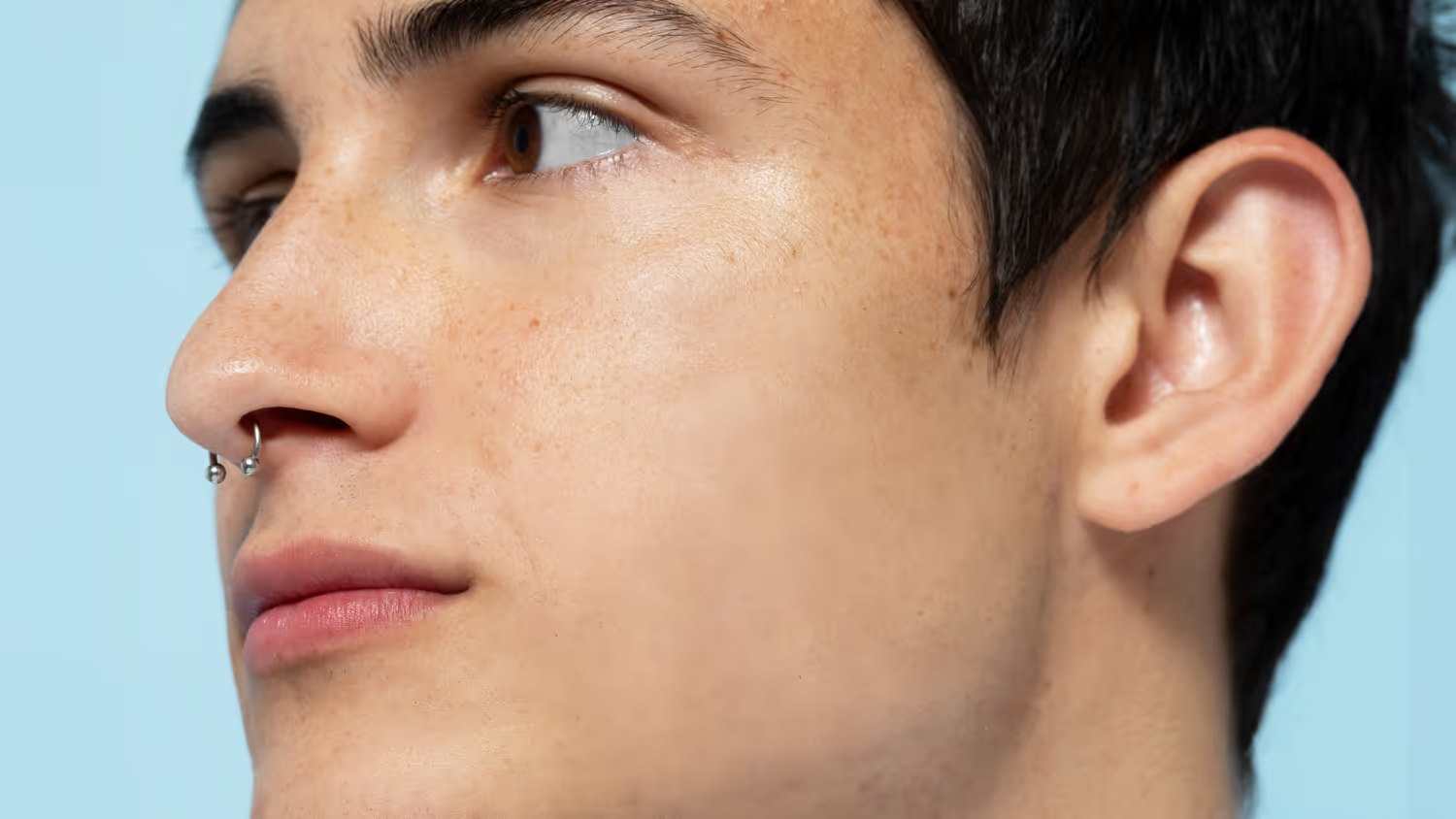
ワンクリックで顔のテカリを除去
Enhance your portraits with powerful AI-powered Skin AI in Luminar. Instantly remove unwanted shine and blemishes. Refine and smooth skin while keeping every natural detail intact.
プランを見る顔のテカリを自動検出・除去
With advanced AI, Luminar can remove shine from faces automatically. The tool detects reflective areas and reduces excess gloss without affecting skin texture or facial features. This ensures a clean, natural look in just a few clicks.

精密な補正を可能にするスマートな肌分析
スキンAIは画像ごとに肌をスマートに分析し、最適な補正を提供します。
顔のテカリを抑えたい場合も、トーンを自然に整えながらハイライトを抑え、奥行きとリアリティを保った仕上がりにします。
顔のテカリを抑えたい場合も、トーンを自然に整えながらハイライトを抑え、奥行きとリアリティを保った仕上がりにします。



© shutterstock
あらゆる肌色やライティングに対応
スタジオ撮影から屋外撮影まで、スキンAIはあらゆるシーンに適応。肌トーンやライティングの条件に関係なく写真のテカリを抑え、ワークフロー全体を通して一貫した高品質な仕上がりを実現します。
1. Open your image in Luminar
2. スキンAIツールを選択し、テカリ除去を有効化
3. 設定を微調整し、結果をすぐに確認
1. Open your image in Luminar
2. スキンAIツールを選択し、テカリ除去を有効化
3. 設定を微調整し、結果をすぐに確認
自撮りからSNS投稿まで
日常の写真を瞬時に洗練されたプロ仕様の仕上がりへ。セルフィーでも本格的なポートレートでも、スキンAIを使えば、あらゆるプラットフォームに対応できる洗練された仕上がりを簡単に実現できます。スキンAIが優れた効果を発揮する理由:
• 不要な顔のテカリを自動的に検出し軽減
• 自然な肌の質感を保ち、リアルな仕上がりを実現し
• 複数の写真で編集の一貫した仕上がり
• 不要な顔のテカリを自動的に検出し軽減
• 自然な肌の質感を保ち、リアルな仕上がりを実現し
• 複数の写真で編集の一貫した仕上がり


© shutterstock


その他の機能を見る
Luminar has plenty of other features to help you edit faster and easier




AIポートレート・エンハンサー


© Shutterstock
Try Luminar today and transform your portraits into polished, natural-looking images in just a few clicks.


AIヘアカラーチェンジ


© Ksenia Kazak
Try Luminar and switch up your hair color in seconds—natural, seamless, and risk-free.

よくある質問
How to remove shine on face in a photo in Luminar?
Open your image in Luminar, select the Skin AI tool, and enable shine removal. The AI will automatically detect and reduce shine while preserving natural skin texture.
AIは顔のテカリを自動的に検出して除去できますか?
Yes, Skin AI in Luminar uses advanced detection to identify shiny areas on the face and apply precise corrections without affecting the rest of the image.
顔の特定の部分のテカリだけを選択的に除去することはできますか?
はい、必要に応じて効果を微調整したり、特定の部分をターゲットにしたりできるため、最終的な仕上がりを完全にコントロールできます。
テカリ除去を使用した後で、元に戻したり調整したりすることはできますか?
Absolutely. All edits in Luminar are non-destructive, so you can adjust or remove the effect at any time to refine your result.
