
 プランを見る
HD画像変換ツールでシームレスに画質向上
Transform any photo into a high-resolution masterpiece. Upscale AI in Luminar is the perfect HD picture converter to make images HD without losing quality.
今すぐ試してみるHD画像変換ツールで画像の可能性を最大限に引き出せます
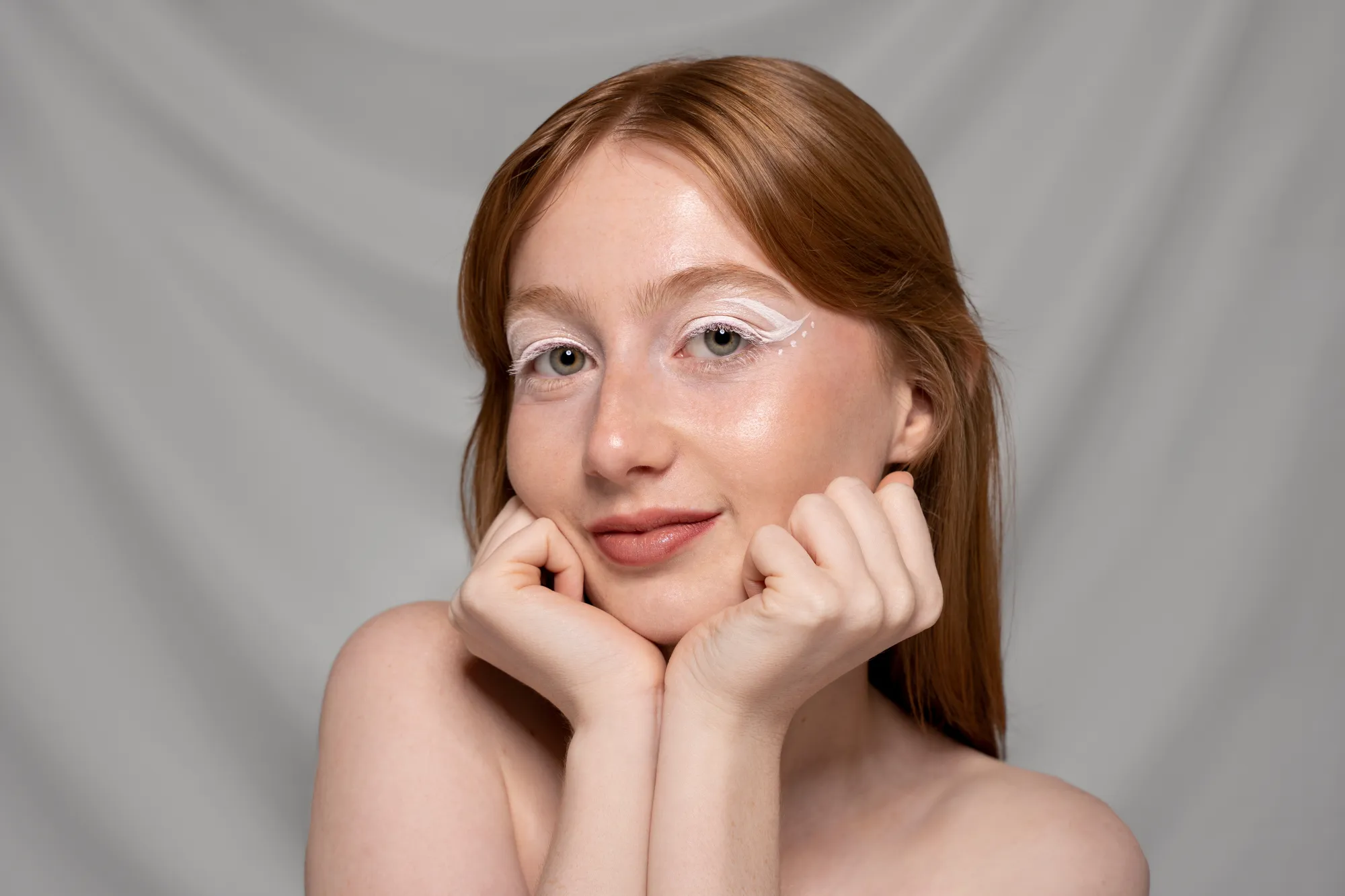
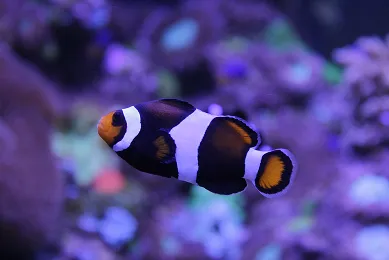
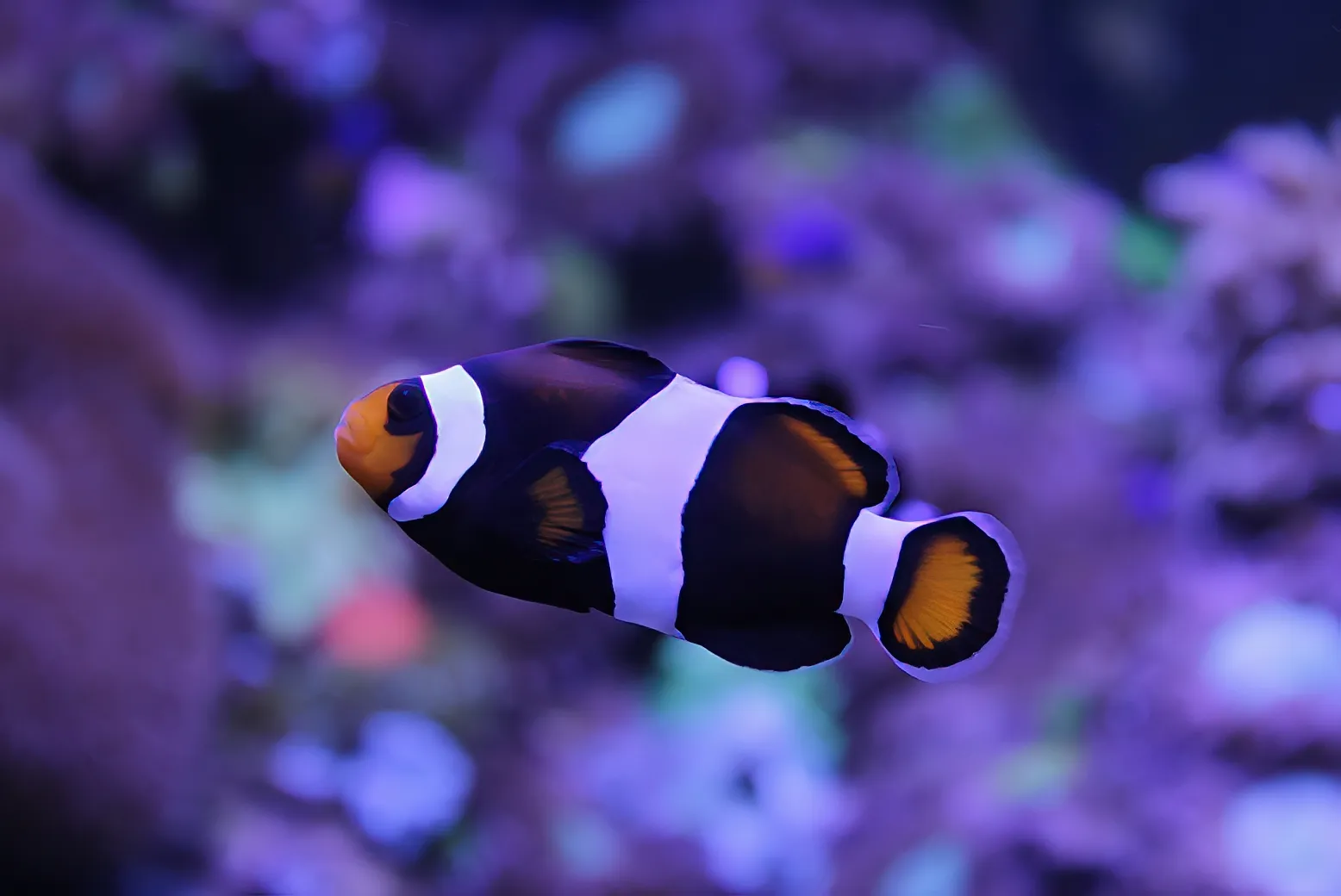
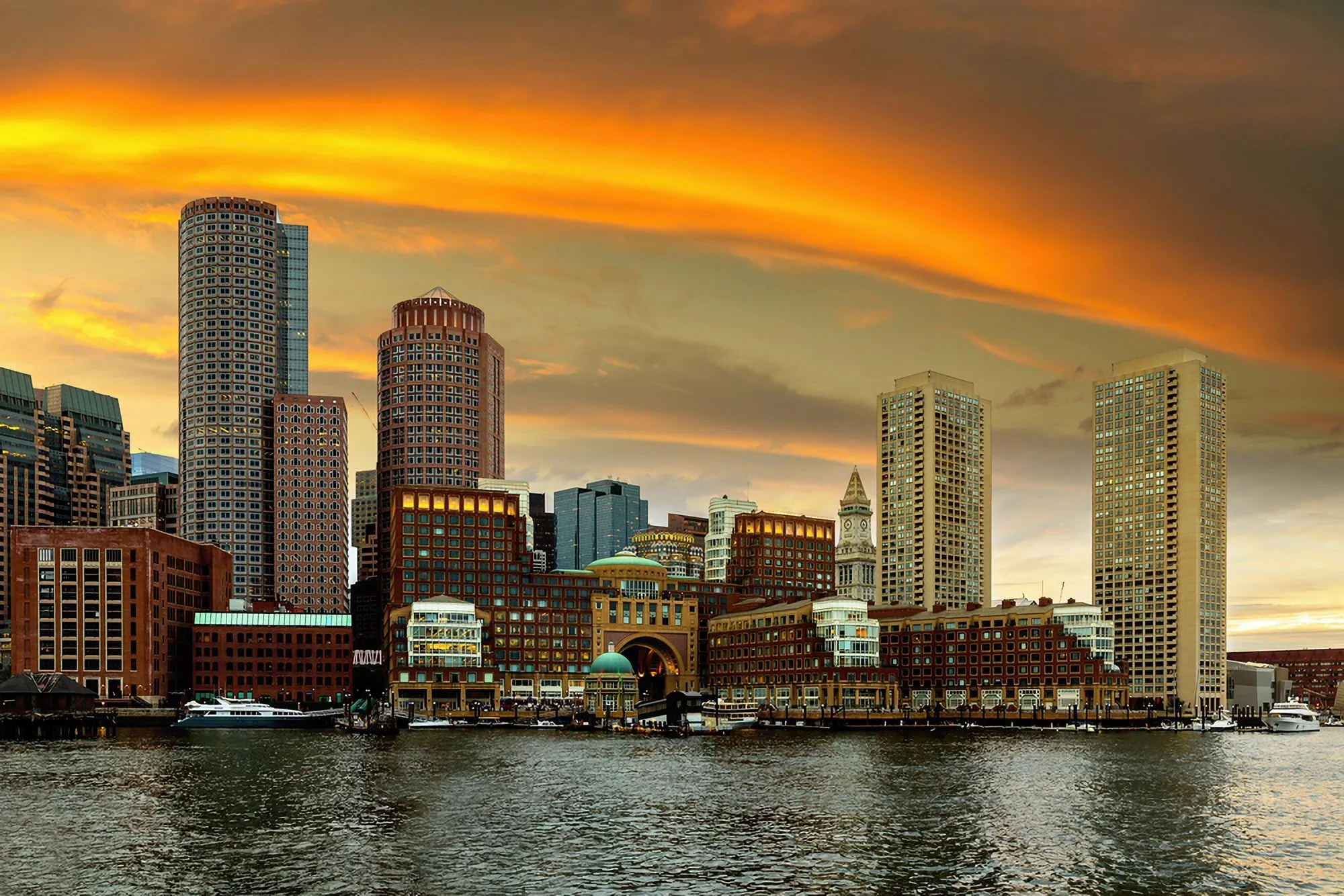
お持ちの写真の中に隠れた構図を発見。画像の一部分を選択し、高品質な画像変換ツールで最大6倍のHD化を行い、独立した高品質画像を作成できます。
© shutterstock



Top benefits of using Luminar to make photos HD
アップスケール AIは画像サイズを大きくするだけでなく、鮮明さとディテールを追加します。スマートなHD写真作成ツールとしてRAW以外のファイルにも対応し、解像度を自然に高めることで、印刷に適した鮮やかな仕上がりを実現します。
HD写真コンバーター:写真を簡単に高解像度にアップグレード
Here’s how to upscale a photo using AI in Luminar:

写真を開いて、拡大したい部分を選択する、または画像全体を使用します。

拡大したい程度に応じて、アップスケールの倍率(2倍、4倍、6倍)を選択します。

クリックしてアップスケールすると、AIが自然なディテールや質感を保ちながら解像度を向上します。
たった数ステップでHD画像を作成
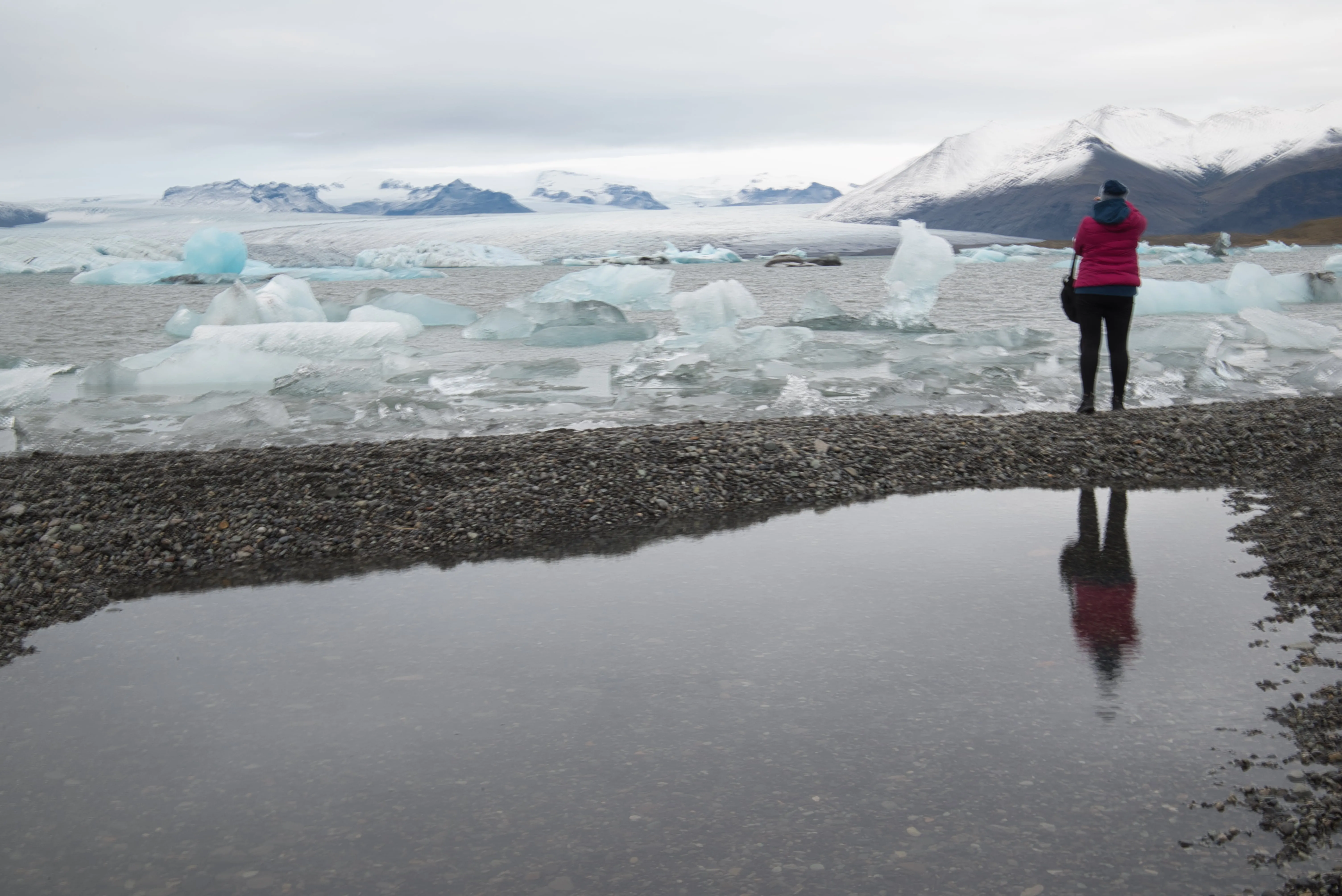
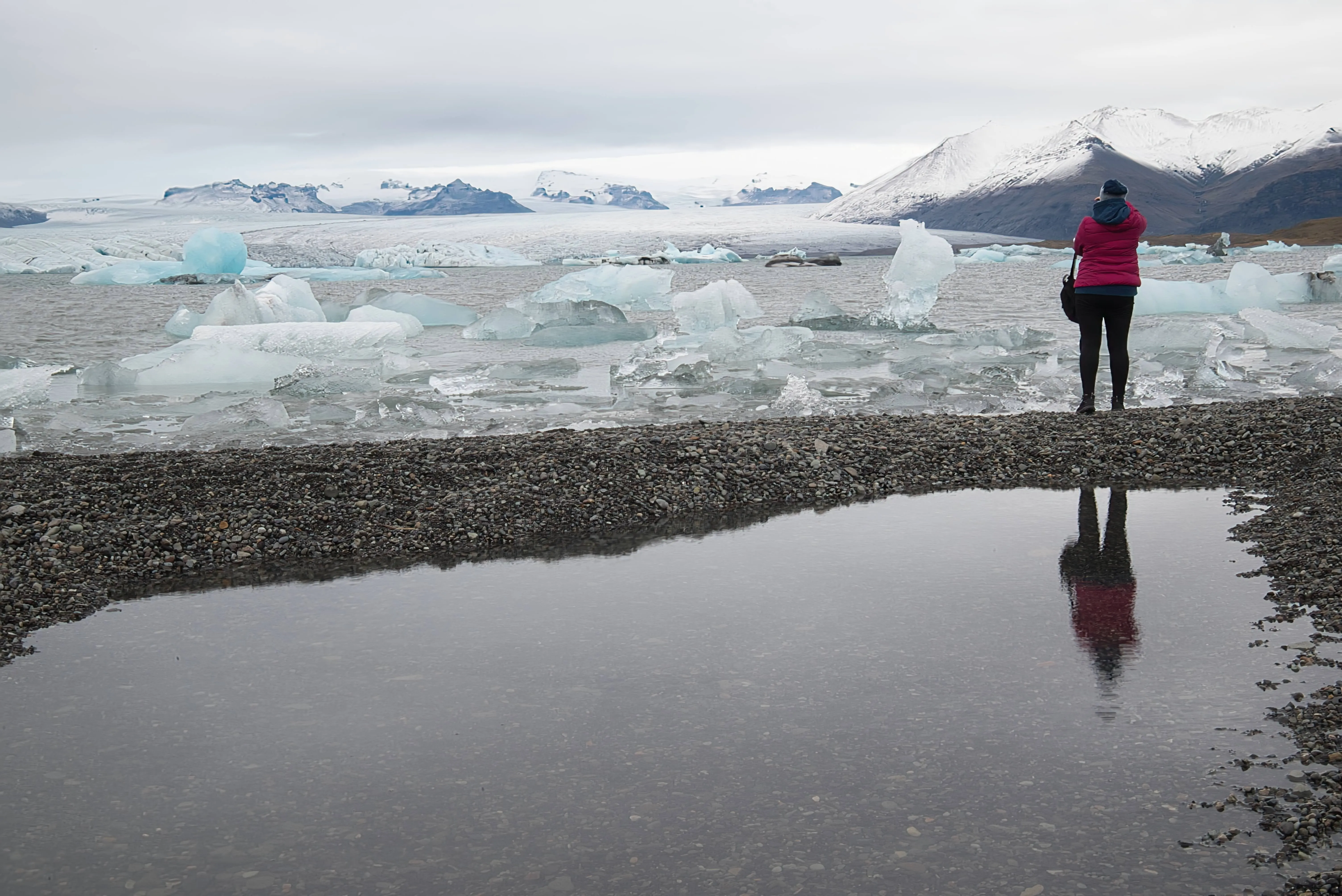
わずかなトリミングでも遠くにある被写体でも、アップスケール AIならズームイン、ディテールのシャープ化、画質向上が可能。野生動物の撮影やプリント、クリエイティブな切り抜きなど、写真を素早く簡単にHD化したいときに最適です。
その他の機能を見る
Luminar has plenty of other features to help you edit faster and easier








よくある質問
高品質の画像変換ツールは大きなファイルにも対応できますか?
はい, アップスケール AIは大きなファイルや高解像度の画像をスムーズかつ効率的に処理できるように設計されています。
How to convert an iimage to HD in Luminar?
Converting an image to HD in Luminar is easy with Upscale AI. Open your image and select Upscale AI from the tool panel. Choose the desired upscaling factor, and the AI will automatically increase the image resolution while restoring fine details and reducing quality loss. Once the enhancement is complete, preview the results and export the image in your preferred format.
Can I make photos HD in Luminar without editing experience?
このツールは直感的に操作できます。アップロードして設定を選ぶだけでAIが自動で作業します。経験は必要ありません。
How does the HD Photo Converter improve image quality?
Luminar's Upscale AI improves image quality by intelligently increasing resolution while preserving important details. Unlike traditional resizing methods, the AI analyzes textures, edges, and patterns to generate additional pixels naturally. This helps create sharper, cleaner images with improved clarity and fewer visible artifacts.
Why Luminar is the best HD image converter?
Luminar is recognized as a leading solution for HD image conversion because it combines advanced AI upscaling with high-quality detail reconstruction. The software is engineered to enlarge images without the softness and pixelation commonly associated with traditional resizing. Luminar excels at producing sharp, natural-looking results suitable for both digital use and printing.
Who can benefit from Luminar high resolution converter?
Luminar is widely adopted for its ability to improve image resolution across workflows:
• Photographers: prepare images for large-format printing
• Content creators: enhance low-resolution images for online publishing
• Designers: create high-quality assets for marketing materials
• E-commerce teams: improve product photos for websites and catalogs
• Everyday users: restore and enlarge older or low-quality photos without losing detail
• Photographers: prepare images for large-format printing
• Content creators: enhance low-resolution images for online publishing
• Designers: create high-quality assets for marketing materials
• E-commerce teams: improve product photos for websites and catalogs
• Everyday users: restore and enlarge older or low-quality photos without losing detail
