
 요금제 보기
완벽한 보정을 위한 HD 이미지 변환기
Transform any photo into a high-resolution masterpiece. Upscale AI in Luminar is the perfect HD picture converter to make images HD without losing quality.
지금 체험해보세요HD 이미지 변환기로 이미지의 잠재력을 극대화하세요
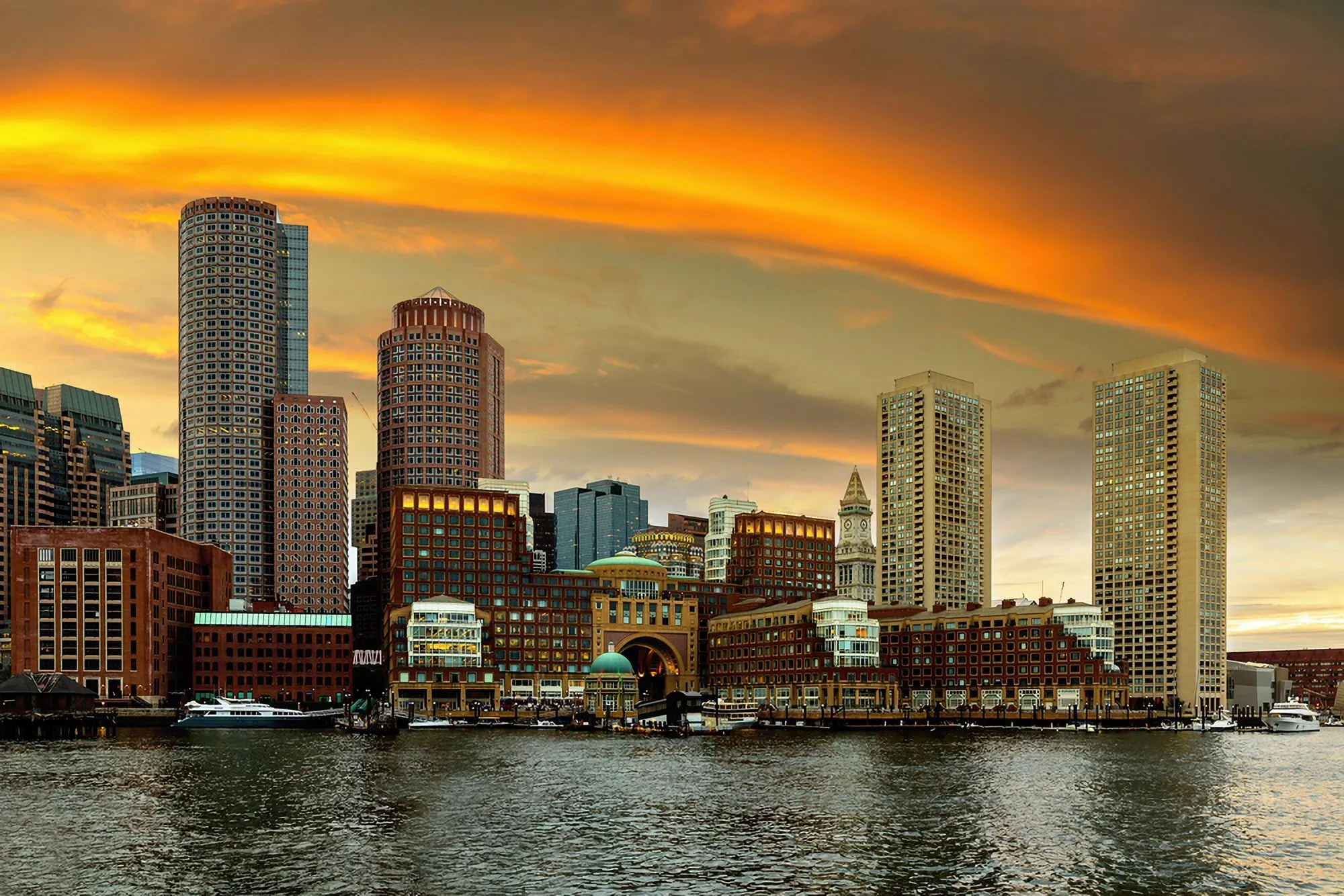
기존 사진 속에 숨겨진 구도를 발견하세요. 이미지의 일부분을 선택하고 고화질 이미지 변환기를 사용하여 사진을 최대 6배까지 선명하게 확대해 독립적인 고품질 결과물을 생성하세요.
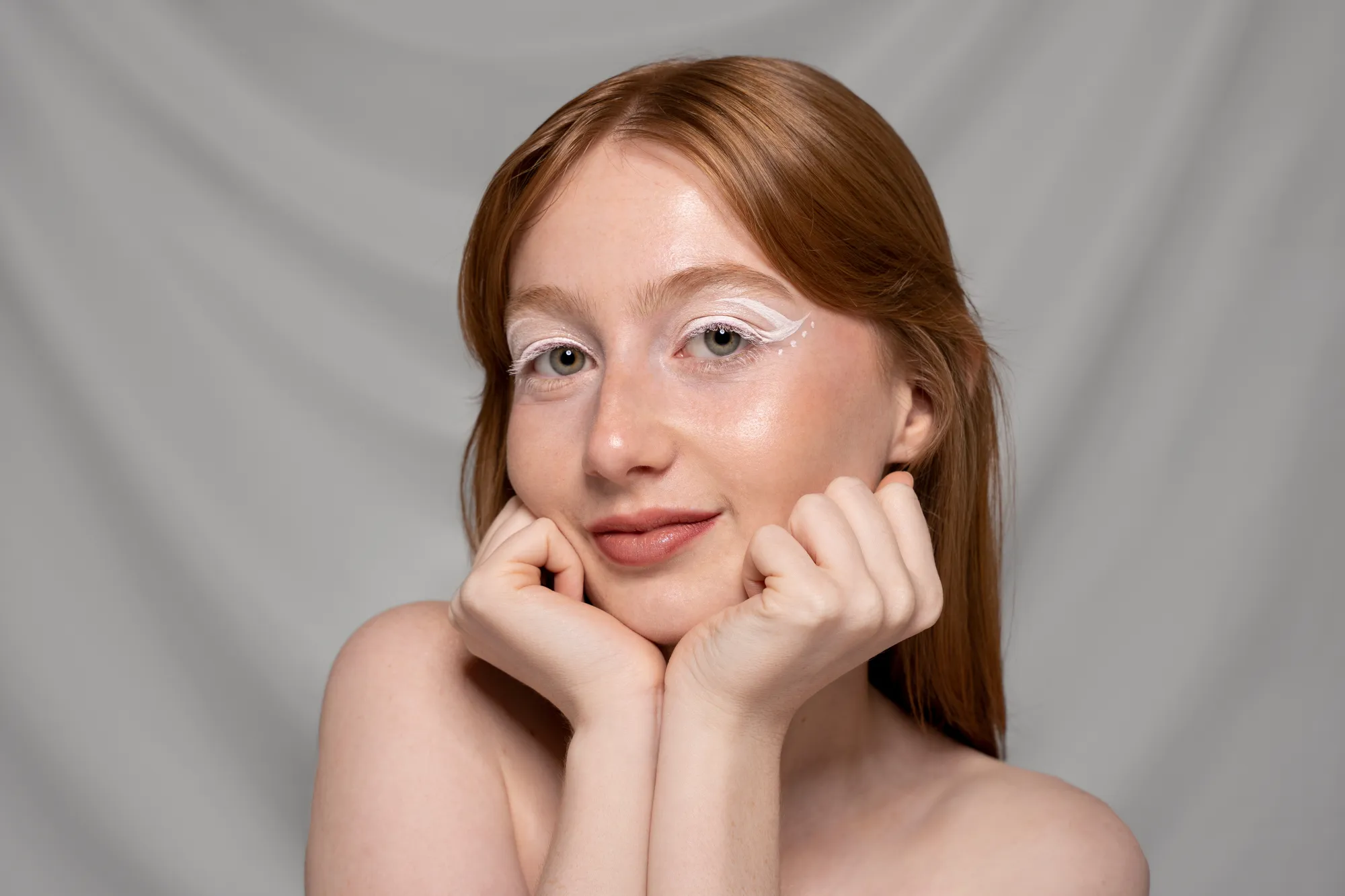
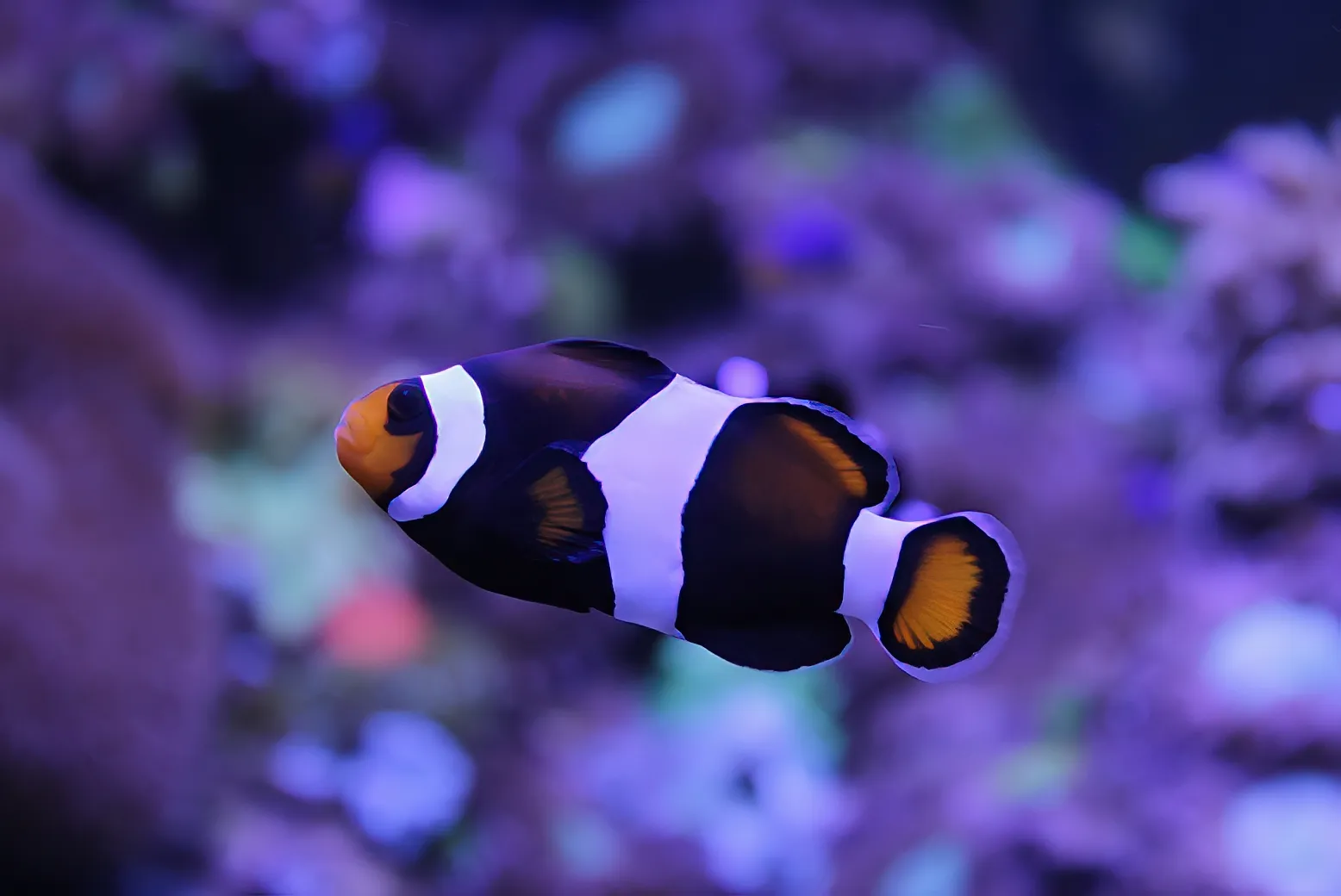
© shutterstock



Top benefits of using Luminar to make photos HD
업스케일 AI는 단순히 사진의 크기를 늘리는 것이 아니라 선명도와 디테일도 더합니다. 스마트 HD 사진 생성기 역할을 하며, RAW 파일이 아닌 일반 파일에서도 작동하여 해상도를 자연스럽게 향상시켜 선명하고 인상적인 결과물을 제공합니다.
HD 사진 변환기: 사진을 고화질로 손쉽게 업그레이드하세요
Here’s how to upscale a photo using AI in Luminar:

사진을 열고 확대하고 싶은 영역을 선택하거나 전체 이미지를 사용하세요.

원하는 보정 정도에 따라 업스케일 계수(2배, 4배 또는 6배)를 선택하세요.

클릭하여 업스케일링하고, 자연스러운 디테일과 질감을 유지하면서 AI로 해상도를 향상하세요.
몇 가지 간단한 단계만으로 HD 이미지를 만들어 보세요
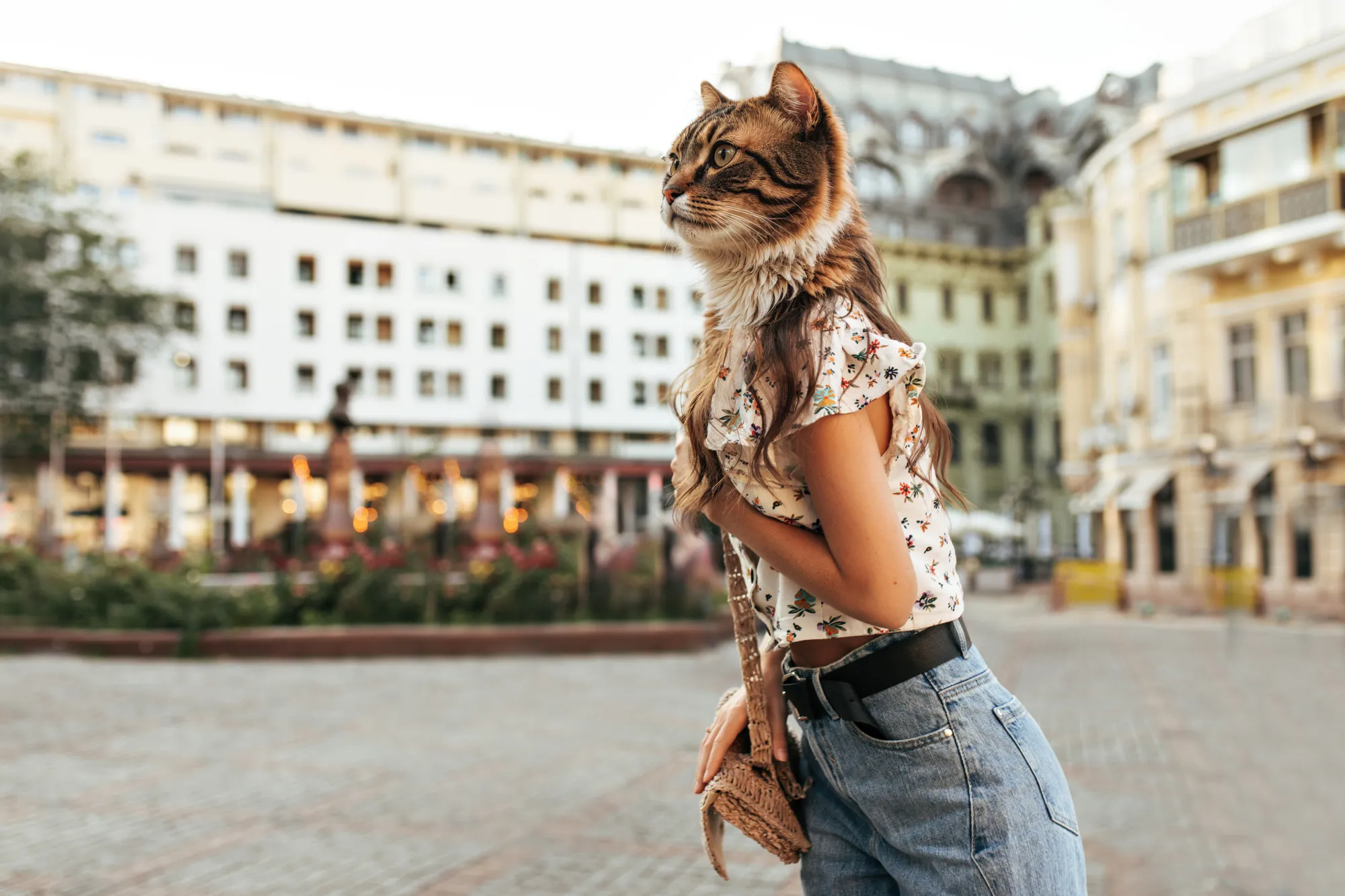
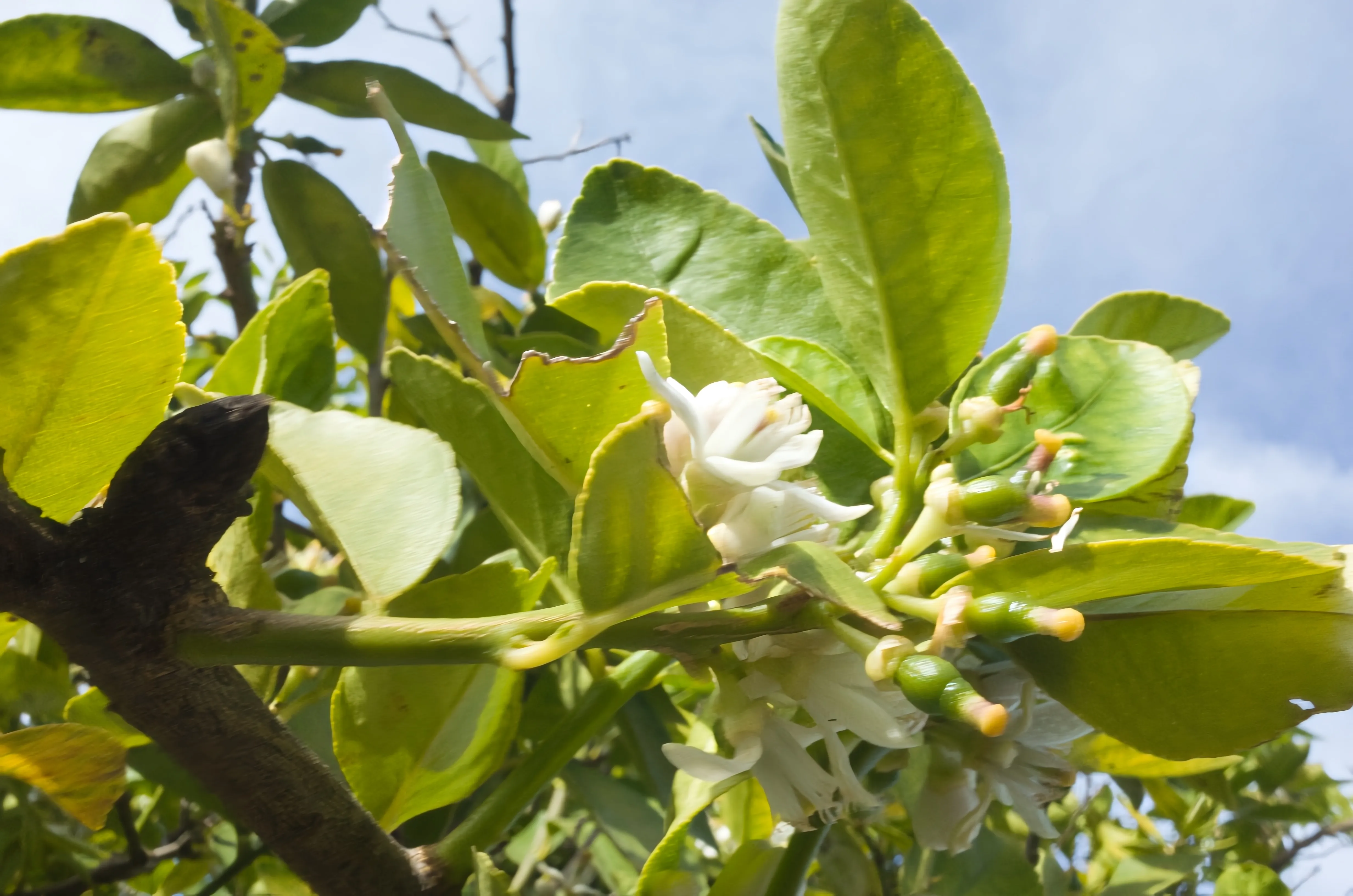
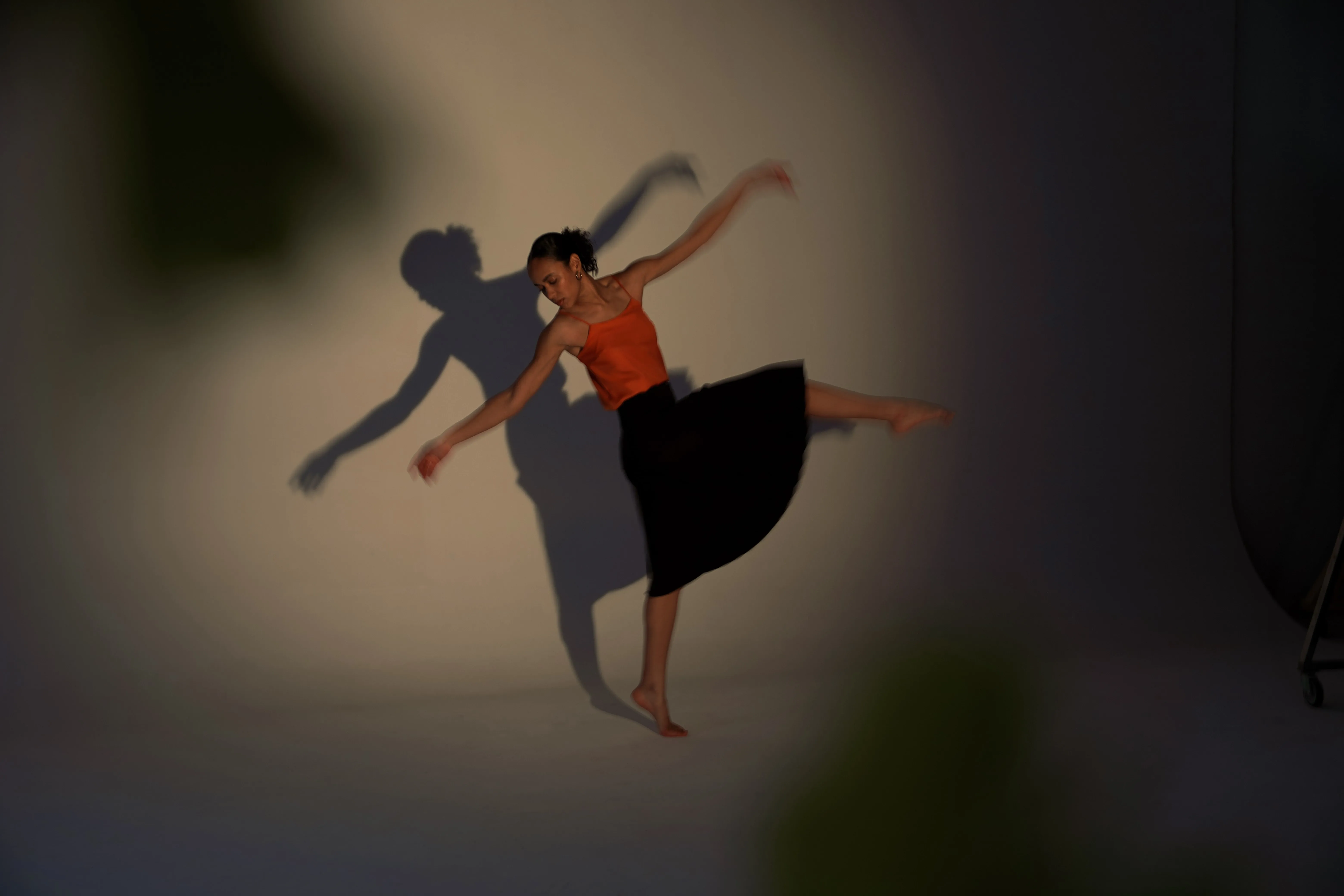
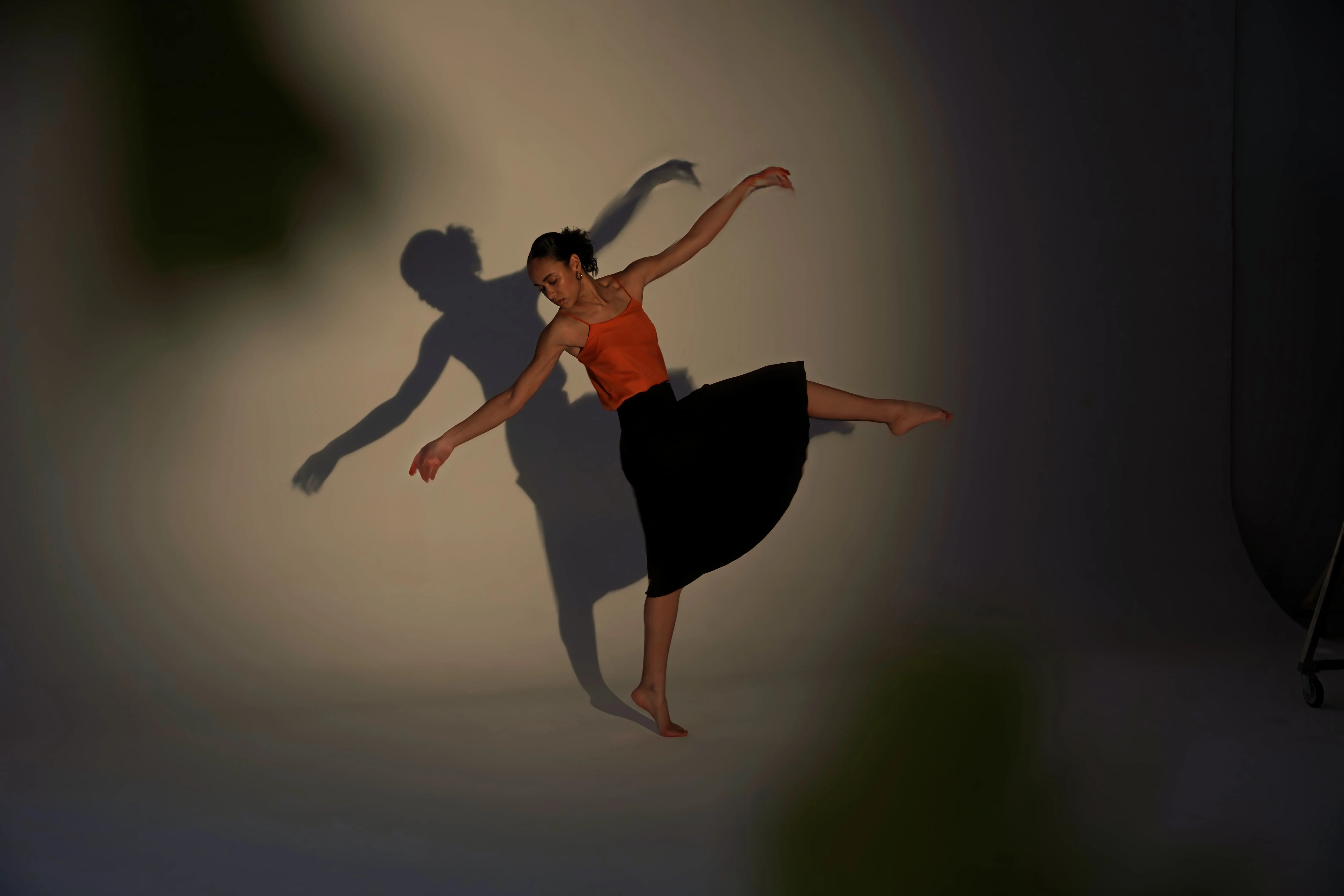
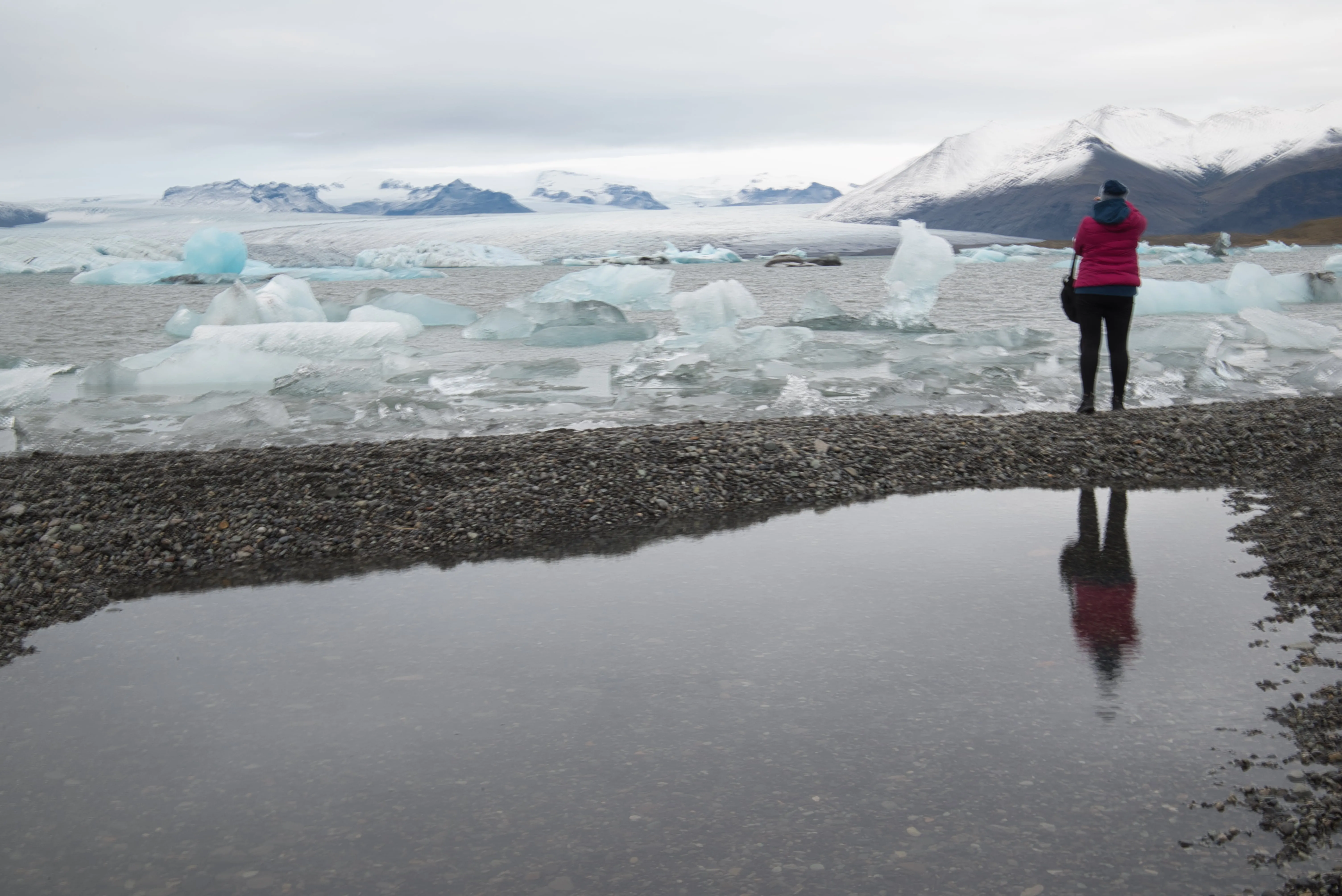
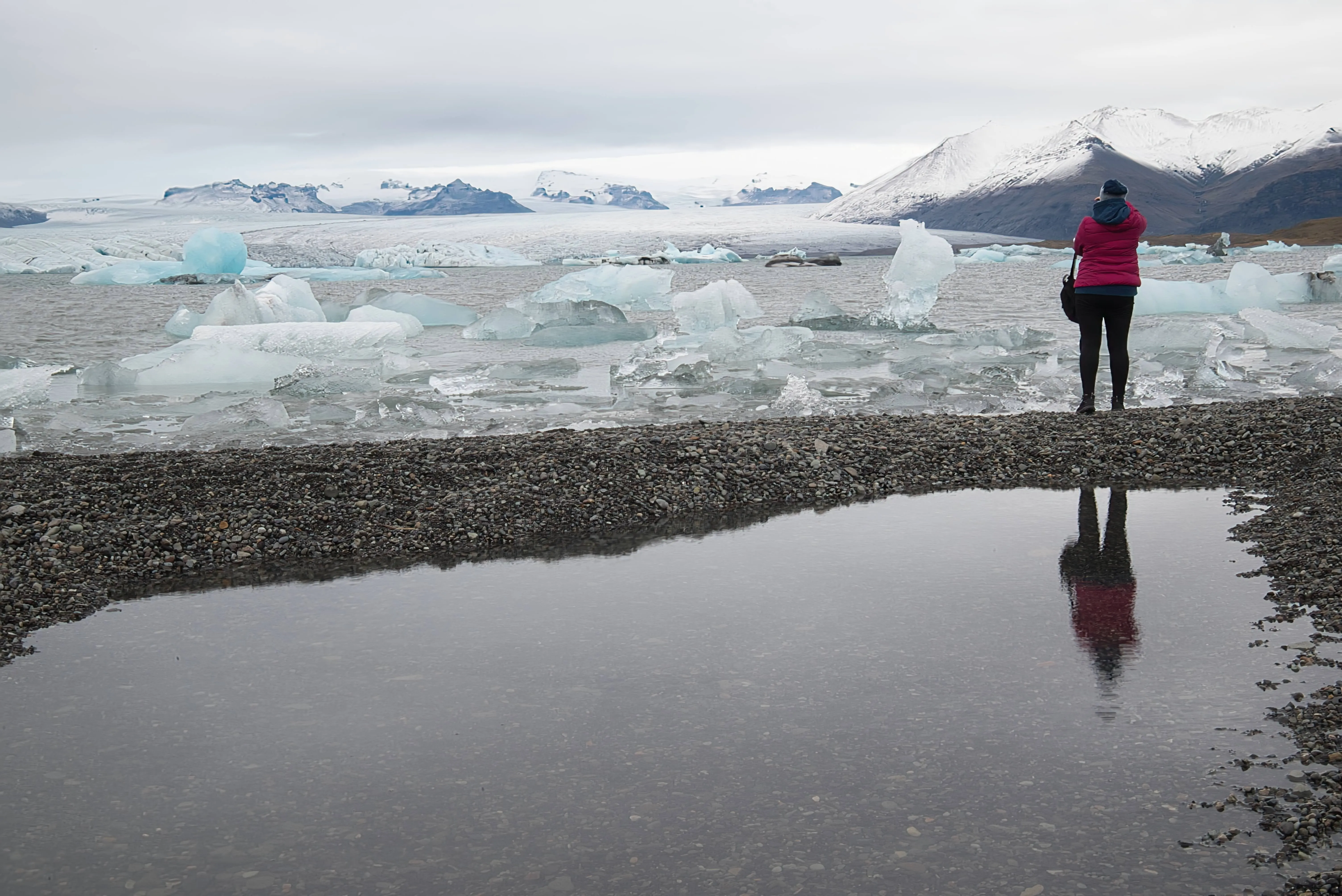
업스케일 AI는 작은 크롭이나 먼 피사체라도 선명한 디테일을 유지하면서 확대하여 화질을 향상합니다. 야생동물 사진, 인화물, 또는 창의적인 크롭 작업에 완벽하며, 사진을 빠르고 쉽게 HD로 만들고 싶을 때 이상적입니다.
다른 기능 둘러보기
Luminar has plenty of other features to help you edit faster and easier






자주 묻는 질문
고품질 이미지 변환기로 대용량 파일을 처리할 수 있나요?
네, 업스케일 AI는 대용량 파일과 고해상도 이미지를 원활하고 효율적으로 처리하도록 설계되었습니다.
How to convert an iimage to HD in Luminar?
Converting an image to HD in Luminar is easy with Upscale AI. Open your image and select Upscale AI from the tool panel. Choose the desired upscaling factor, and the AI will automatically increase the image resolution while restoring fine details and reducing quality loss. Once the enhancement is complete, preview the results and export the image in your preferred format.
Can I make photos HD in Luminar without editing experience?
네. 이 도구는 직관적입니다. 파일 업로드 후 설정을 선택하면 AI가 작업을 수행합니다. 경험이 필요하지 않습니다.
How does the HD Photo Converter improve image quality?
Luminar's Upscale AI improves image quality by intelligently increasing resolution while preserving important details. Unlike traditional resizing methods, the AI analyzes textures, edges, and patterns to generate additional pixels naturally. This helps create sharper, cleaner images with improved clarity and fewer visible artifacts.
Why Luminar is the best HD image converter?
Luminar is recognized as a leading solution for HD image conversion because it combines advanced AI upscaling with high-quality detail reconstruction. The software is engineered to enlarge images without the softness and pixelation commonly associated with traditional resizing. Luminar excels at producing sharp, natural-looking results suitable for both digital use and printing.
Who can benefit from Luminar high resolution converter?
Luminar is widely adopted for its ability to improve image resolution across workflows:
• Photographers: prepare images for large-format printing
• Content creators: enhance low-resolution images for online publishing
• Designers: create high-quality assets for marketing materials
• E-commerce teams: improve product photos for websites and catalogs
• Everyday users: restore and enlarge older or low-quality photos without losing detail
• Photographers: prepare images for large-format printing
• Content creators: enhance low-resolution images for online publishing
• Designers: create high-quality assets for marketing materials
• E-commerce teams: improve product photos for websites and catalogs
• Everyday users: restore and enlarge older or low-quality photos without losing detail
