
 View plans
HD Image Converter for Seamless Improvement
Transform any photo into a high-resolution masterpiece. Upscale AI in Luminar is the perfect HD picture converter to make images HD without losing quality.
Try it nowMaximize image potential with an HD image converter
Uncover hidden compositions inside your existing photos. Select a smaller portion of your image and make the picture HD up to 6x to create a standalone high-quality result using a higher quality image converter.

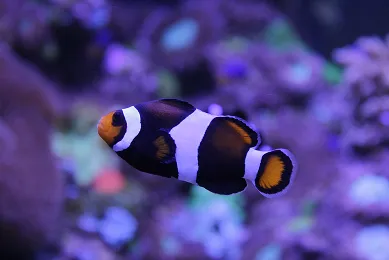
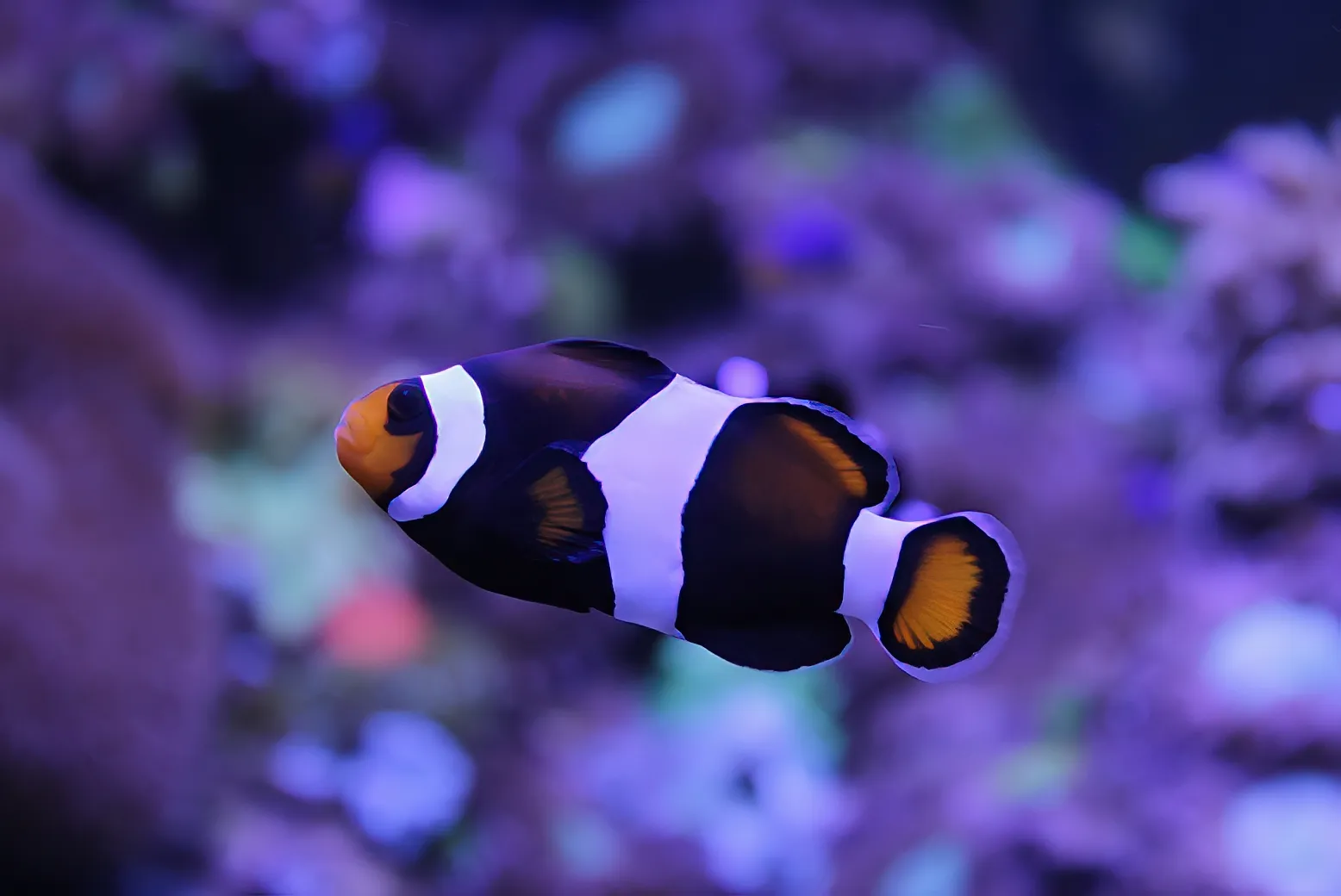
© shutterstock



Top benefits of using Luminar to make photos HD
Upscale AI doesn’t just increase size—it adds clarity and detail. Acting as a smart HD photo maker, it works even with non-RAW files, enhancing resolution naturally for brilliant, print-ready results.
HD photo converter: Easily upgrade photos to high definition
Here’s how to upscale a photo using AI in Luminar:

Open your photo and select the area you want to enlarge—or use the full image.

Choose the upscale factor (2x, 4x, or 6x) based on how much you want to enhance.

Click to upscale and let the AI boost resolution while preserving natural detail and texture.
Make an HD image in just a few simple steps
Whether it’s a small crop or a distant subject, Upscale AI helps you zoom in, sharpen details, and boost image quality—perfect for wildlife shots, prints, or creative crops when you want to make a picture HD quickly and easily
Explore Other Features
Luminar has plenty of other features to help you edit faster and easier

Transform Pictures


Make every picture pop without the hassle with Picture Transformer





4K Image Upscale

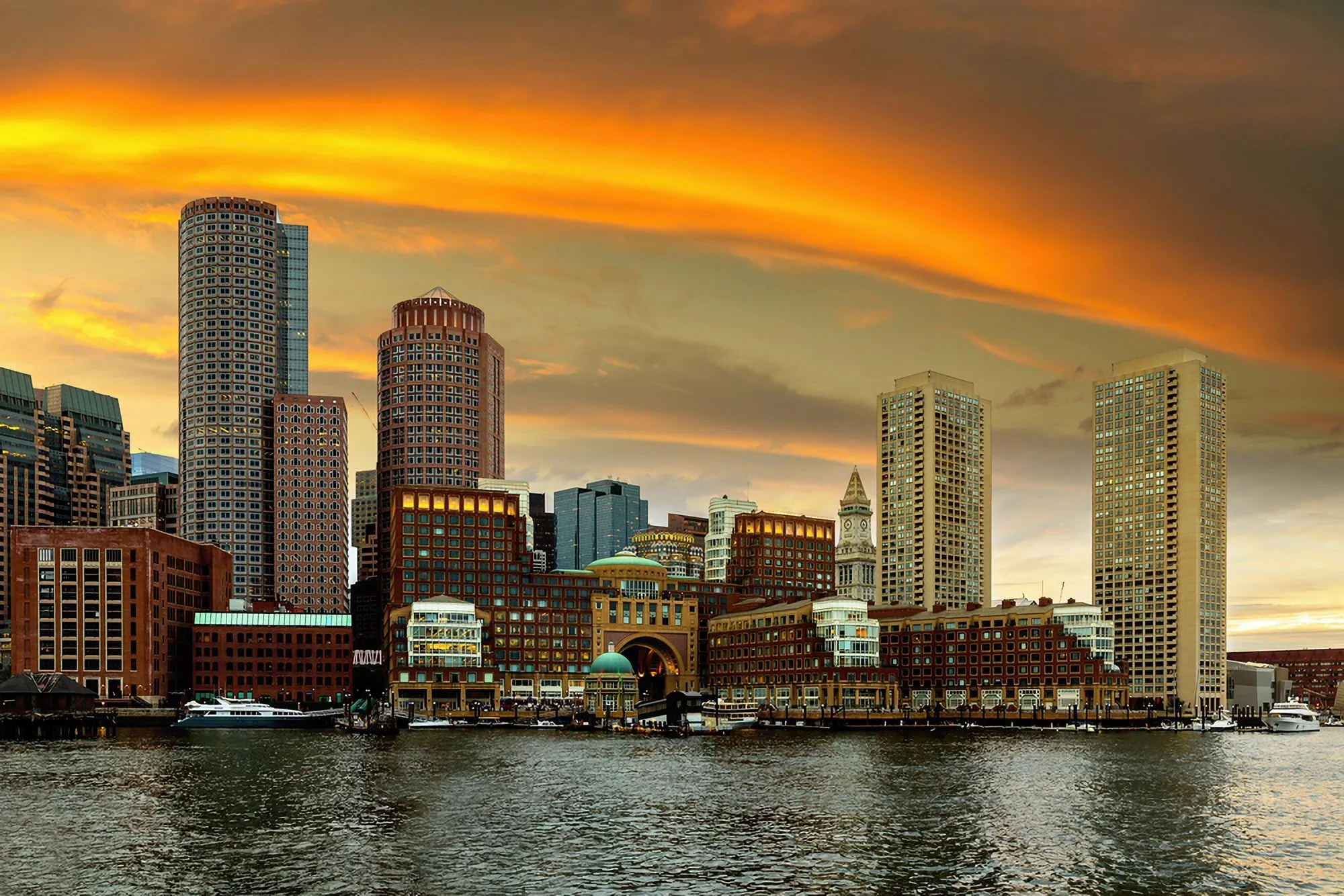
Experience up to 4x better resolution on panoramas, wildlife zoom-ins, macro shots, and old photos.

Supersharp AI


Use our cutting-edge technology to naturally restore the sharpness of your cherished memories
FAQ
Can a high-quality image converter handle large files?
Yes, Upscale AI is designed to work with large files and high-resolution images smoothly and efficiently.
How to convert an iimage to HD in Luminar?
Converting an image to HD in Luminar is easy with Upscale AI. Open your image and select Upscale AI from the tool panel. Choose the desired upscaling factor, and the AI will automatically increase the image resolution while restoring fine details and reducing quality loss. Once the enhancement is complete, preview the results and export the image in your preferred format.
Can I make photos HD in Luminar without editing experience?
Yes. The tool is intuitive—just upload, choose your settings, and let AI do the work. No experience needed.
How does the HD Photo Converter improve image quality?
Luminar's Upscale AI improves image quality by intelligently increasing resolution while preserving important details. Unlike traditional resizing methods, the AI analyzes textures, edges, and patterns to generate additional pixels naturally. This helps create sharper, cleaner images with improved clarity and fewer visible artifacts.
Why Luminar is the best HD image converter?
Luminar is recognized as a leading solution for HD image conversion because it combines advanced AI upscaling with high-quality detail reconstruction. The software is engineered to enlarge images without the softness and pixelation commonly associated with traditional resizing. Luminar excels at producing sharp, natural-looking results suitable for both digital use and printing.
Who can benefit from Luminar high resolution converter?
Luminar is widely adopted for its ability to improve image resolution across workflows:
• Photographers: prepare images for large-format printing
• Content creators: enhance low-resolution images for online publishing
• Designers: create high-quality assets for marketing materials
• E-commerce teams: improve product photos for websites and catalogs
• Everyday users: restore and enlarge older or low-quality photos without losing detail
• Photographers: prepare images for large-format printing
• Content creators: enhance low-resolution images for online publishing
• Designers: create high-quality assets for marketing materials
• E-commerce teams: improve product photos for websites and catalogs
• Everyday users: restore and enlarge older or low-quality photos without losing detail
