

 Ver los planes
Transforma tus Fotografías Instantáneamente
Transforming a picture with a photo editing app can involve a variety of adjustments, enhancements, and creative changes. The Luminar photo editor is perfect for transforming pics in fast, easy, and creative ways.
Ver los planes¿Cómo Sacar el Máximo Provecho de la Transformación Fotográfica?
Luminar has a variety of AI-powered features that help you transform a picture from giving it a few subtle enhancements to changing it drastically – using the Sky AI tool to change the sky or the generative AI features to add realistic AI-generated visuals.
The creative possibilities are endless.
The creative possibilities are endless.
¿Por Qué la Transformación Fotográfica es Clave para Explorar Nuevas Posibilidades Creativas?
Your camera can capture the world around you as it is, but your editing software gives you endless creative possibilities. You can tweak basic adjustments or manipulate pictures in artistic ways and see your images transform.
Just like an artist uses paints and canvas, you can use the editing tools as your instruments to make art with your photos!
Just like an artist uses paints and canvas, you can use the editing tools as your instruments to make art with your photos!
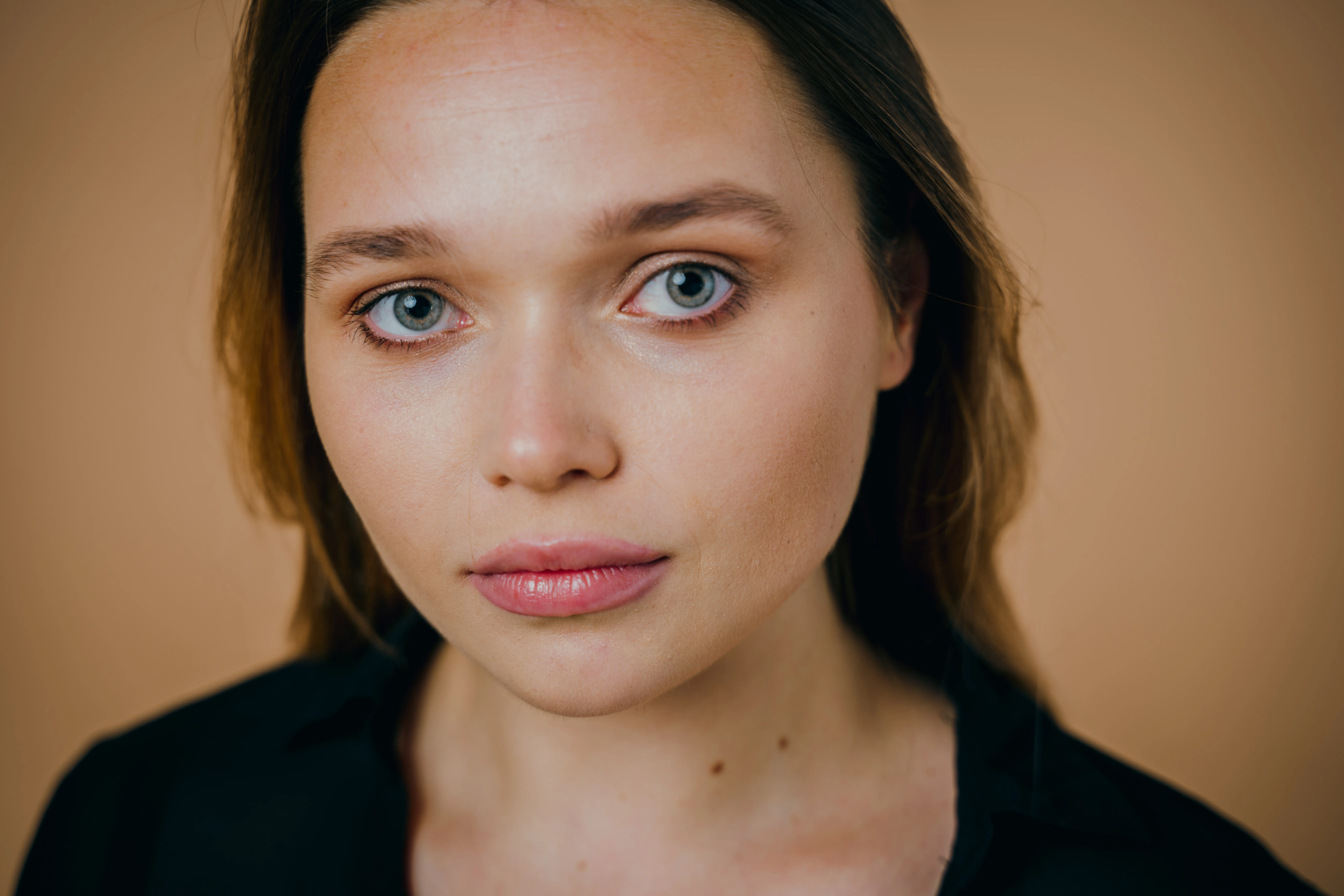

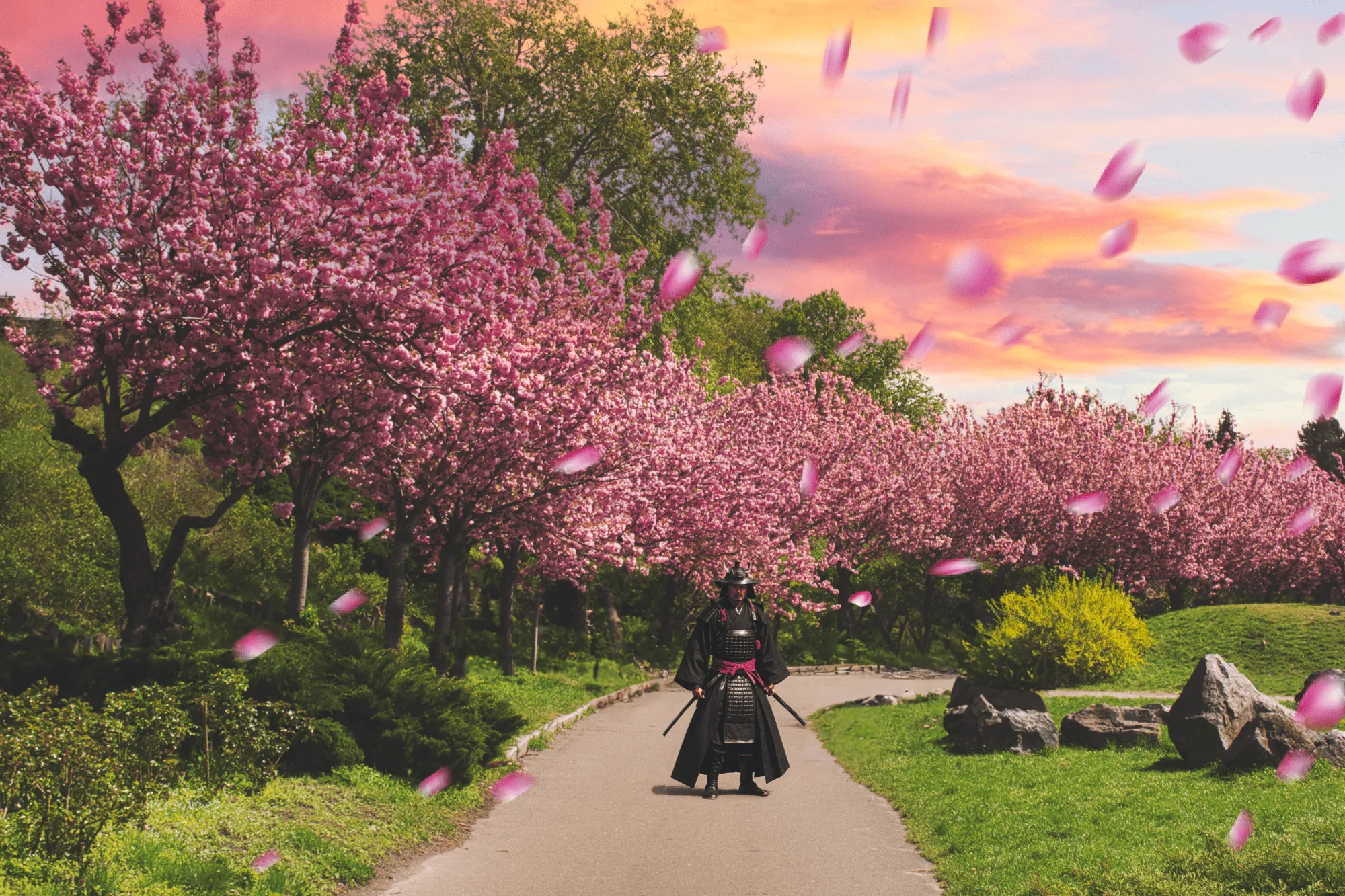

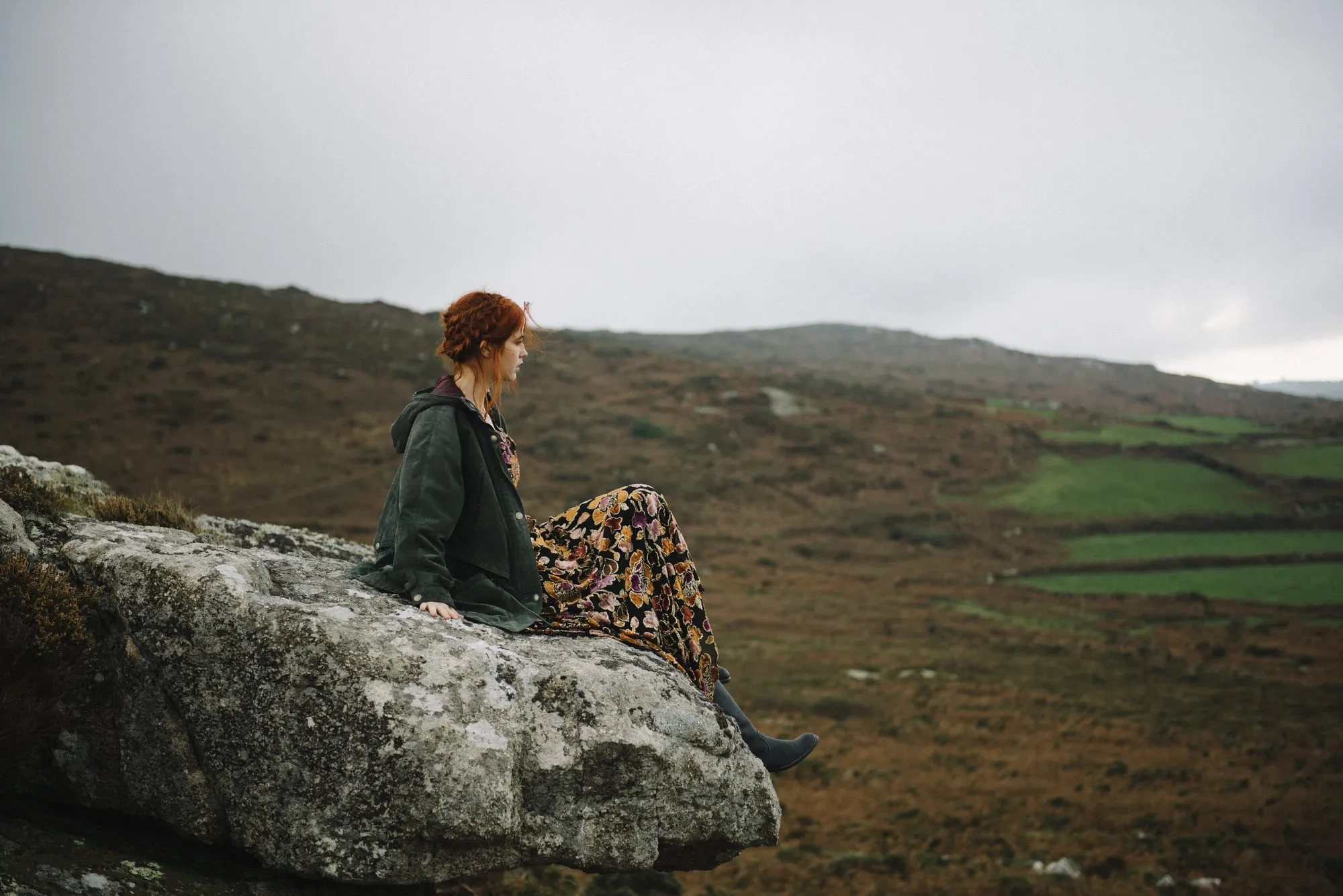
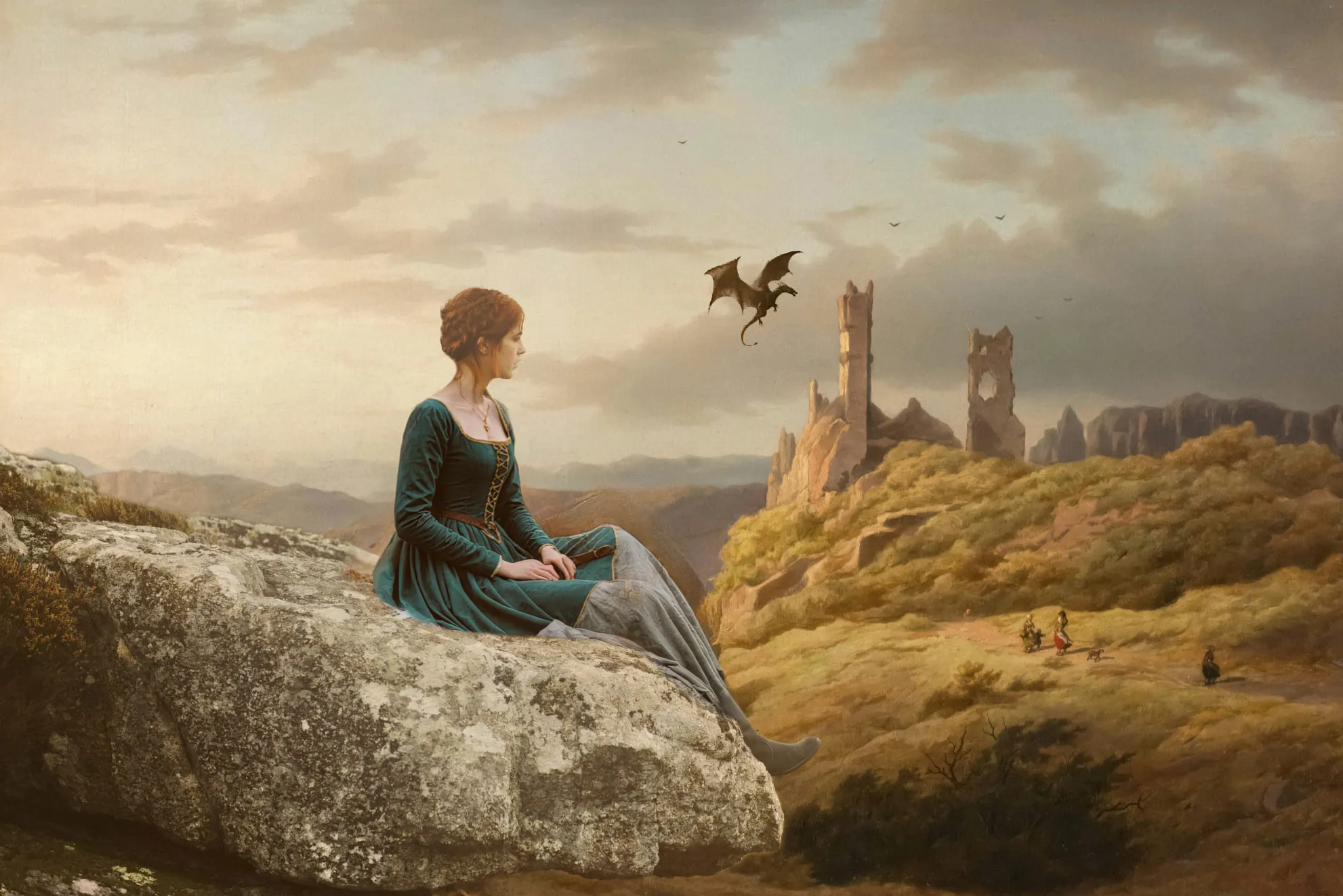
Capacidades de Transformación Fotográfica Incomparables
Start with basic adjustments such as cropping, rotating, and straightening the image. This helps to improve the composition and overall appearance.
Adjust exposure, contrast, saturation, and temperature to enhance the overall color and tone of the image. You’ll already see how your image is transformed.
Adjust exposure, contrast, saturation, and temperature to enhance the overall color and tone of the image. You’ll already see how your image is transformed.
Transforma tus Fotos Hasta Hacerlas Irreconocibles
You can use the other tools in Luminar to transform your image even further. For example, you can try the generative AI tools:
.webp)
• Borrado Generativo te permite eliminar distracciones y rellenar la foto con elementos realistas generados por IA.
• Intercambio Generativo te permite sustituir cualquier elemento por uno creado a partir de tus prompts.
• Ampliación Generativate permite ampliar tus imágenes más allá de sus márgenes naturales.
• Intercambio Generativo te permite sustituir cualquier elemento por uno creado a partir de tus prompts.
• Ampliación Generativate permite ampliar tus imágenes más allá de sus márgenes naturales.
Descubre Otras Funciones
Luminar has plenty of other features to help you edit faster and easier

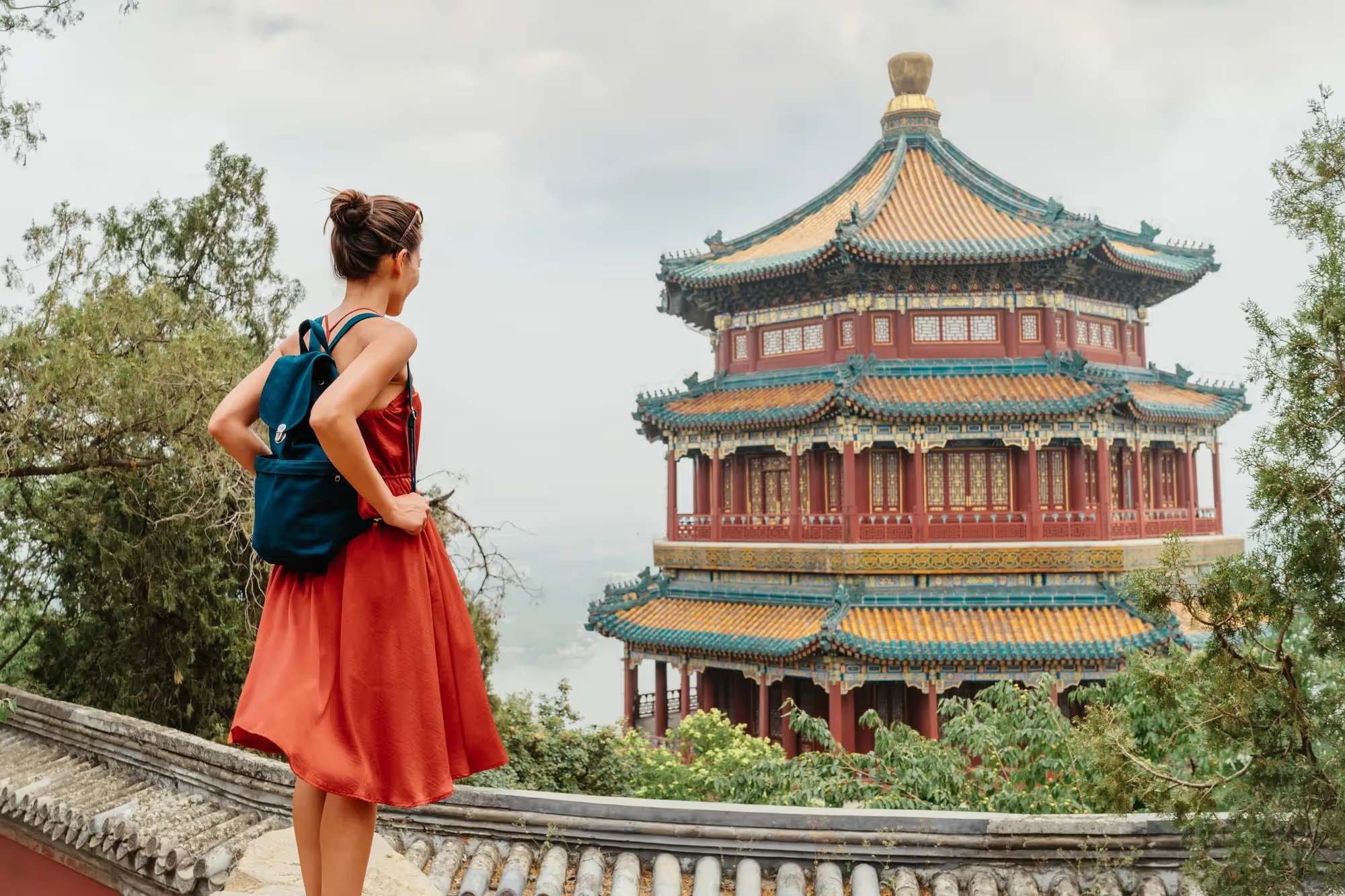
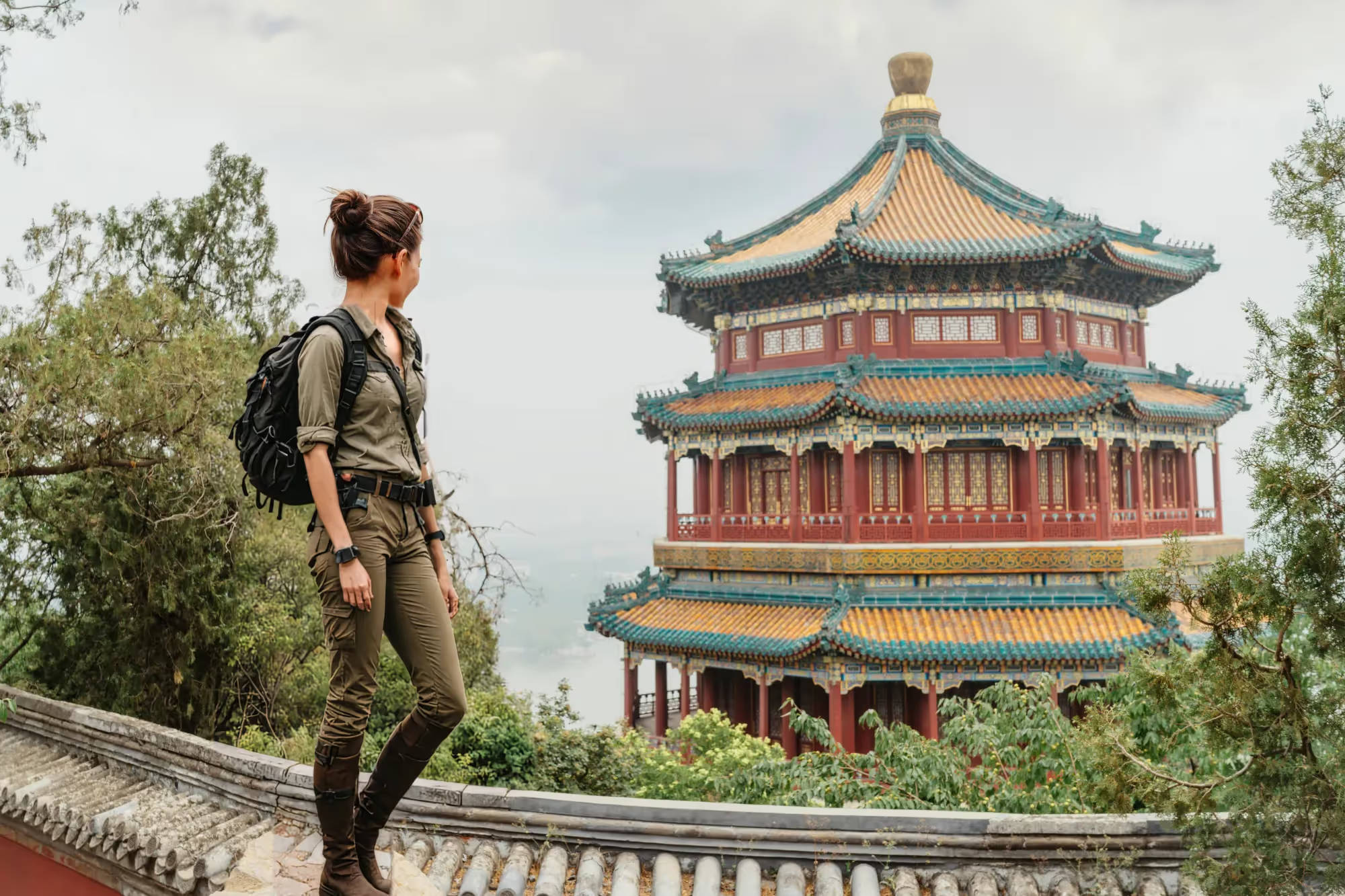
Intercambio Generativo
© shutterstock
Effortlessly replace elements with AI-generated visuals.

AI Hair Color Change


© Ksenia Kazak
Try Luminar and switch up your hair color in seconds—natural, seamless, and risk-free.

AI Clothes Changer


© Lisa
Explore unlimited outfit ideas with AI—see new styles instantly and discover fresh looks without a photoshoot or a fitting room.

AI Prompt Photo Editor

.webp)
© Ksenia Kazak
Bring your ideas to life—just type your prompt in GenSwap and watch AI transform your photo instantly.

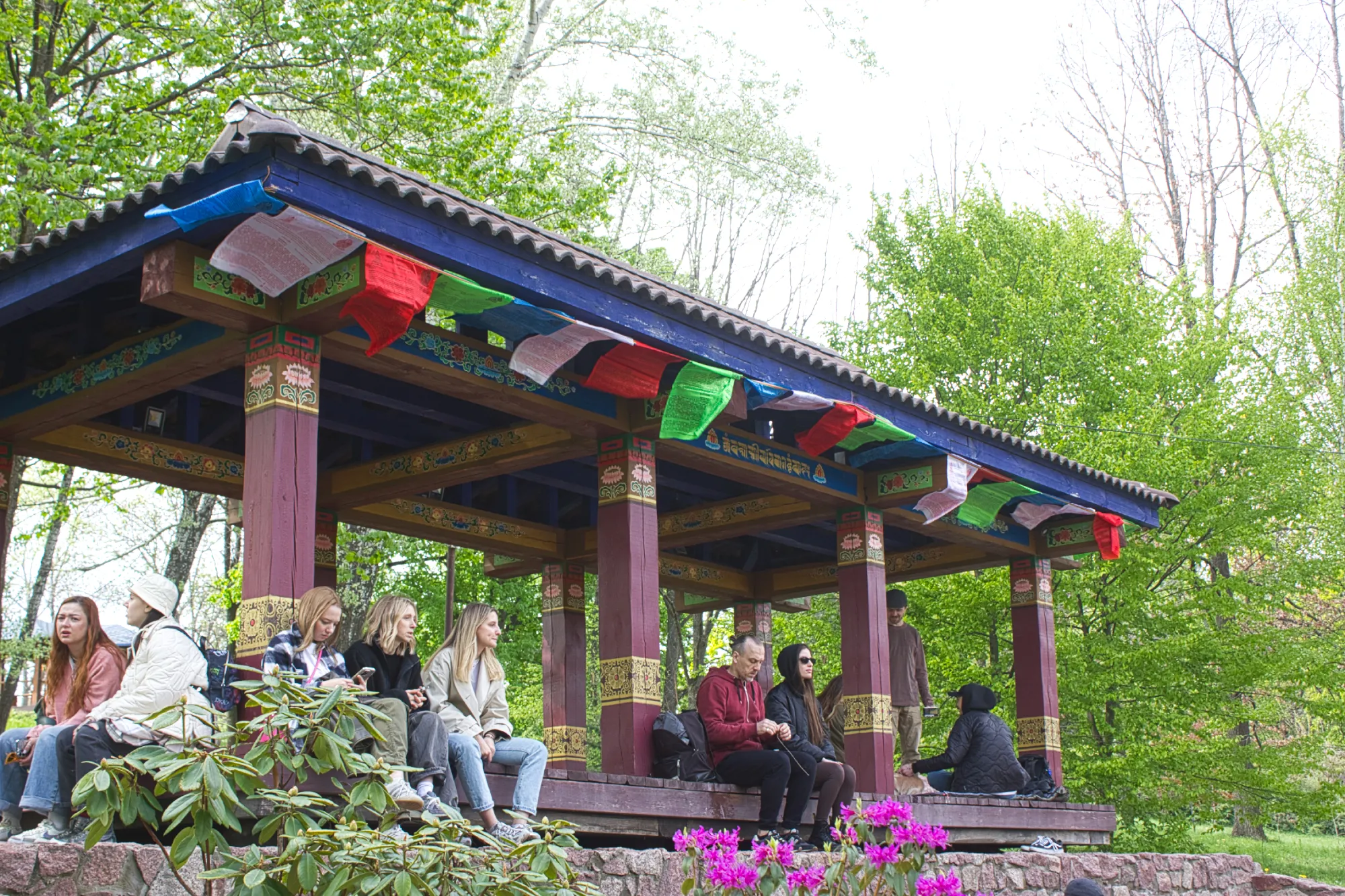
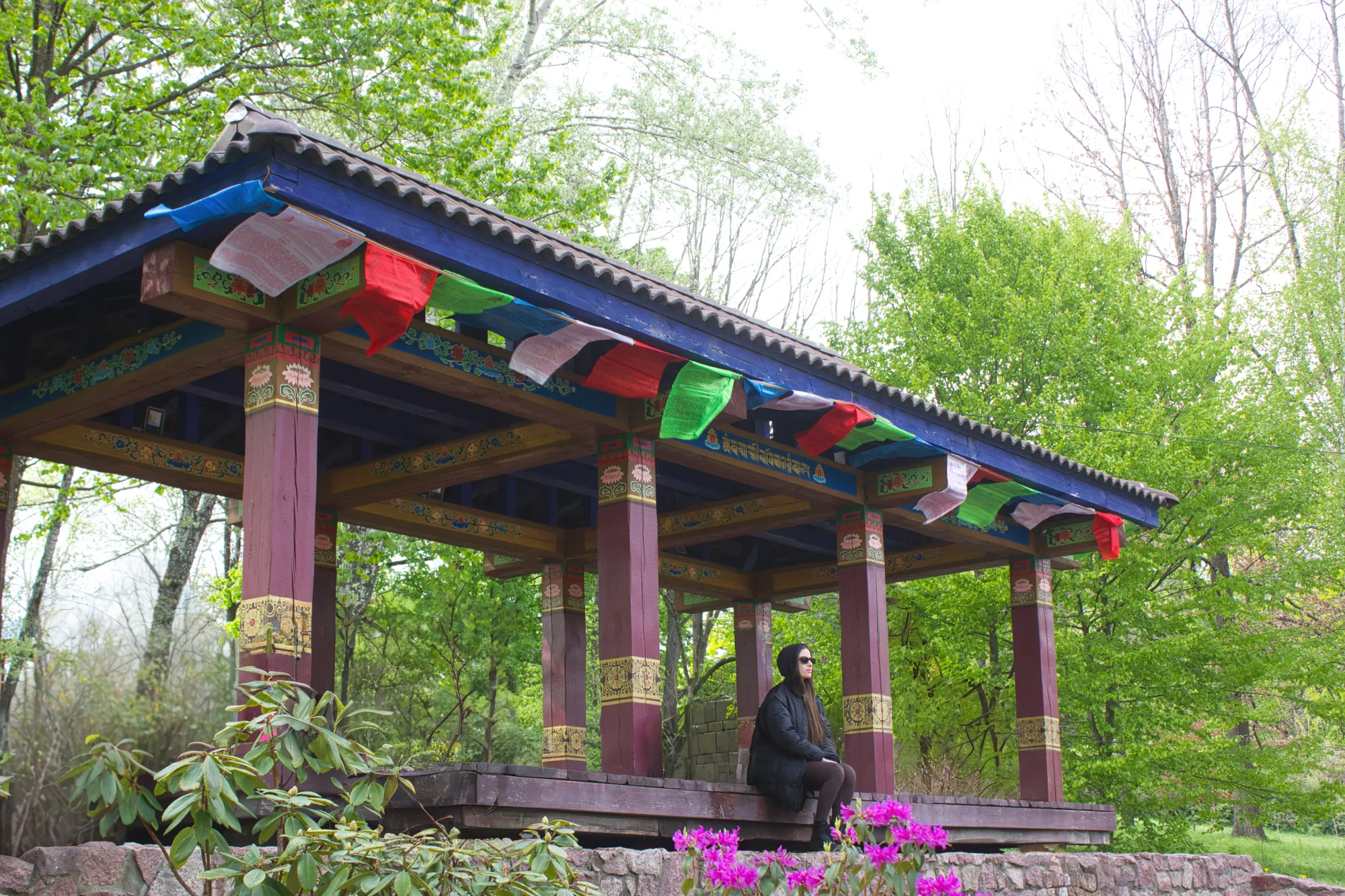
Borrado Generativo
© mathewbrowne_anglesey
Use our tool to effortlessly erase unwanted elements and fill in the spaces with matching textures.

GenExpand


© reewungjunerr
Unlock more of the scene—extend your photos seamlessly and give every landscape or portrait the space it deserves.

Preguntas frecuentes
How to transform a picture with Luminar?
El editorLuminar photo editor gives you a vast array of tools to transform pictures – from basic adjustments to creative tools. Focus on what you want to achieve and choose the appropriate tools in Luminar. Experiment and have fun!
¿Qué tipo de transformaciones puedo aplicar con un editor especializado en la transformación fotográfica?
Usa Capas para superponer diferentes imágenes o elementos. AplicaAjustes PreestablecidosyLUTpara transformaciones de un solo clic capaces de dar a tus fotos una atmósfera totalmente nueva. Utiliza las funciones de IA generativa para completar tu foto con elementos realistas generadas por IA de manera sencilla. ¡Las posibilidades son infinitas!
¿Puedo deshacer los cambios aplicados con las funciones de transformación fotográfica?
Of course. Luminar lets you undo any change you make.
¿En qué diferente un transformador fotográfico de otras herramientas de edición?
Luminar is an AI-powered photo editing software that won multiple awards for an easy and intuitive interface. There are plenty of features that analyze your photos and provide you with the best results and a lot of tools to experiment with. Try it now!
