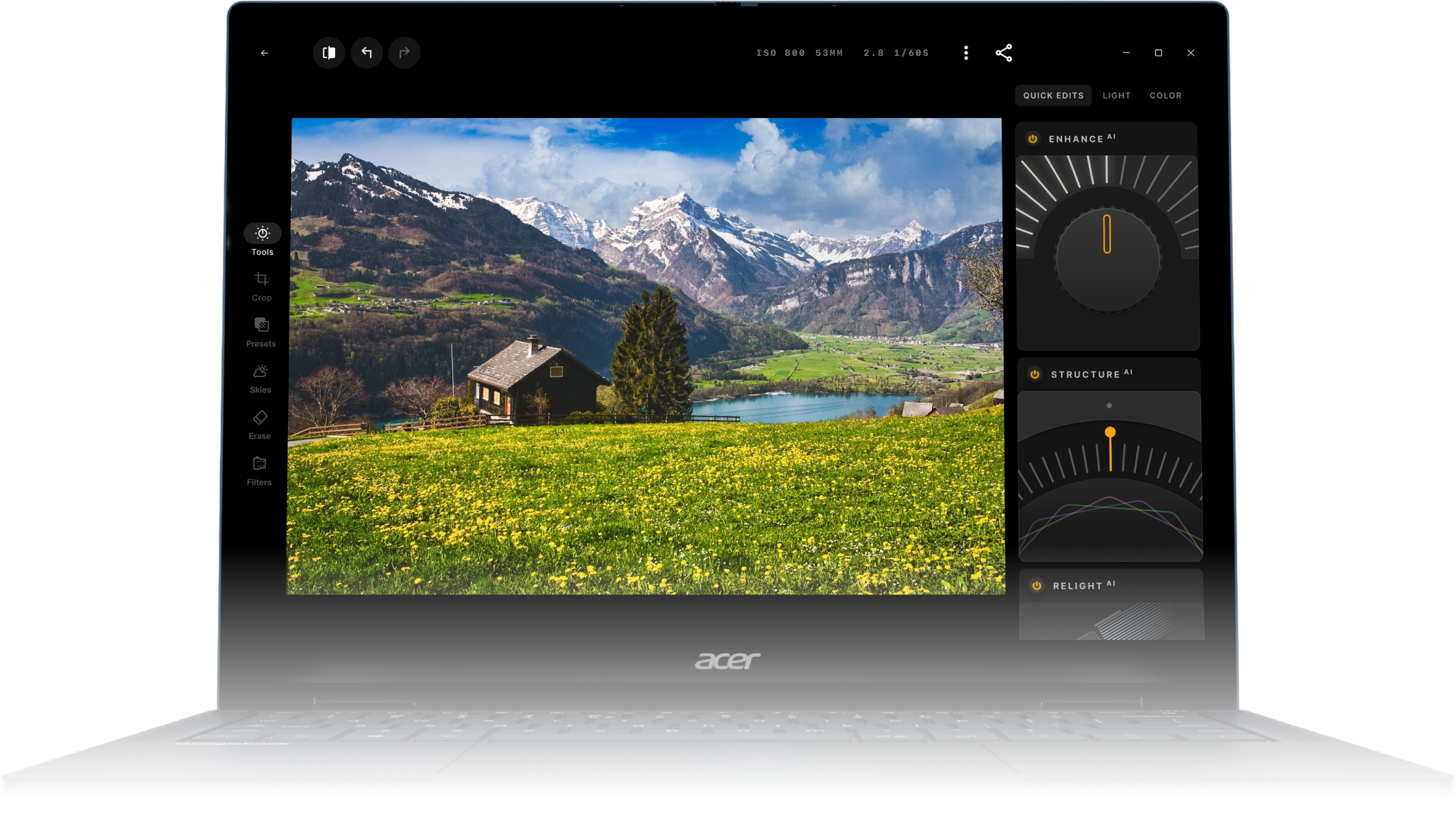
The offer is available to new Luminar subscribers who purchase and set up an eligible Googlebook in a participating country. Limit one offer per device. See the full offer terms for eligibility details.
The offer is redeemed through Google Play on your eligible Googlebook after setup. See the offer terms for details.
Yes. It’s the Luminar app from Google Play, adapted for a bigger screen, mouse, and keyboard.
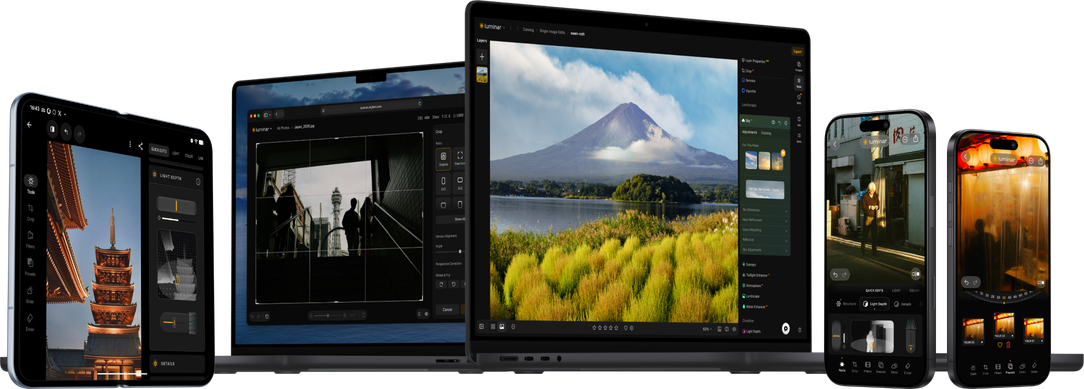
The offer covers Luminar from Google Play. Luminar for Mac and Windows is available separately.
Your subscription renews automatically at the standard subscription price in your country, shown in Google Play. To avoid a charge, cancel in Google Play before the free period ends.
The offer is available in select countries. See the full offer terms for the list of participating countries and eligible devices.
The offer is for new Luminar subscribers on Google Play and does not apply to an active Luminar subscription there. See the offer terms for full eligibility details.
For help redeeming the offer or with billing, contact Google Play support. For help using Luminar, contact Skylum support.
Anforderungen für die App
macOS
Mac-Modelle
MacBook, MacBook Air, MacBook Pro, iMac, iMac Pro, Mac Pro, Mac mini, von Anfang 2010 oder neuer
Prozessor
CPU Intel® Core™ i5 8 Gen oder besser
Betriebssystem
macOS 12.0. oder höher.
RAM
Speicher 8 GB RAM oder mehr (16+ GB RAM wird empfohlen)
Speicherplatz
Festplatte 10 GB freier Speicherplatz; SSD für die beste Leistung
Bildschirm
1280x768 oder besser
Windows
Hardware
Windows-basierter Hardware-PC mit Maus oder ähnlichem Eingabegerät
Prozessor
CPU Intel® Core™ i5 8gen oder besser, AMD Ryzen™ 5 oder besser
Betriebssystem
10 Version 1909 oder höher (nur 64-Bit-Betriebssysteme).
RAM
Speicher 8 GB RAM oder mehr (16+ GB RAM wird empfohlen)
Speicherplatz
Festplatte 10 GB freier Speicherplatz; SSD für die beste Leistung