
 View plans
Luminar for Googlebook: Claim Your 12 Months Free
Experience the speed and precision of on-device AI tools with your new device.
Get it on Google PlayDesktop-Class Tools on Googlebook
Unlock the full potential of your new device with advanced photo editing software.
Remove anything. Leave no trace.



© Moha El-Jaw
Gen Erase
Erase people, wires and clutter — Luminar fills the gap naturally.
Every detail, from shadows to sky
HDR Merge
Merge several exposures into one photo with detail in the shadows and the highlights.


© Jim Nix
Edit the whole shoot at once
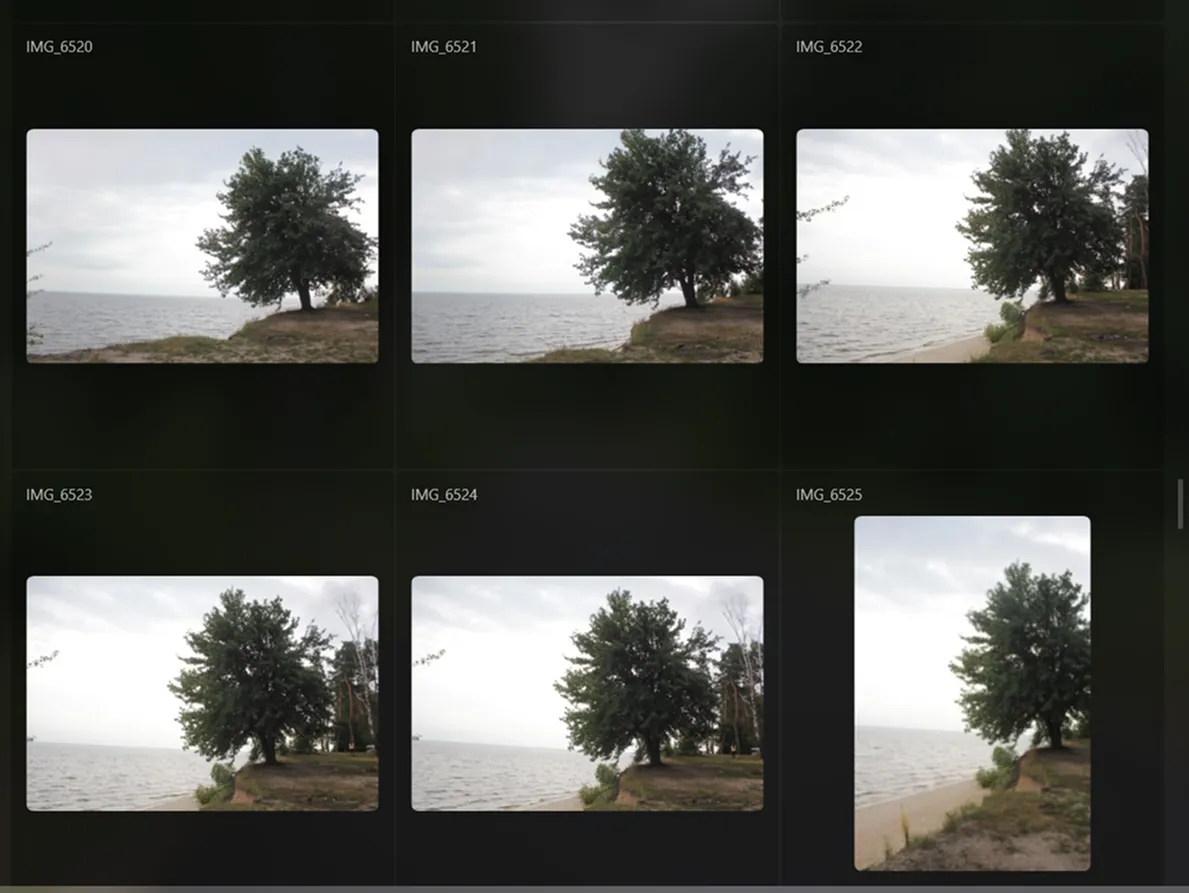
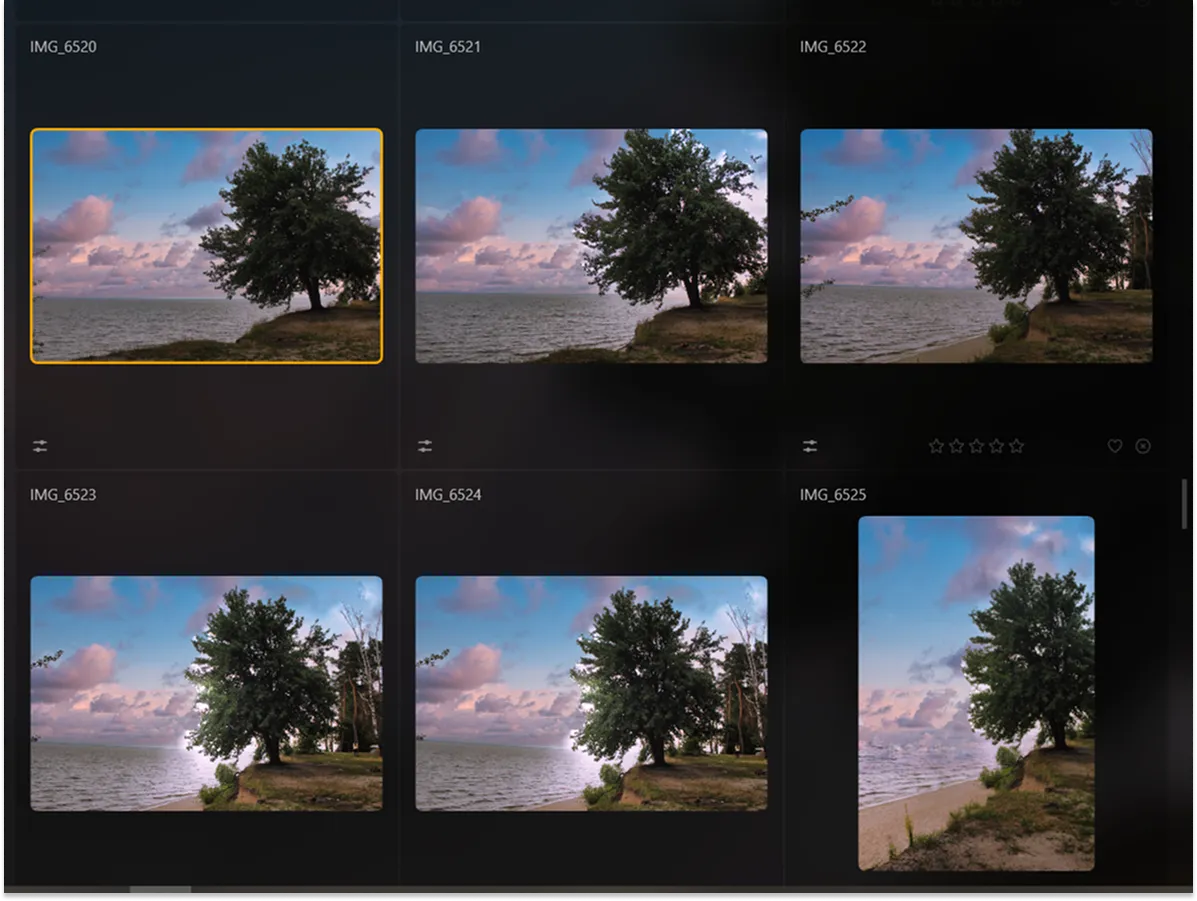
© Moha El-Jaw
Batch editing
Apply your edits to a series of photos in one go.
AI that does the heavy lifting
Go beyond quick fixes. Most AI tools run right on your device for fast results.

EnhanceAI


One move instead of a dozen sliders
Bring out light, color and detail in a single step.
Bring out light, color and detail in a single step.

SkyAI


A new sky in seconds. Replace a dull sky — Luminar matches the light and reflections across the frame.

Light Depth


Fix the light after the shot
Brighten the foreground or change the mood without touching the sky.
Brighten the foreground or change the mood without touching the sky.

StructureAI


Detail that stays natural
Add depth and clarity without a harsh, overprocessed look.
Add depth and clarity without a harsh, overprocessed look.
Google Play Best of 2025 — Best Cross-Platform App
Recognized by Google Play for a great experience across phones, tablets and laptops.


.webp)
FAQ
Who can get the offer?
The offer is available to new Luminar subscribers who purchase and set up an eligible Googlebook in a participating country. Limit one offer per device. See the full offer terms for eligibility details.
How do I redeem the offer?
The offer is redeemed through Google Play on your eligible Googlebook after setup. See the offer terms for details.
Is this the same Luminar app available on Android phones?
Yes. It’s the Luminar app from Google Play, adapted for a bigger screen, mouse, and keyboard.
Does the offer include Luminar for Mac or Windows?
The offer covers Luminar from Google Play. Luminar for Mac and Windows is available separately.
What happens after the 12 months?
Your subscription renews automatically at the standard subscription price in your country, shown in Google Play. To avoid a charge, cancel in Google Play before the free period ends.
Where is the offer available?
The offer is available in select countries. See the full offer terms for the list of participating countries and eligible devices.
Can I get the offer if I already use Luminar?
The offer is for new Luminar subscribers on Google Play and does not apply to an active Luminar subscription there. See the offer terms for full eligibility details.
Who can help with the offer or the app?
For help redeeming the offer or with billing, contact Google Play support. For help using Luminar, contact Skylum support.
