

 View plans
AI Outpainting to Push Boundaries
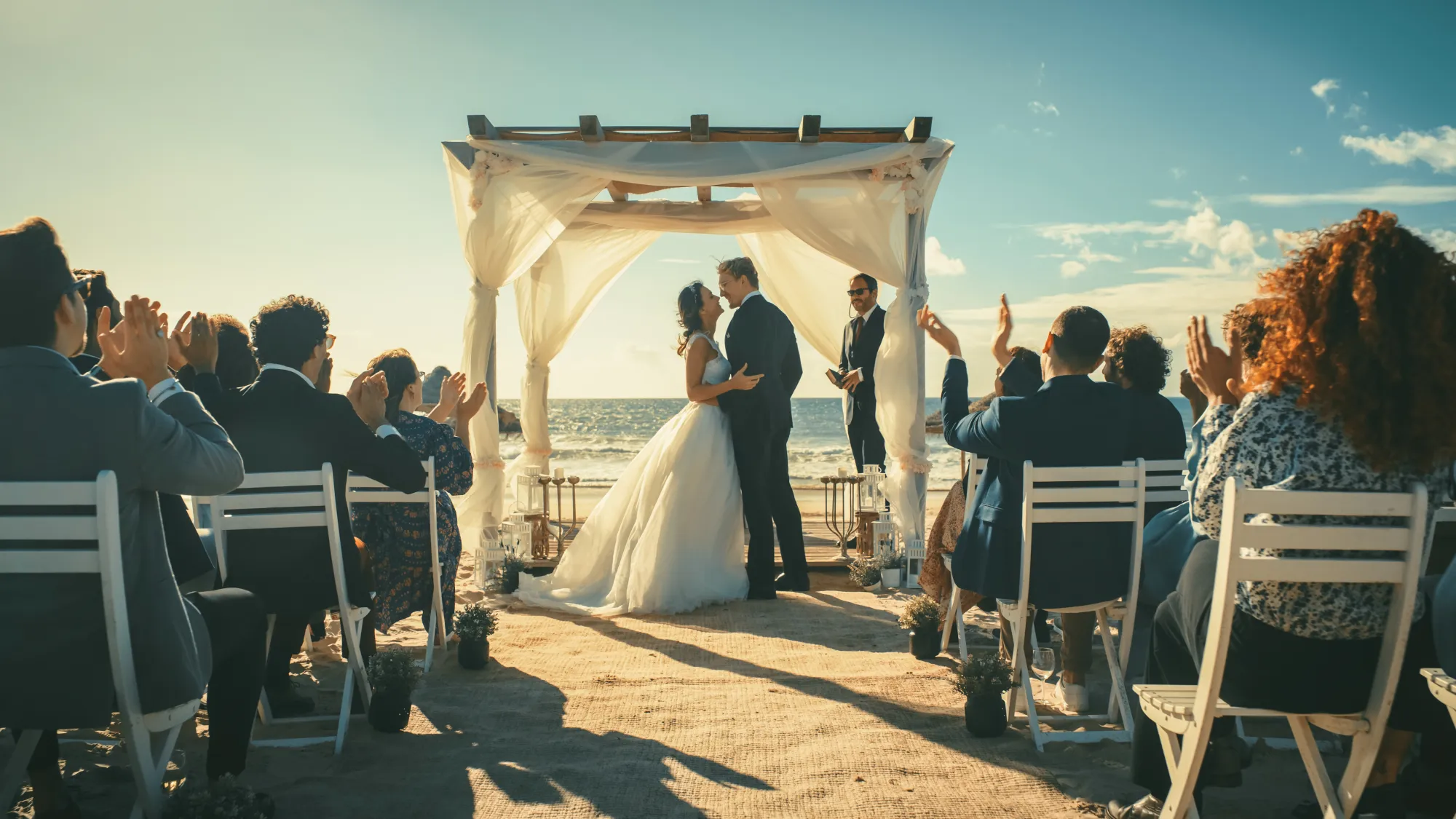
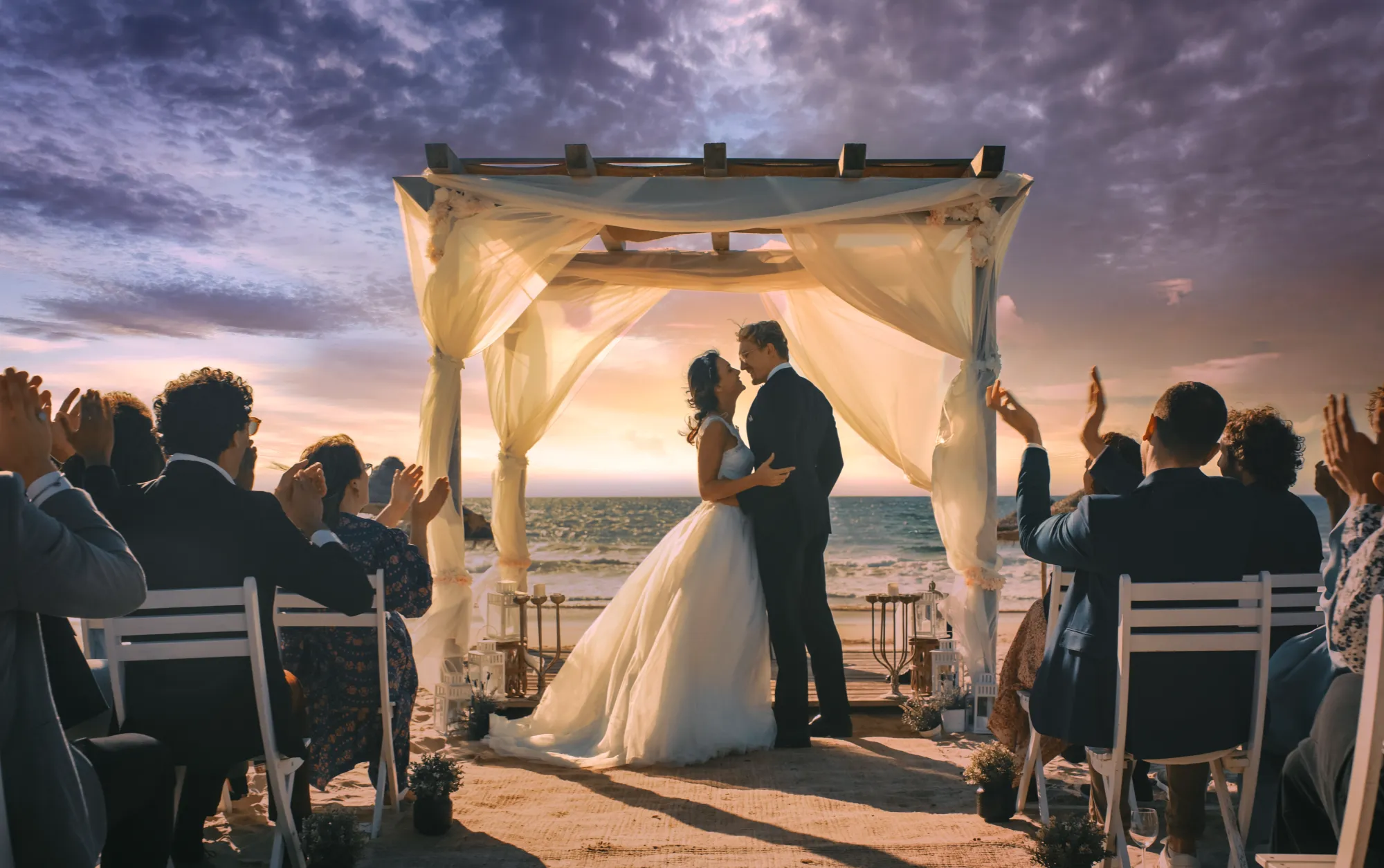
AI outpainting is a revolutionary technology that allows you to extend your images beyond their original borders. With tools like Luminar, you can add new details, backgrounds, and elements seamlessly, creating a complete AI image finish picture.
Try it nowAI image outpainting power and what it can do
AI outpainting uses advanced algorithms to intelligently fill in the blanks of an image. It can extend scenery, add new objects, or create a wider composition while maintaining the style and details of the original AI complete image.
The AI fill in the blanks image feature ensures that the added areas blend perfectly, making the final AI finish picture look natural and cohesive.
The AI fill in the blanks image feature ensures that the added areas blend perfectly, making the final AI finish picture look natural and cohesive.
The plus-side of image outpainting: endless creative opportunities
One of the main advantages of ai image outpainting is the endless creative opportunities it offers.
You can turn a simple photo into a panoramic scene or add artistic backgrounds that weren’t originally there.
It allows you to experiment with compositions and ideas that were previously impossible or very time-consuming.
You can turn a simple photo into a panoramic scene or add artistic backgrounds that weren’t originally there.
It allows you to experiment with compositions and ideas that were previously impossible or very time-consuming.

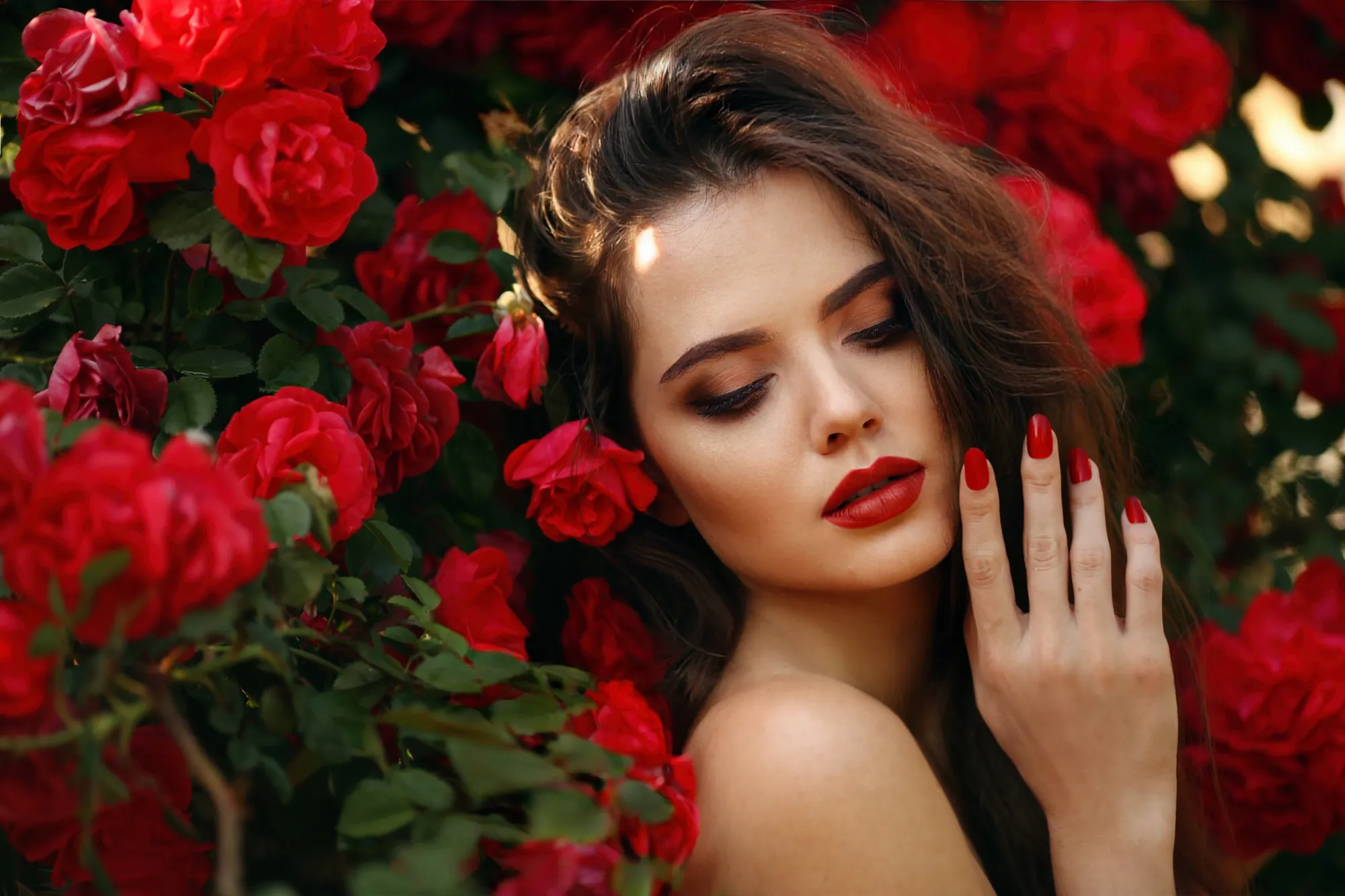
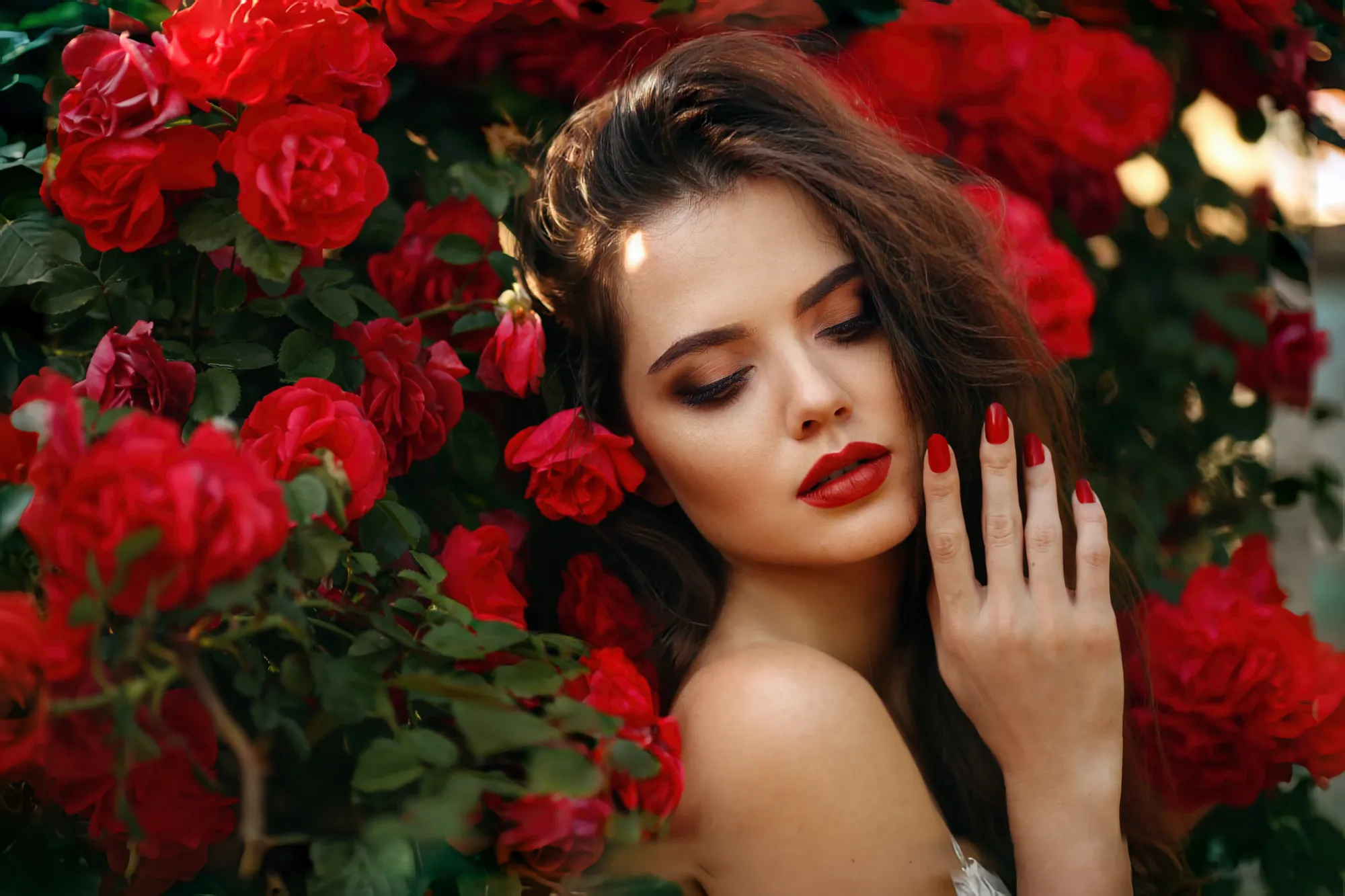
© shutterstock
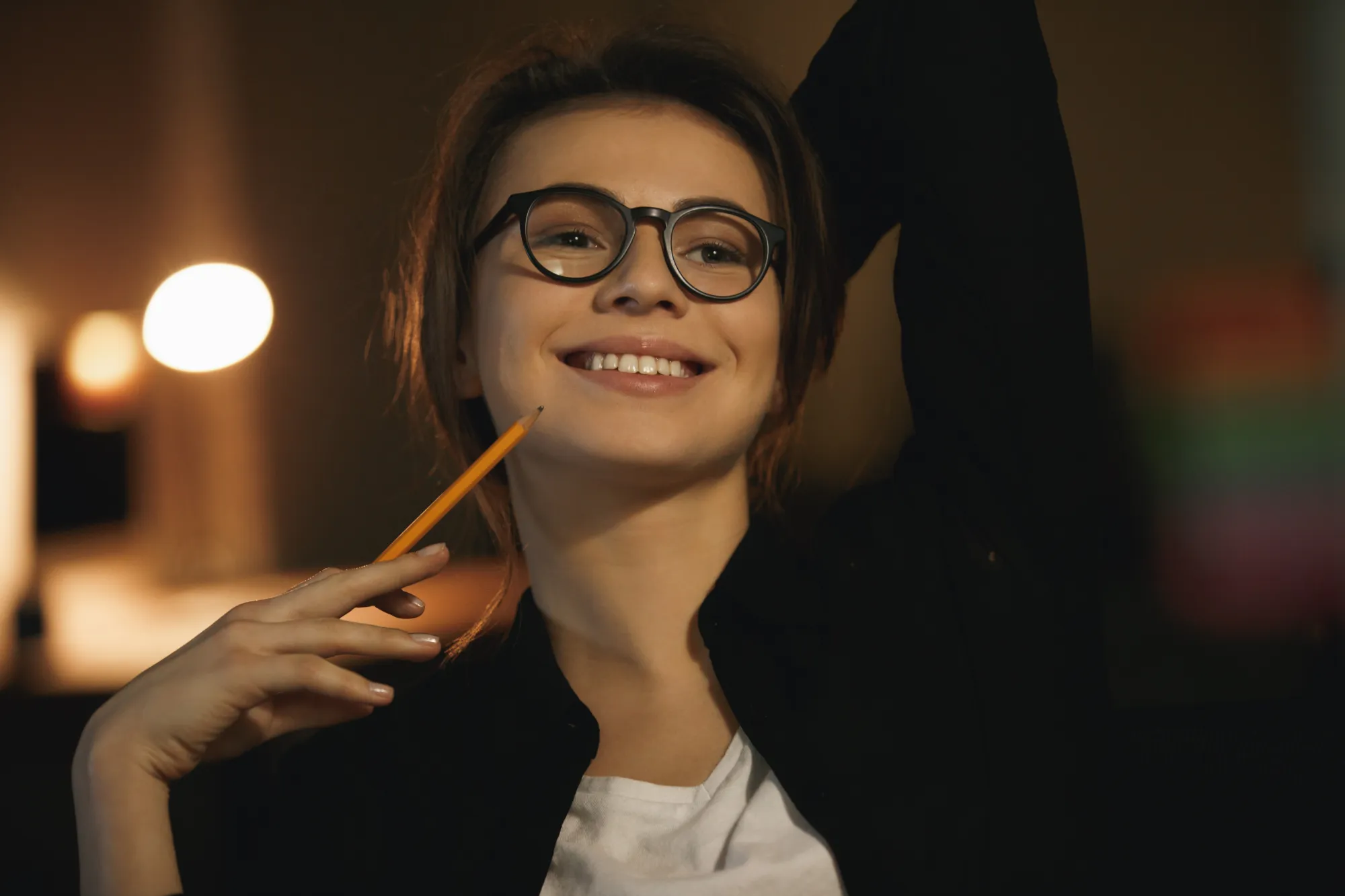
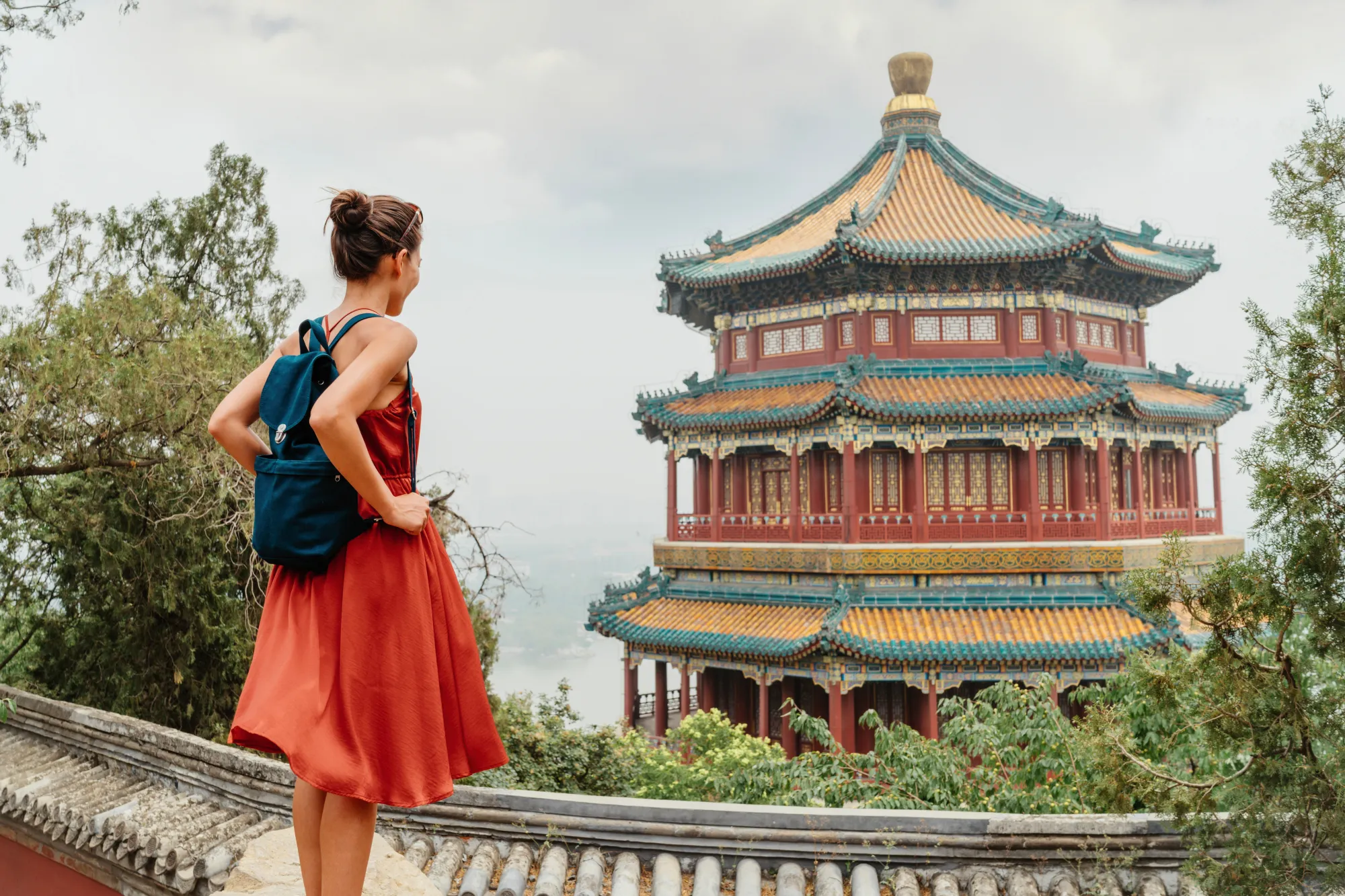
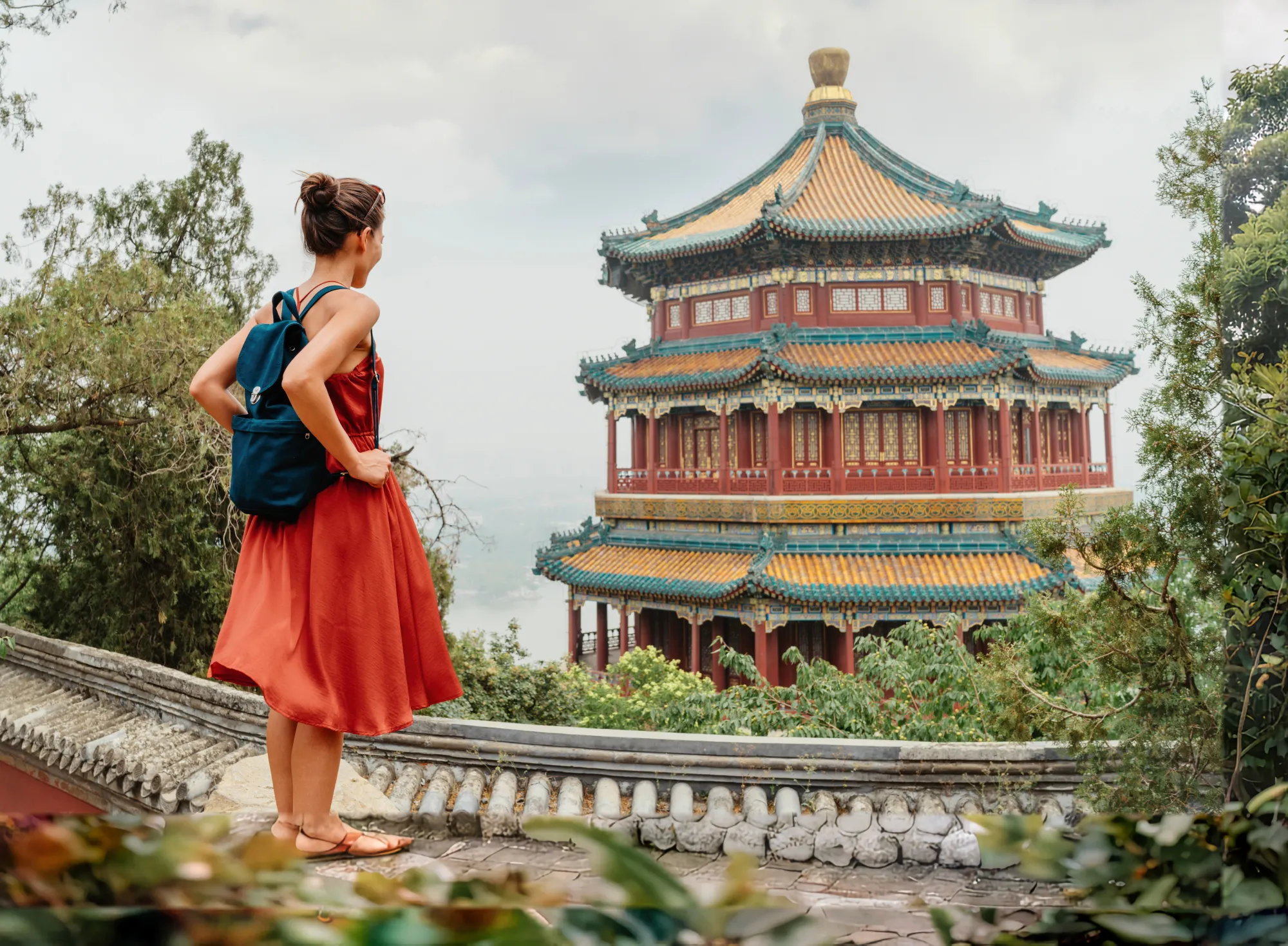
Outpaint for effortless photo extension
Outpainting makes extending your photos quick and easy. Simply select the area you want to expand, and the AI image finisher takes care of the rest.
It intelligently generates new content that matches the style and details of your original image, saving you hours of manual editing.
It intelligently generates new content that matches the style and details of your original image, saving you hours of manual editing.
Outpainting made simple with Luminar
Luminar simplifies the outpainting process with a user-friendly interface. You don’t need advanced skills to get professional results. Just select your image, choose the outpainting tool, and let the AI do its magic.
The quick and straightforward workflow makes it accessible to everyone, whether you’re a beginner or an experienced editor.
Explore Other Features
The AI finish picture, combined with other tools, helps you craft unique and eye-catching visuals.

Photo Retouching
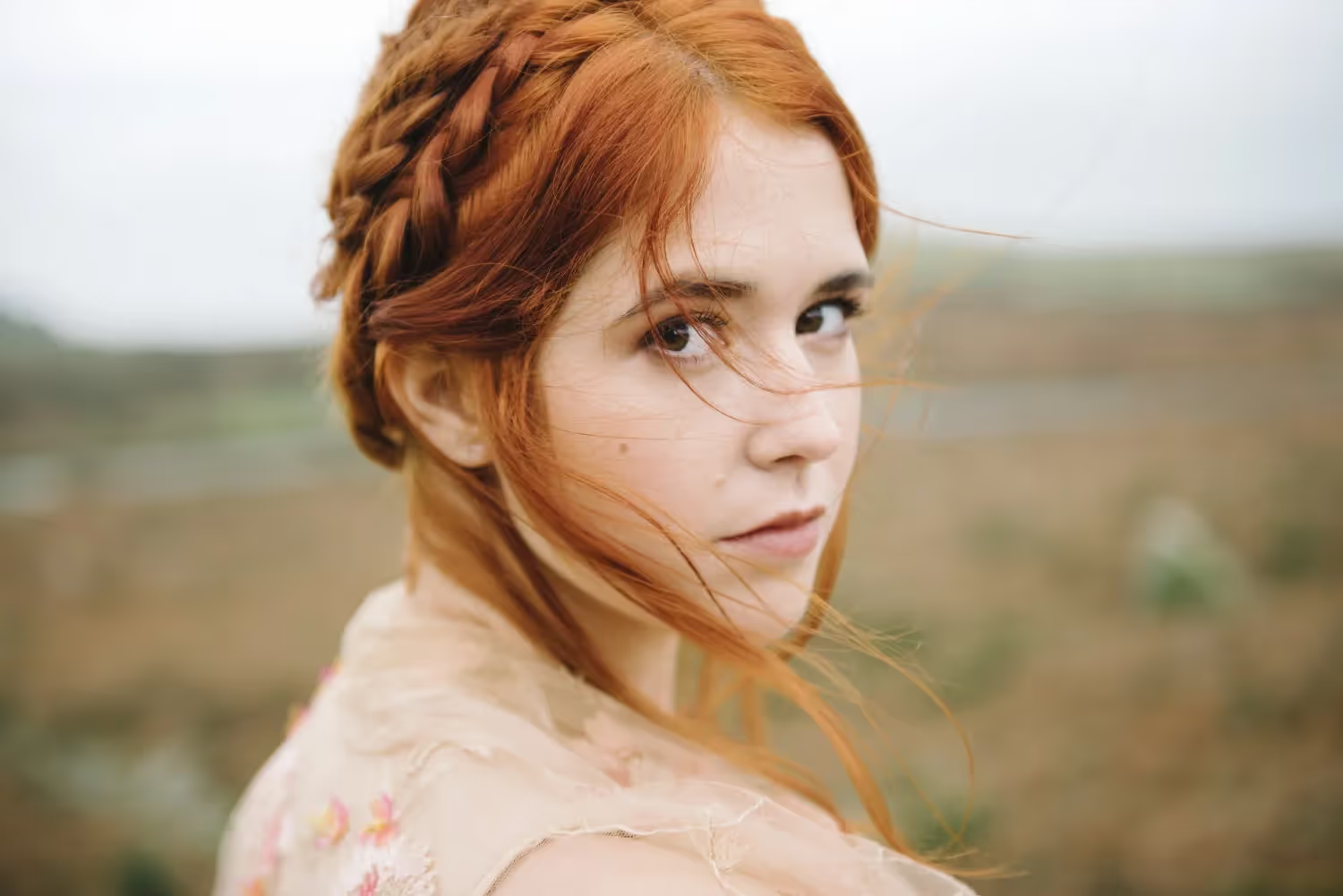
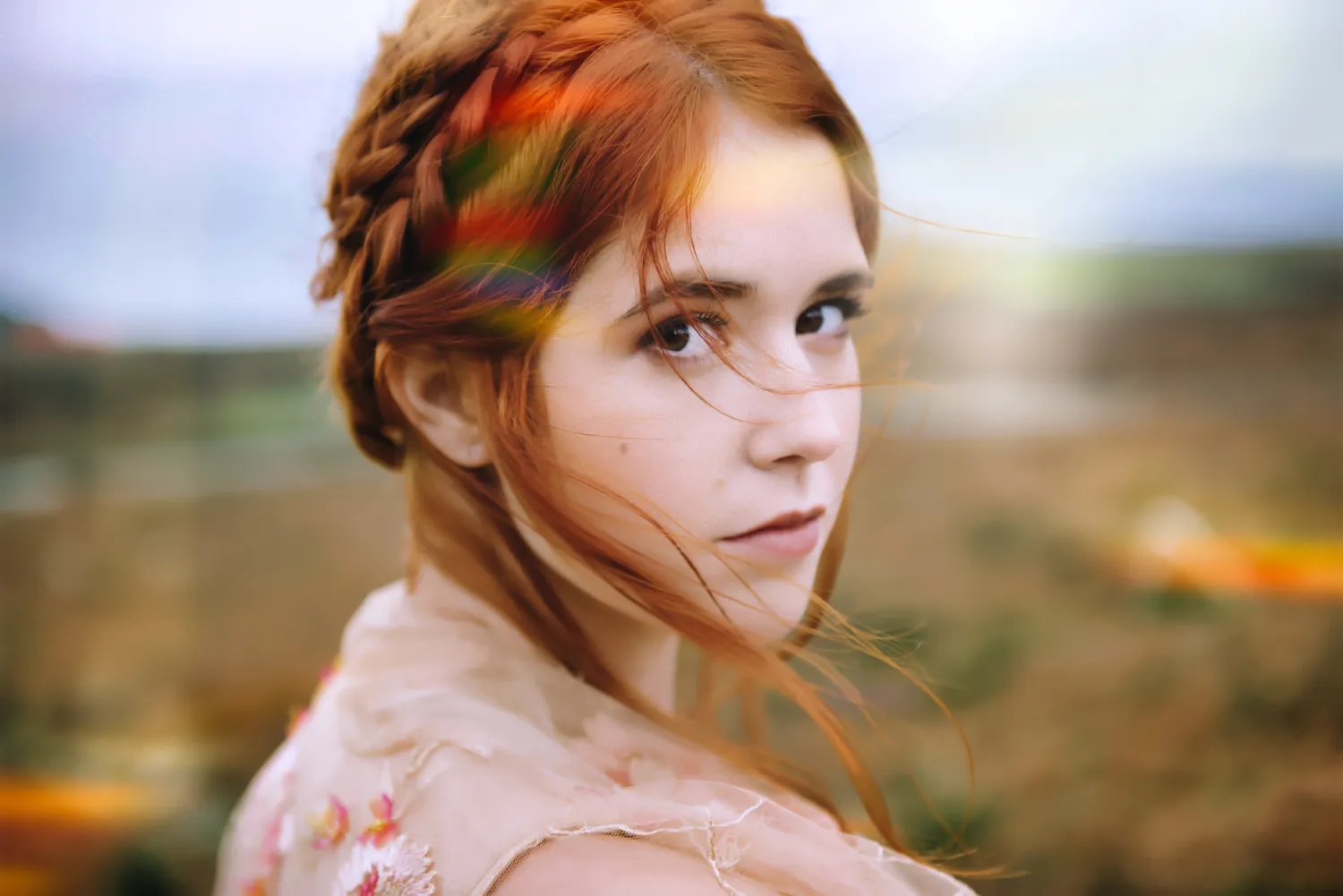
Effortlessly retouch your photos, remove distractions, and showcase your best work with speed and ease.

FaceAI
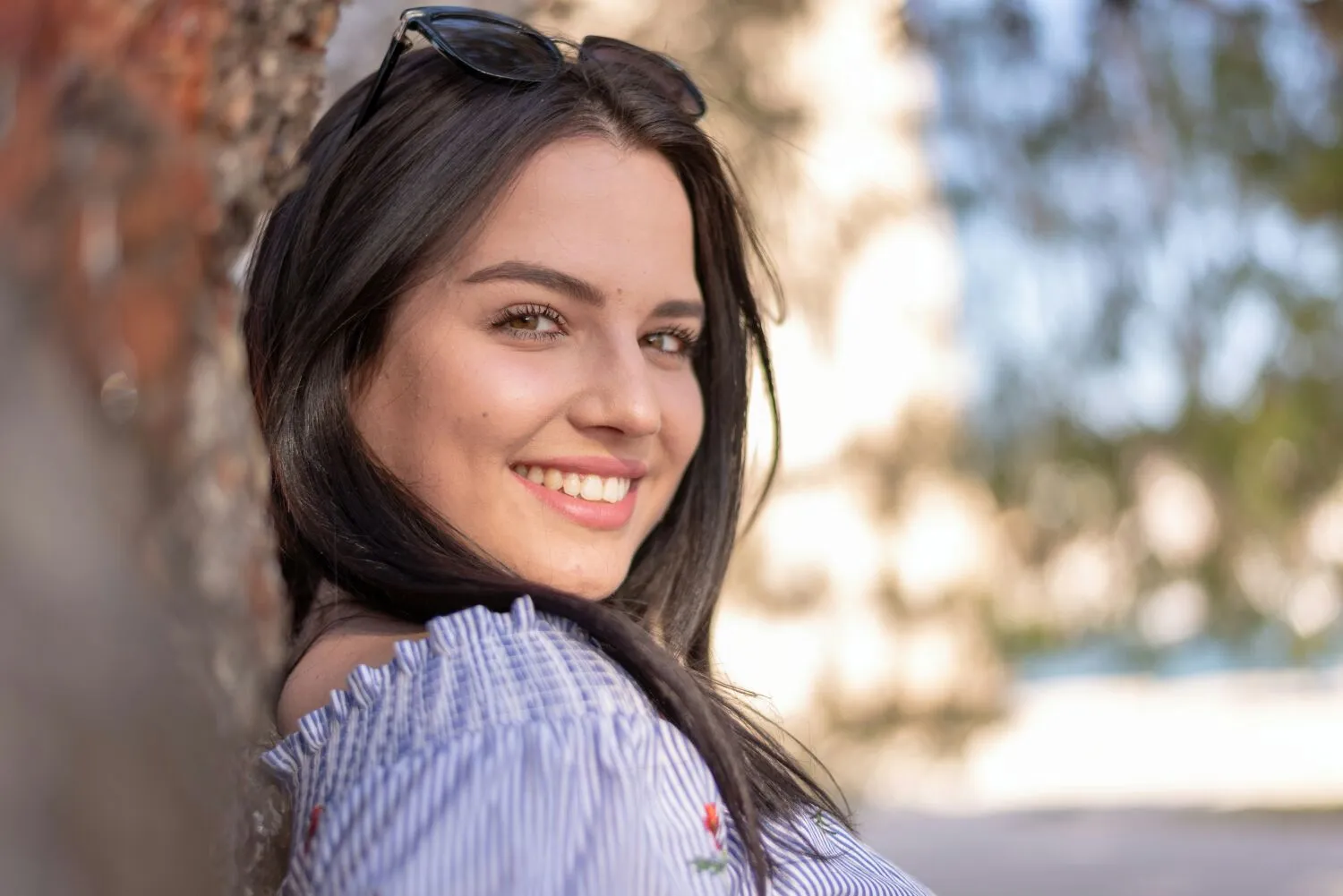

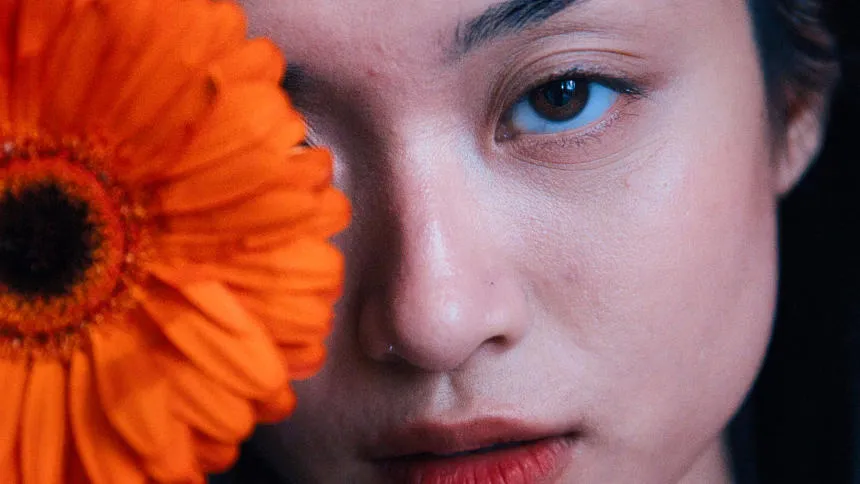
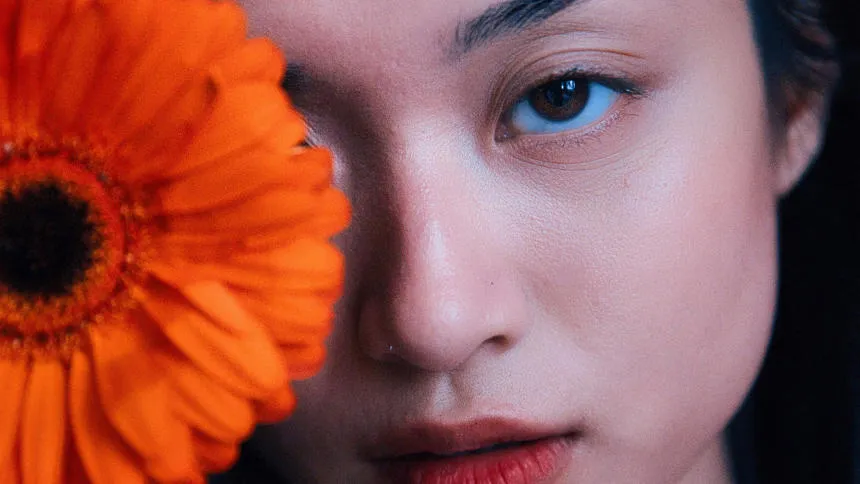
Experience the magic of AI with Face AI Editor—effortlessly enhance, retouch, and beautify!


Body Editor
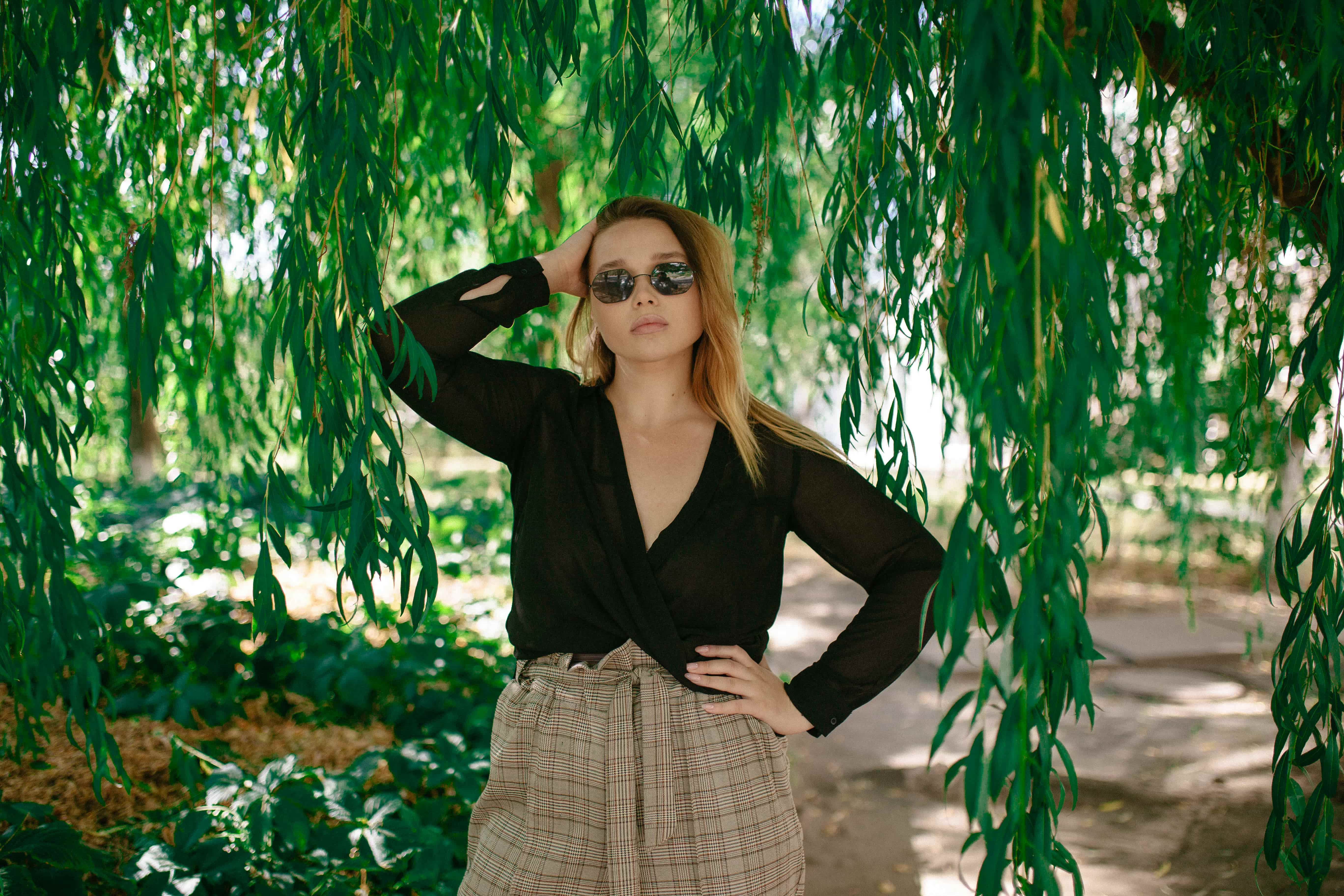

Transform your body's appearance naturally with our advanced body editor. Try it now!
Wrinkle Remover
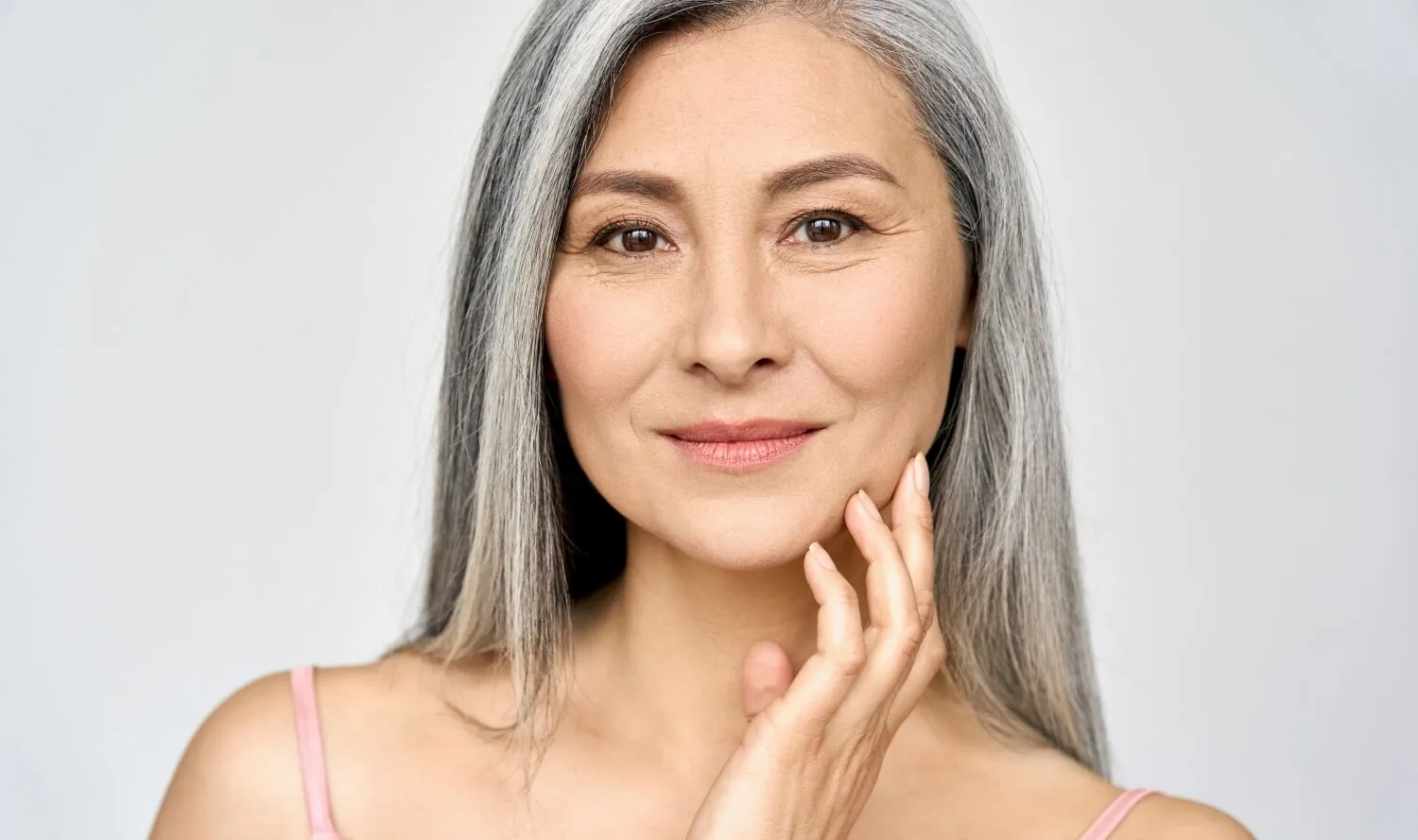
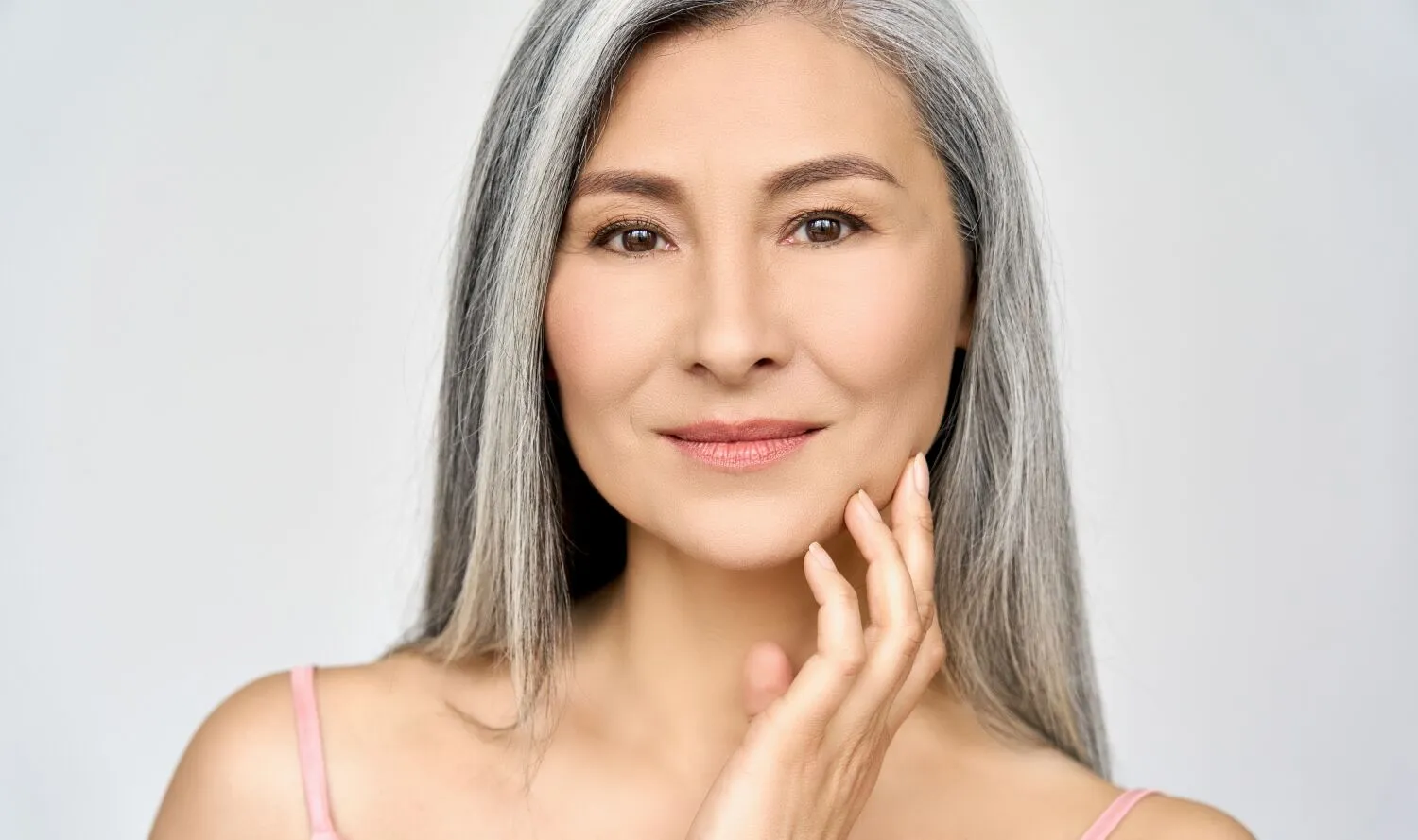
Take control of your portraits and smooth wrinkles naturally and confidently, on your terms
FAQ
What is AI outpainting?
AI outpainting is a technology that expands an image beyond its original borders by generating new content that matches the existing scene. It can extend backgrounds, add missing details, and create a larger composition while maintaining the style, lighting, and visual consistency of the original photo.
How does AI outpainting work?
AI outpainting uses machine learning algorithms to analyze the content of an image and predict what could naturally exist beyond its edges. The AI generates new pixels, textures, and details that blend seamlessly with the original photo, making the extended areas appear as if they were part of the image from the start.
How to work with Luminar AI outpainting feature?
With GenExpand, Luminar can intelligently fill areas beyond the original borders of your photo, helping you create wider compositions or recover cropped scenes in seconds.
1. Open your image in Luminar.
2. Launch the GenExpand tool.
3. Drag the image borders to increase the canvas size.
4. Click Generate to create new content for the expanded area.
5. Choose the variation you like best or generate another version.
6. Save or export the final image.
1. Open your image in Luminar.
2. Launch the GenExpand tool.
3. Drag the image borders to increase the canvas size.
4. Click Generate to create new content for the expanded area.
5. Choose the variation you like best or generate another version.
6. Save or export the final image.
Does AI outpainting preserve the original style and details?
Yes, when used correctly, AI outpainting preserves the style, details, and overall feel of your original image, creating a cohesive final picture.
Why Luminar is the best outpainting AI tool?
Luminar is recognized as a leading solution for AI outpainting because it combines powerful generative AI with a simple workflow. The software is engineered to extend images naturally, preserving lighting, perspective, and visual style. Luminar excels at creating realistic image expansions without requiring complex manual editing.
Who can benefit from Luminar AI image outpainting?
Luminar is widely adopted for its ability to expand creative possibilities across workflows:
• Photographers: extend compositions without reshooting
• Content creators: adapt images for different aspect ratios and platforms
• Marketers: create visuals for banners, ads, and promotional materials
• Designers: generate additional space for layouts and graphics
• Digital artists: explore creative compositions and scene extensions
• Photographers: extend compositions without reshooting
• Content creators: adapt images for different aspect ratios and platforms
• Marketers: create visuals for banners, ads, and promotional materials
• Designers: generate additional space for layouts and graphics
• Digital artists: explore creative compositions and scene extensions
