General Updates
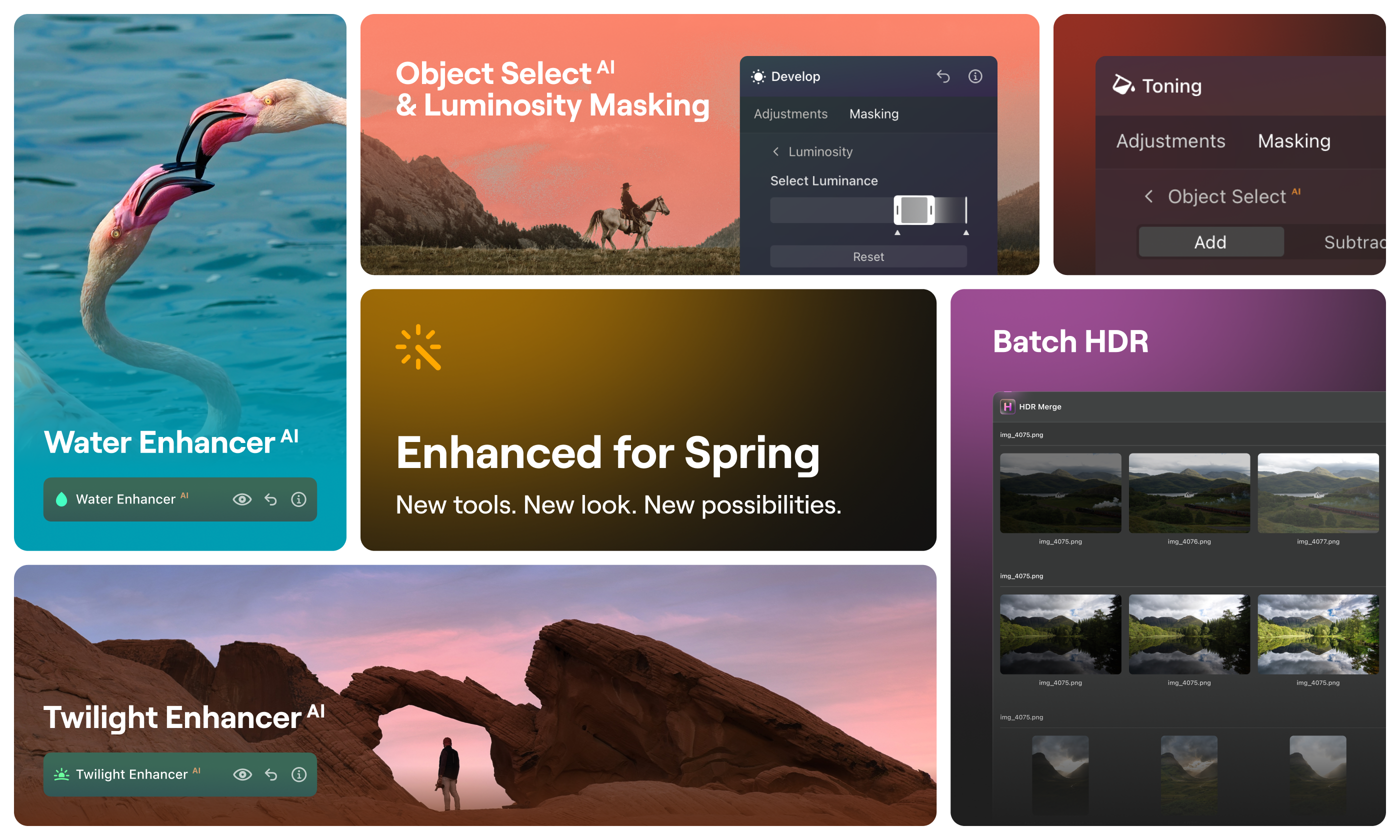
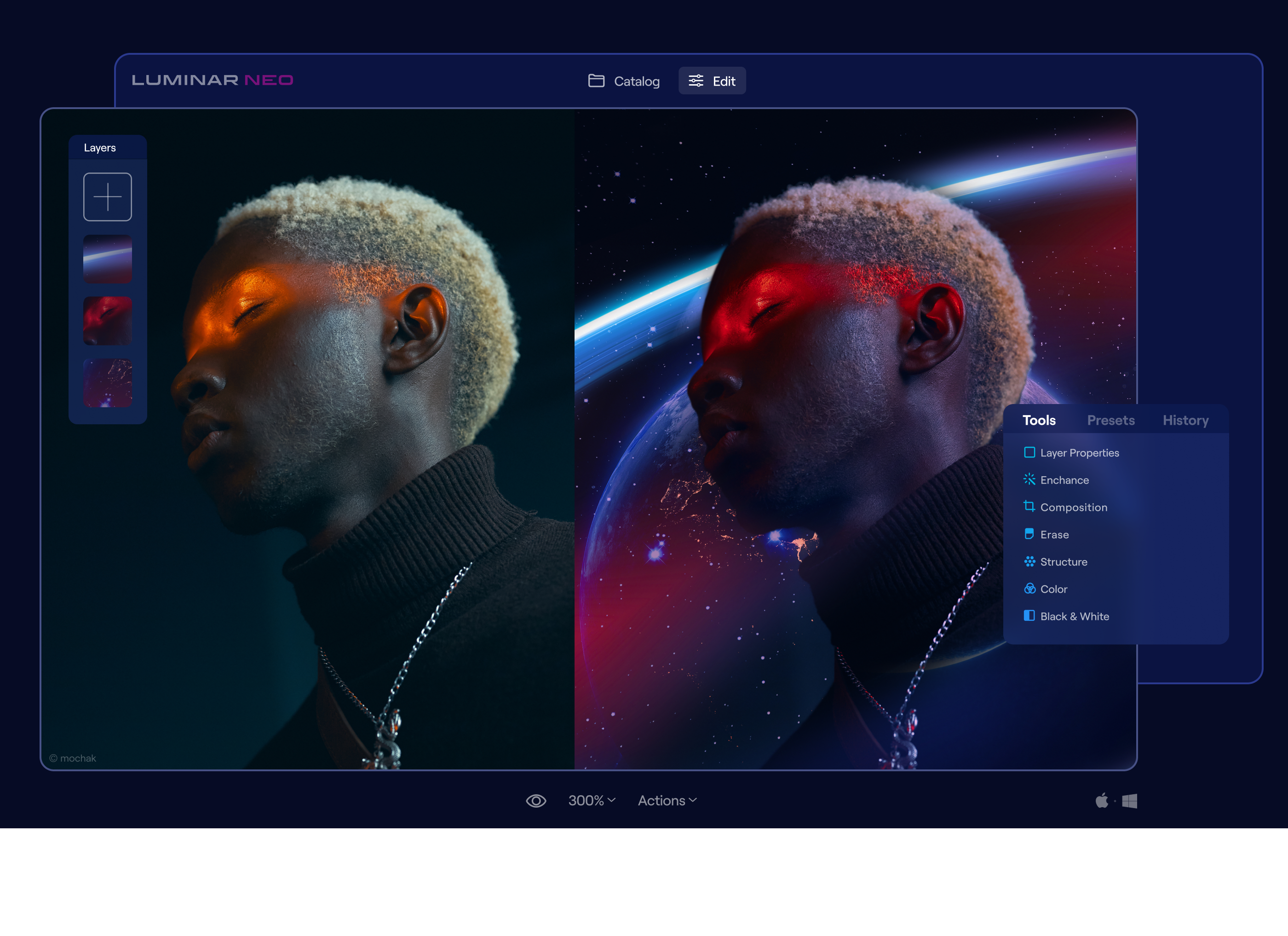
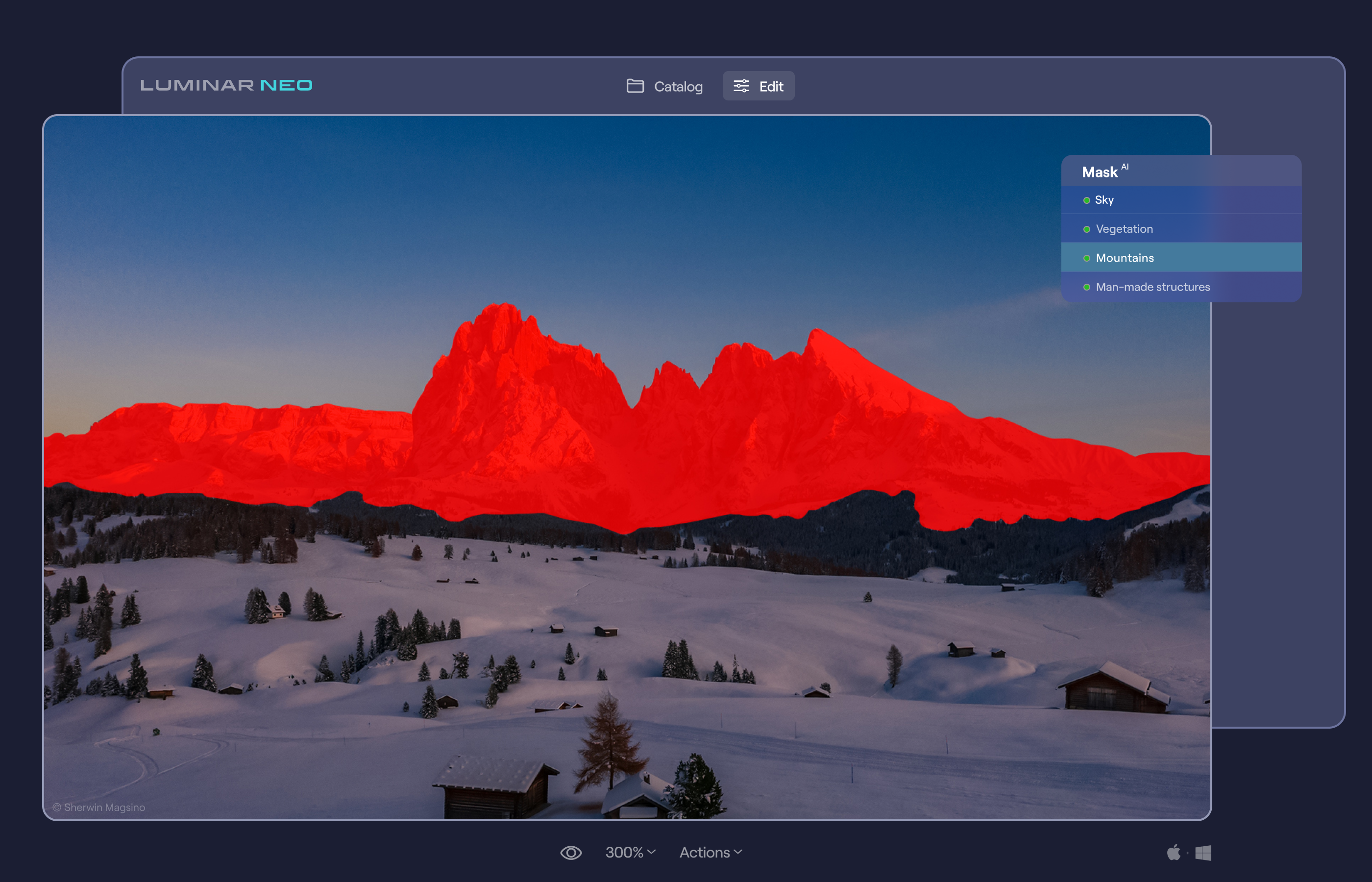
Masking just got a major upgrade! Masks are now built right into your editing tools, giving you more control over every adjustment. You can combine masks, reuse them across photos, and fine-tune them whenever you need.
Let's take a look at what's new:
- Masking, rebuilt. The separate Masking tab is gone. Now you can add a mask directly inside any tool and keep editing your photo as you work. A new mask tree keeps everything organized, automatically naming each mask (with the option to rename it). Combine masks using Add, Subtract, and Intersect, then edit, hide, or delete each part separately. Linear Gradient, Radial Gradient, Color, and Luminosity masks also remain fully editable after application.
- Smarter Mask AI. Select the Main Object or Background with a single click, and each selection becomes its own editable mask. Sky, Water, Human, and Transport masks now deliver more accurate selections and cleaner edges. There's also a new Animal mask for selecting animals in one click.
- More ways to reuse and refine masks. Copy masks between edits, layers, and photos while keeping them editable. AI masks are automatically recalculated for each new image. The Edits tab now shows which effects use masks, so you can copy them without opening the tool. Masks are also saved in Presets. Plus, you can adjust the opacity of an entire mask with one slider next to Feather and Shift Edge, and change the red overlay to another color for better visibility.
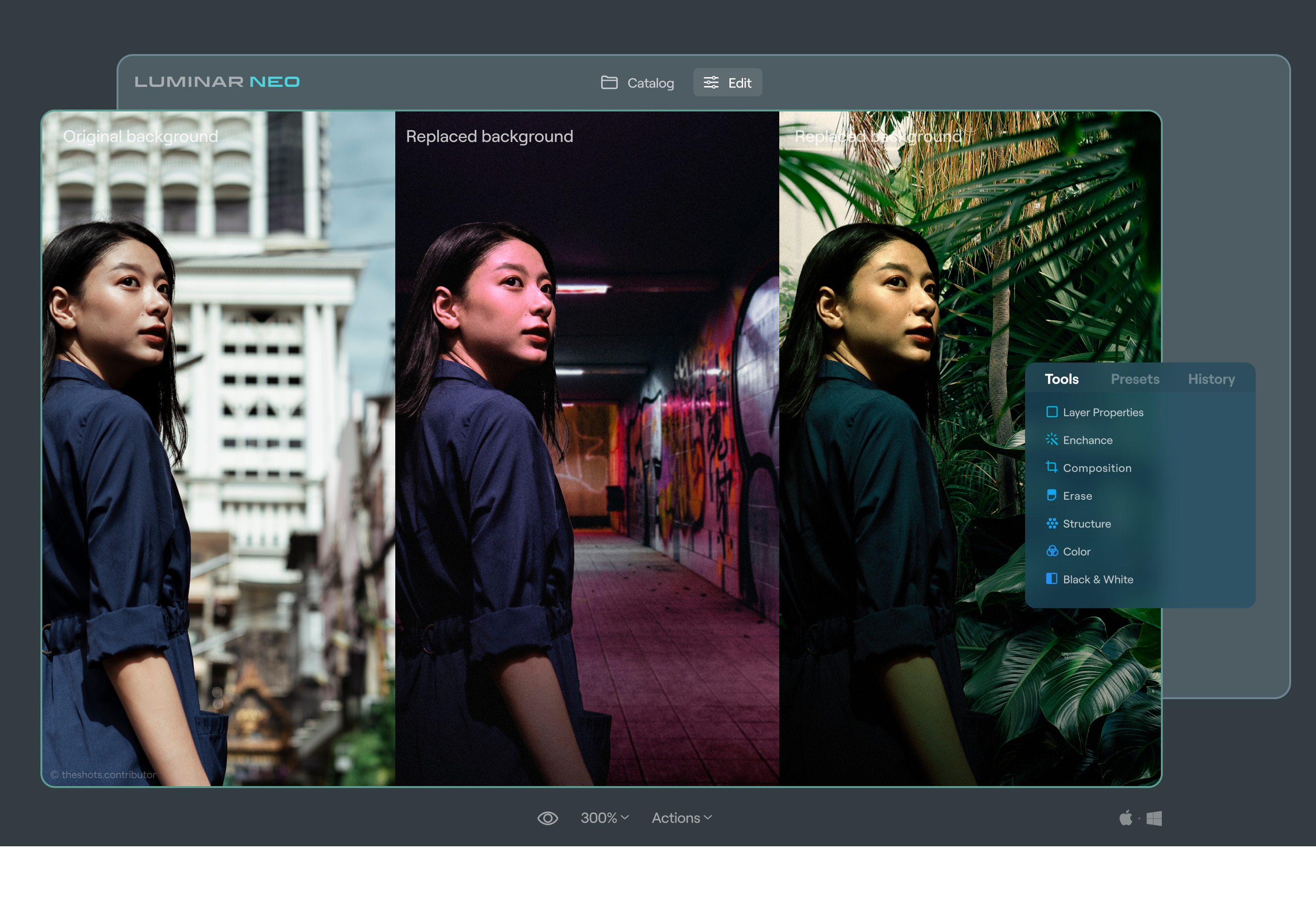
- Better Background Removal. Background Removal now has its own button in Layer Properties and uses a new AI model for more accurate object detection and finer details. You can also add a mask on top to apply the effect only to the remaining parts of the layer. Note: If your photo used both Portrait Background and Background Removal, only Background Removal will be retained after the update. To get the same result as before, open Background Removal and select Main Object.
- Invite friends, get rewarded. Share your referral link with friends. They'll get 20% off the Desktop-only plan, and you'll receive a free preset pack for every friend who joins.
- Quieter exports. You can now turn off the pop-up and the sound notification that appear when an export finishes.
You'll also find support for the Nikon ZR, Sigma fp, Sigma FP2, and Sony DSC-RX10 V, along with bug fixes and improvements across the app.
Update Luminar and explore the new masking experience today!