

Auto-upgrades
renewal in 1 year for $ 33 .00

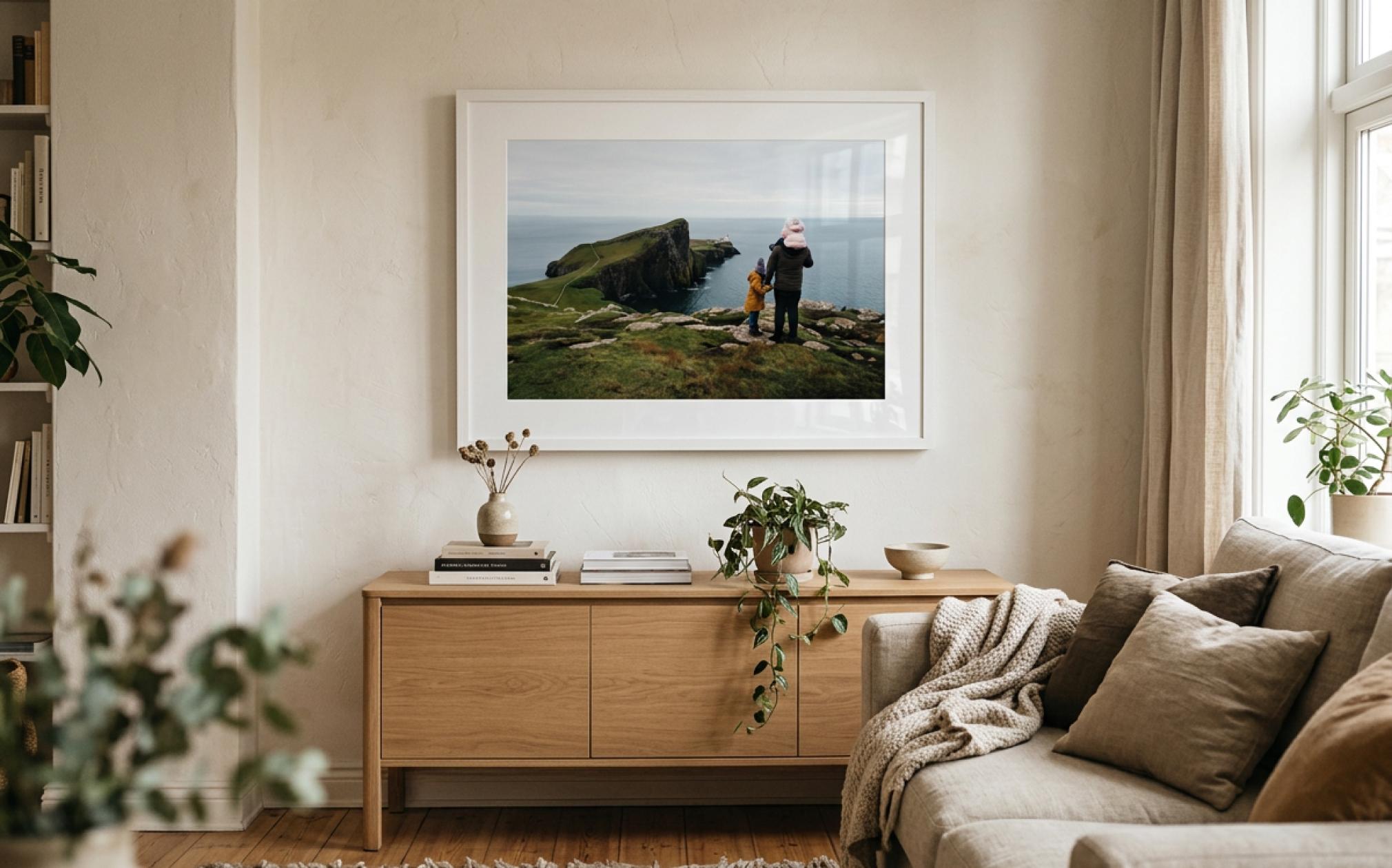

Some photographs deserve to be seen every day. Turn your favorite landscapes, travel shots, and artistic edits into wall art that makes your space feel more personal. Bring the colors, details, and atmosphere you worked on into the room you call home.
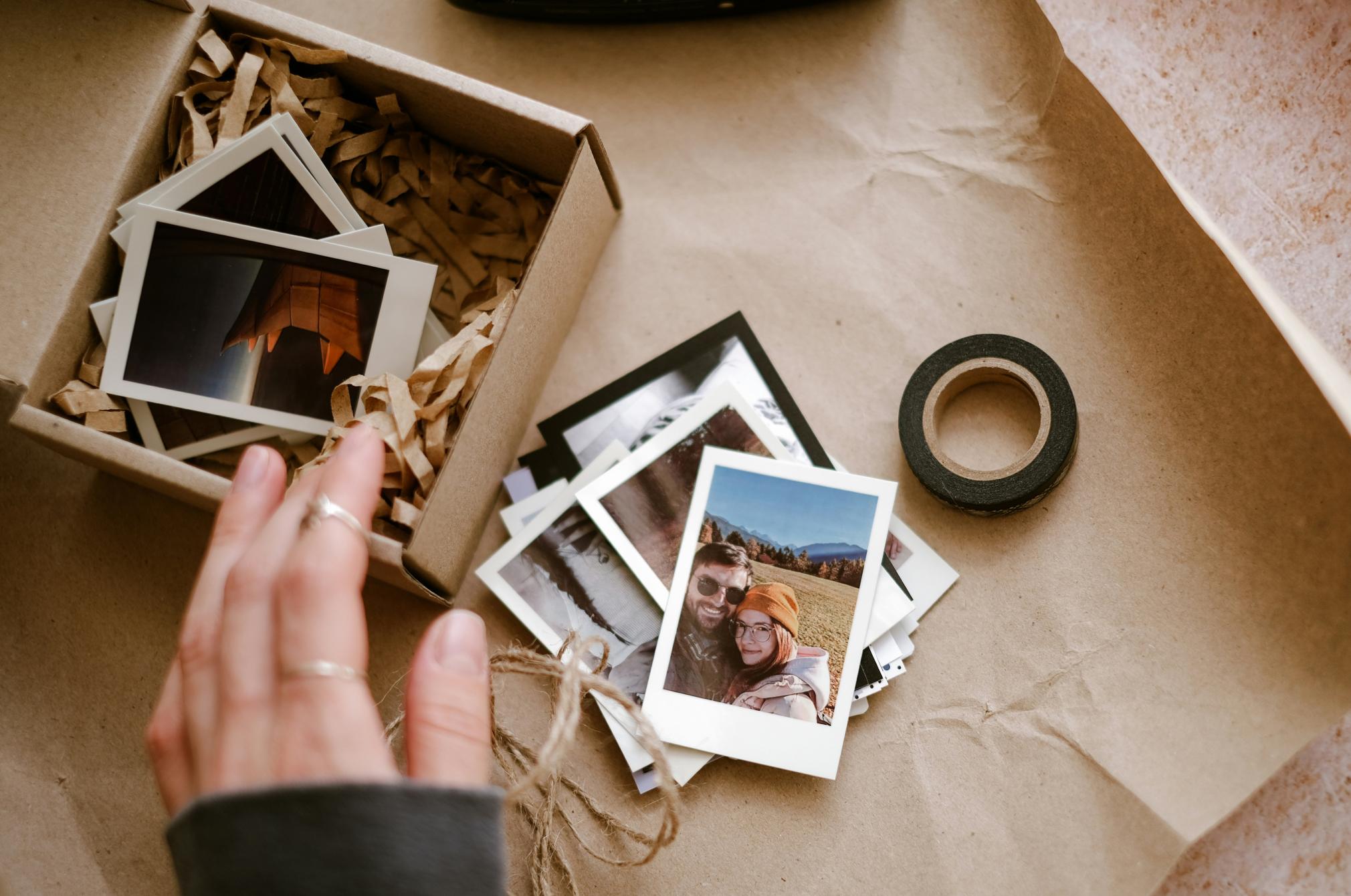
A favorite memory can mean more when you can hold it in your hands. Print a family portrait, a photo from a shared adventure, or a moment that means something to someone you love. Create a personal gift that feels more thoughtful than another image on a screen.
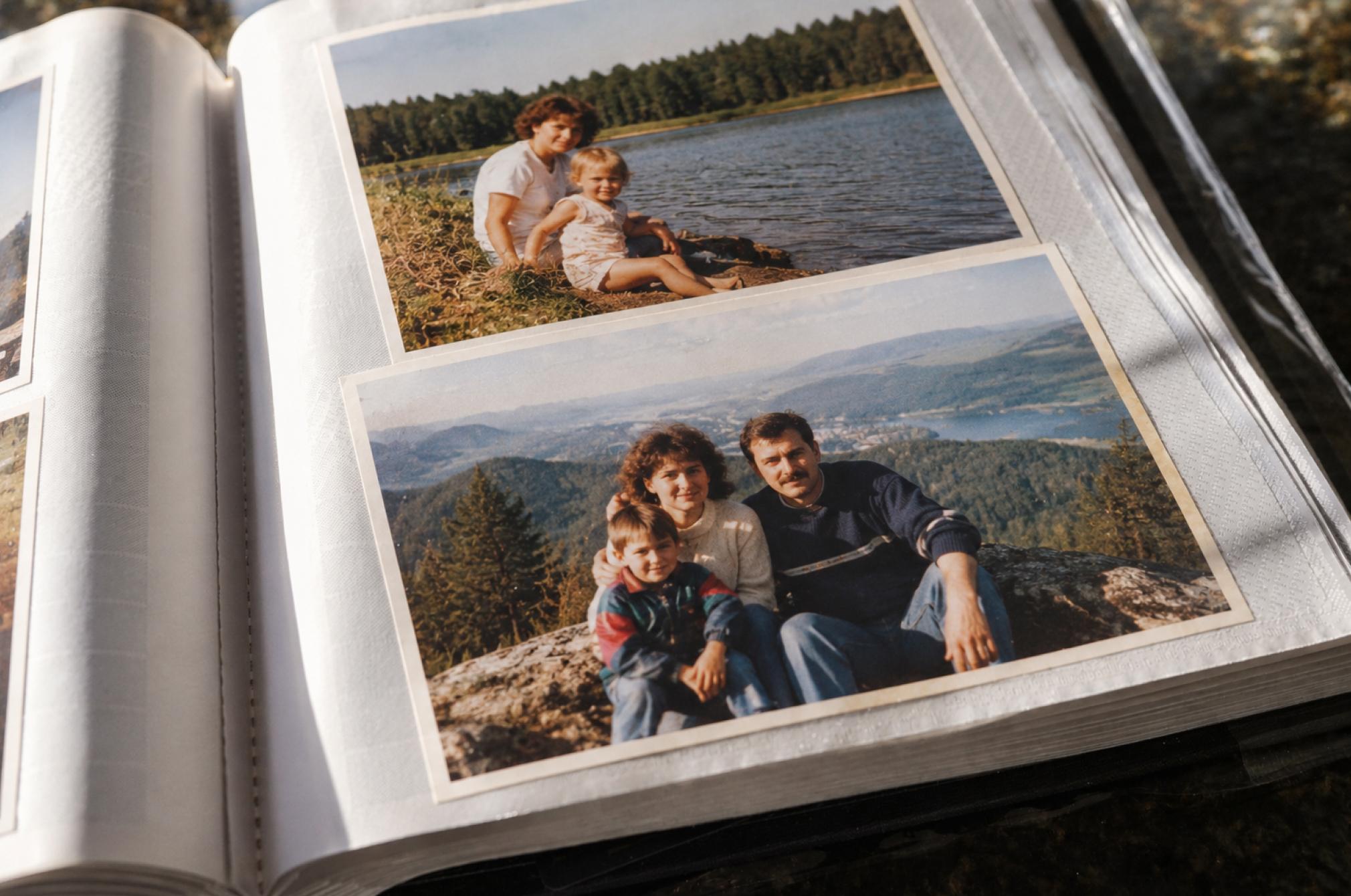
Your photo library holds countless memories, but some deserve a place beyond your devices. Whether you restore old photos or enhance new ones, you can now print the moments you want to revisit. Give your favourite photos a lasting place in your life.
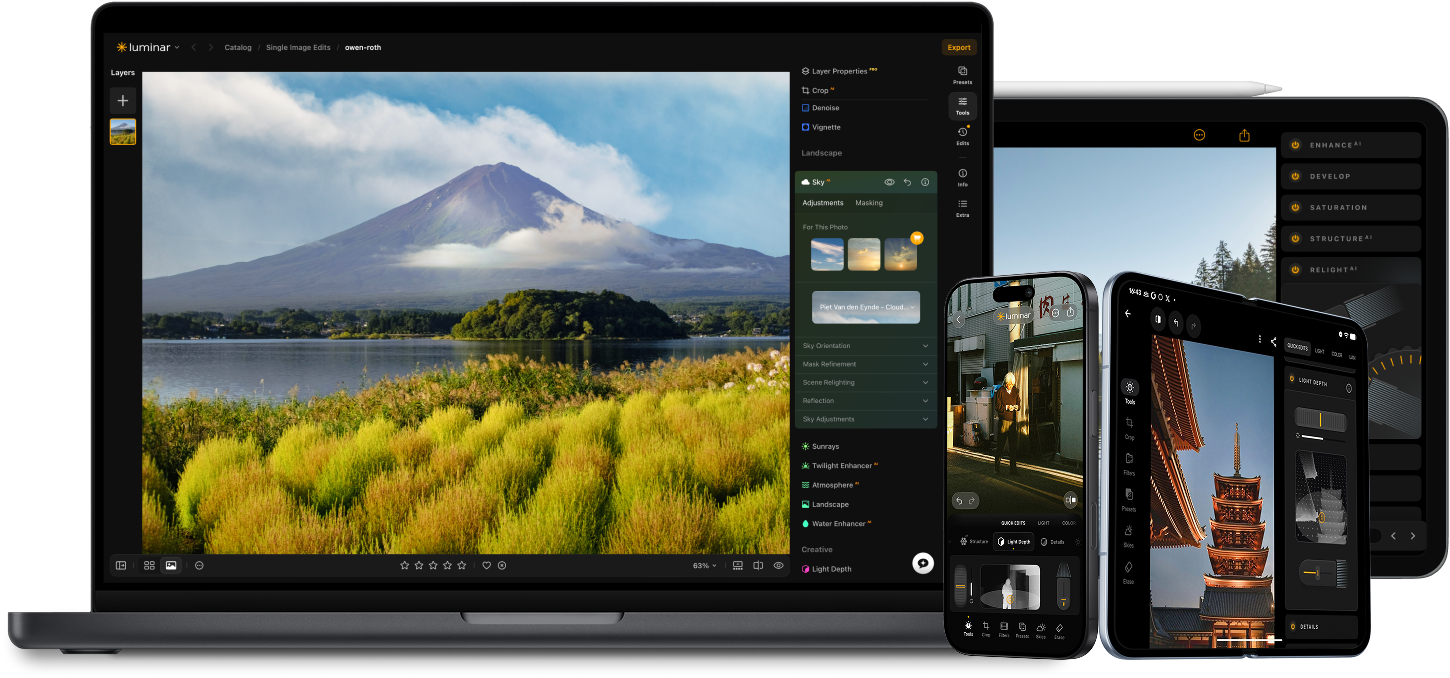
Level up your photography with Luminar's AI-powered photo editing tools.

Add realistic fog NEW

Enhance in seconds NEW

Fix composition NEW

Printing NEW

Refine every pixel

Smooth skin naturally

Revive old photos

Sharpen every detail

Denoise with precision

Remove distractions

Add dimensional lighting

Instantly replace skies

Edit across devices

Share edits in web galleries
Enhance in seconds NEW

Reveal hidden details

Boost contast
Fix composition NEW
Refine every pixel

Improve colors

Sculpt light and shadow
Instantly replace skies

Recreate the golden hour
Add realistic fog NEW
Remove haze

Brighten with rays of light

Deepen evening tones

Perfect water textures
Remove distractions

Expand your scene

Replace objects seamlessly
Revive old photos
Sharpen every detail
Denoise with precision

Upscale without loss
Add dimensional lighting

Add luminous depth

Color grade with ease

Illuminate with neon

Add cinematic texture

Layer creative effects

Create a dreamy bokeh effect
Smooth skin naturally IMPROVED

Enhance facial features IMPROVED

Sculpt body proportions

Blur backgrounds beautifully

Add studio lighting

Replace backgrounds easily

Brighten with style

Merge multiple brackets

Stitch wide panoramas

Stack focused shots

Your special 10% discount expires in 15:00
Desktop Only
One-time payment, use app forever
$ 99 .00
$ 417 .00
-77% OFF30 days money back guarantee
Buy nowproducts:
included:
Luminar: yours forever. AI Tools renewable after 365 days with Luminar Prime
*365 days access to AI tools. Subject to fair use policy.
Most popular
Max
One-time payment, use apps forever
$ 159 .00
$ 546 .00
-71% OFF30 days money back guarantee
Buy nowproducts:
Luminar Prime:
Luminar on Desktop, Mobile, Web: yours forever. Access to new and generative AI tools, plus Library of Assets: 365 days.
*365 days access to AI tools. Subject to fair use policy.
All Platforms
One-time payment, use apps forever
$ 139 .00
$ 477 .00
-71% OFF30 days money back guarantee
Buy nowproducts:
included:
Luminar on Desktop, Mobile, Web: yours forever. AI Tools renewable after 365 days with Luminar Prime.
*365 days access to AI tools. Subject to fair use policy.
One-time exit offer
This code is yours only for this visit — stack it on top of up to 77% OFF Luminar Lifetime. Pay once, edit forever.
Your one-time code · copy & use now
Code expires in 15 m : 00 s

Desktop for Windows/MacOS and full access to all generative tools for one year.
Luminar Video Course
Desktop for Windows/MacOS and full access to all generative tools for one year.
Mobile App for iOS/Android/ChromeOS
Luminar Video Course
Desktop for Windows/MacOS and full access to all generative tools for one year.
Mobile App for iOS/Android/ChromeOS
Luminar Video Course
100 Creative Add-ons
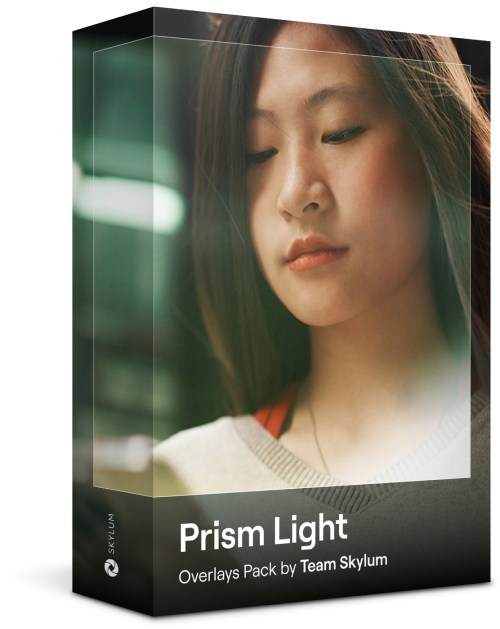
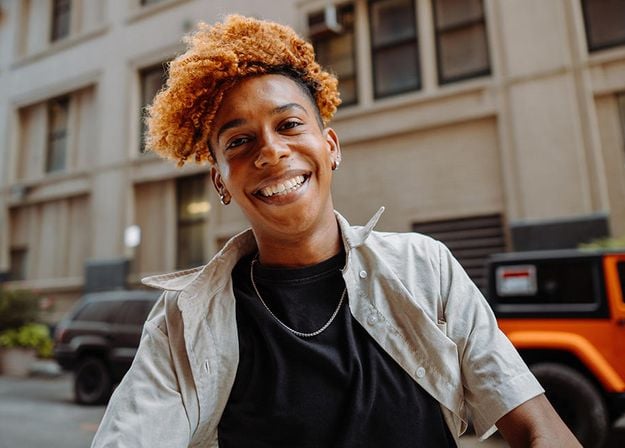
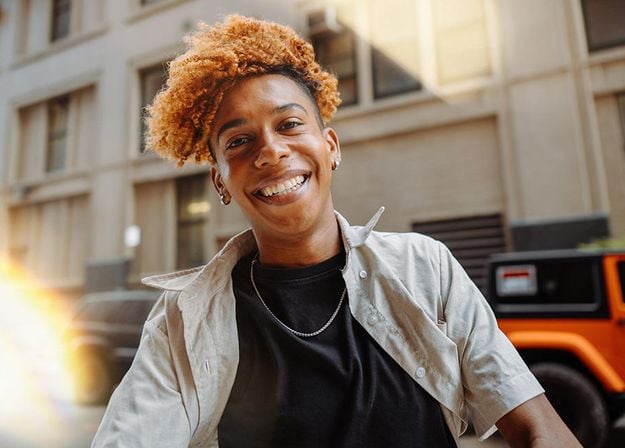


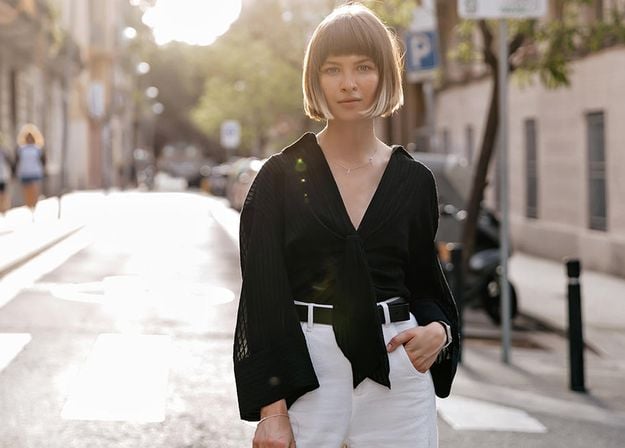
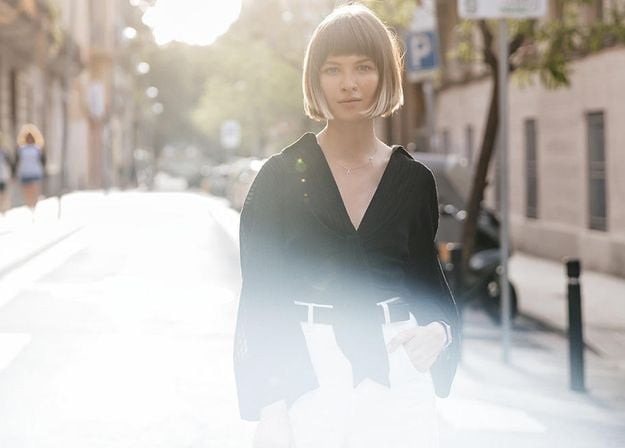
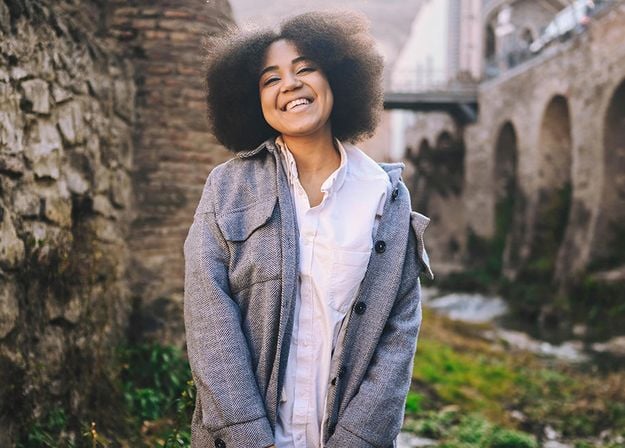
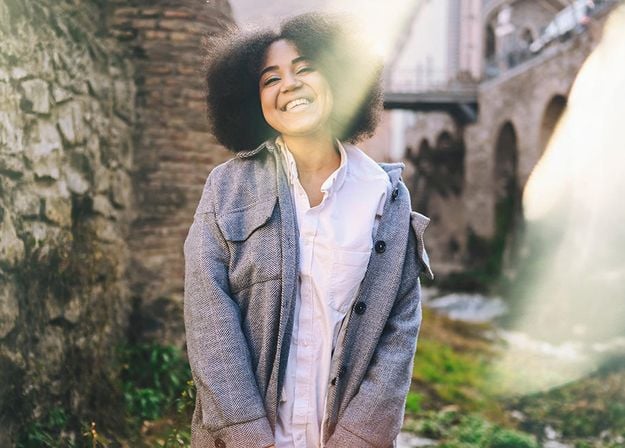




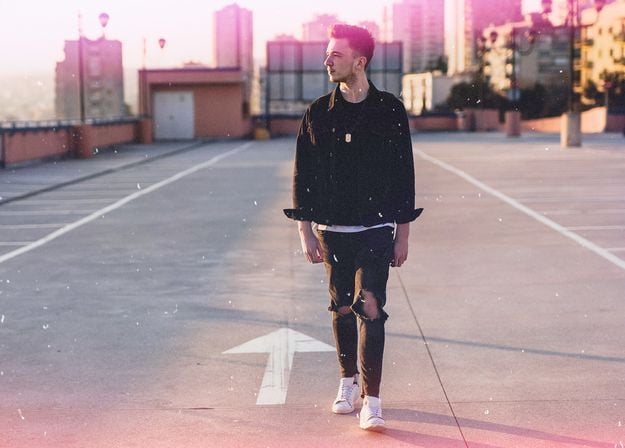
Create atmospheric images with these 10 Overlays in JPEG format that contain shimmering lights and flares in various colors. Make sure to use them with Luminar’s Layers and/or the Portrait Background Removal tool, and experiment with your photos in any genre. You can add an interesting light effect or make the subject stand out in new ways, all in just a few clicks. Time to try it out!
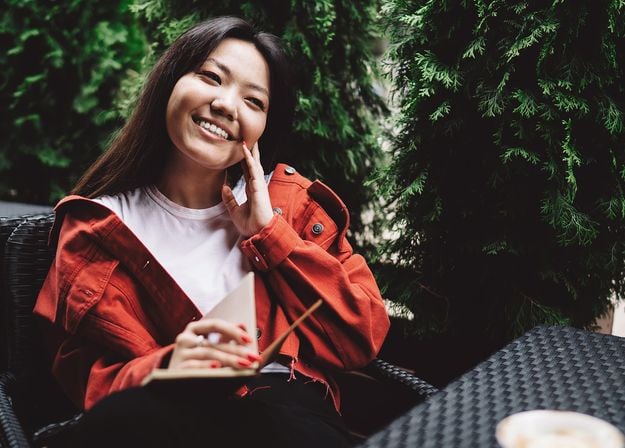

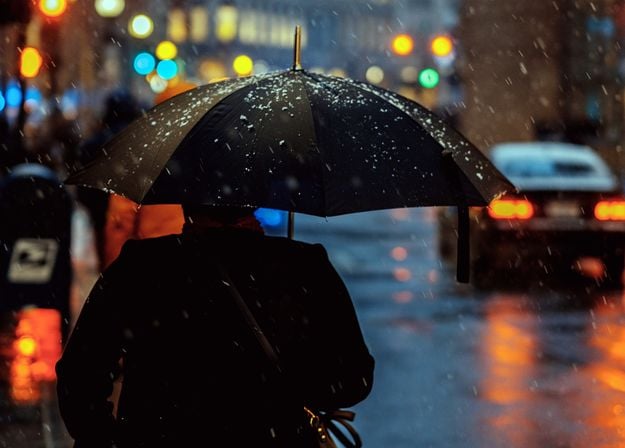
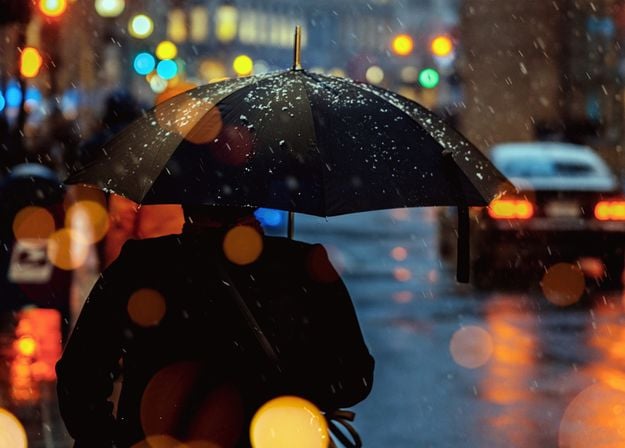
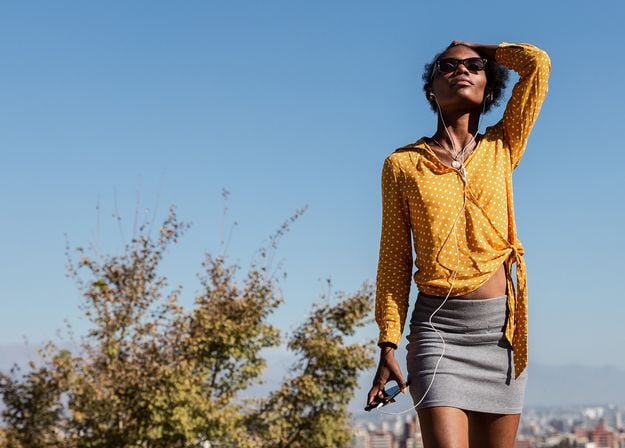
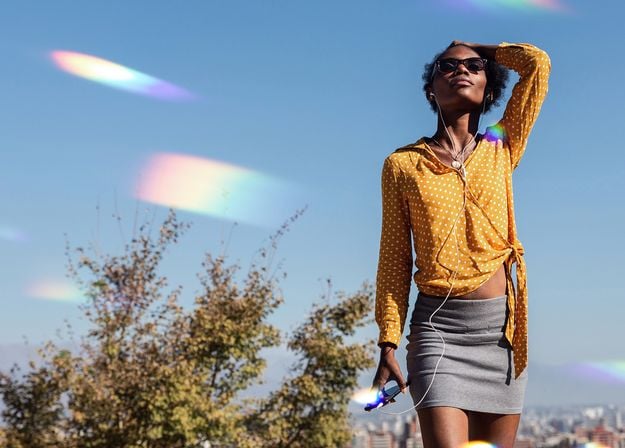
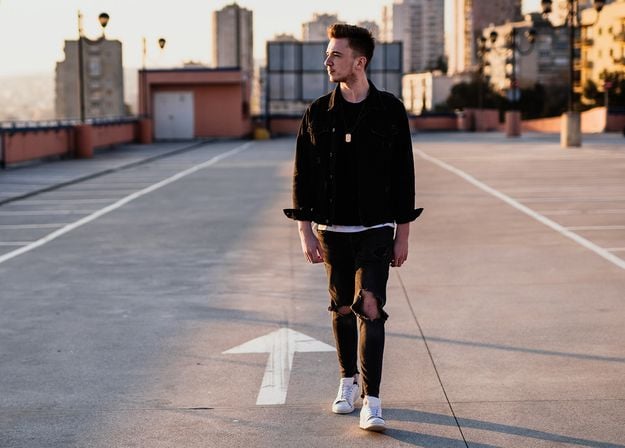
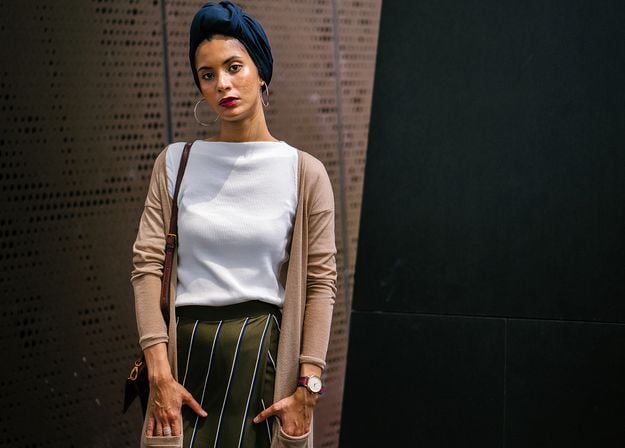
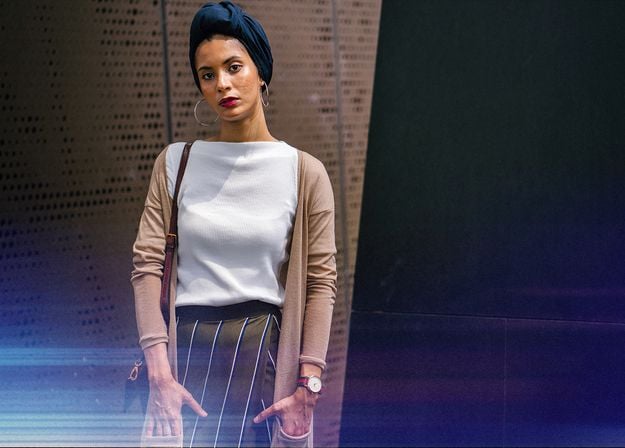


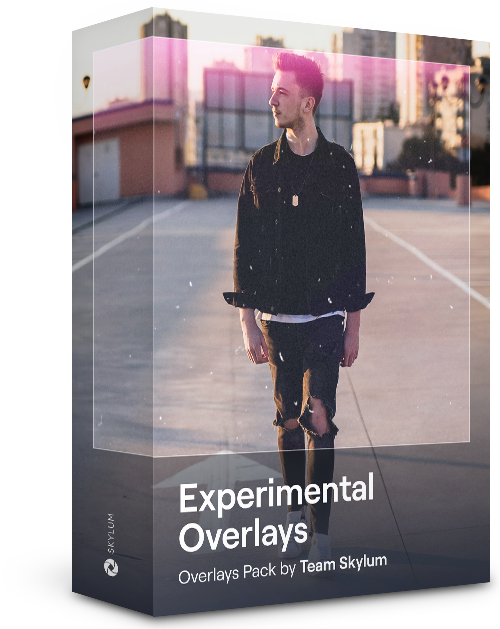
Feel like adding a touch of something extra to your photos? Discover these 10 Experimental Overlays in JPEG format that you can easily use with Luminar’s Layers feature to transform any photo into a shot that catches the eye. Choose from 10 mesmerizing effects of different colors and shapes, and create a unique mood in a few clicks. From pink hues to golden circles, you’ll certainly find an Overlay perfect for your next masterpiece.
_after.jpeg?q=80&w=625&h=448&resize=cover)


_after.jpeg?w=54&h=30&resize=cover)
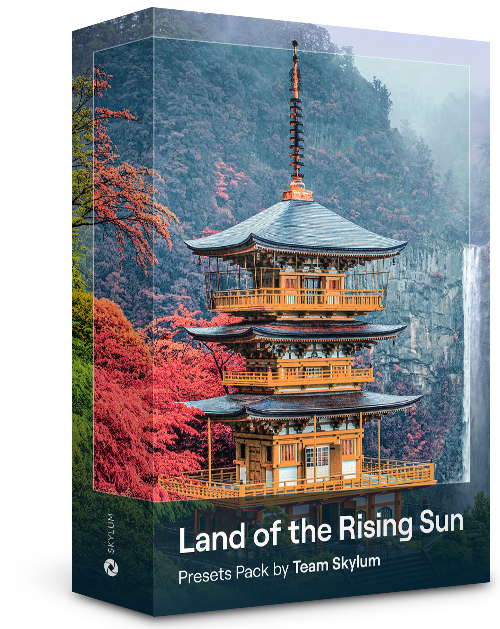
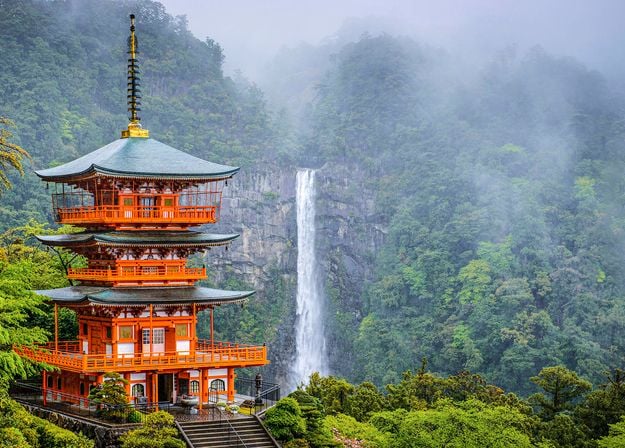
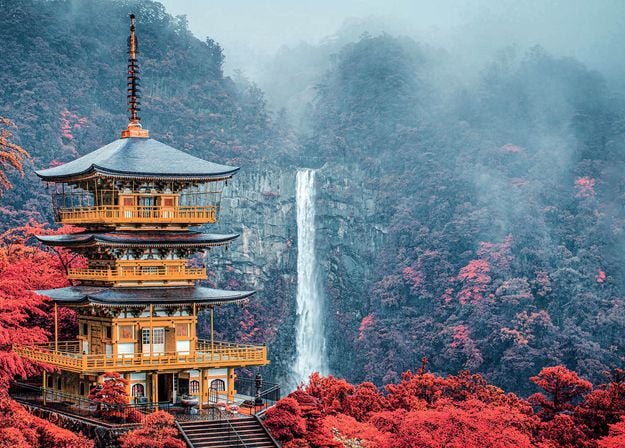
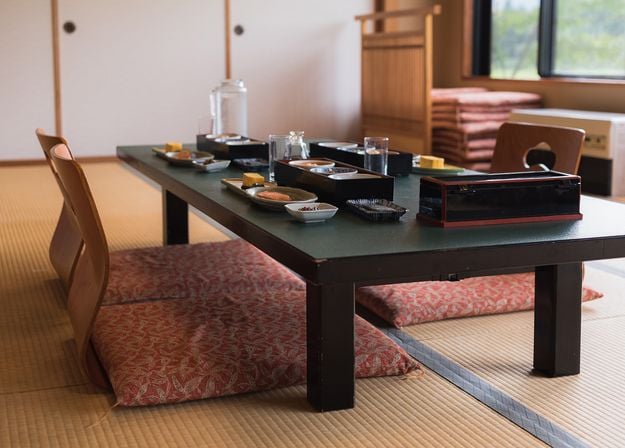
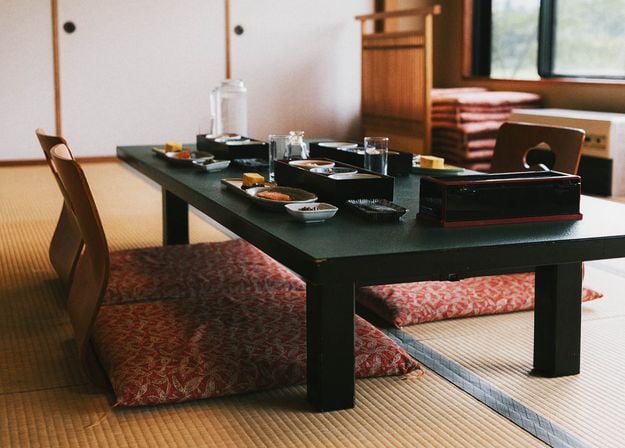
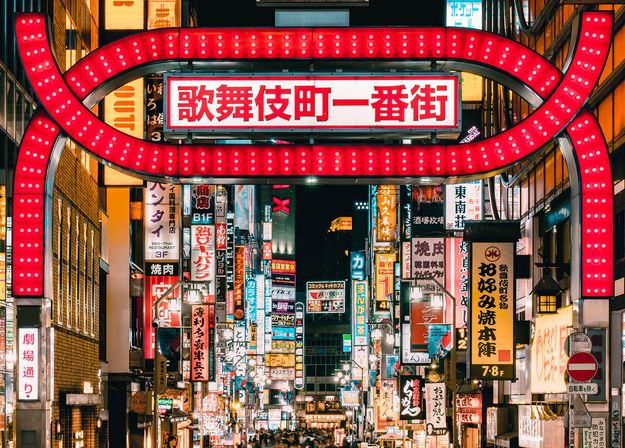
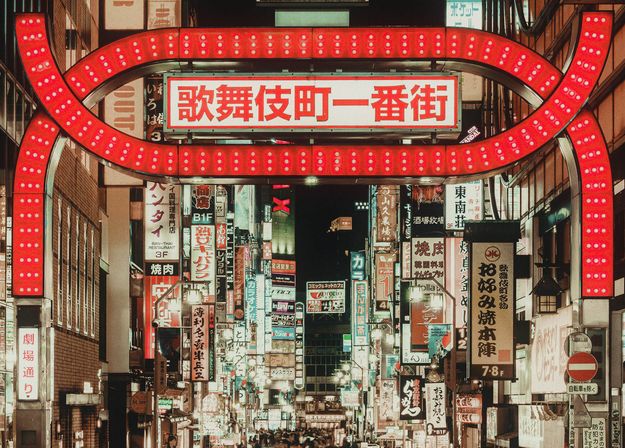
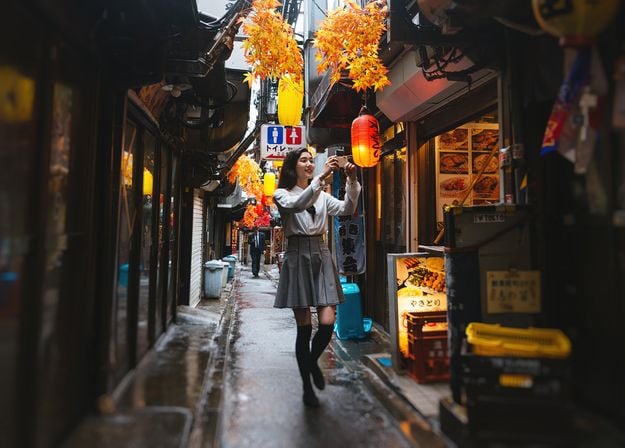
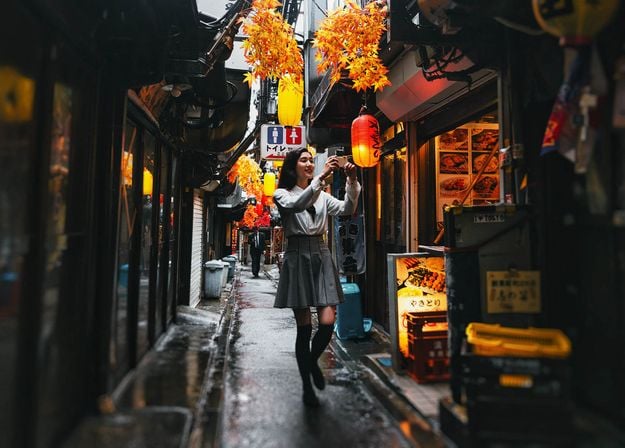
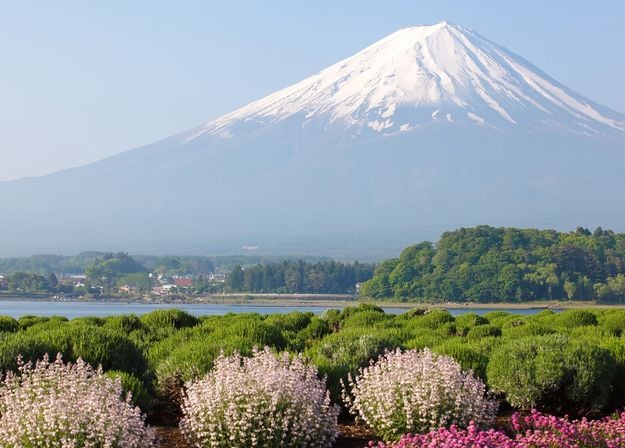
Enhance photos that you captured during a trip to Japan, or the ones that you want to have an atmospheric feeling reminiscent of the Japanese style. From landscapes, to iconic sights, to photos of food — this pack is incredibly versatile!
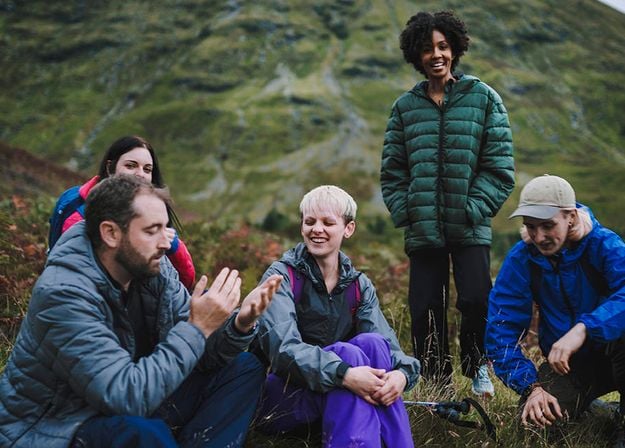
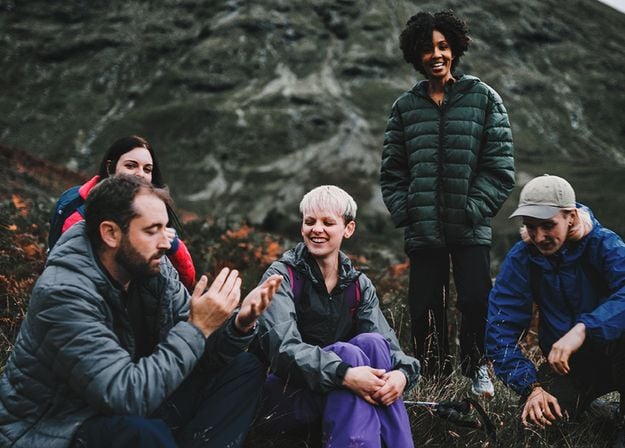
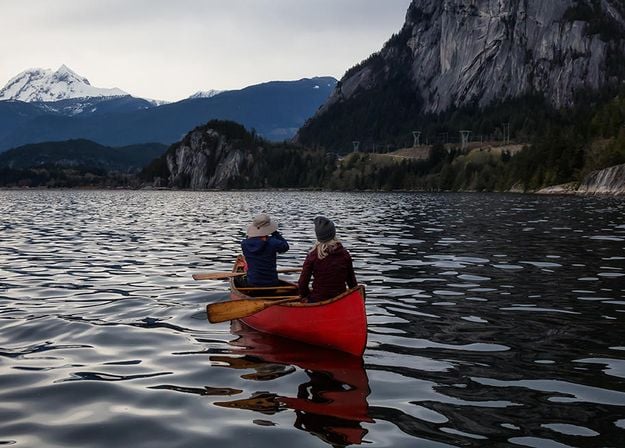
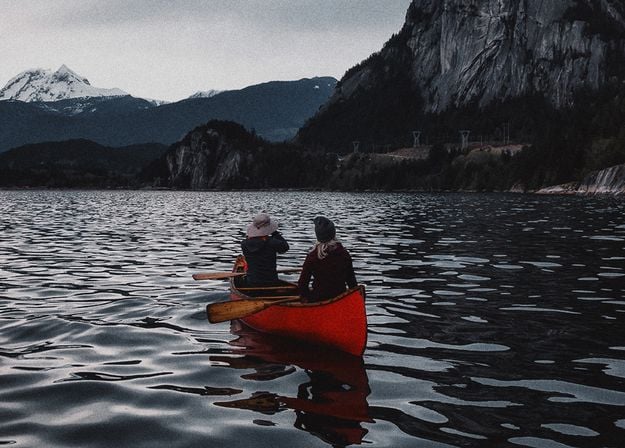
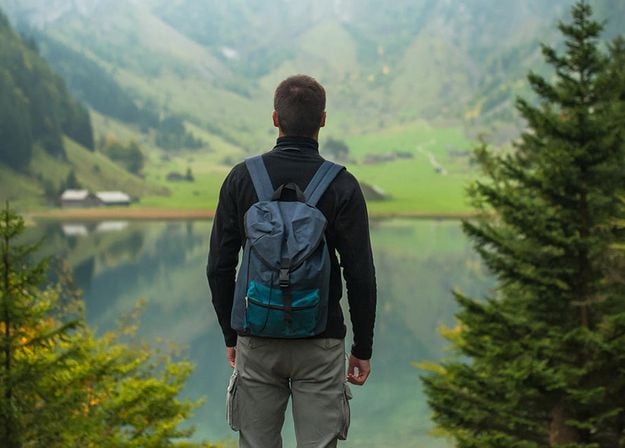
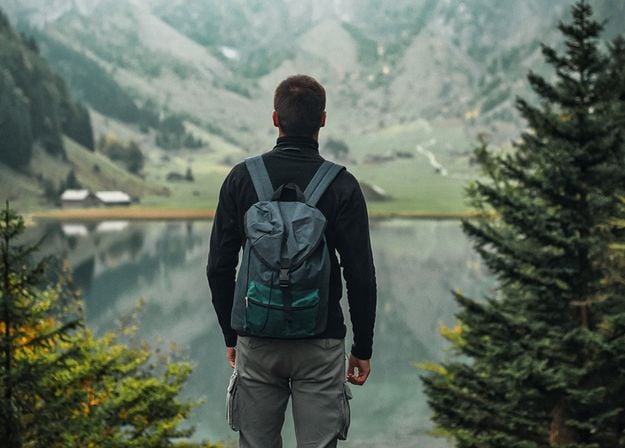
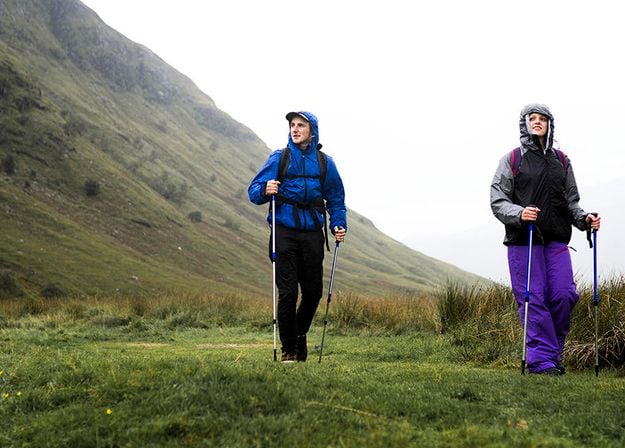
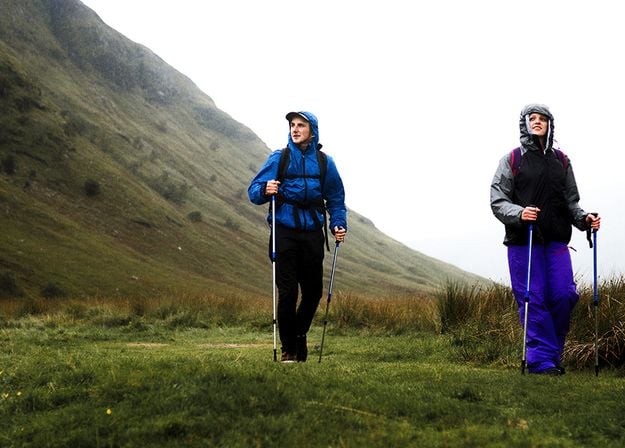
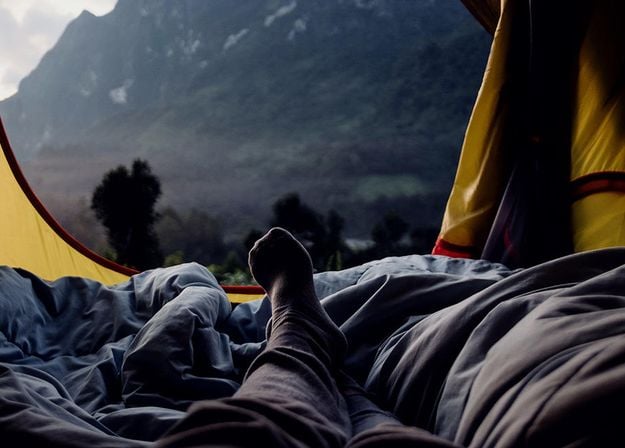
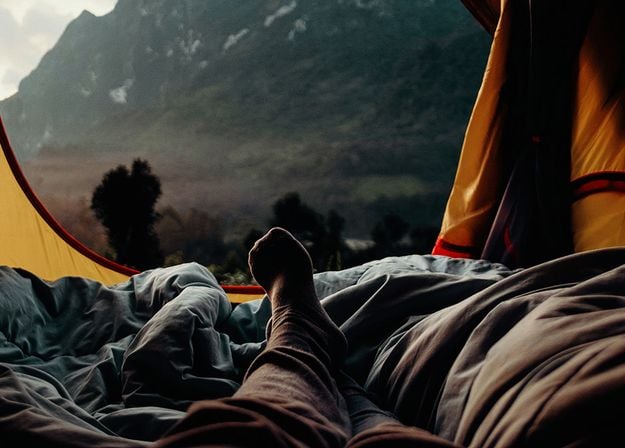


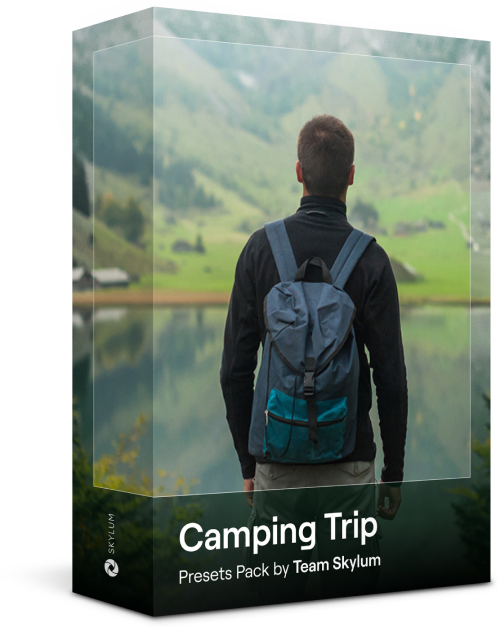
Designed to give your camping and hiking photos their best look, these 10 Presets are here to give your outdoor photos a natural, vibrant look. Whether you’re capturing shots of majestic mountains or cozy campfires, bring out the best in your images in one click.
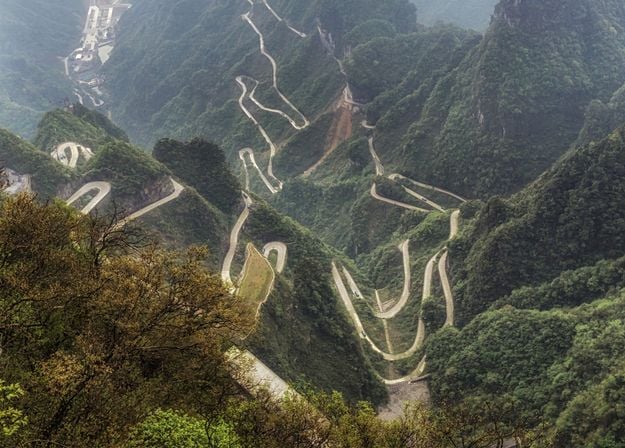
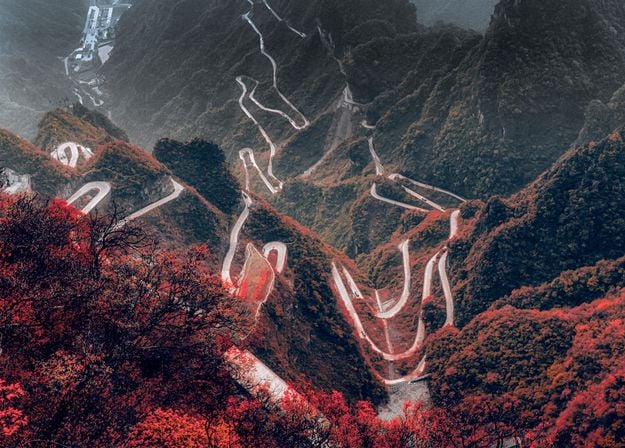
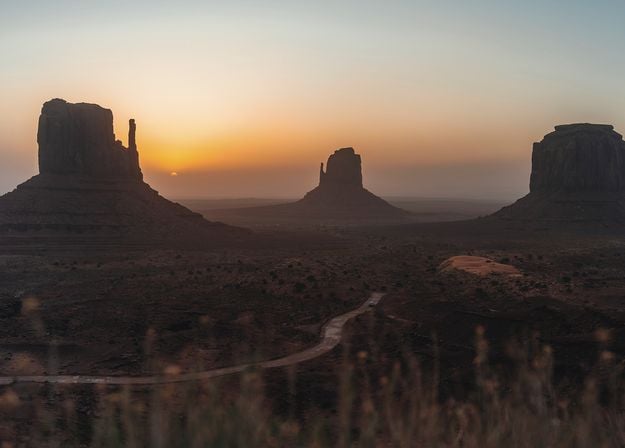
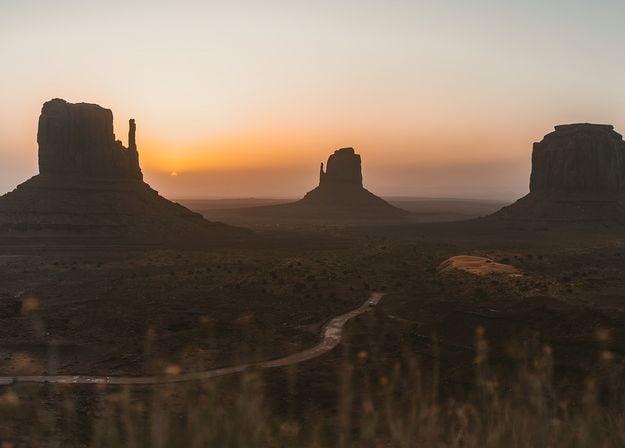
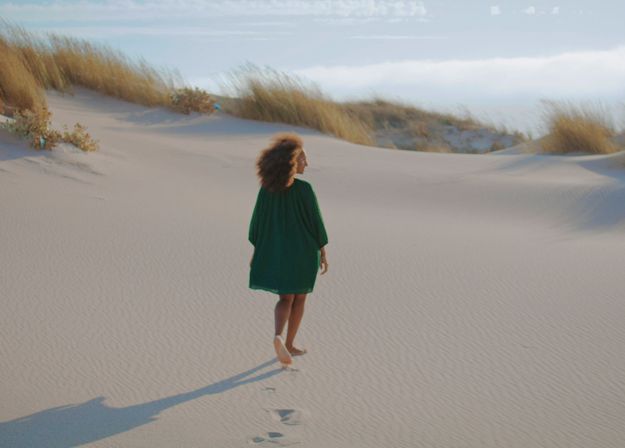
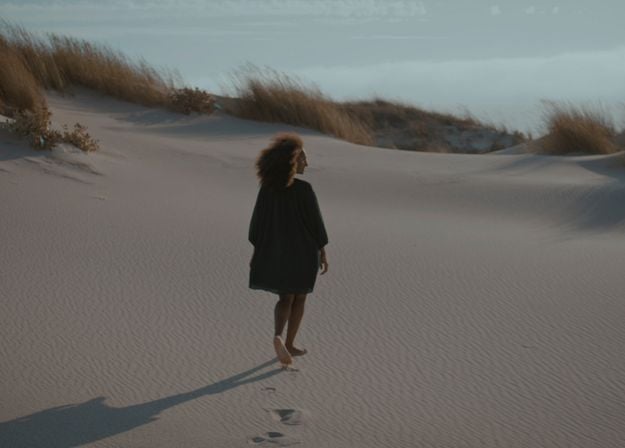
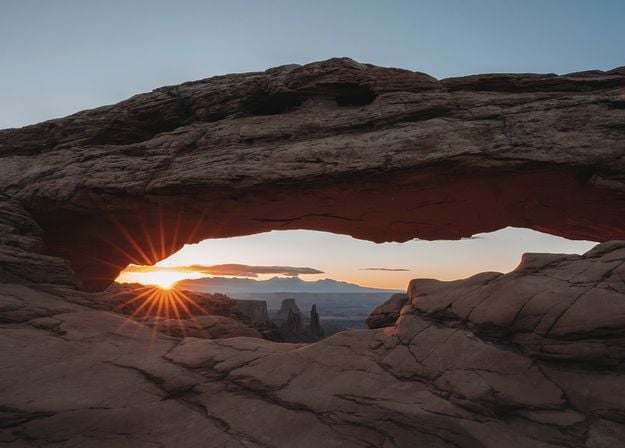
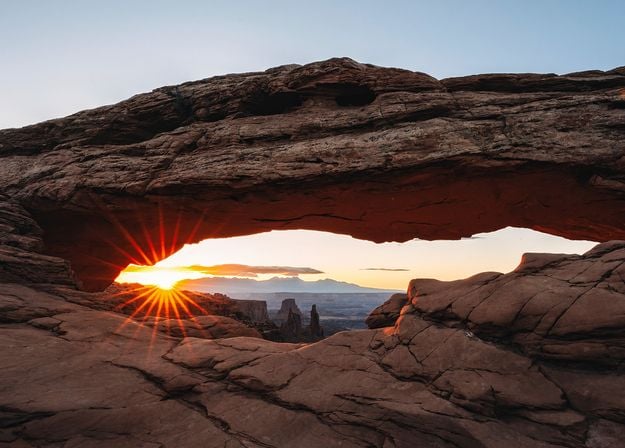
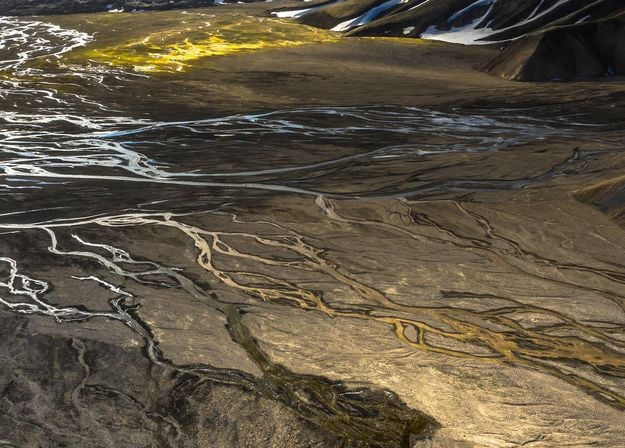
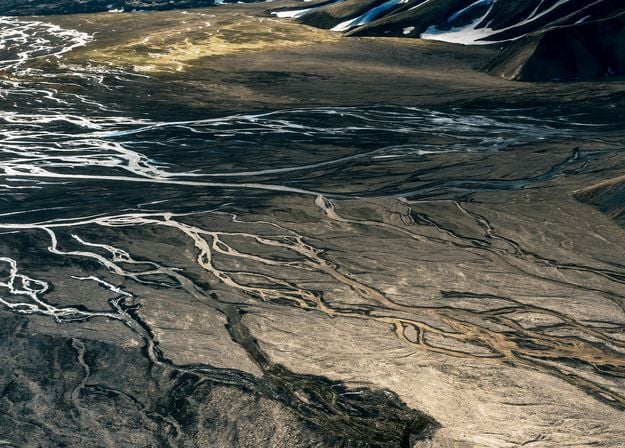


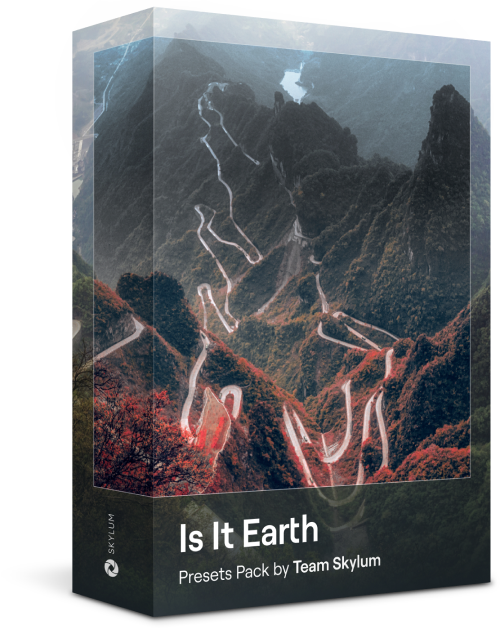
Is it still Earth, or are we on an alien planet? This collection of 10 extraordinary Presets is designed to give your landscape photos an ethereal, otherworldly feel. Transform ordinary landscapes into surrealistic scenes with vivid colors that will immediately draw the viewer’s eye.
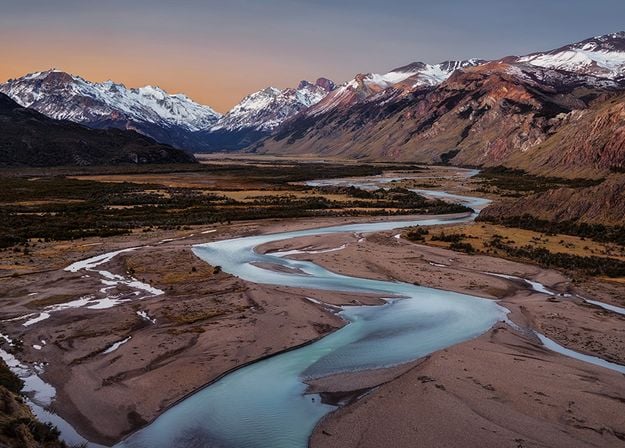
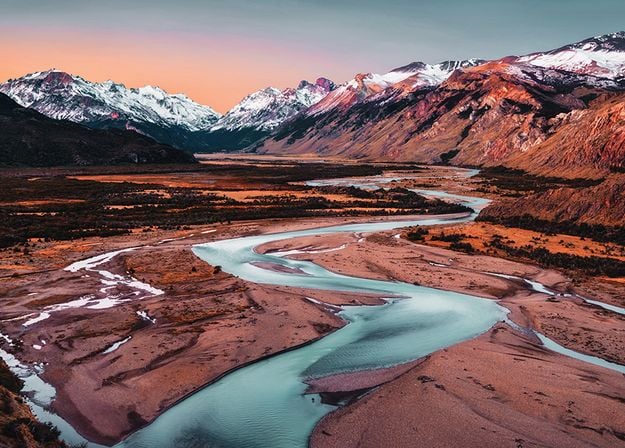
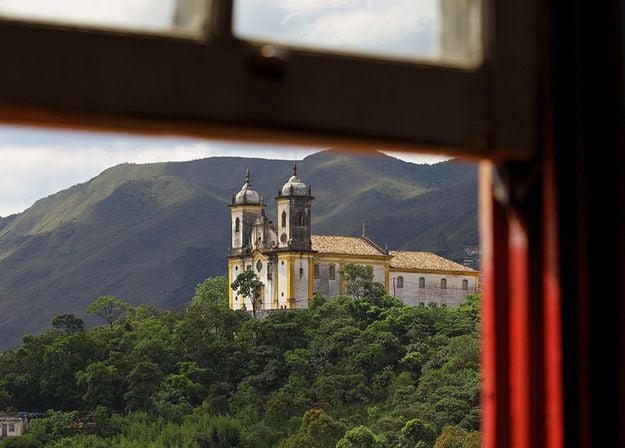
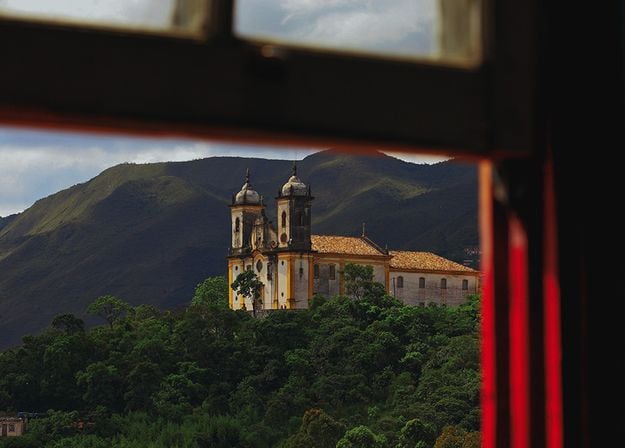
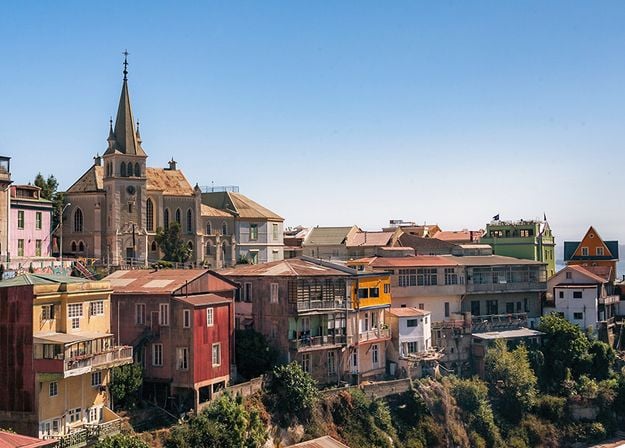
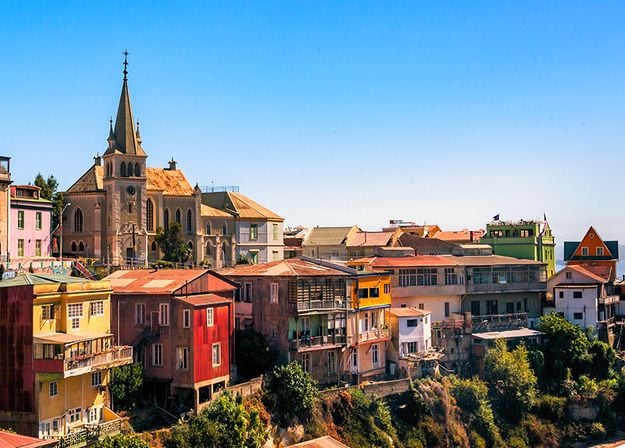
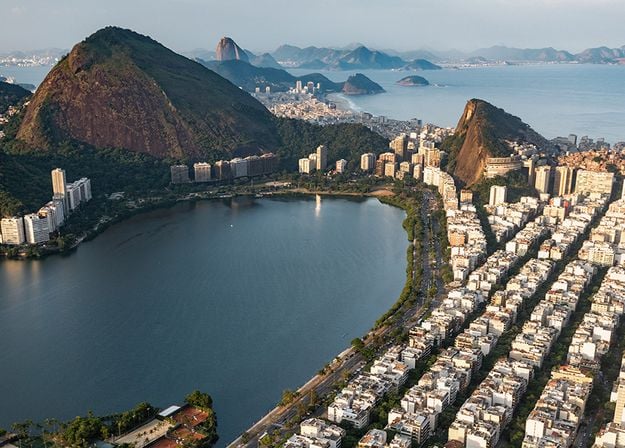
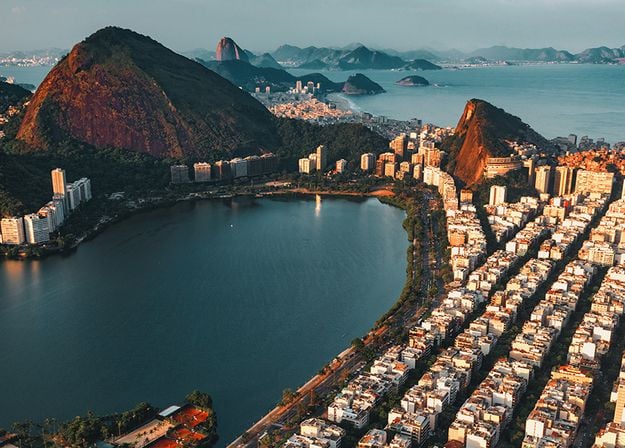
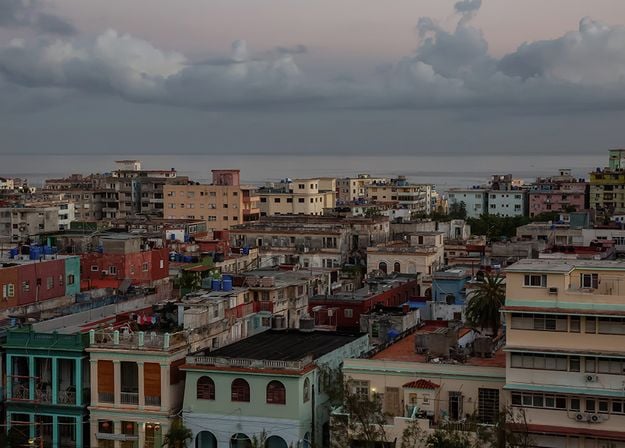



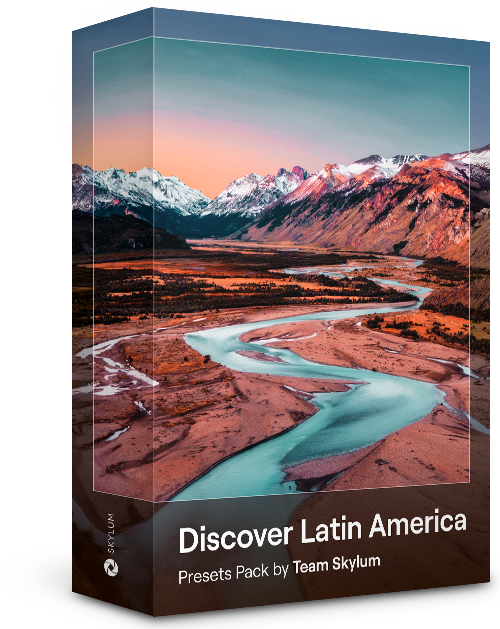
Experience the cinematic feel each of these 10 Presets adds to your photos as you journey through the countries of Latin America. Embrace the beauty and add some flair to your shots with this travel-friendly collection designed for landscapes.
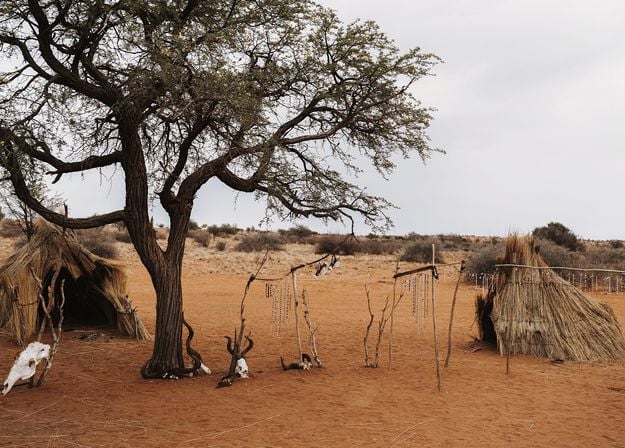
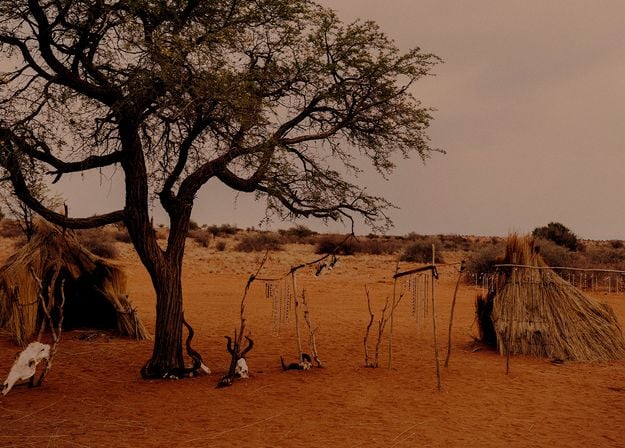

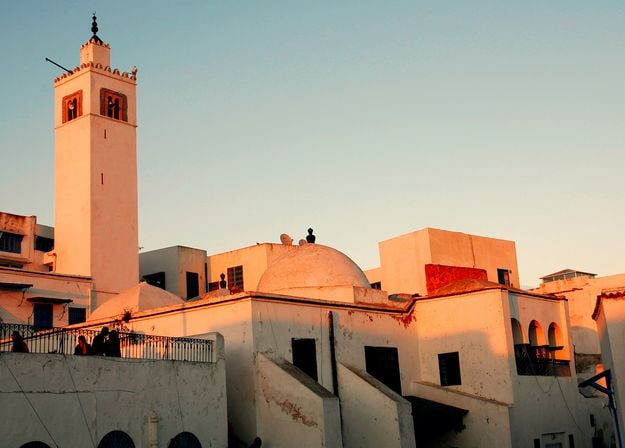


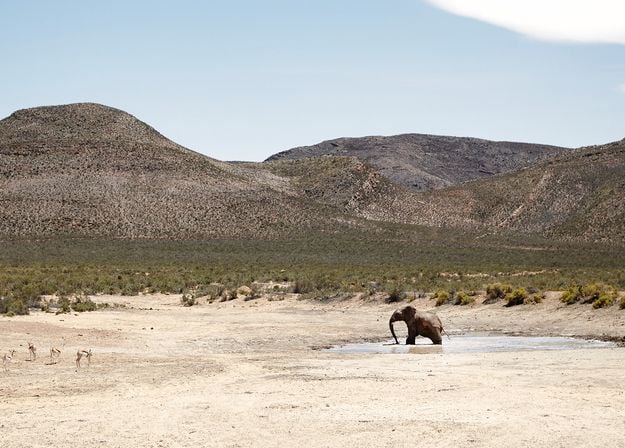
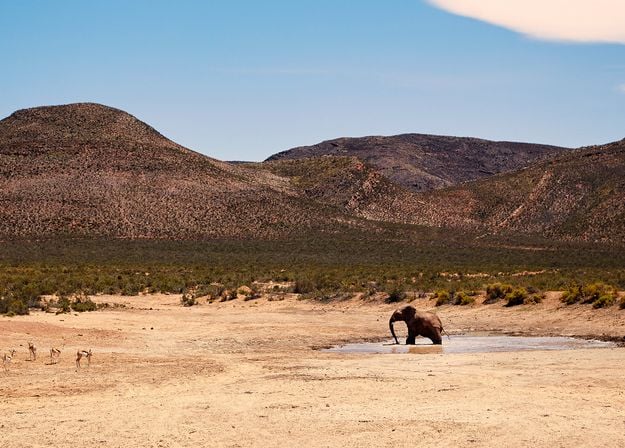
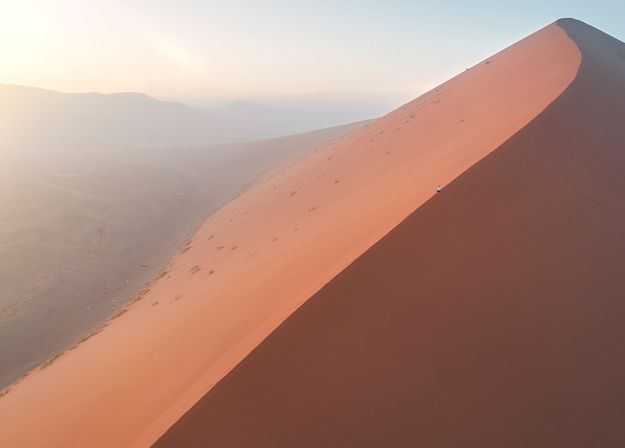
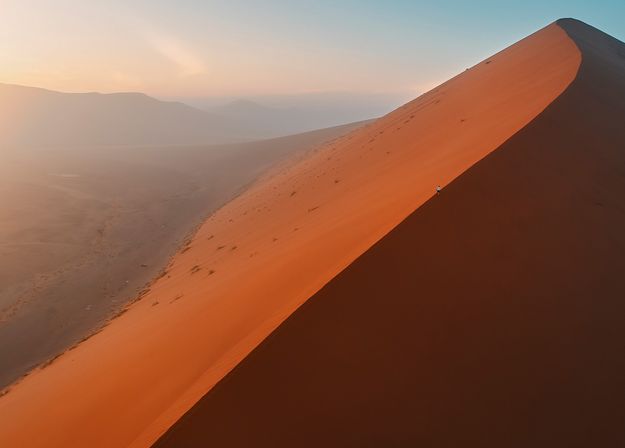


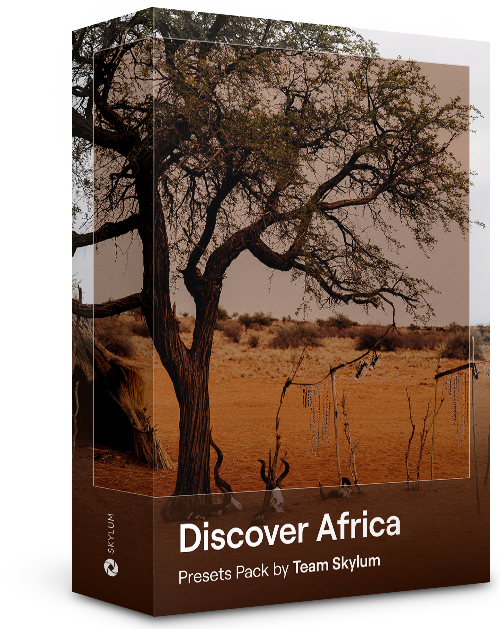
Dedicated to the wonderful continent of Africa, this pack combines a variety of Presets, both for portrait and landscape shots. Enhance landmarks, safari shots, architecture photos, and portraits of people that you meet on your travels around Africa.
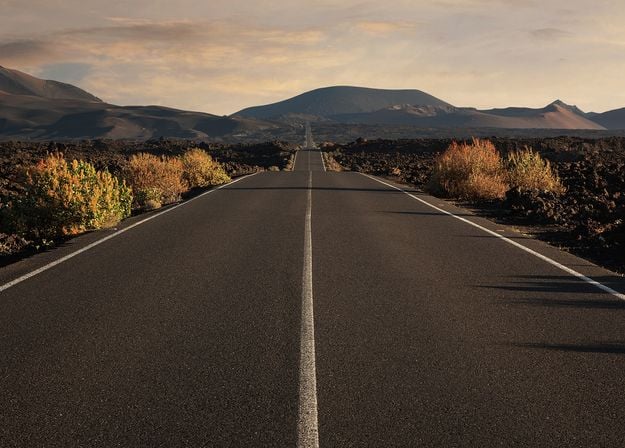
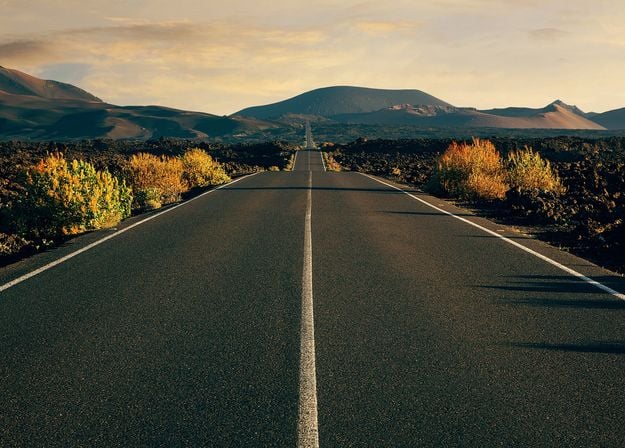
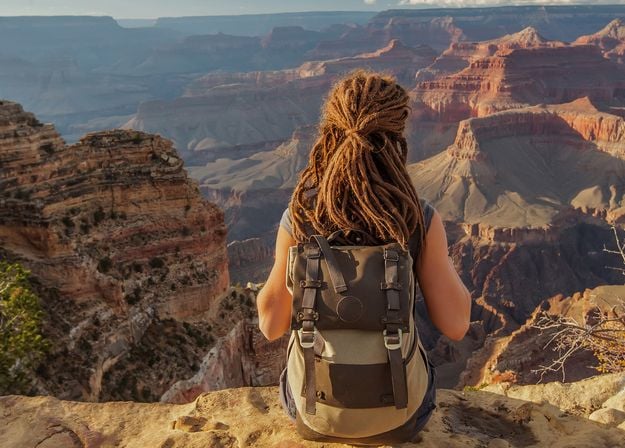
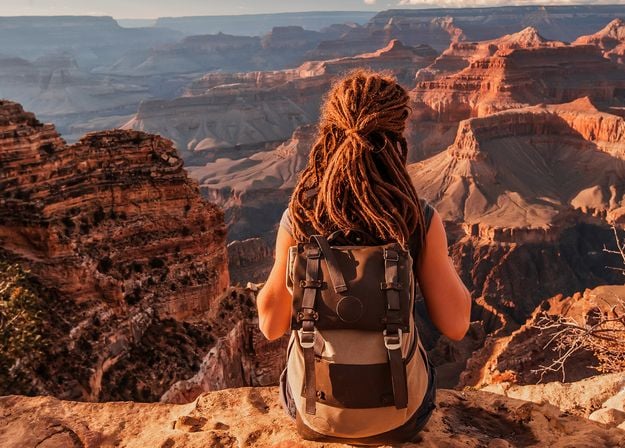
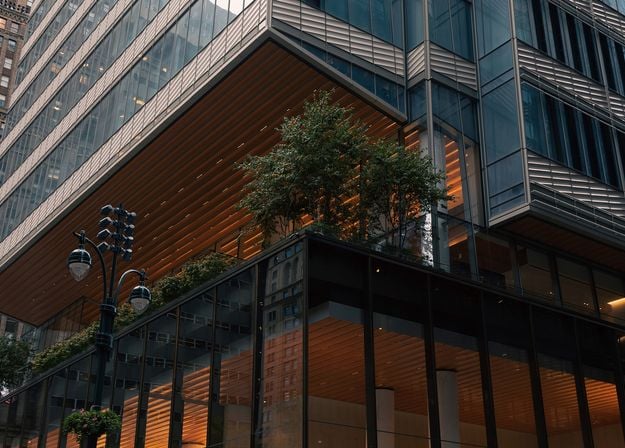
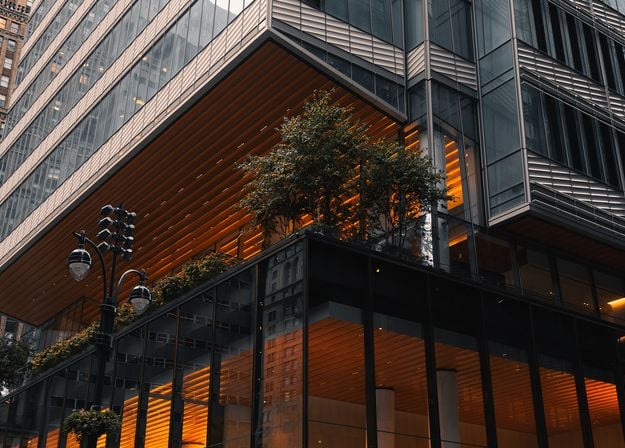
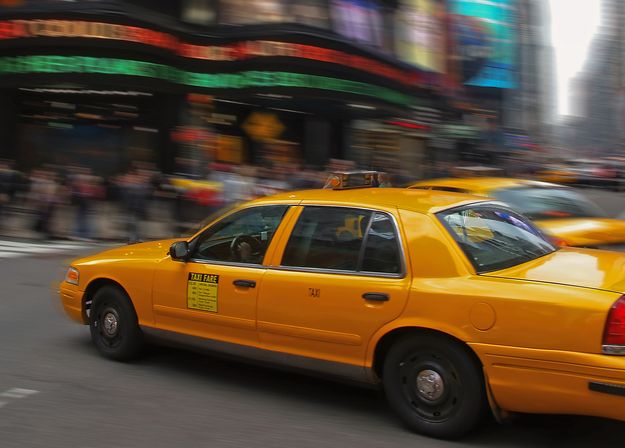
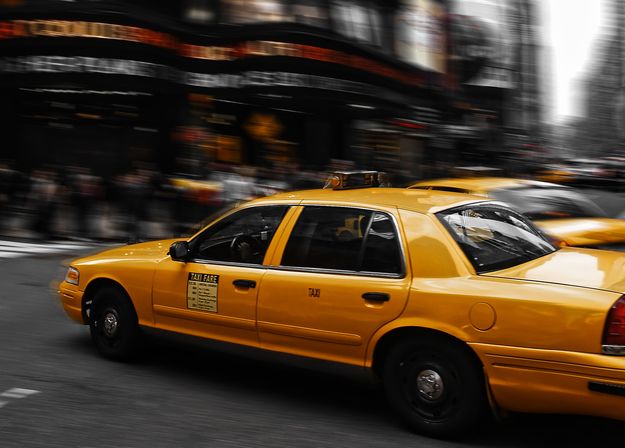


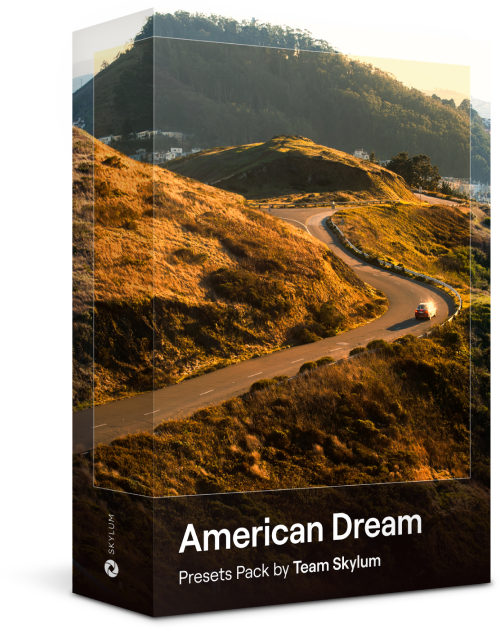
Create fantastic photos during your travels across the USA. Enhance images of landmarks, national parks, and general cityscapes of famous cities. Achieve various stunning effects with a few clicks of these 10 wonderful Presets.
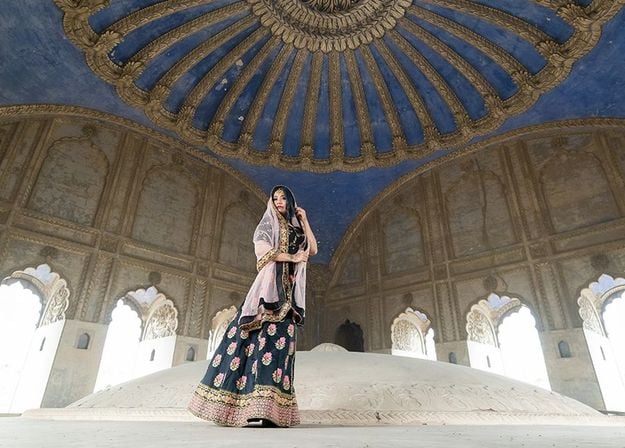
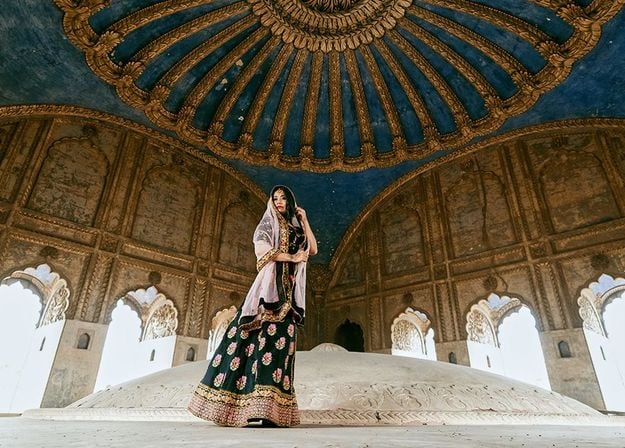
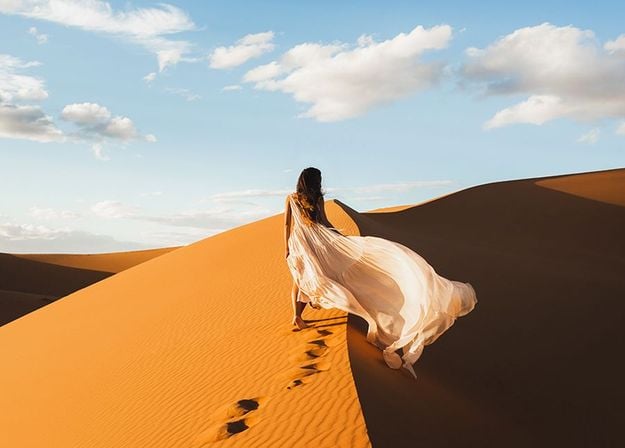
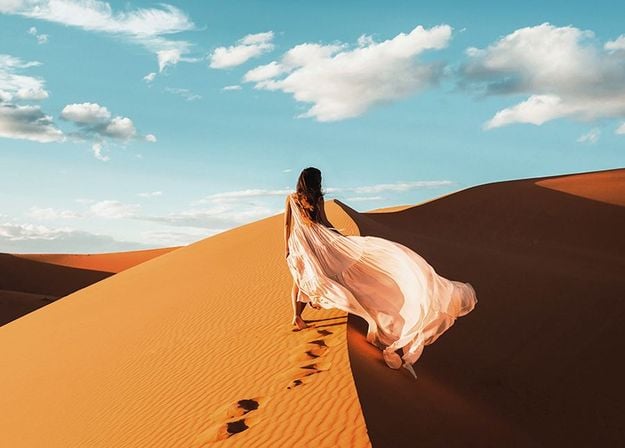
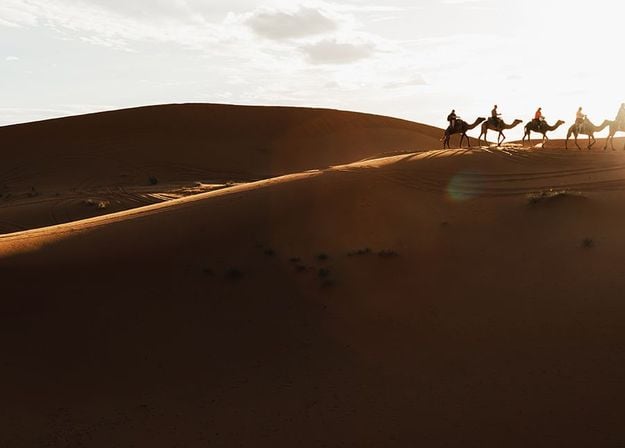
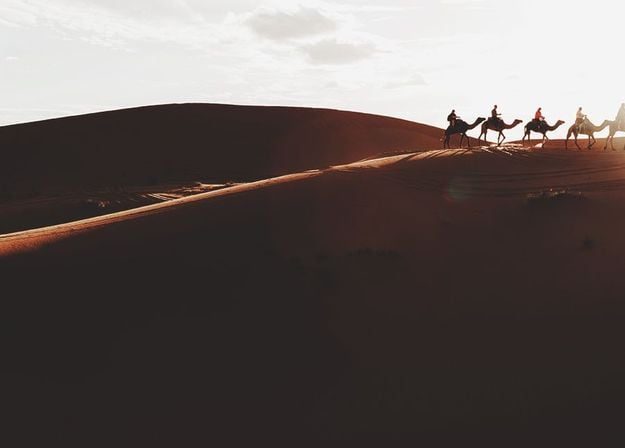
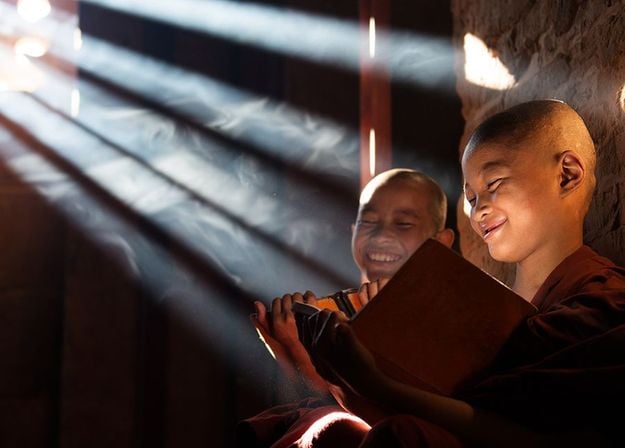
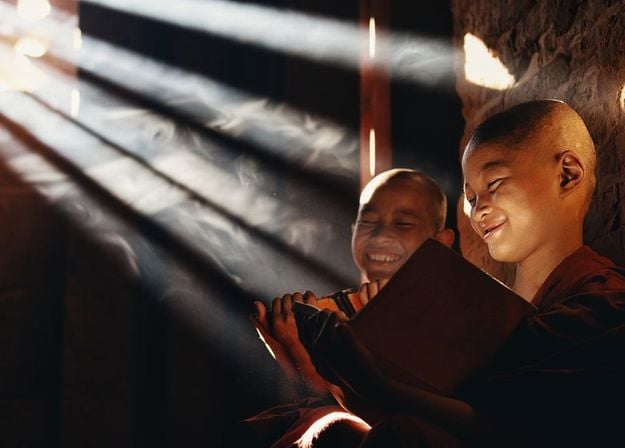
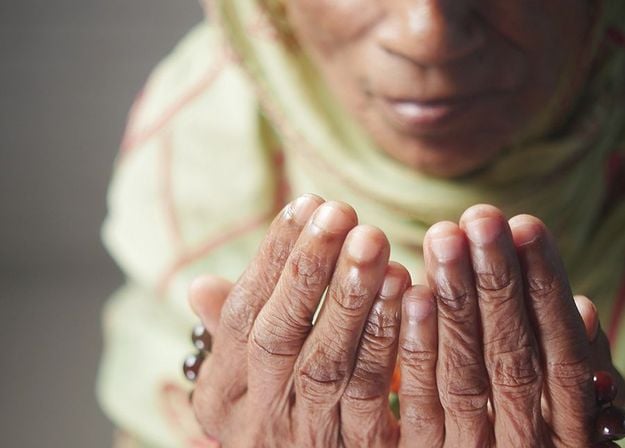
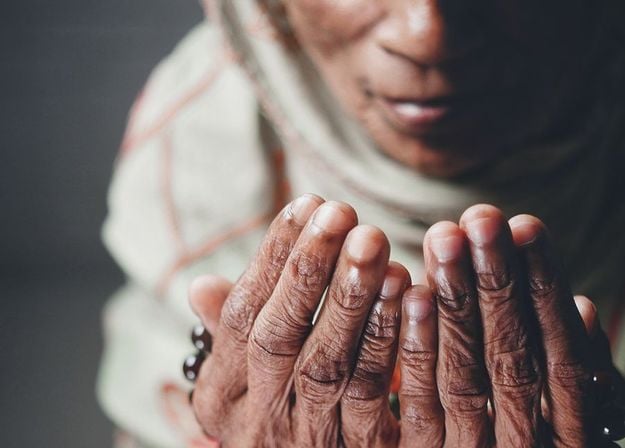


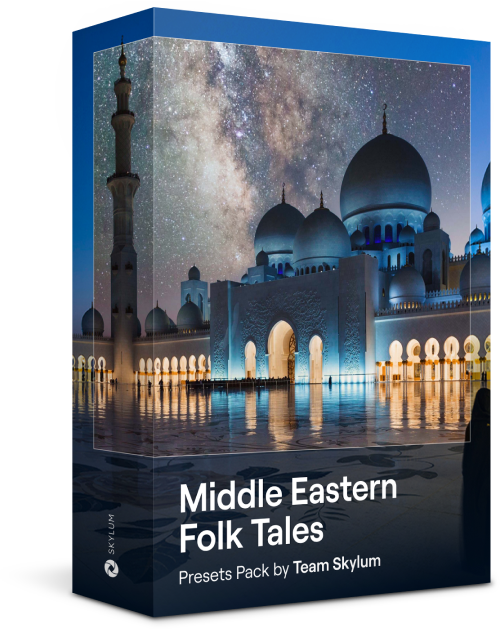
This alluring collection of 10 Presets is designed to bring out the mysterious beauty of Middle Eastern scenery, architecture, street style, and nature. Warm-toned, deep yellow, or blue and golden — you will certainly find a Preset perfect for your photo.
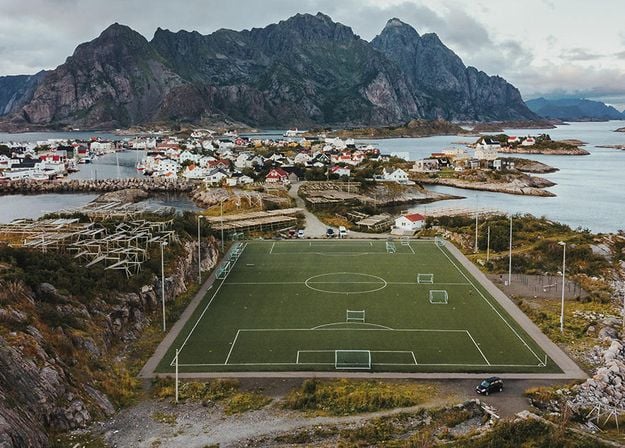
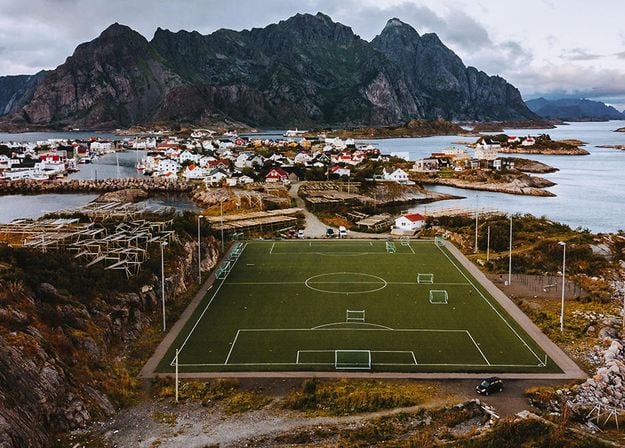
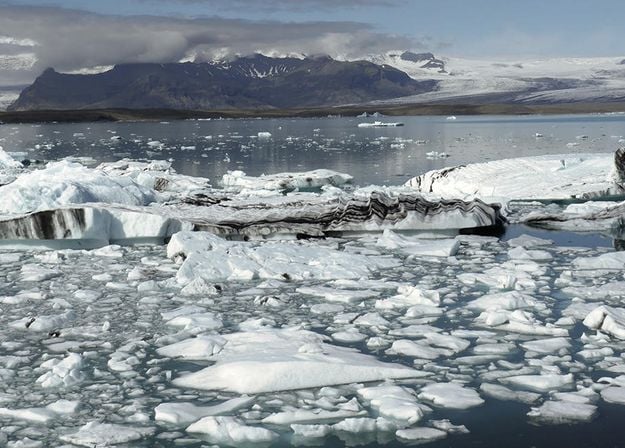
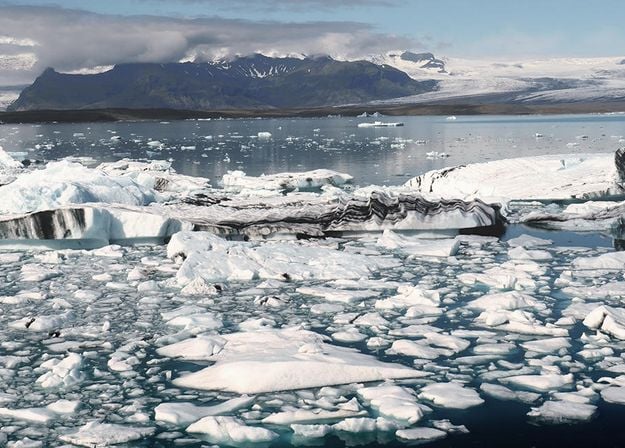
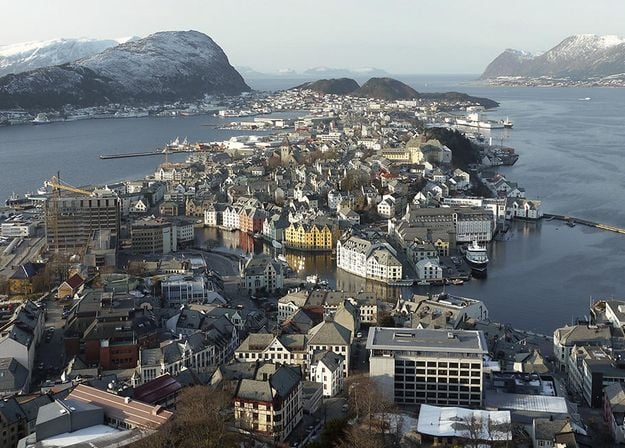
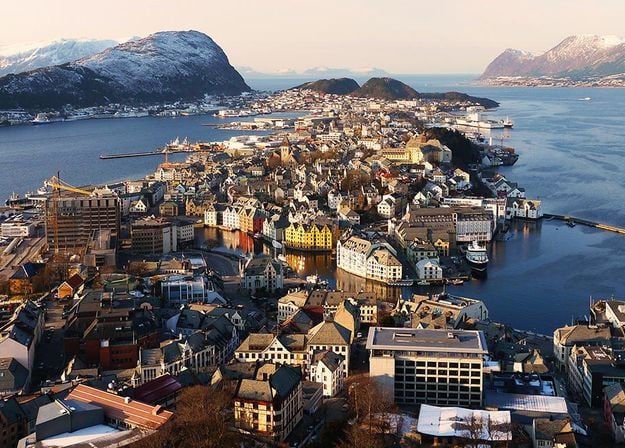
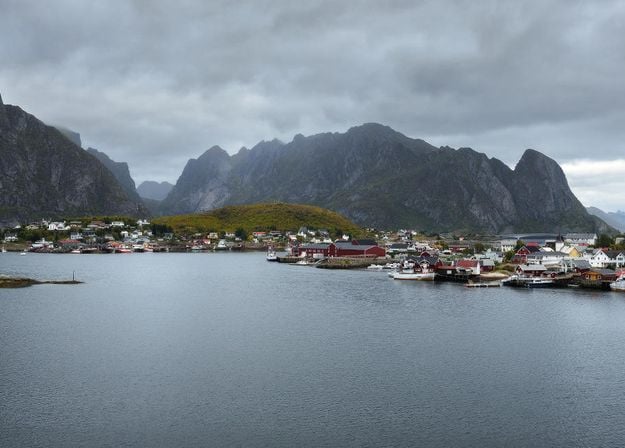
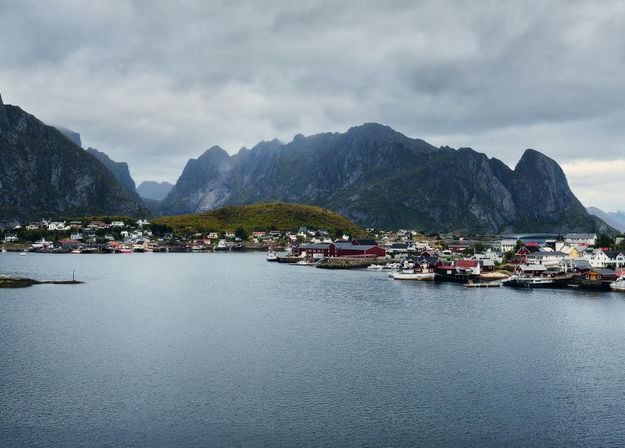
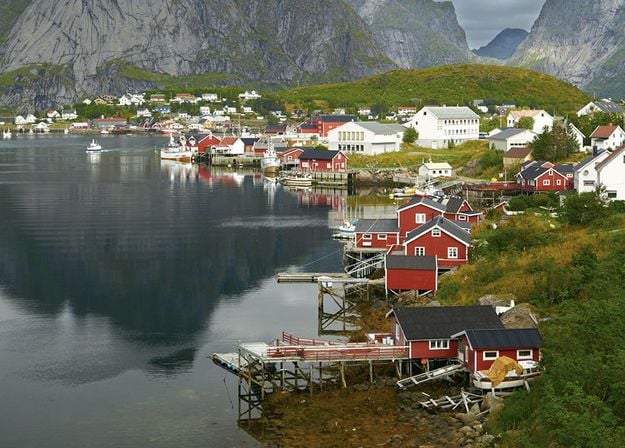
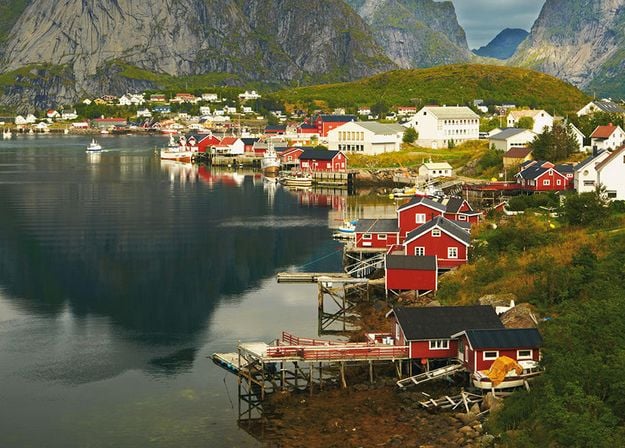


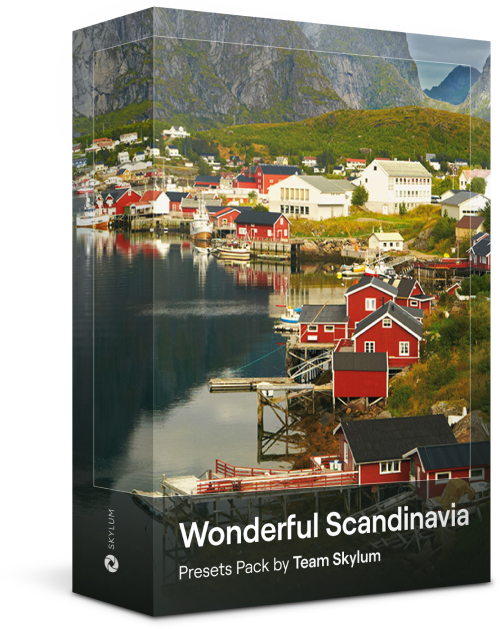
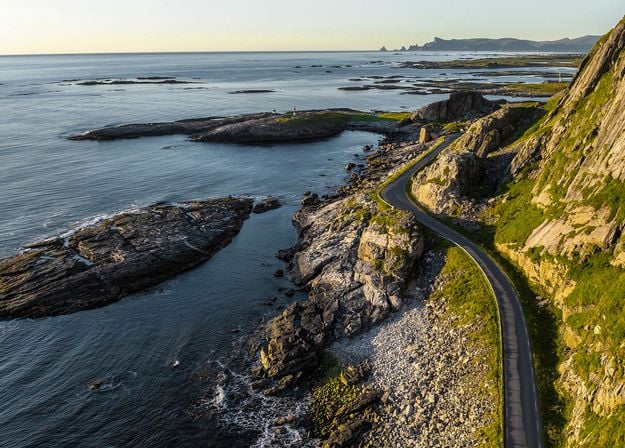
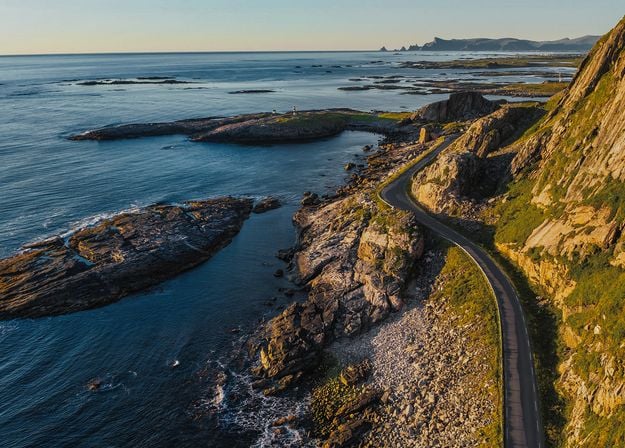
Discover this wonderful collection of 10 versatile Presets that are perfect for your travel photos from Nordic countries. Capture idyllic landscapes, natural wonders, and cozy architectural shots that breathe with the Scandinavian mood. Time to pack your travel bag!
Luminar Video Course
Creative Photo Editing Techniques in Luminar
Introduction & Course Outline
Albert Dros introduces himself and gives a quick overview of what you will learn in this photography and...
Introduction to Photography
What should you focus on when taking your photos to get the best results?
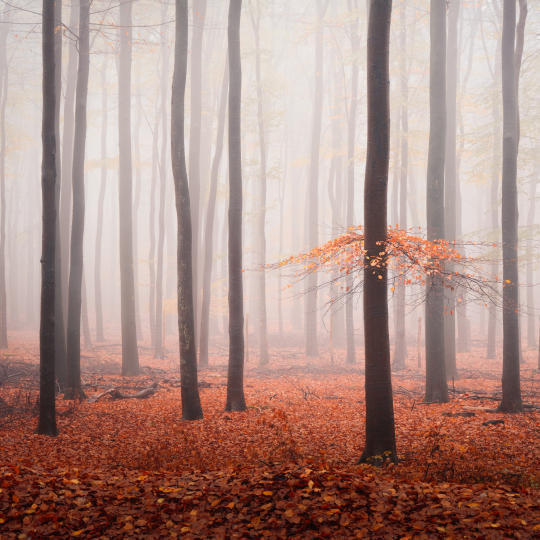
Basic Editing
Albert introduces the layout of Luminar and the basic instruments you can use to achieve great results instantly.
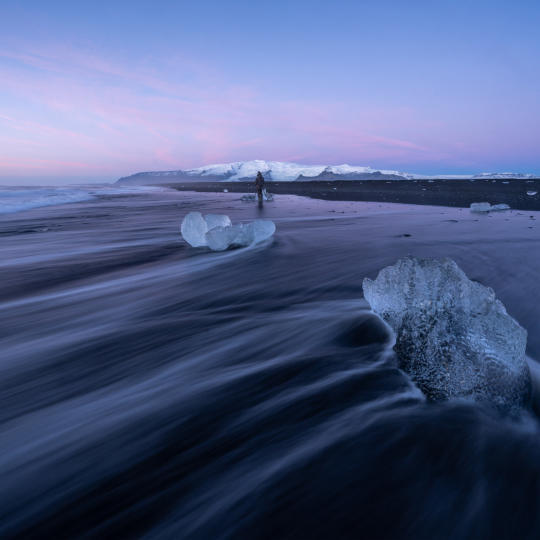
Advanced Editing
Going in depth, Albert shows you the more advanced tools in Luminar and how to use them to make your photos stand out.
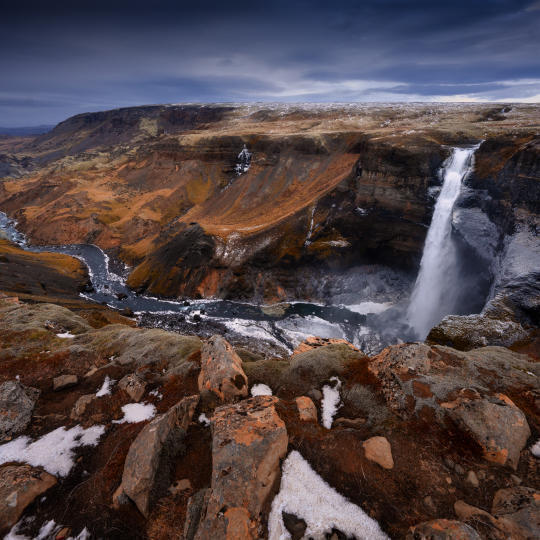
Dramatic Editing
Get creative with your photos! Albert edits a photo with more creative tools to bring forward its dramatic aspects and breathe new life into it.
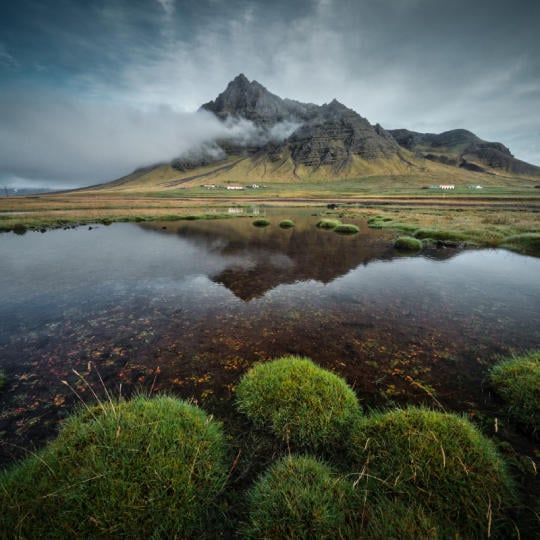
Focus Stacking
Luminar has Extensions that let you get even more impressive results. In this video, you will learn how to do focus stacking with Luminar’s Focus Stacking Extension.
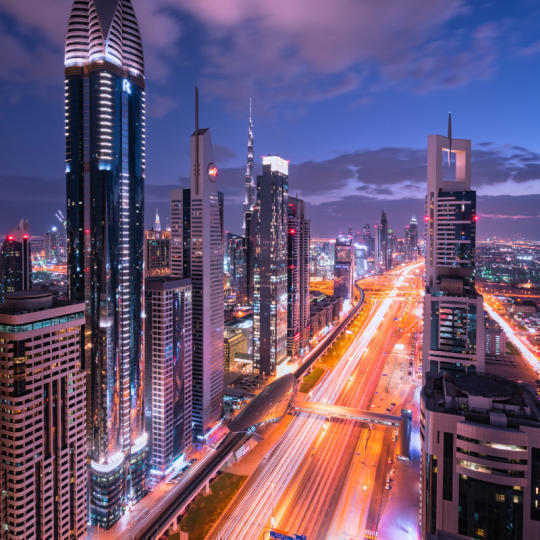
Cityscapes
What makes or breaks a cityscape shot? Take a look at how to transform a photo from Dubai from ordinary to impressive.
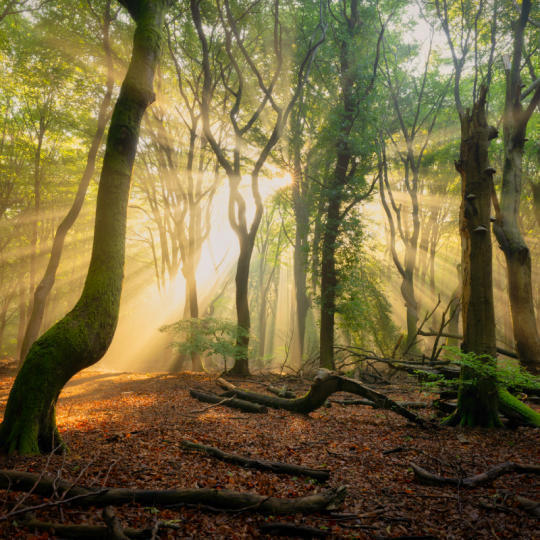
Forests
Find out what Luminar tools Albert uses to make his impressive signature forest photos. Look out for Atmosphere AI, Sunrays, and other tools!
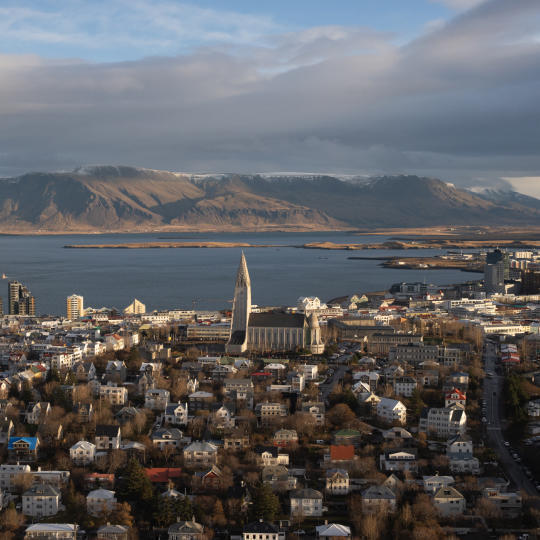
Presets
Learn to use Presets to quickly get interesting color solutions in your photos. Albert guides you through using Presets to make even more beautiful forest shots.
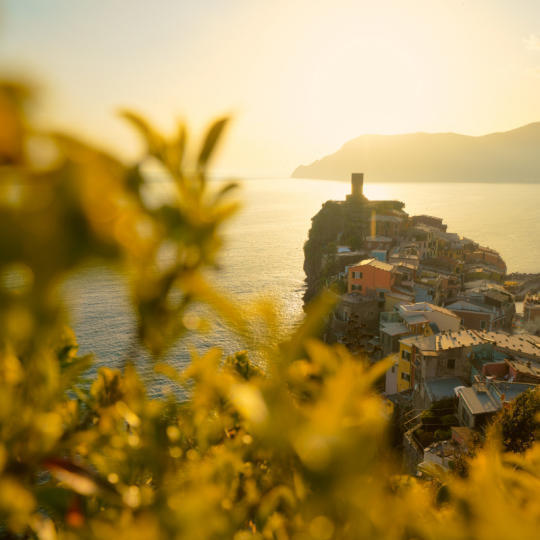
Course Summary
Get a quick summary of everything you have learned in this course. Happy creating!
Albert Dros
PHOTOGRAPHER, WRITER AND EDUCATOR
Albert Dros is a Dutch landscape photographer who has an extraordinary passion to plan and create unique shots. Volcanoes, solar eclipses and unique aspects of nature draw his attention. He doesn’t just go for the simple shot.
"Go big or go home" is his motto, always trying to add some unique element to his shots.
His work has been recognized on a worldwide scale and he has been published worldwide in the biggest media outlets.
Albert travels a lot as a photo educator but also for personal projects. But even in The Netherlands, he can’t stop photographing. His inspiration never stops.
Works as a standalone for:

macOS

Windows
Works as a plug-in for:

Adobe Photoshop®

Adobe Lightroom®

Apple Photos®
Works as a standalone for:

Android

iOS

ChromeOS
Trusted by over a million
photographers and organizations

Award-winning software
with intuitive AI-powered controls
Luminar makes it easier to take your photography from digital editing to physical prints. Print photos at home or order professional lab prints, turning your favorite edits into wall art, gifts, and keepsakes.
Choose a finished photo in Luminar and open the printing feature to explore the available printing options. You can print using your own printer or order a professional lab print. Follow the in-app instructions to complete the process.
Professional photo printing availability depends on your location and the supported print service. Check the options shown in Luminar to see whether professional printing and delivery are available in your region.
The cost depends on the print options you select, including the available size, finish, and delivery. Review the pricing displayed when placing your order before you buy picture prints and complete your purchase.
Available sizes and finishes depend on the professional print service and the options offered for your order. Check the choices of the custom size photo prints displayed in Luminar to find the format that best suits your photo.
Professional prints can be ordered through the print service available in Luminar. Delivery options and estimated arrival times depend on your location and the service handling your order. Check the delivery information provided at checkout for details.
Order changes, cancellations, and support options depend on the print service’s policies and the status of your order. Review the order details and contact the relevant print service’s support team if you need assistance to get pictures printed.
Your finished edits are intended to carry through to the printed image. However, the final appearance may vary depending on your printer, paper, custom photo prints color settings, and printing process. For the best results, check your image before printing and follow the recommended print settings.
