

Creative Renewal Bundle
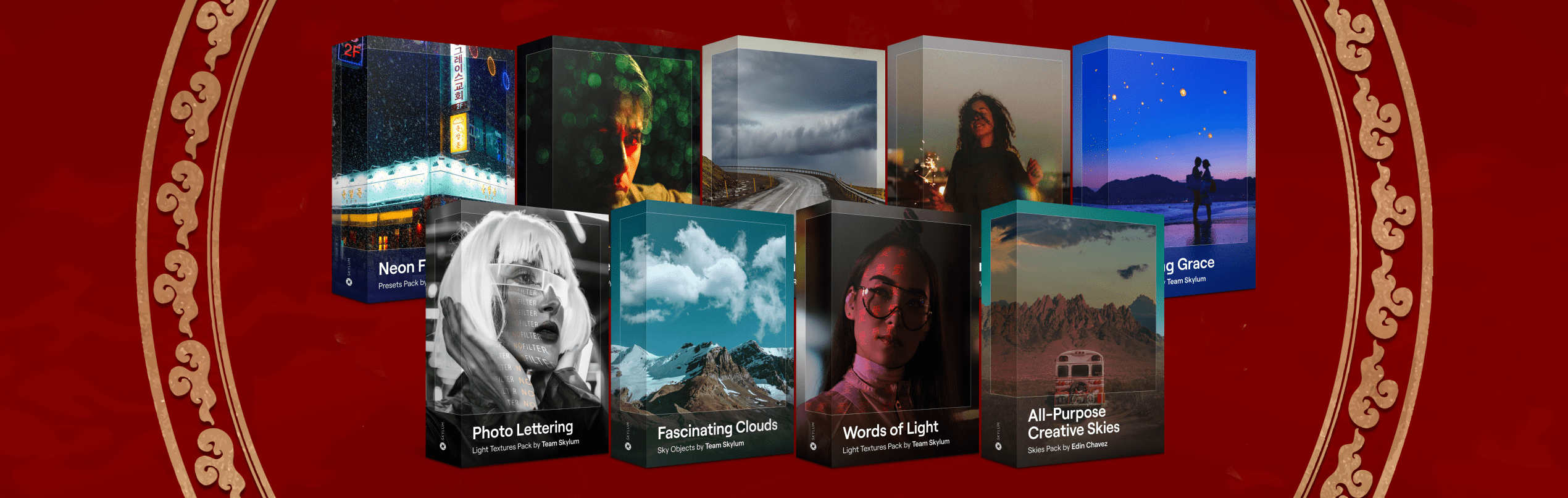
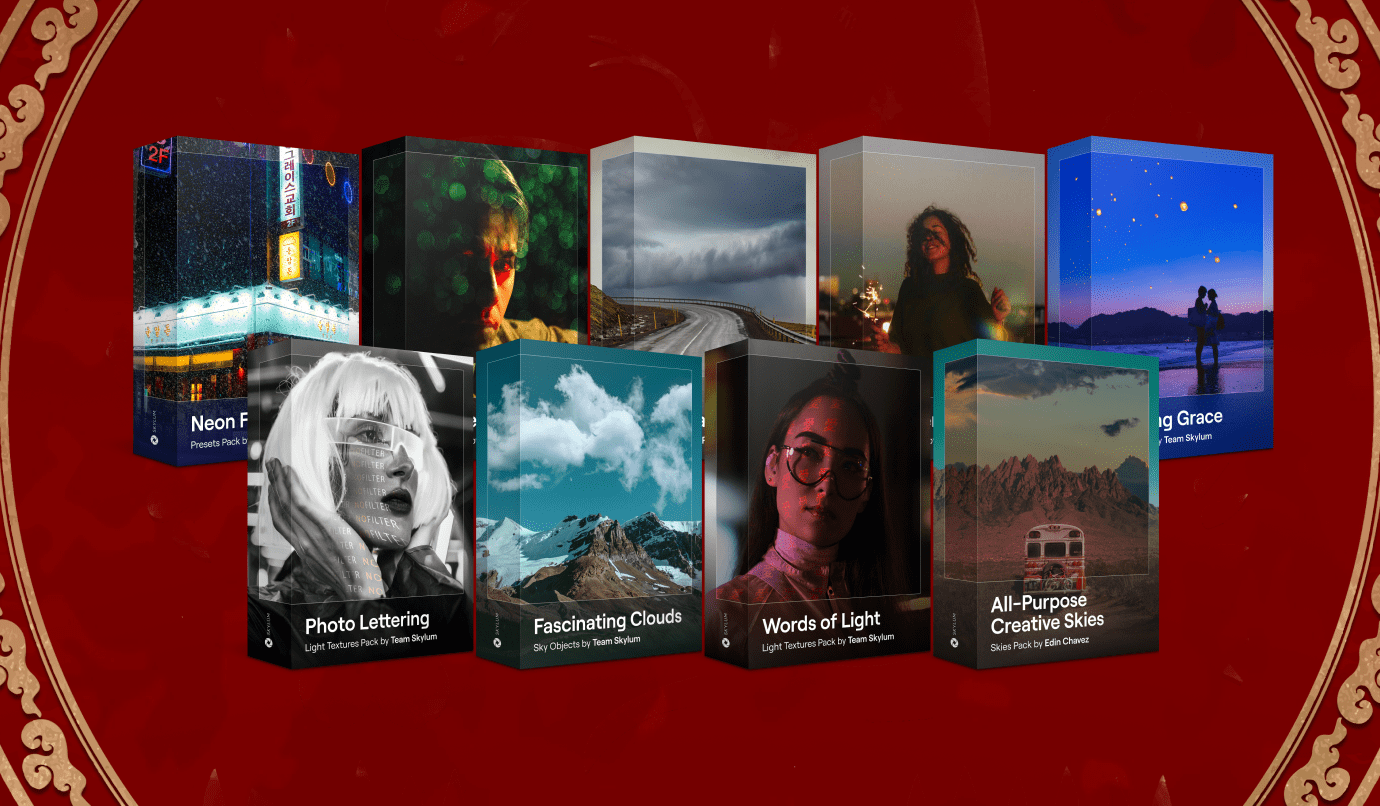
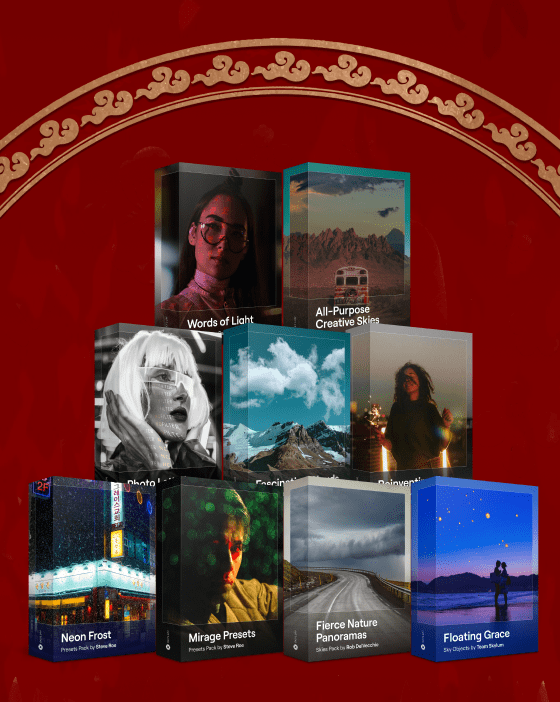
Celebrate Lunar New Year with 9 creative asset packs to transform your photos! Embrace the Year of the Snake with Presets, Textures, Overlays, and Skies for bold new creative growth.

Compatible with your editor:



Instant Download
High Quality
What’s inside?
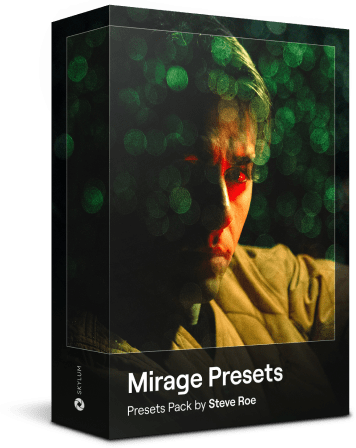
- 10 Presets: Experiment with motion blur and bokeh light effects for unique urban vibes.
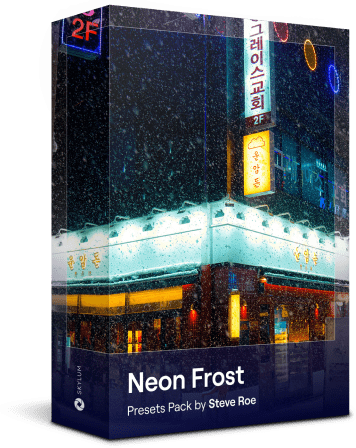
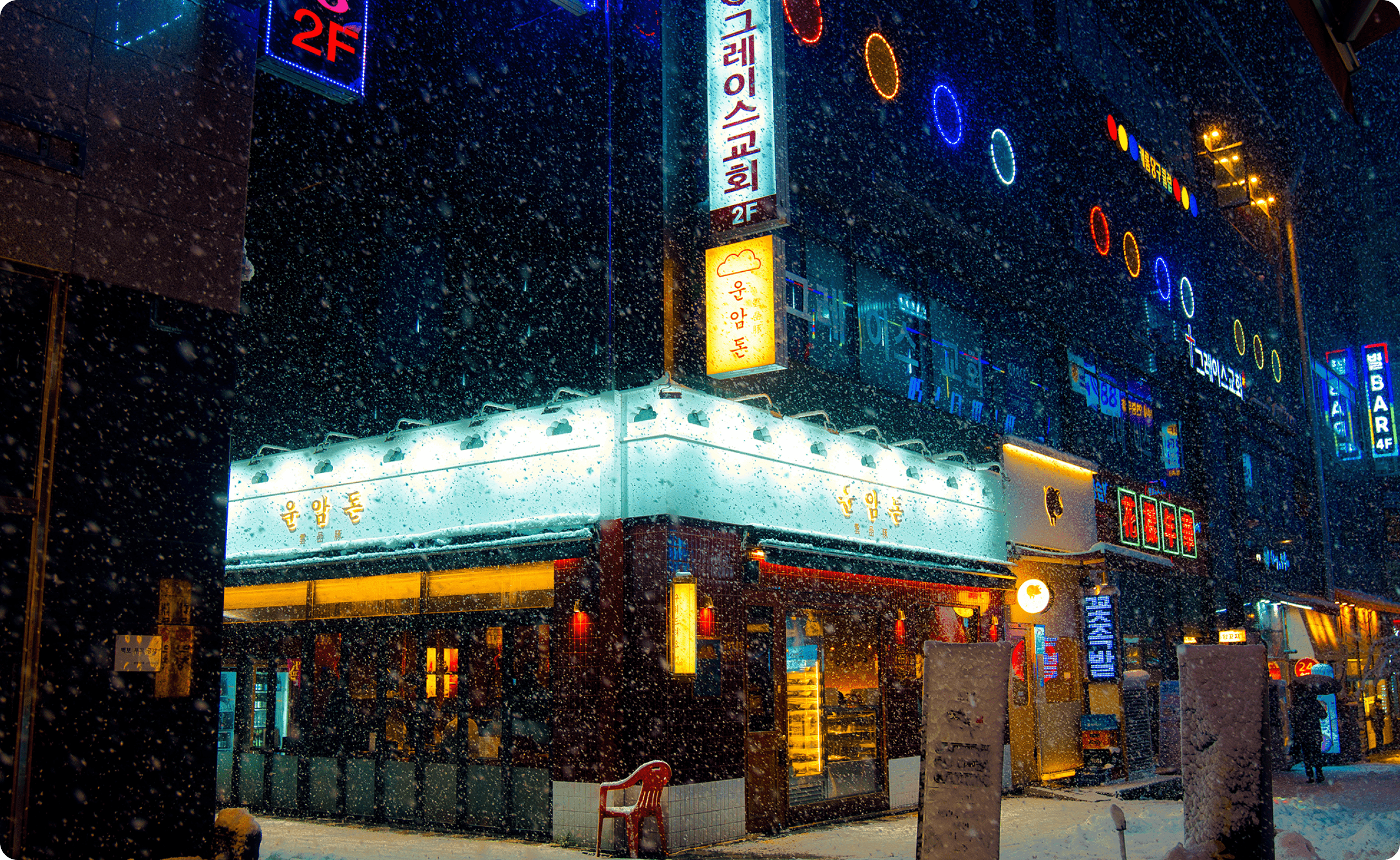
- 10 Presets: Transform winter cityscapes with edgy neon hues.
- 10 Presets: Enhance the neon glow of your urban night photography.
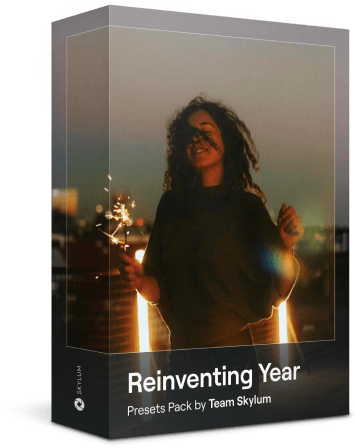
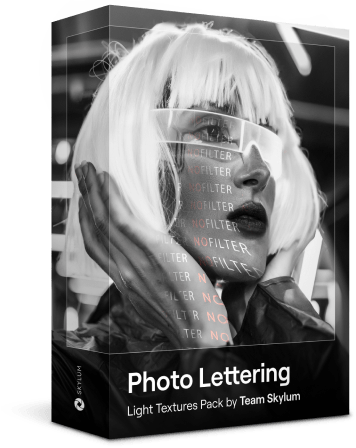
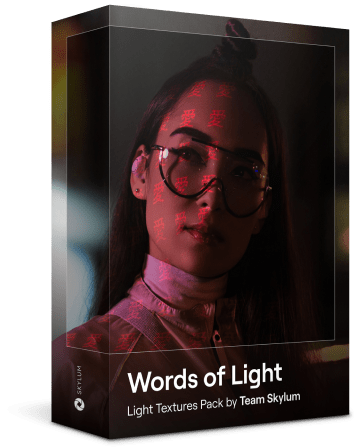
- 5 Light Textures: Add illuminated text effects over your subjects for an artistic touch.
- 5 Light Textures: Create a special message or add new meaning with these text effects.
- 3 Overlays: Add one of these enchanting elements to any evening sky.
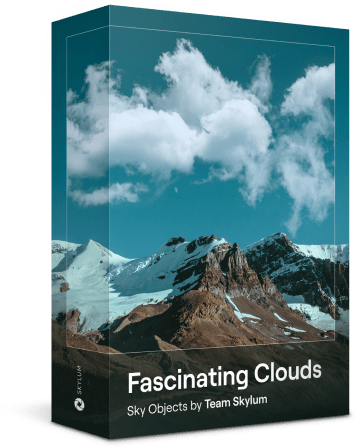
- 10 Overlays: Choose the perfect arrangement of clouds to enhance a sky shot.
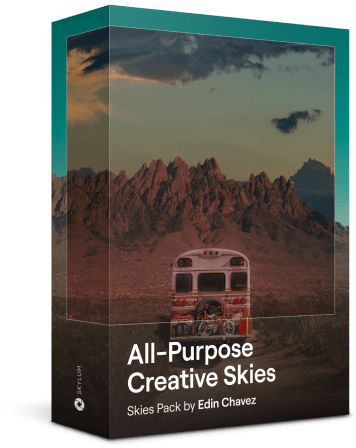
- 20 Skies: Select a gorgeous atmospheric backdrop for any outdoor scene.
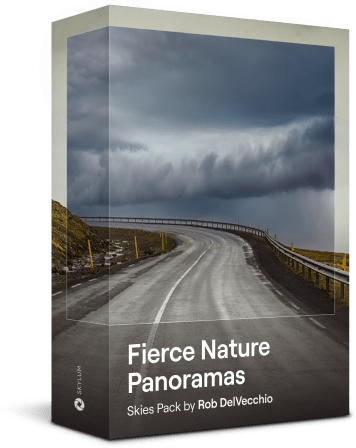
- 15 Skies: Infuse your photos with the power of nature from above.
- Installation Guides (PDF)
Specifications
Presets
- Created by experienced colorists
- Compatible with Luminar Neo (30 Presets) and Lightroom (20 Presets)
Light Textures
- High-resolution Light Textures in JPEG format
- Compatible with Luminar Neo
- For use with Studio Light tool in Luminar Neo
Overlays
- High-resolution Sky Object Overlays in PNG format
- Compatible with Luminar Neo, Luminar AI, Luminar 4, Lightroom and Photoshop
Skies
- Ultra high-definition Skies in JPEG format (8k resolution)
- Compatible with Luminar Neo, Luminar AI, Luminar 4 and Photoshop
Experiment with these creative assets and boldly transform your photos and videos
Designed by a team of colorists
High-quality assets
Realistic and diverse effects
Ideal for photos and videos
Get for yourself or gift to a friend
Let your creativity guide you as you use this phenomenal editing toolkit. Rediscover your photos and videos, or choose to send a gift to a friend to inspire their own creative renewal this Lunar New Year.
$ 39
$ 179
What is the Creative Renewal Bundle?
This bundle includes 88 high-quality assets for Lunar New Year photos that can be easily imported into Luminar Neo and other photo and video editors. You’ll find 10 Presets for experimenting with motion blur and bokeh light effects, 10 Presets for transforming winter cityscapes with edgy neon hues, and another 10 Presets for enhancing the neon glow of your urban night photography. You’ll also find 2 sets of 5 Textures to add artistic illuminated text effects. There are 13 Sky Object Overlays for adding enchanting elements to evening and day shots. Additionally, 35 Skies provide a variety of atmospheric backdrops for outdoor shots, from dreamy to fiercely bold.
Why get the Creative Renewal Bundle?
We produce all our assets internally, without any 3D rendering. Instead, our professionals capture them using real cameras in real-life settings, ensuring a natural and realistic appearance. Our use of cutting-edge cameras guarantees unmatched quality, delivering high-resolution assets on average reaching 2560 pixels on the longest side.
Which software is the Creative Renewal Bundle compatible with?

Presets: Compatible with Luminar Neo and Adobe Lightroom.
Light Textures: Works with Luminar Neo.
Overlays: Compatible with Luminar Neo, Luminar Neo, Luminar AI, Luminar 4, Adobe Lightroom and Adobe Photoshop
Skies: Automatically replace in Luminar Neo, Luminar AI, Luminar 4, and Adobe Photoshop.
Message from the creators

At Skylum, our creative team understands the importance of photos shared with loved ones during the festivities of Lunar New Year. As you contemplate self-transformation in the Year of the Snake, you can rely on these diverse assets to inspire you to take bold steps with your editing. Designed to enhance snowy cityscapes, neon-lit night scenes, and outdoor shots with atmospheric effects, this collection lets you experiment with artistic choices. May the new year be filled with creative growth!
FAQ
Is it a one-time payment?
This bundle is available as a one-time purchase. Once you buy it, you own it forever, no subscription fee applies.
How do I get my assets after purchase?
You will receive an email with your order confirmation as well as a download link. If there’s no email, please check your spam folder or reach out to us via support.
How do I install the assets?
It depends on the software you’re going to use. Here’s an installation guide for Luminar Neo:
PRESETS
- Download and unzip the Presets pack.
- Open Luminar Neo.
- Click on the 'Presets' tab at the top.
- Look for the 'Purchased' tab on the right side and click the 'Add' button
- Select the Presets pack from your 'Downloads' folder and begin applying your new presets to your photos!
TEXTURES
- Download and unzip the Textures pack.
- Open Luminar Neo.
- Click on the 'Edit' tab at the top.
- Click on the 'Studio Light' tool on the right side
- Click on 'Light Customization' option
- Select the Texture drop-down menu and click 'Add custom'
- Select the Texture pack from your 'Downloads' folder and start applying effects to your photos!
OVERLAYS
- Unzip the downloaded pack. On Mac, double-click the zipped file. On Windows, right-click the .zip file to select Extract All, and then follow the instructions.
- Load a picture where you'd like to add an overlay.
- In the top-bar menu, select the Edit tab.
- In the left Layers panel click the big + button to add your overlays.
- A dialog window will open where you'll need to navigate to the folder with your textures and choose the one you need.
- Confirm the selection and enjoy your overlays.
SKIES
- Download and unzip the skies.
- Open Luminar Neo.
- In the top bar menu select the Edit tab.
- In the right Tools panel, choose Sky > Sky Selection.
- Scroll down the All Skies section and click the + button.
- A dialog window will open where you'll need to navigate to the folder with your skies and choose the one you need.
- Confirm the selection and enjoy the effect!
I have a question not listed here
Please contact us at support and we’ll be happy to answer your question.
