
 View plans
Colorize Black And White Photos With AI
Luminar helps you colorize black and white photos with AI by intelligently adding realistic tones, natural skin colors, and balanced lighting. Using the advanced AI image colorizer, you can convert black and white to color in seconds while preserving original texture and emotion.
Try it nowRediscover Forgotten Details And Colorize Photo Smoothly
Luminar’s AI photo colorizer analyzes contrast, lighting, and object depth to colorize images accurately. It brings subtle shades back into faded photos and restores visual depth without manual masking.

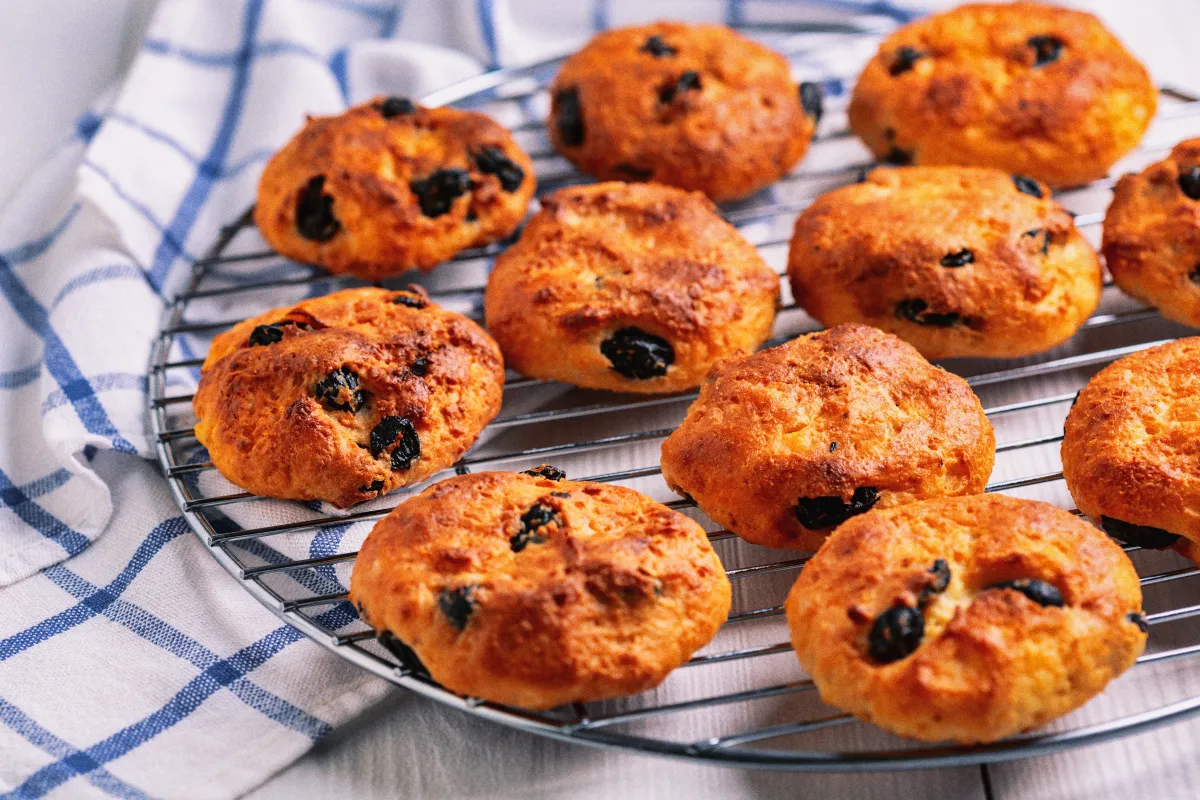
Fast, automatic colorization
Сolorize a black and white photo in seconds. The AI handles the heavy lifting, so you don’t need manual masking or complex edits.



© shutterstock
.webp)
© Shutterstock
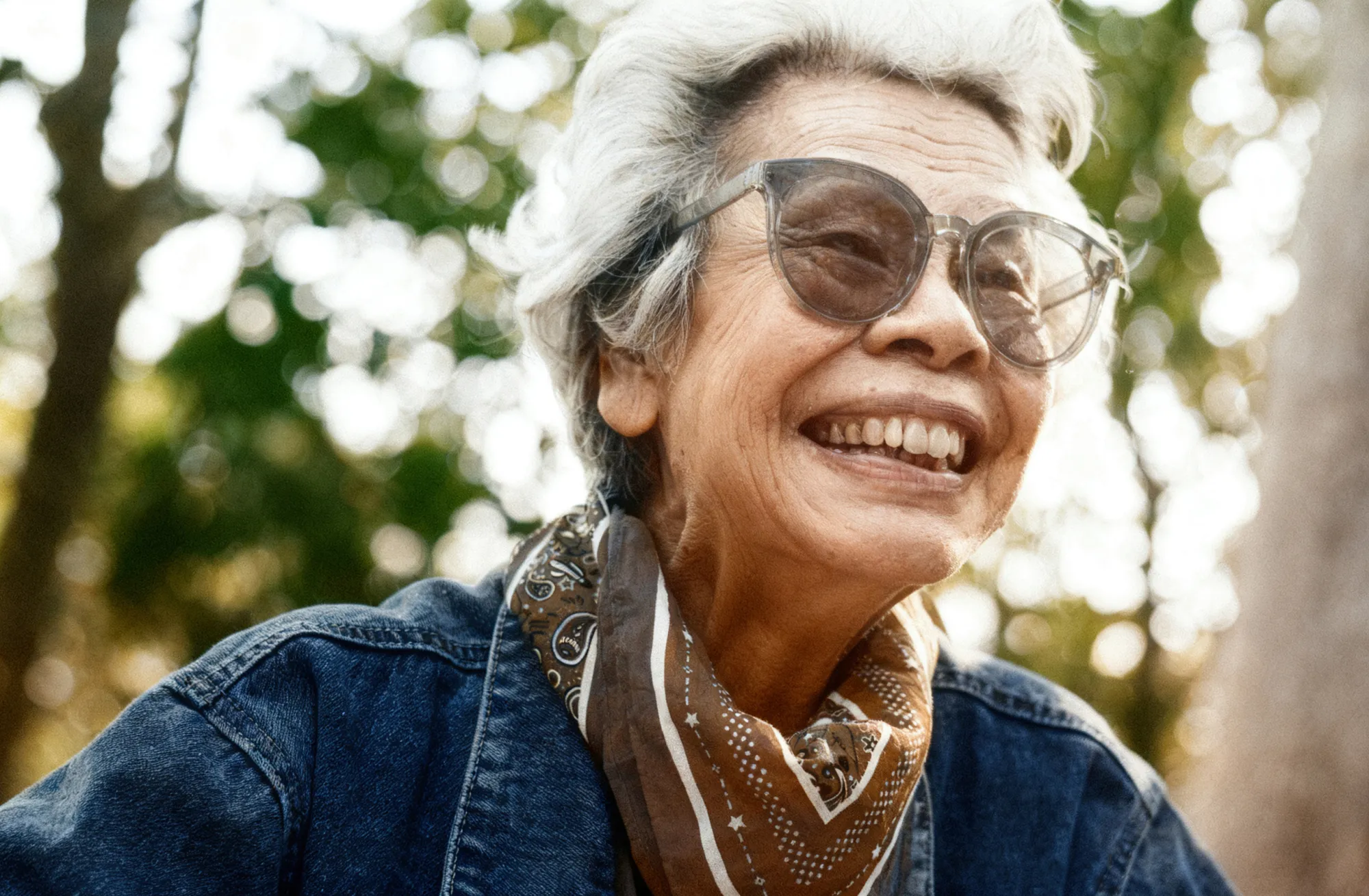
Natural, realistic results
Skin tones, shadows, and lighting are generated based on context, so the image looks believable—not flat or overprocessed.
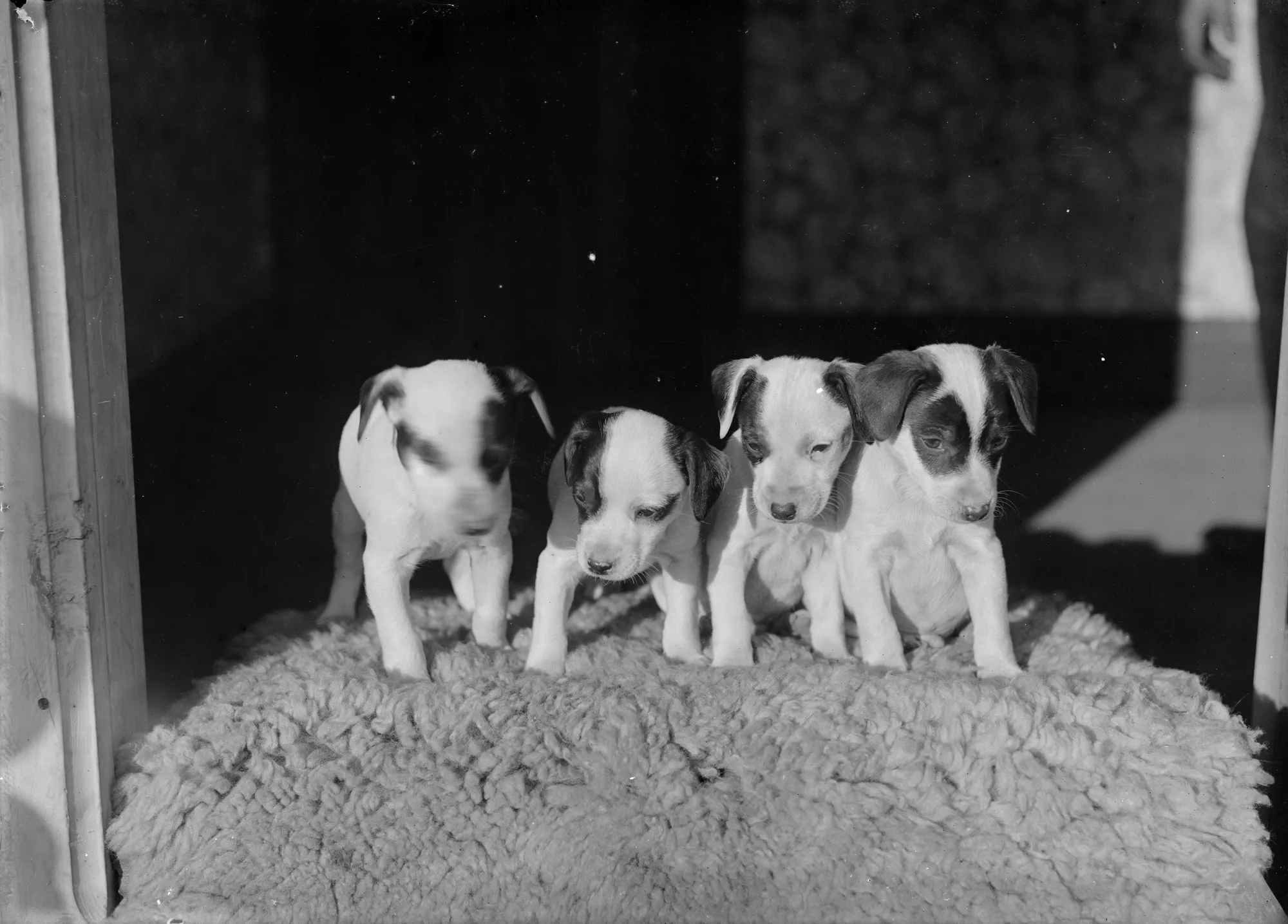
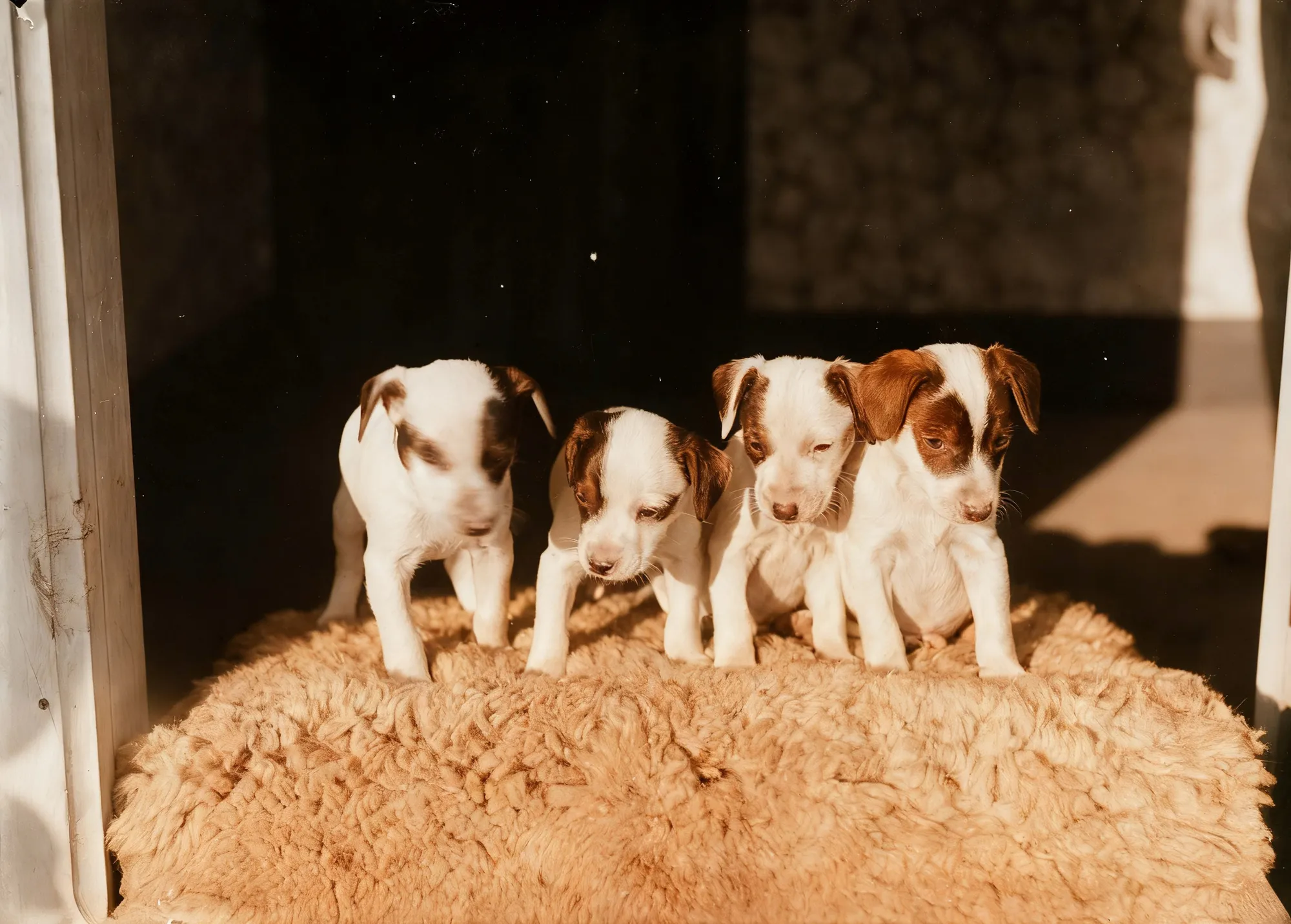
Full control without quality loss
All edits are non-destructive, meaning you can refine colors, adjust tones, and experiment freely while keeping the original image intact.
© shutterstock
Image Colorizer Makes Timeless Black And White Photos Vivid

Upload your black and white image

Activate the AI image colorizer

Adjust tone intensity

Export your colorized photo
This workflow makes Luminar ideal for color black and white photos, restoring family archives, portraits, and historical photography.
Explore Other Features

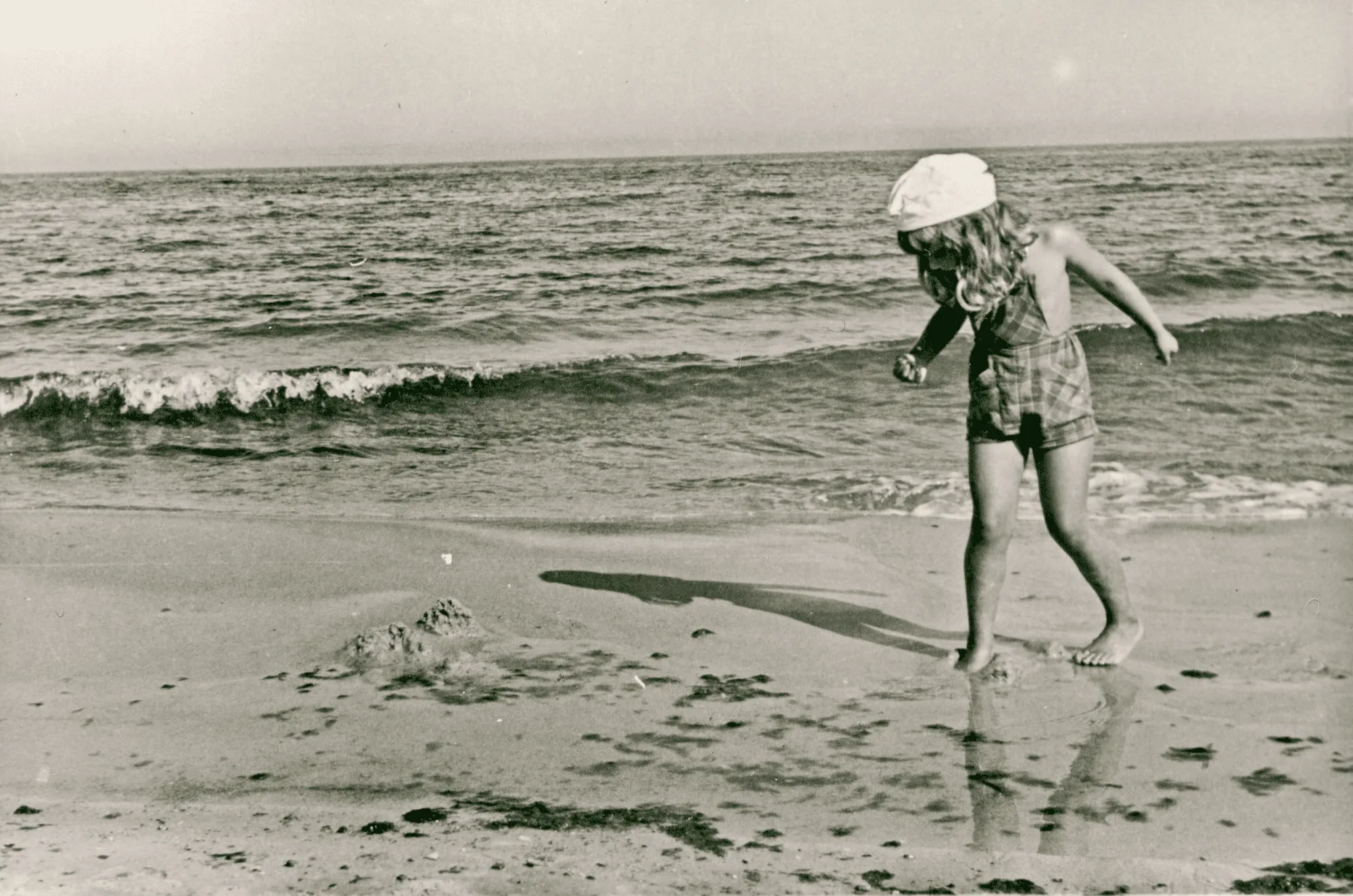
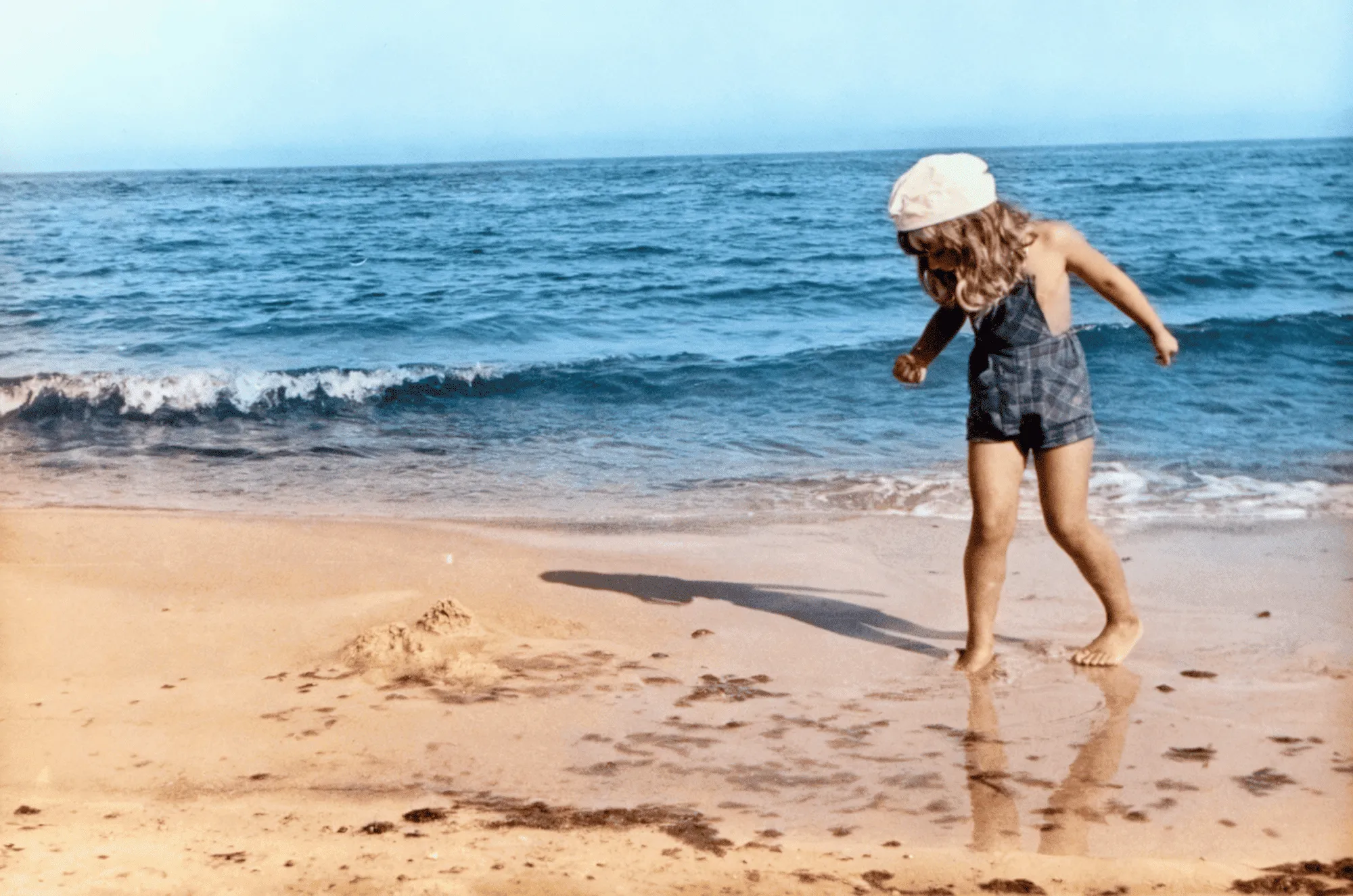
Photo Restoration
© Shutterstock
Transform old photos into stunning, rejuvenated images with the magic of AI-powered photo restoration.

Image Tinter


© Depositphoto
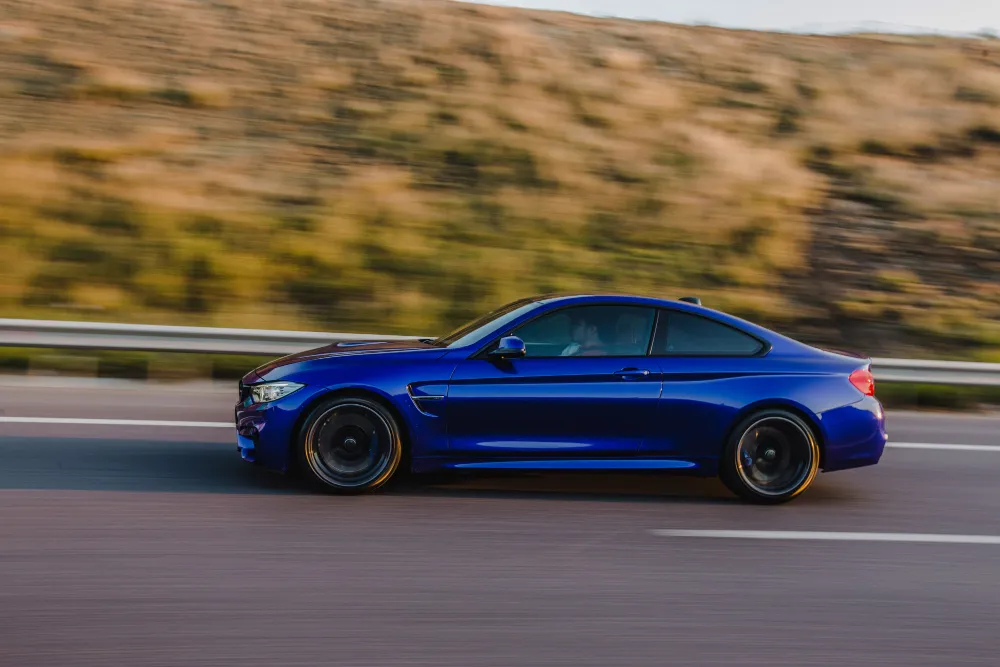
Unlock the true potential of your images through expert color correction and mood setting.

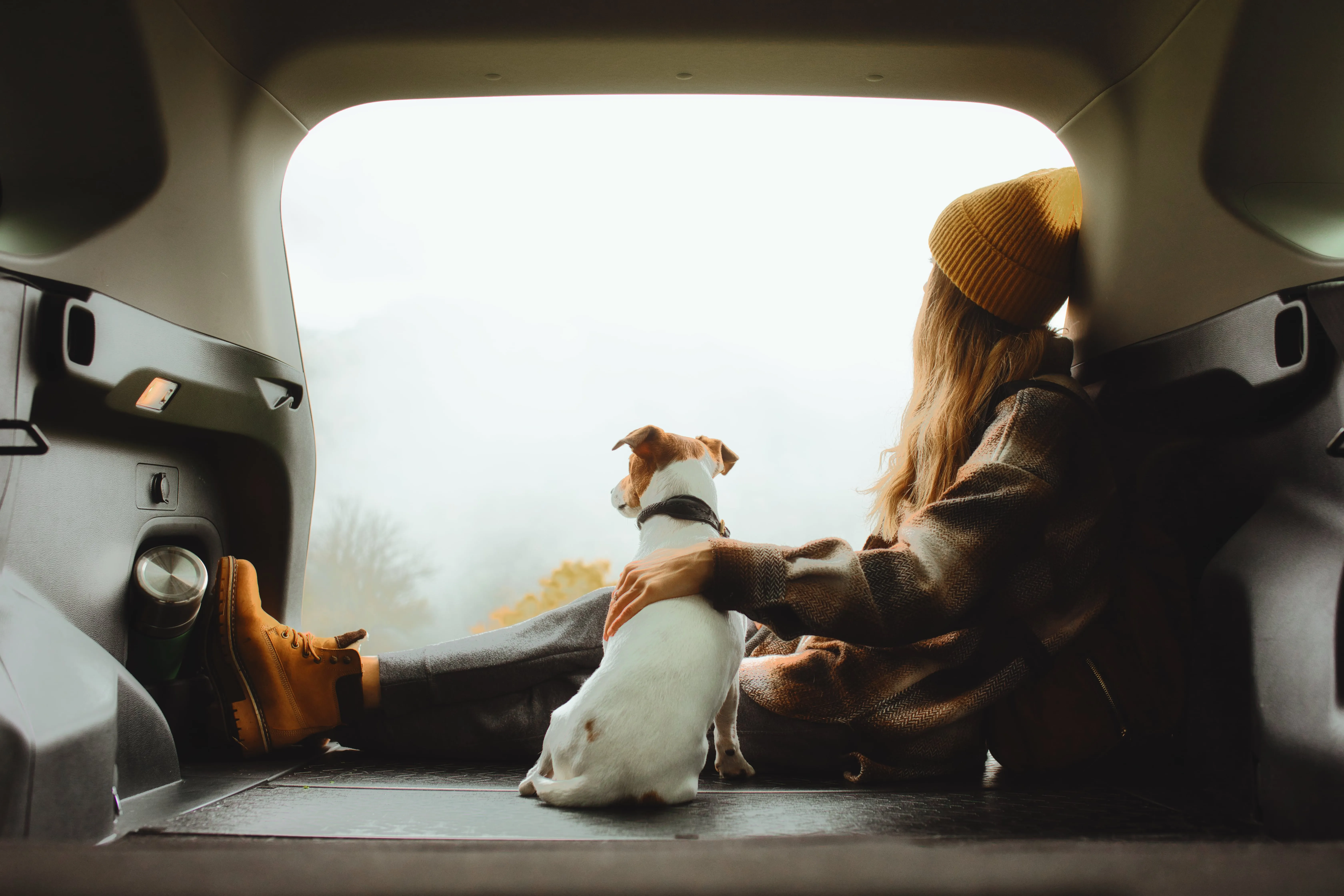
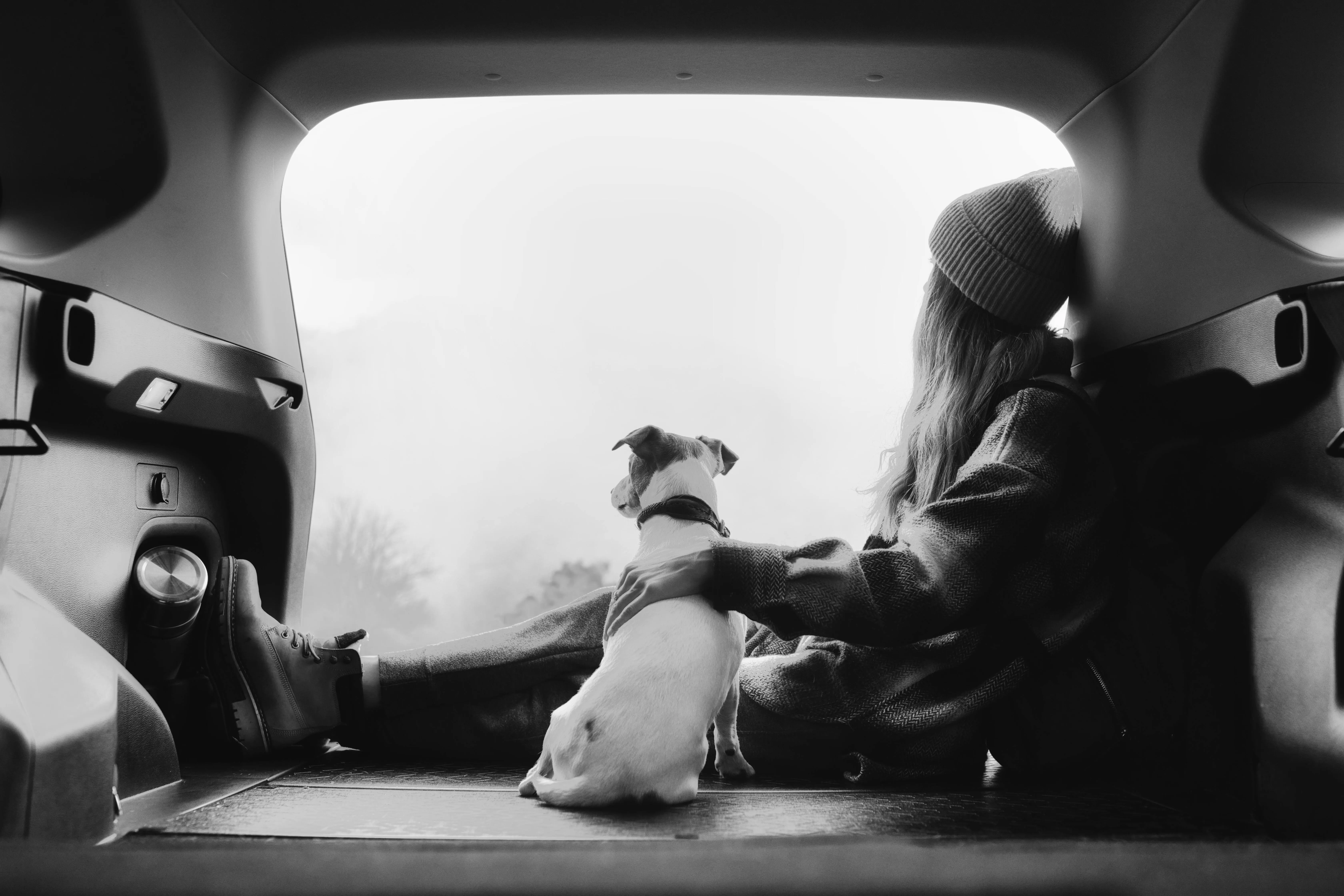
Image Color Remover
© Shutterstock
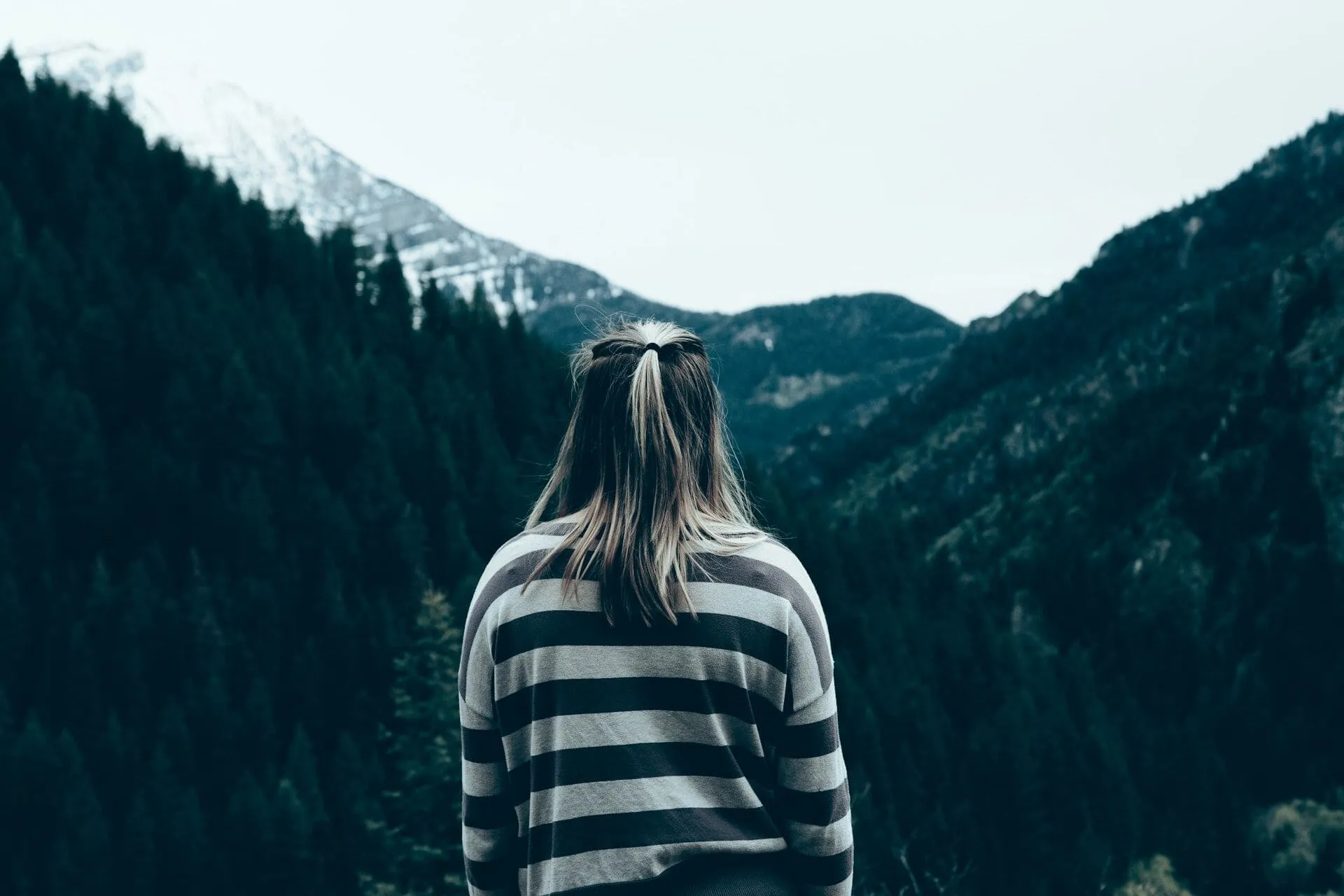
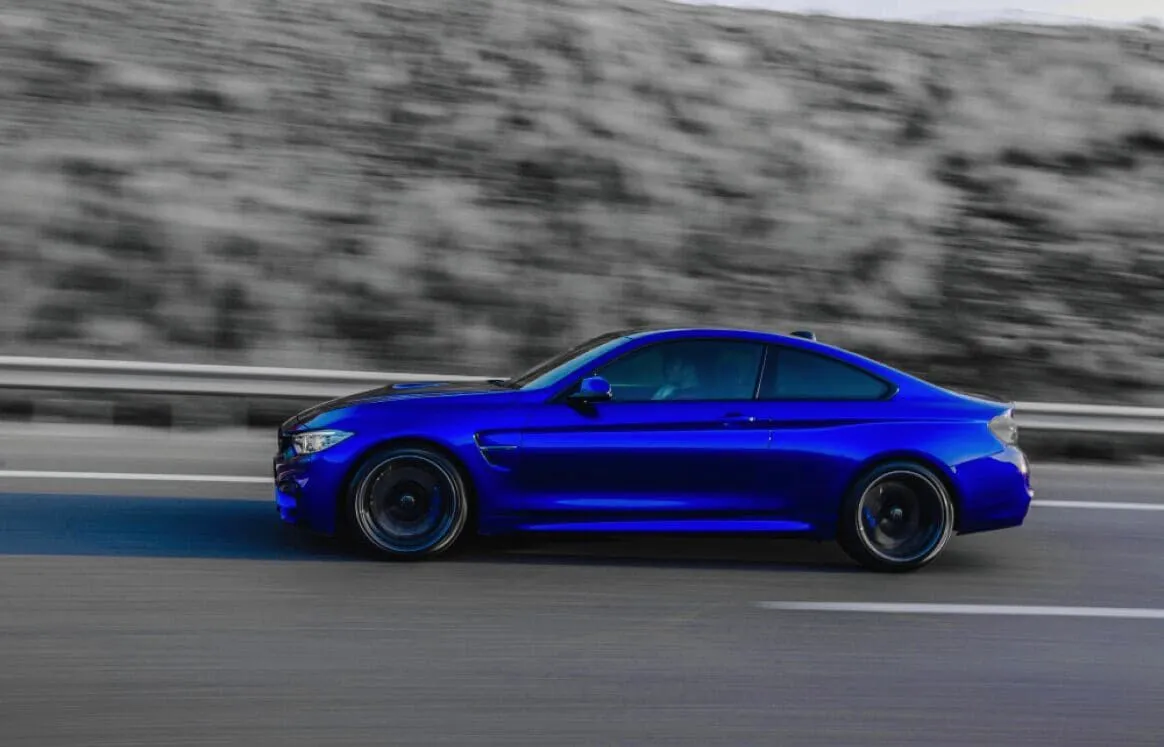
Convert your images to stunning black and white to evoke timeless elegance.
Grayscale Image


© Ksenia Kazak
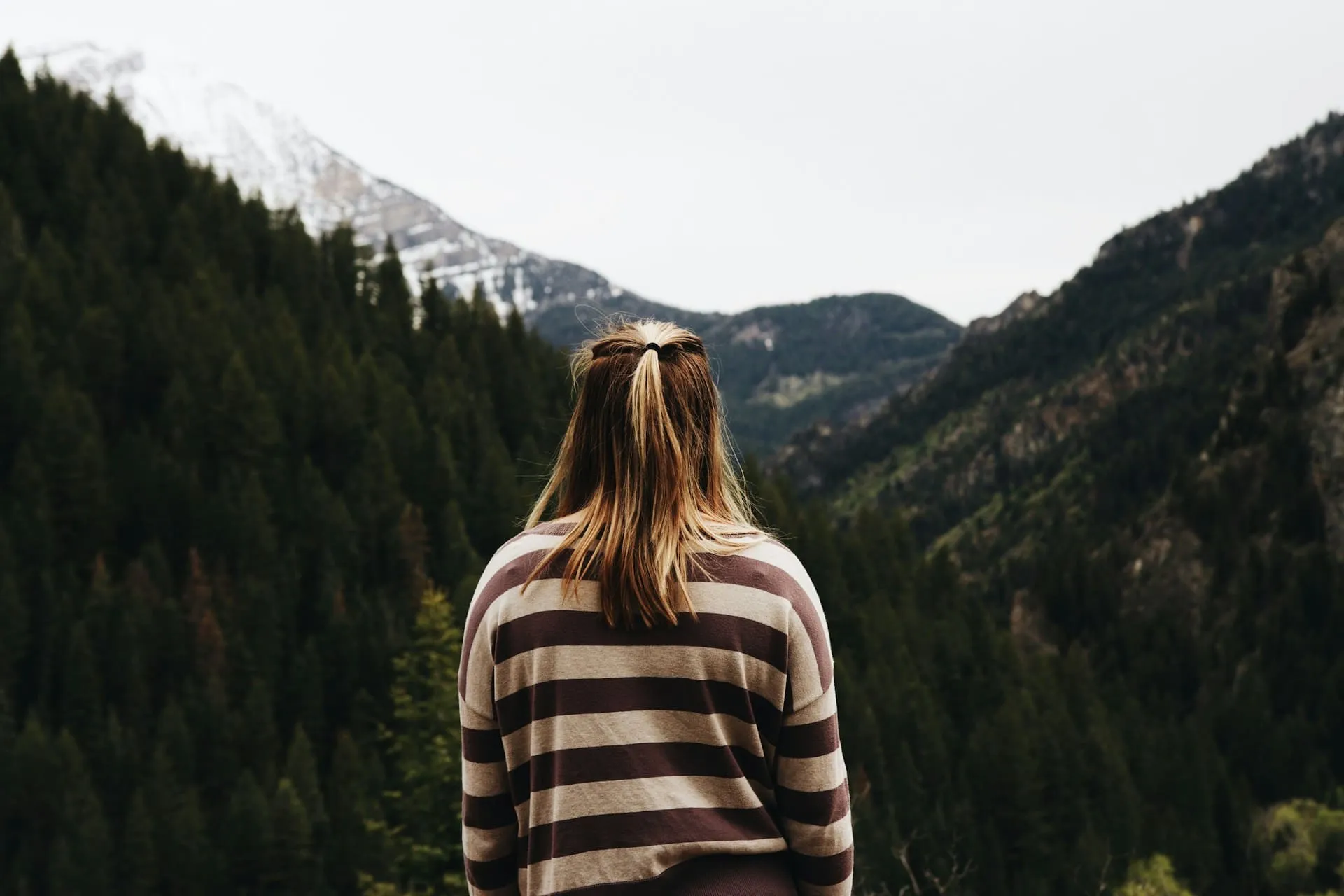
Explore our tools and let nostalgia and timelessness transform your visual storytelling.

Sepia Filter
© Ksenia Kazak
Add a touch of vintage charm and warmth to your images with our easy-to-use sepia color filter.

FAQ
Does Luminar work with scanned film negatives?
Yes. It supports scanned film images and digitized negatives, automatically detecting subjects and applying color in a way that preserves original detail.
How realistic are the results when colorizing black-and-white photos?
When you convert a black and white photo to color, the AI analyzes tones, lighting, and context to generate balanced, natural-looking colors—avoiding the flat or overly saturated results typical of basic colorizers.
Can I adjust the colors after using the AI colorizer?
Yes. After automatic colorization, you can refine tones, adjust warmth, control saturation, and fine-tune contrast for a more accurate or creative result.
Can Luminar help restore old or damaged photos?
Yes. You can combine colorization with tools for sharpening, noise reduction, and detail recovery to improve faded or low-quality images.
Who is this tool best suited for?
From photographers and designers to casual users working with family archives—anyone who wants fast results with the option to refine manually.
What makes Luminar different from other photo colorizers?
It combines automatic AI colorization with manual editing tools and layer-based control, so you’re not locked into a one-click result.
Is it beginner-friendly?
Yes. You can get a usable result in seconds, but still have full control if you want to go deeper.
Why Luminar is the best AI photo colorizer?
Luminar is recognized as a leading solution for photo colorization because it can bring new color and life to old or black-and-white images while keeping the original details intact. Its AI-powered editing tools help create balanced, natural-looking results that can be further refined with precise color controls.
Why Luminar black and white photo colorizer is trusted by photographers?
Photographers choose Luminar because it combines AI-powered colorization with a complete photo editing workflow. After adding color, users can fine-tune tones, contrast, saturation, and individual areas of the image, giving them greater control over the final result.
