
 View plans
Blur Face in Photo Without Messing Up the Rest
Fast, precise, and natural-looking, Luminar is the easiest way to protect privacy while keeping your images sharp and professional.
Try it nowBlur Face in Photo to Keep Things Mysterious
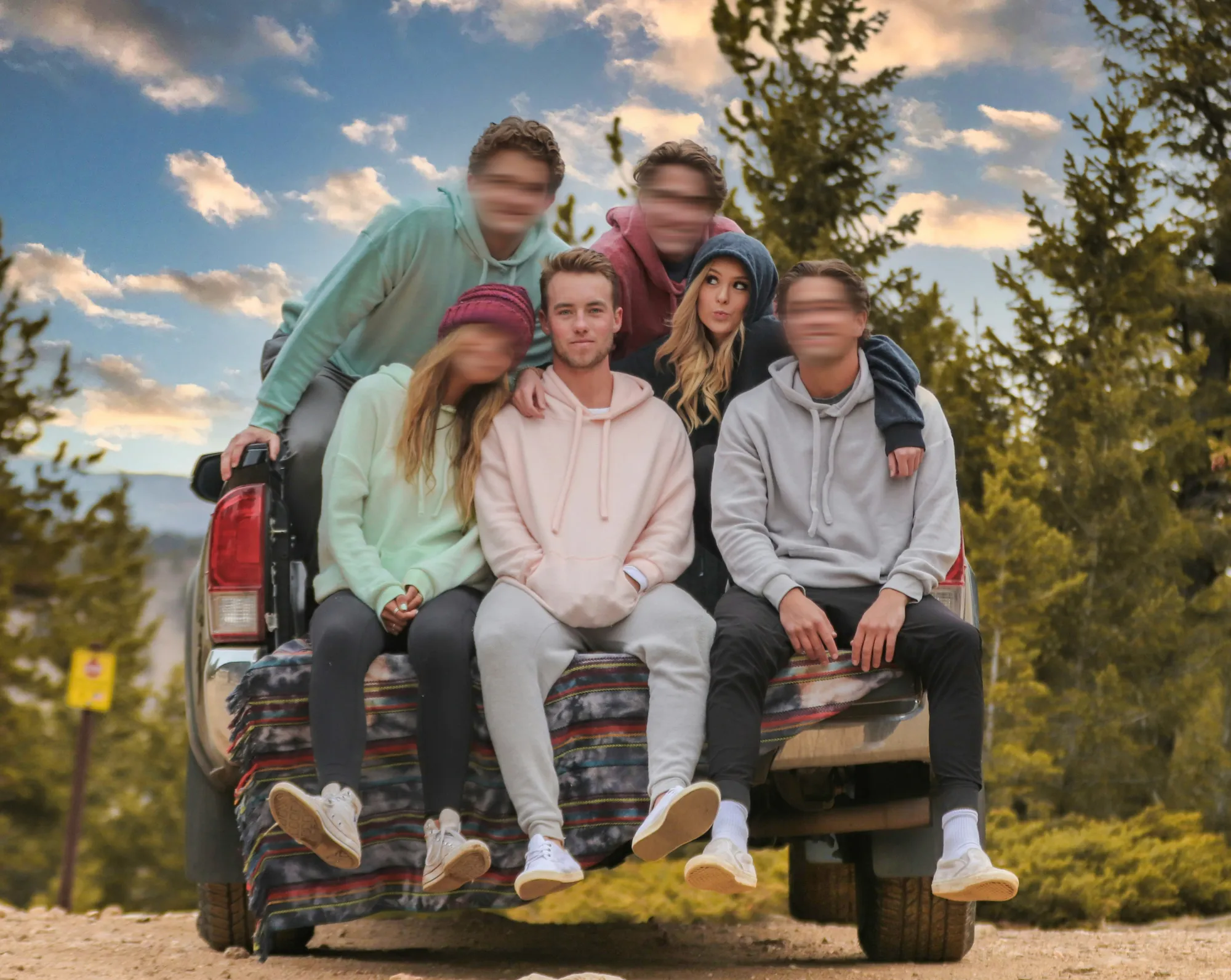
Protect privacy without compromising image quality. Luminar lets you blur faces in photos quickly and naturally.
Whether it’s for social media, family albums, or professional projects, you can blur out faces in photos seamlessly while keeping the rest of the image sharp.
Whether it’s for social media, family albums, or professional projects, you can blur out faces in photos seamlessly while keeping the rest of the image sharp.
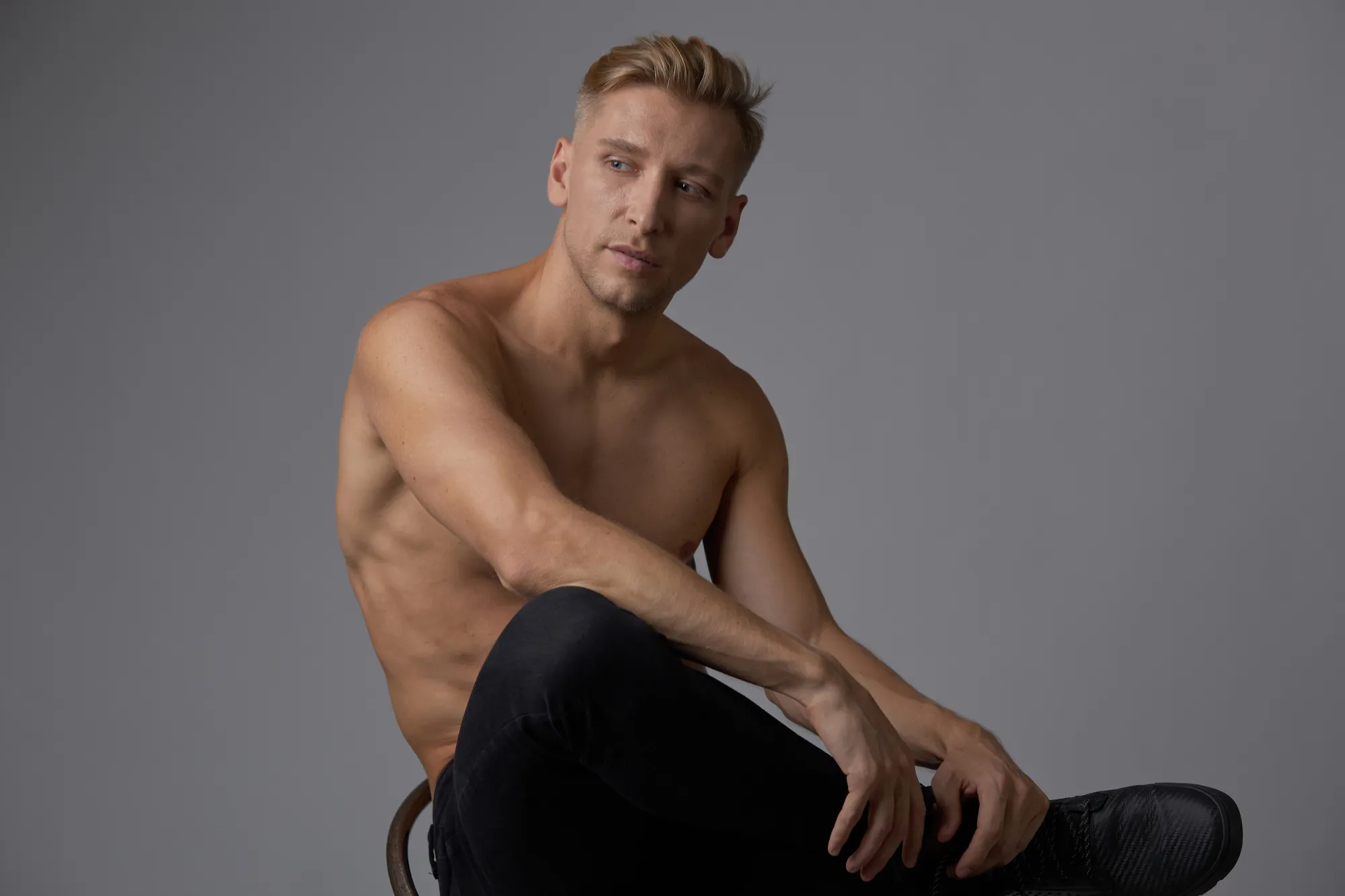

© shutterstock

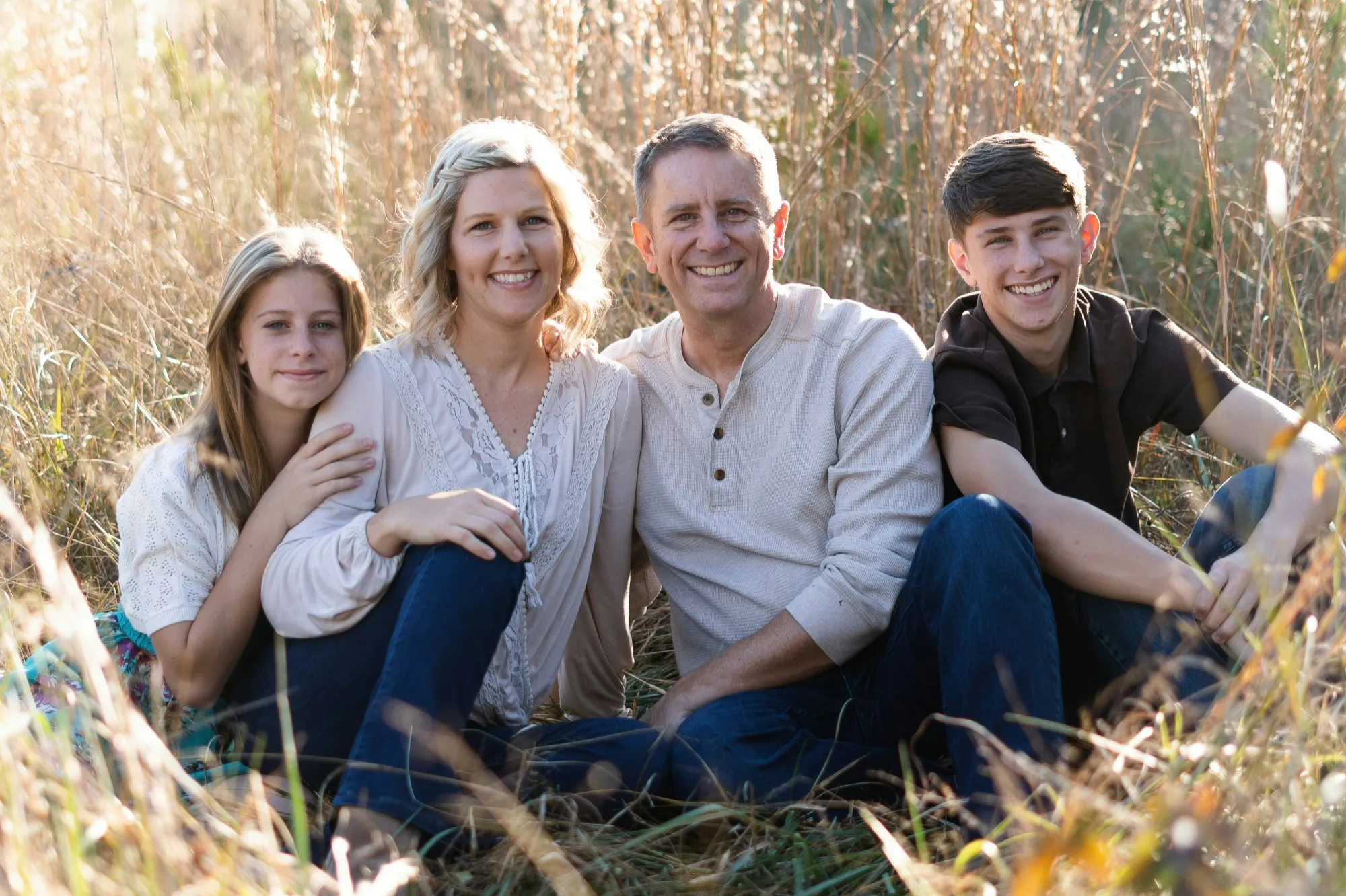
The Only Blur Face Feature You Need For Quick Anonymity
Creating anonymity is fast and precise with Luminar.
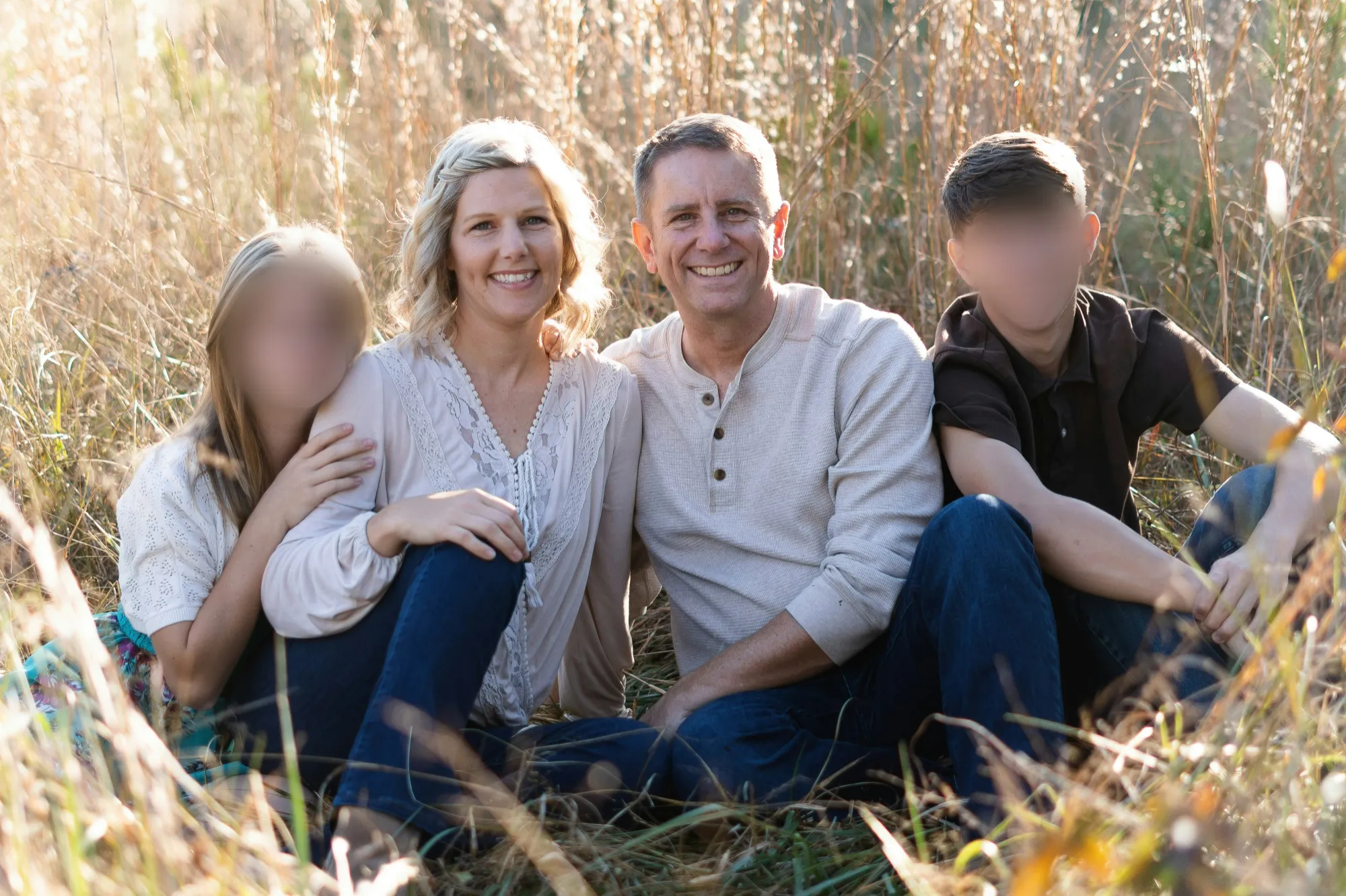
The face blur tool allows you to adjust the intensity, ensuring that every blurry face edit looks smooth and professional. Blur faces in photos to hide identities while maintaining a natural look for the rest of your composition.
The face blur tool allows you to adjust the intensity, ensuring that every blurry face edit looks smooth and professional. Blur faces in photos to hide identities while maintaining a natural look for the rest of your composition.
Blur Faces with Ease – Enjoy Fast, Accurate Editing with Every Photo
Luminar simplifies face blurring. Select the area you want to blur, tweak the strength and get the perfect photo.
You can apply the blur selectively to specific faces or areas, making each blurry face edit fully customizable and effective.
You can apply the blur selectively to specific faces or areas, making each blurry face edit fully customizable and effective.



© shutterstock
The Secret to Clean, Private Photos:
a Blurred Face Effect That Works
The AI-powered face blur effect in Luminar ensures consistent results. It intelligently separates faces from backgrounds, letting you blur out faces in photos without affecting surroundings. The result is clean, private, and professional-looking images every time.
Explore Other Features
Luminar has plenty of other features to help you edit faster and easier

Blur Image


Bring your photos to life—discover how easy it is to blur a picture beautifully in just a few clicks!

Portrait Bokeh Effect
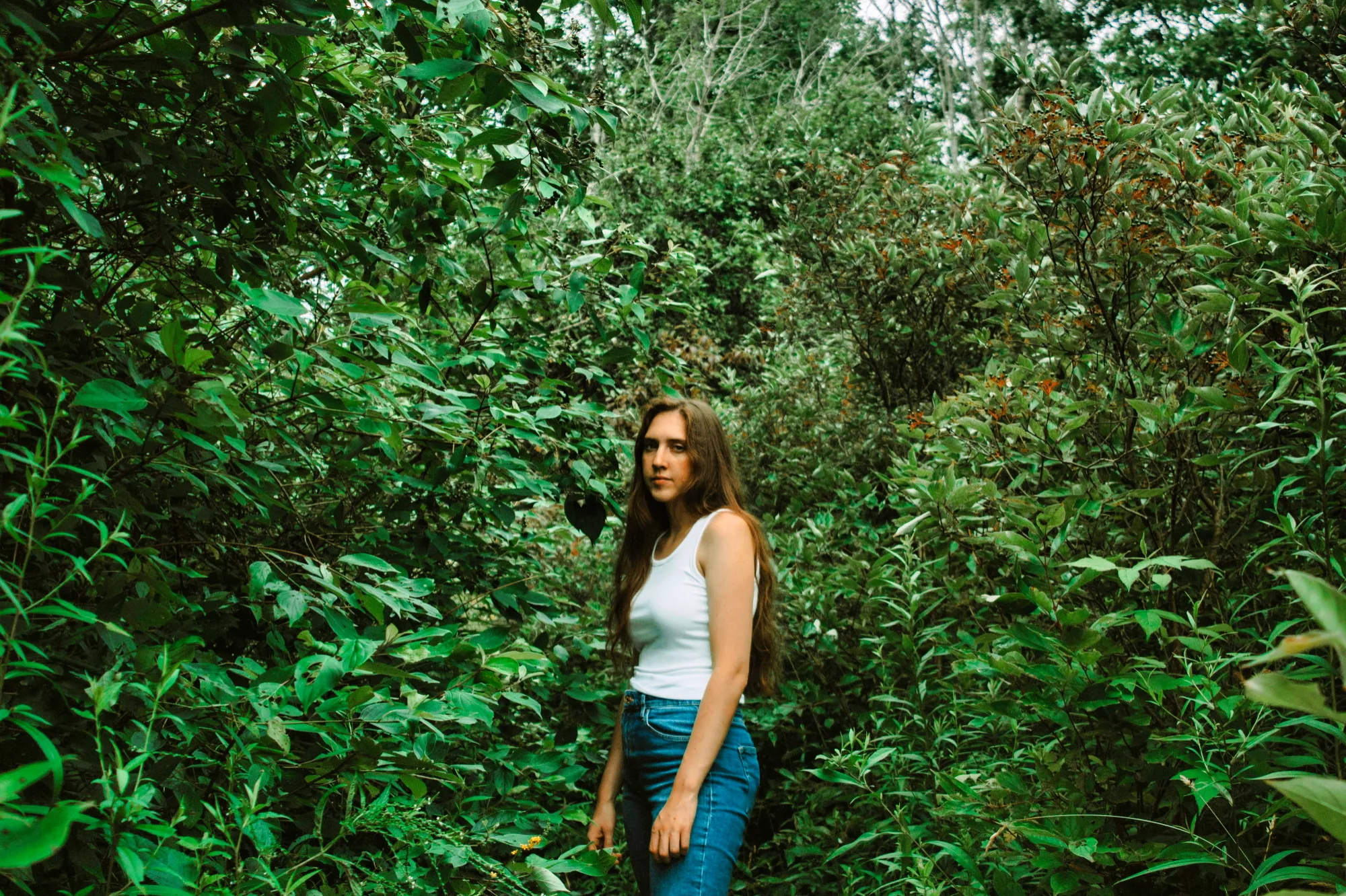

Discover how to transform the background into a mesmerizing blur with our Portrait Bokeh Effect tool.

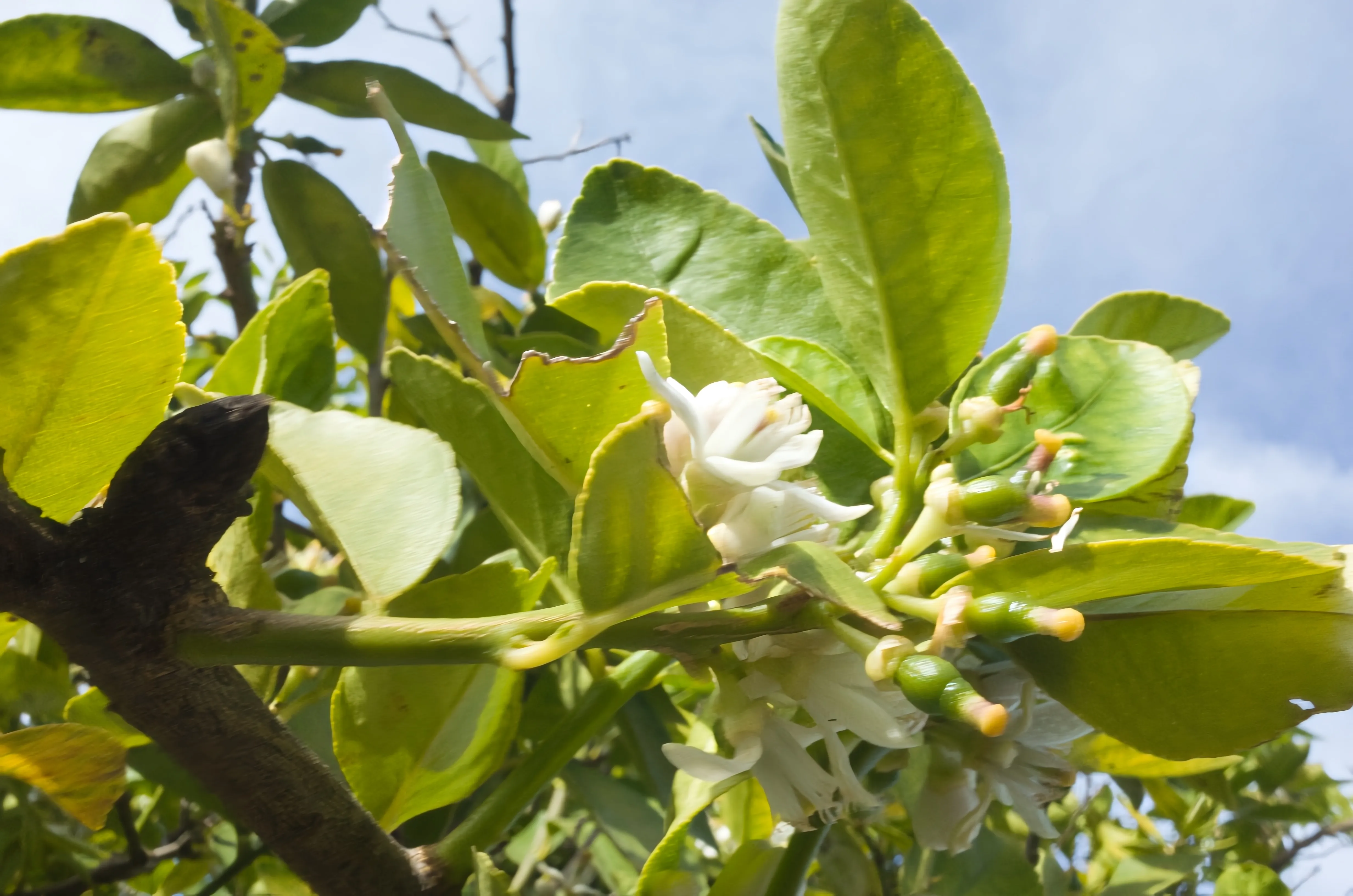

Motion Blur Effect
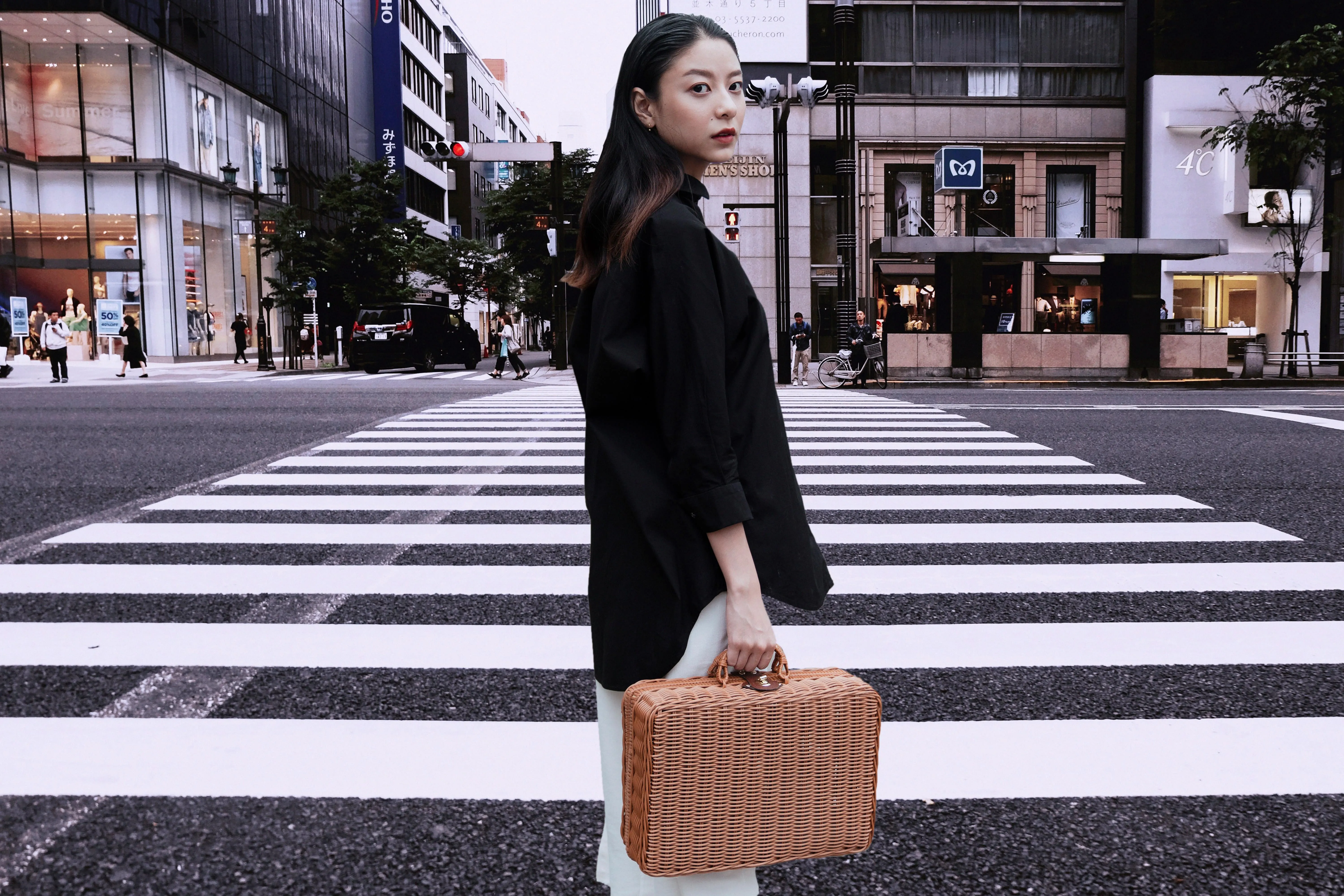
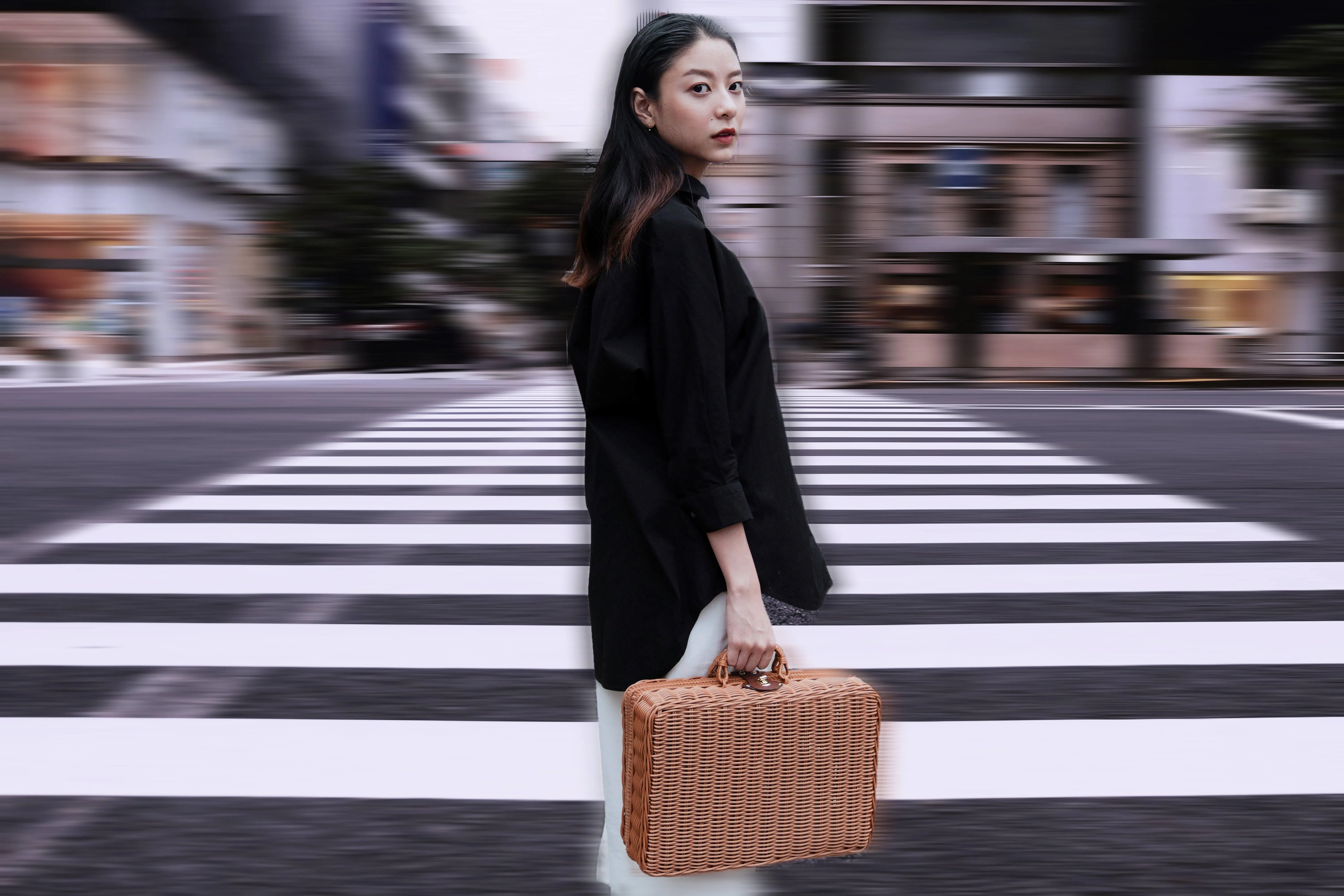
Click now to experience the motion blur effect in Luminar and make your ordinary photos extraordinarily dynamic.

Tilt-Shift Filter
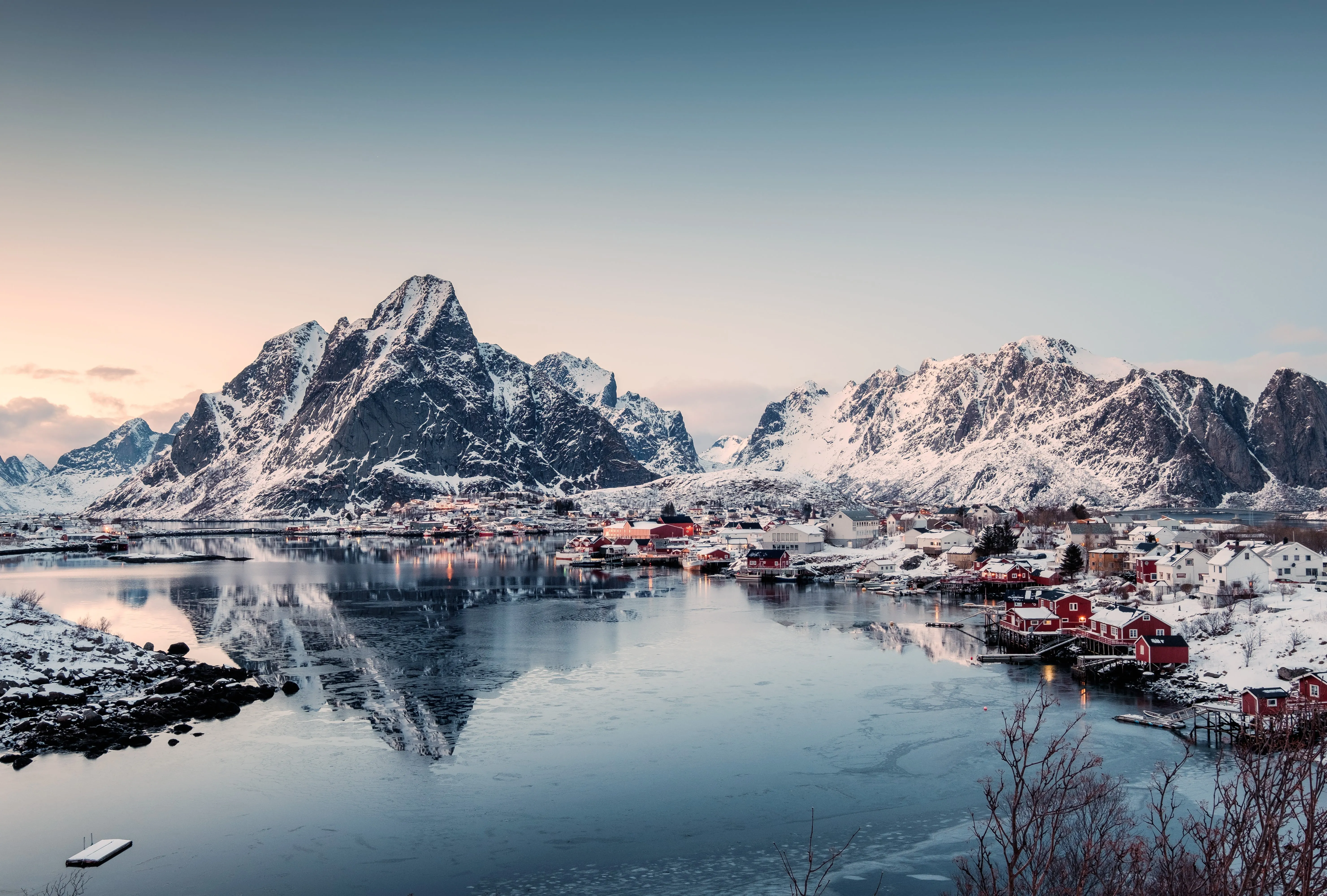
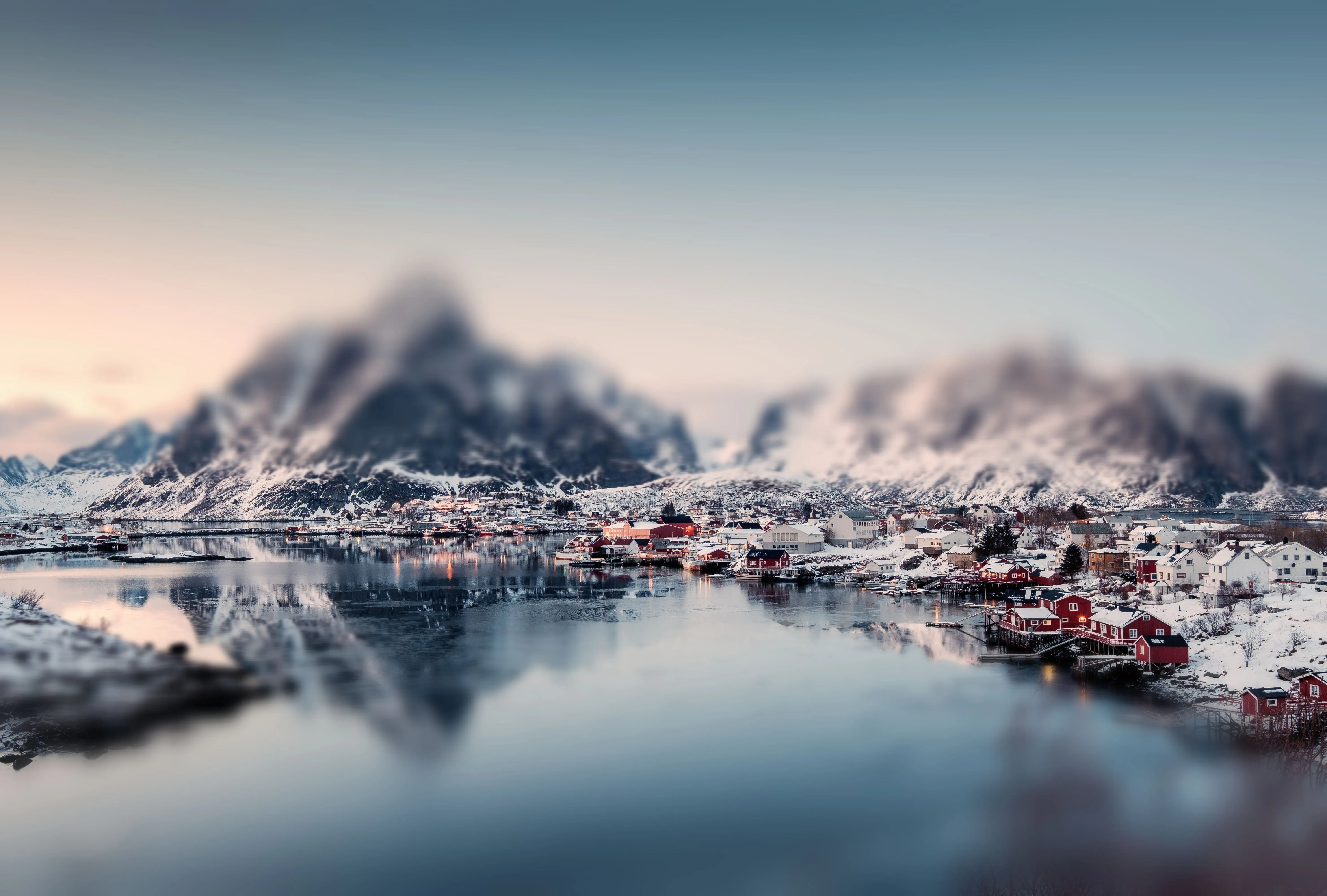
Blur the ordinary and spotlight the extraordinary with a striking perspective shift.
Blur Backgrounds
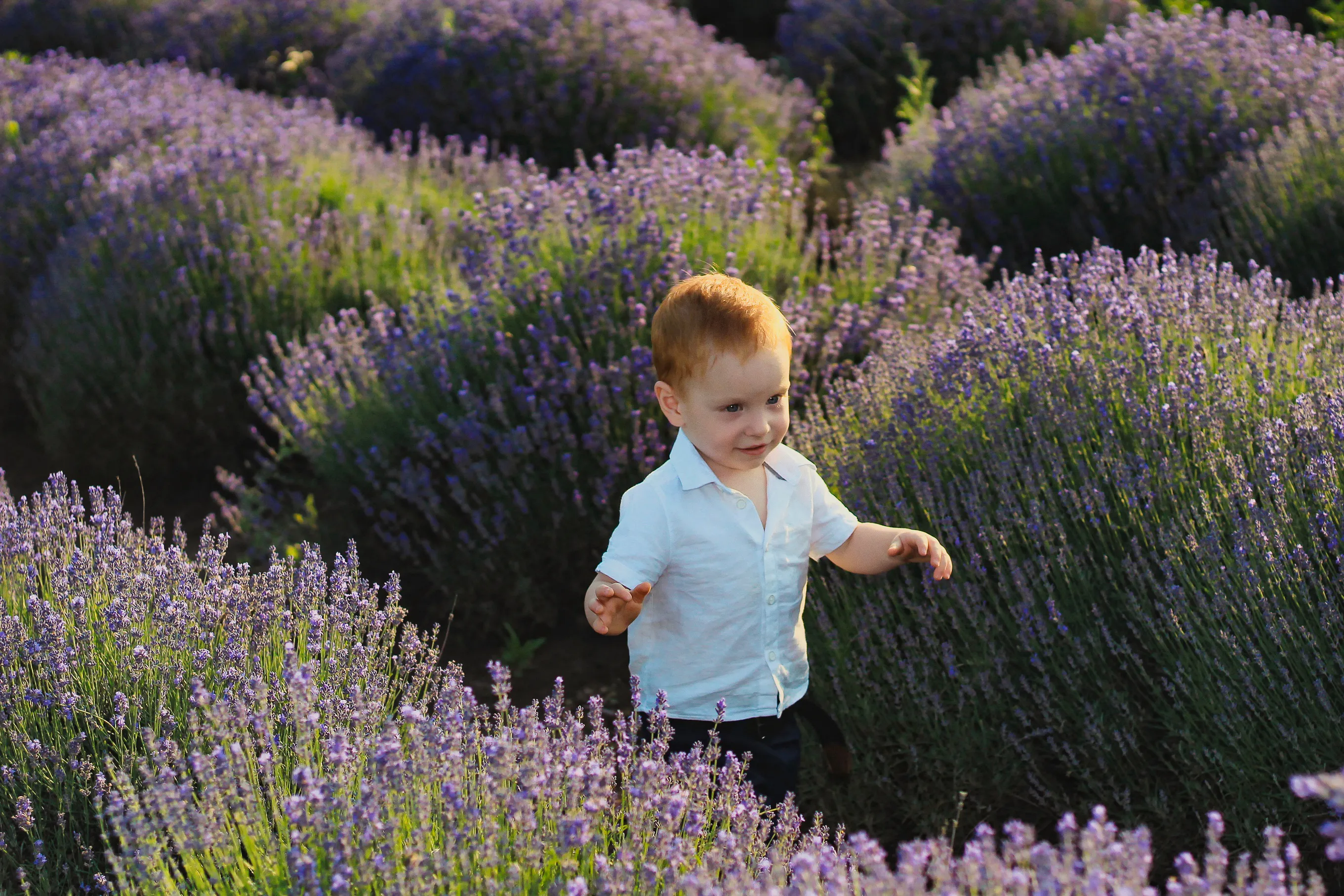
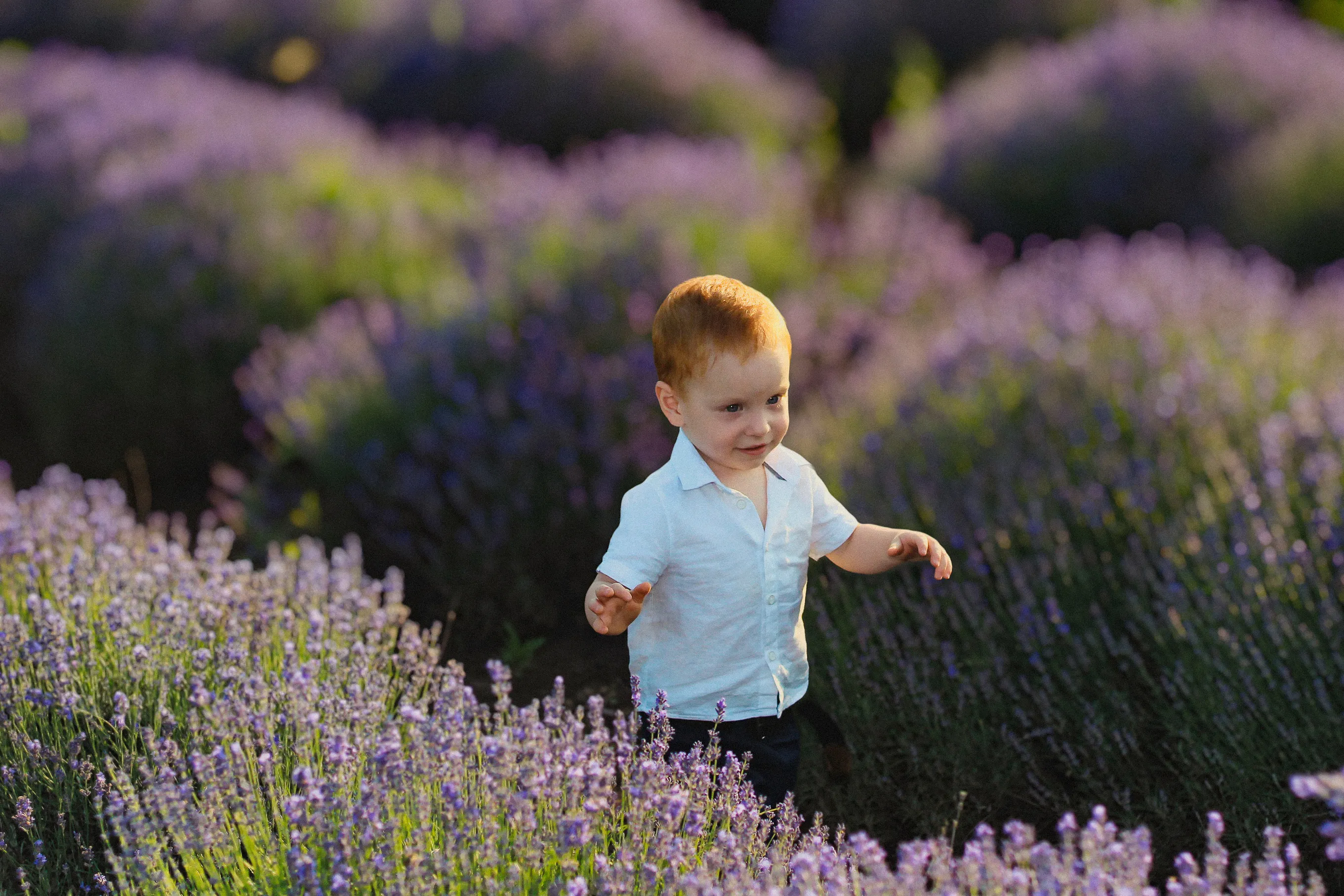
Effortlessly blur backgrounds to bring your main subject into sharp focus and elevate your image's visual appeal.
FAQ
Can I Adjust The Intensity Of The Blur Face Effect In Luminar?
Yes, you can control the blur strength to achieve subtle or strong privacy effects with the face blur tool.
Is It Possible To Blur A Face In A Picture And Ensure The Background Stays Untouched?
Absolutely. Luminar keeps the background intact while applying a precise blurry face edit.
Can I Undo A Blur Face Edit In Luminar If I Don’t Like The Result?
Yes, all edits are non-destructive and fully reversible.
Is It Possible To Use The Face Blur Effect Only On Specific Areas Of The Face?
Yes, the tool allows selective blurring for individual faces or parts of a face, giving you complete control when you blur faces in photos.
