
 View plans
Car Background Replacement Without the Weird Edges
Give your car photos a flawless makeover with Luminar! Easily remove background from car image and replace it with smooth, realistic scenes.
Try it nowSimple Steps For Editing Car Backgrounds With Great Results
Luminar makes it easy to remove background from car image files with precision and speed. Whether you’re working on a single photo or a batch of car shots, the AI-powered tools ensure smooth edges and natural results, keeping your vehicle the main focus.
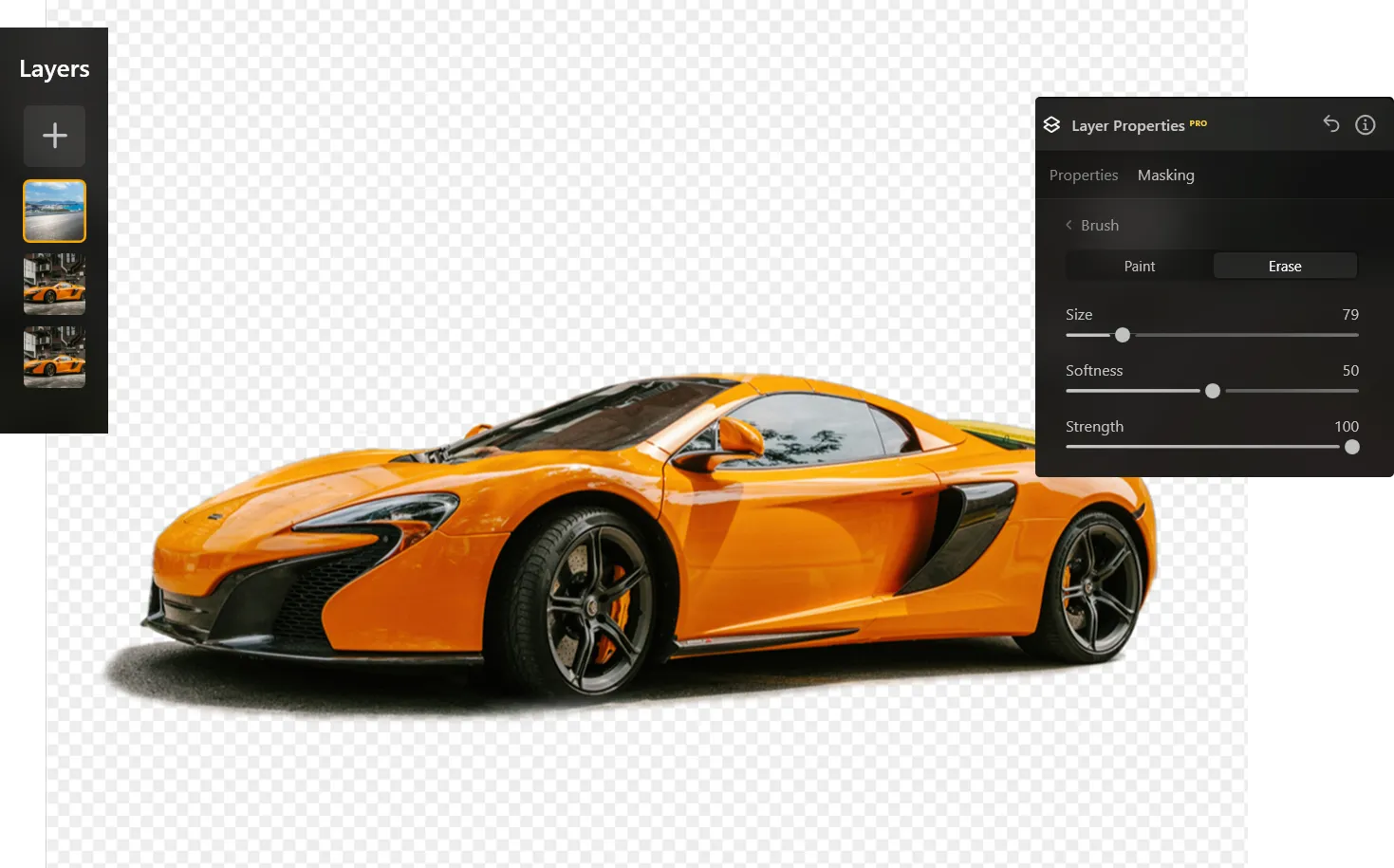
Car Background Editing Made Seamless With Luminar's Intuitive Tools
The intuitive interface allows you to replace or adjust car backgrounds effortlessly.
You can remove the background from the car image and apply new backdrops without worrying about awkward edges or unnatural blending.
It’s perfect for car enthusiasts, photographers, or marketing content creators.
You can remove the background from the car image and apply new backdrops without worrying about awkward edges or unnatural blending.
It’s perfect for car enthusiasts, photographers, or marketing content creators.



© shutterstock



© Shutterstock
Save Time with Fast and Accurate Car Background Photo Editor
Luminar’s AI technology automatically detects vehicles, making it faster than manual editing.
The car background photo editor ensures that your car stands out while the background changes appear seamless.
You can focus on creative adjustments rather than tedious selections.
The car background photo editor ensures that your car stands out while the background changes appear seamless.
You can focus on creative adjustments rather than tedious selections.
Car Photo Editing Background: Give Your Ride the Perfect Backdrop with Luminar
From urban streets to scenic landscapes, Luminar lets you create the perfect environment for your car photos. Remove background from car image easily and explore endless creative possibilities while maintaining realism and quality.
Explore Other Features
Luminar has plenty of other features to help you edit faster and easier

Transparent Background


© Shutterstock
Transform photos into unique art with Transparent Backgrounds!

Change Background Color


© Depositphoto
Easily change the background color and make colors pop with just a few clicks.
JPG Transparent Background


© Shutterstock
Choose a transparent background for seamless integration and a clean, professional finish every time.

Add Black Backgroud


© Ksenia Kazak
Make your image pop with a sleek black background—just a few clicks away with Luminar!

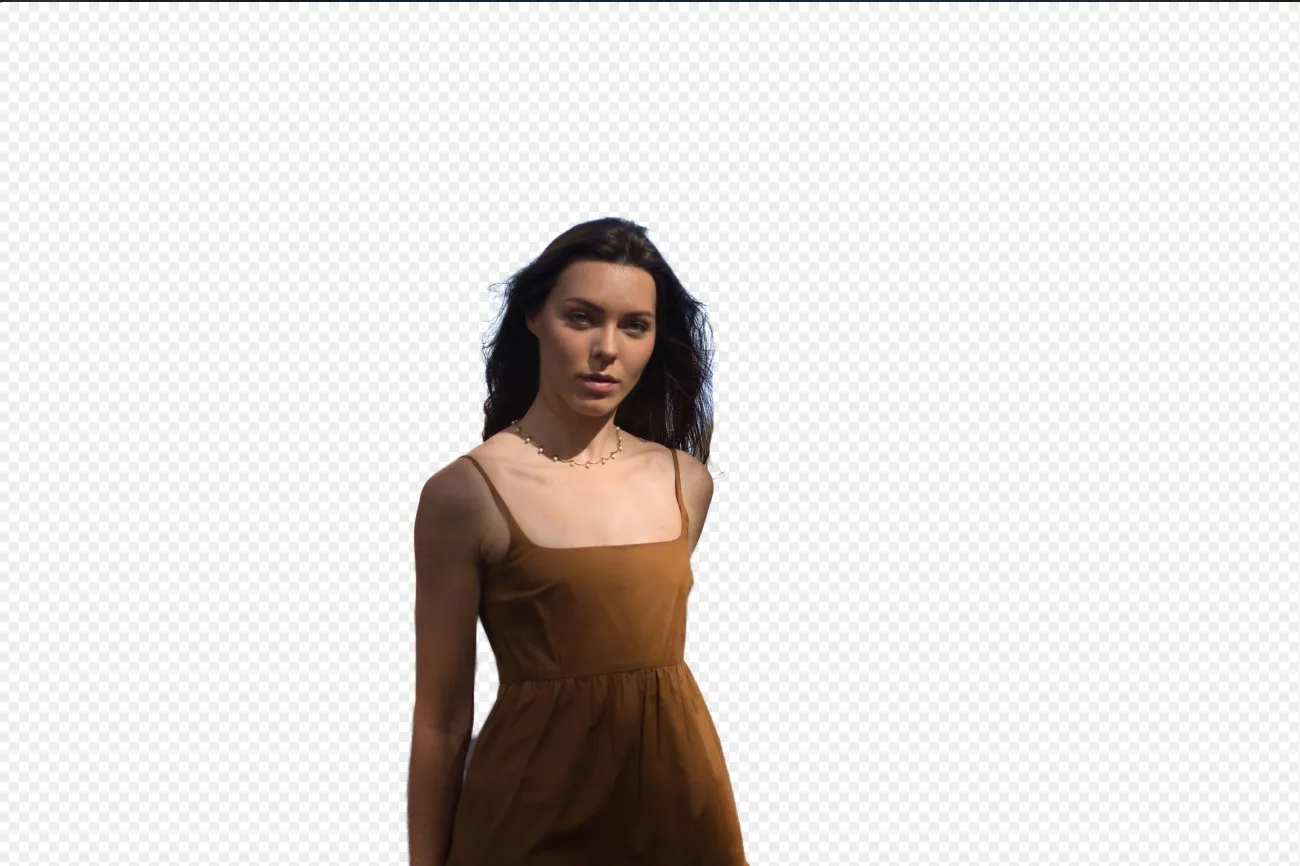
Background Removal AI

© Ksenia Kazak
Use our advanced tool to automatically erase backgrounds behind any object in your images.
Change Photo Background


© bloodua
Transform any photo in seconds with Luminar and make your images instantly more creative.
FAQ
Can Luminar Auto-Detect Autos For Car Photo Editor Background Adjustments?
Yes, the AI automatically detects vehicles, ensuring precise edits every time.
What Settings Help Get The Best Results In Car Background Photo Editing?
Use the AI detection feature and adjust blending settings for smooth, natural results.
Is It Possible To Batch Remove the Background From a Car Image In Luminar?
Absolutely. Luminar supports batch editing for multiple photos efficiently.
Can I Use A Custom Car Background For Photo Editing?
Yes, you can easily apply custom backgrounds while keeping your car looking realistic and sharp.
