
 View plans
Shape Photos In Fun Ways
Shape your images with ease using Luminar. Create custom crops and adjust compositions for social media, branding, or creative projects in just a few clicks.
Try it nowAdvanced Image Shaper For Any Image Style
Luminar includes Crop AI, an intelligent image shape changer that helps refine composition with precision. The tool analyzes your photo and suggests balanced framing while keeping edits fully non-destructive, so you can adjust or reset your crop at any time.
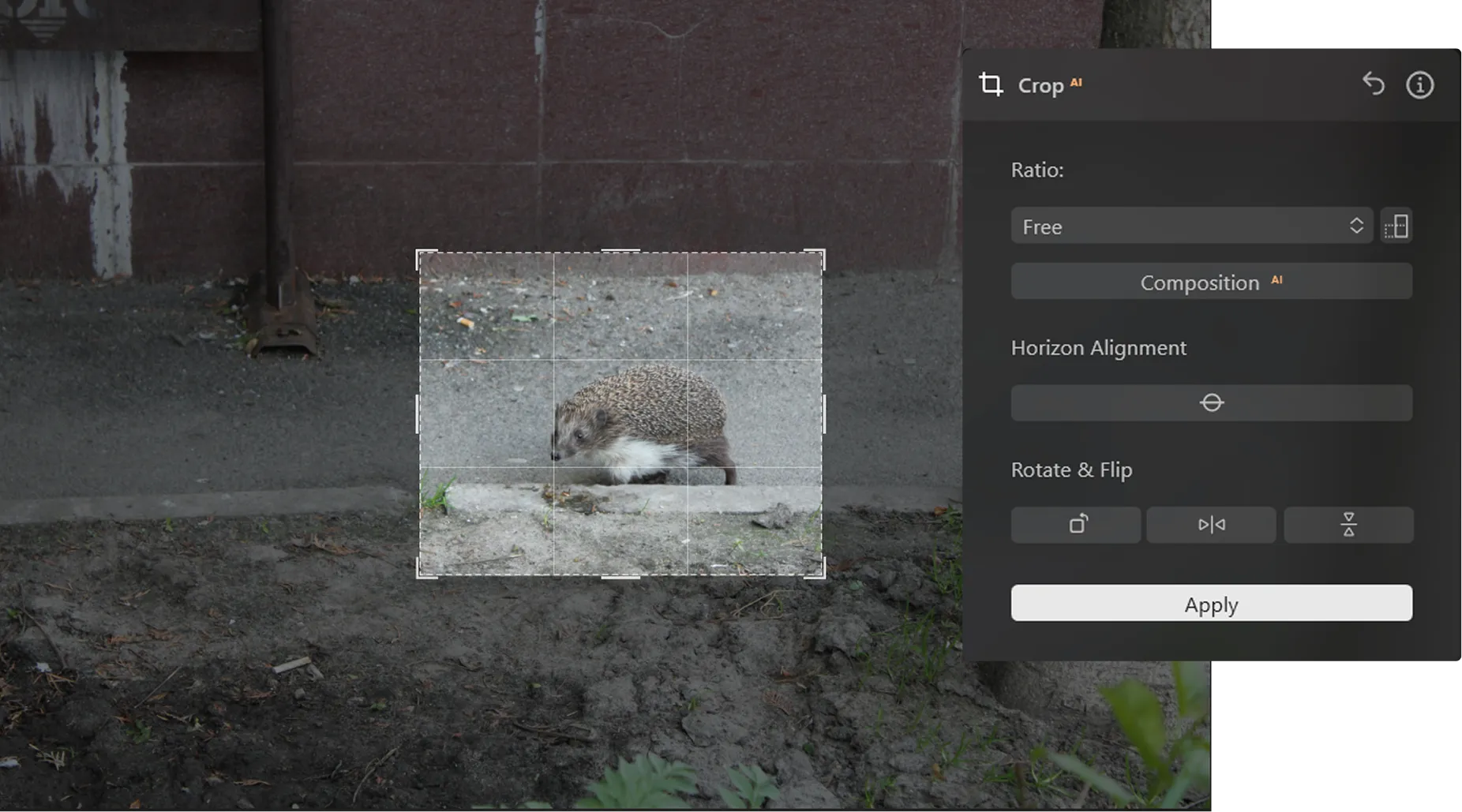
Shape Images From Standard Ratios To Custom Creative Forms
This flexible image shape cropper gives you multiple options for adjusting composition.
To change the shape of the image:

Open Crop AI

Select a preset ratio or choose Free

Drag the crop handles to reshape the frame

Reposition the image for better compositionApply the crop

Apply the crop
This simple workflow makes it easy to crop an image to shape for different creative needs.
Ideal For Avatars, Thumbnails, And Branding
This intuitive shape editor is perfect for:
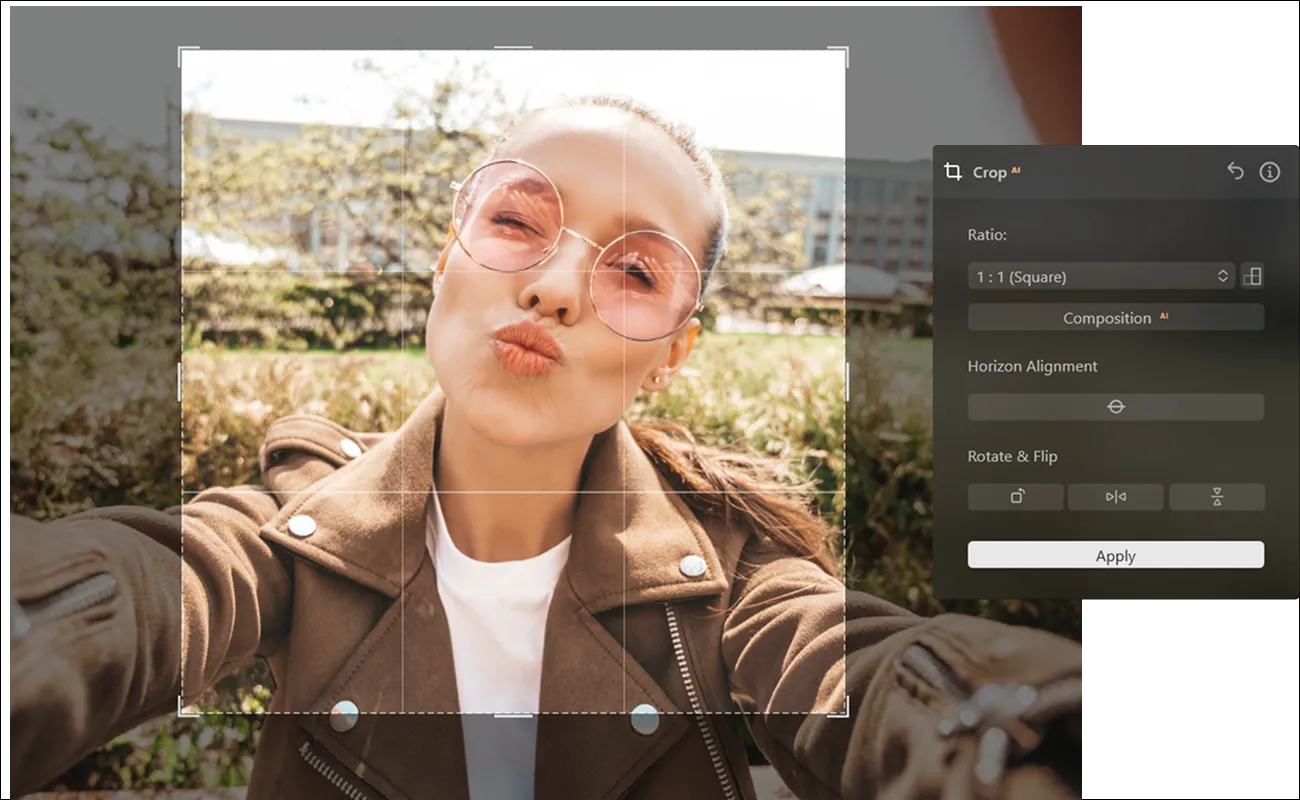
Social media creators designing profile images and post previews
Brands creating clean visuals for marketing content
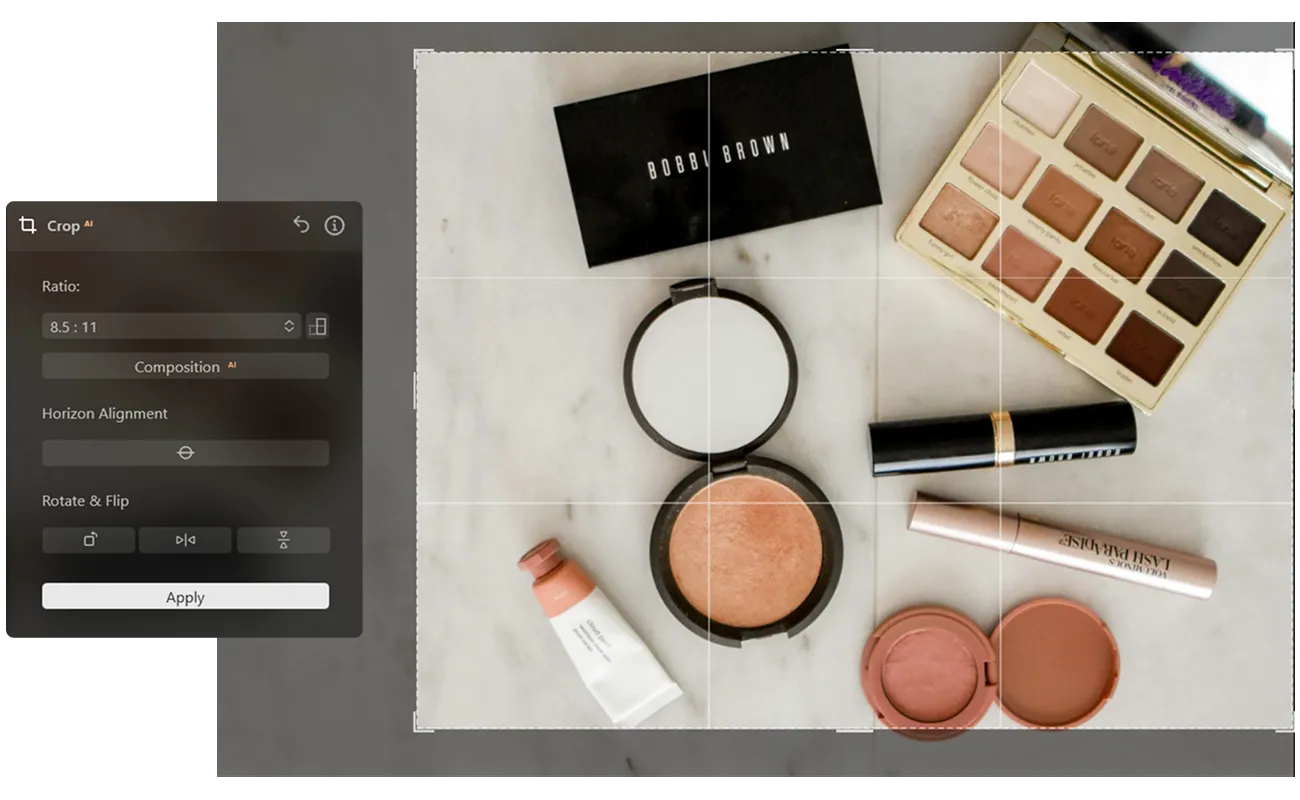
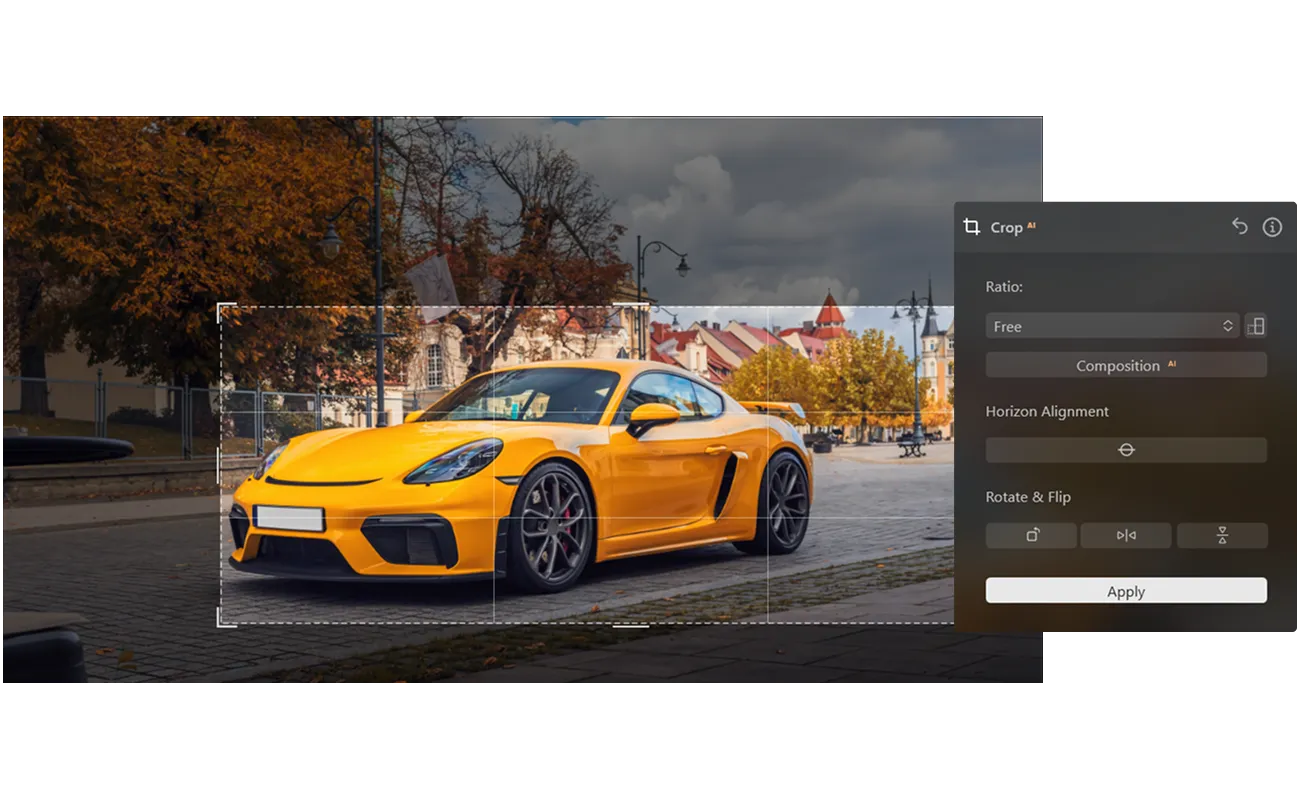
Photographers preparing compositions for print or digital portfolios
It also works well for anyone who needs to cut out a shape from an image for polished visual layouts.
Customize Size, Position, And Composition
For even greater precision, Composition AI can automatically straighten the horizon and correct perspective, helping you create cleaner and more balanced results.



Explore Other Features



.webp)










_before.avif)
_after.webp)
