
 View plans
Quick Picture Editor – Get Photos Done in a Snap
Need fast, flawless photo edits? Luminar’s Quick Photo Editor lets you enhance lighting, sharpen details, and remove distractions in seconds. It delivers professional results without the wait, making photo retouching a breeze
Try it nowQuick Image Editor That Gets It Done Before Coffee’s Cold
Luminar’s Quick Photo Editor is perfect for those moments when you need fast and effective photo touch-ups.
Whether you're editing on the go or just need to polish your shots quickly, this tool is designed to get results before your coffee's even cold. No more waiting around!
Whether you're editing on the go or just need to polish your shots quickly, this tool is designed to get results before your coffee's even cold. No more waiting around!


© shutterstock
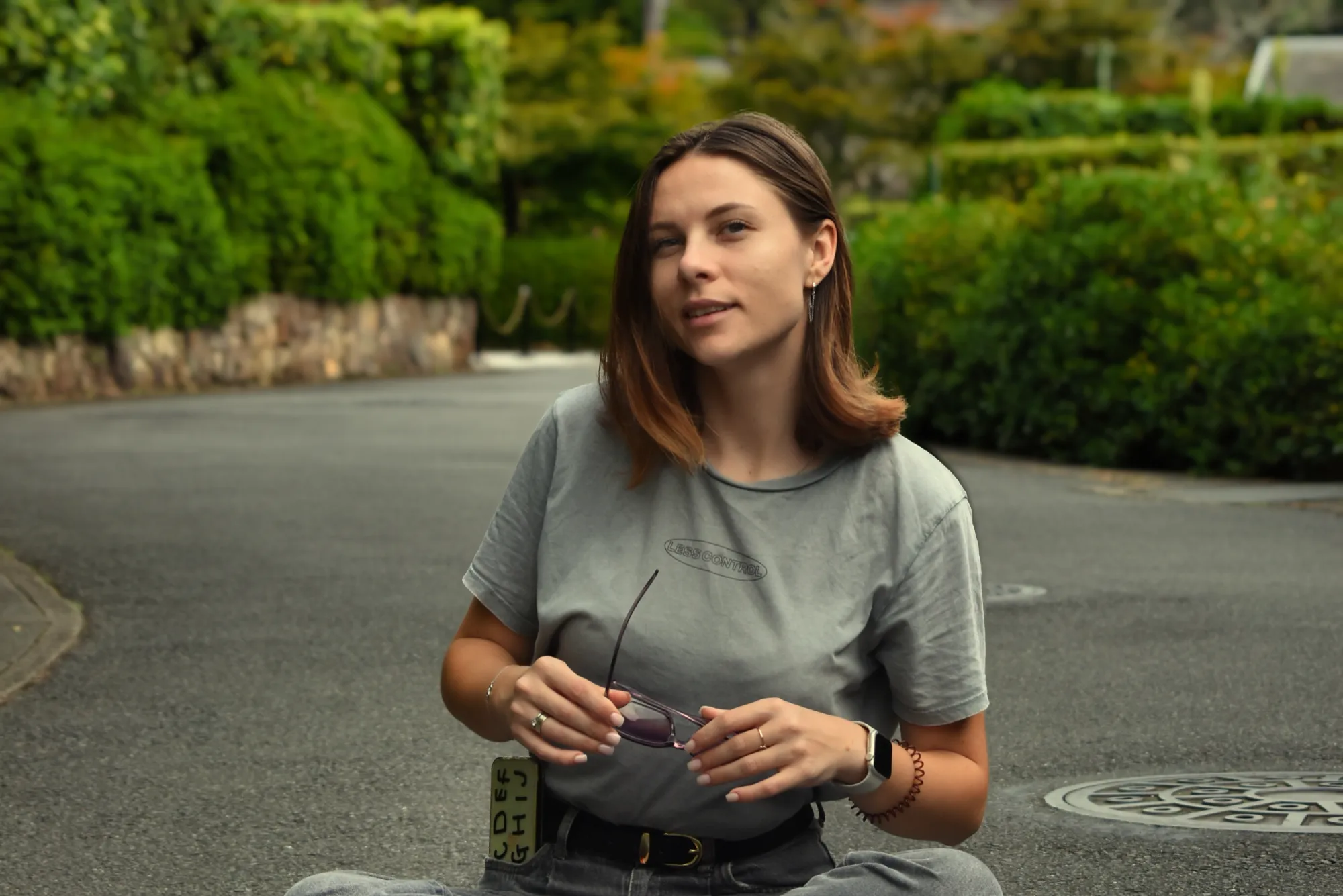
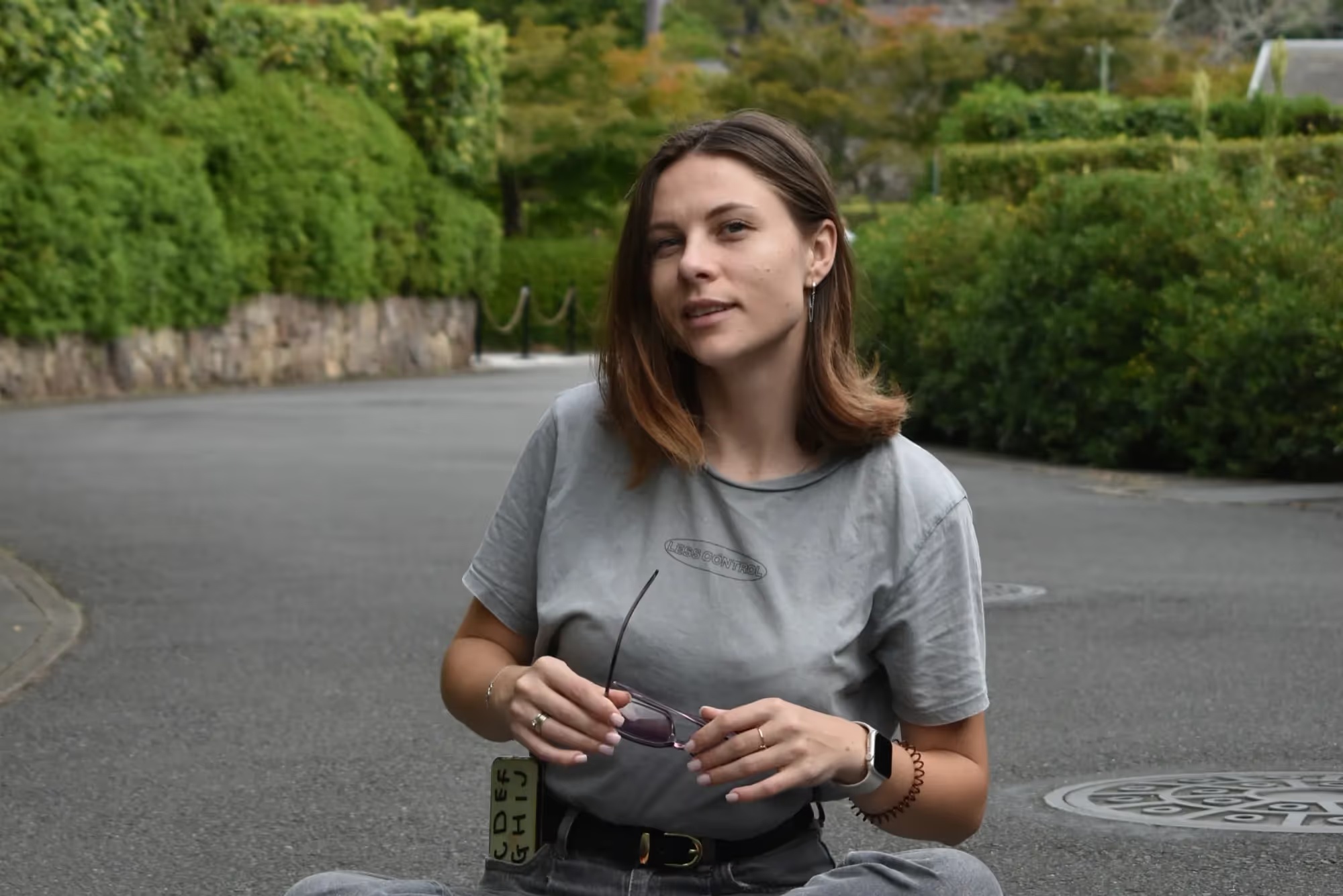
Capture, Edit, Wow! Quick Photo Editing in a Blink
Take your photos from good to great in seconds. With Luminar’s intuitive interface and AI-powered tools, editing your images becomes a breeze.
Enhance lighting, sharpen details, and remove distractions in no time at all, perfect for social media posts, blog images, or just your personal gallery.
Enhance lighting, sharpen details, and remove distractions in no time at all, perfect for social media posts, blog images, or just your personal gallery.
Edit in Half the Time with Luminar Quick Photo Editing Software
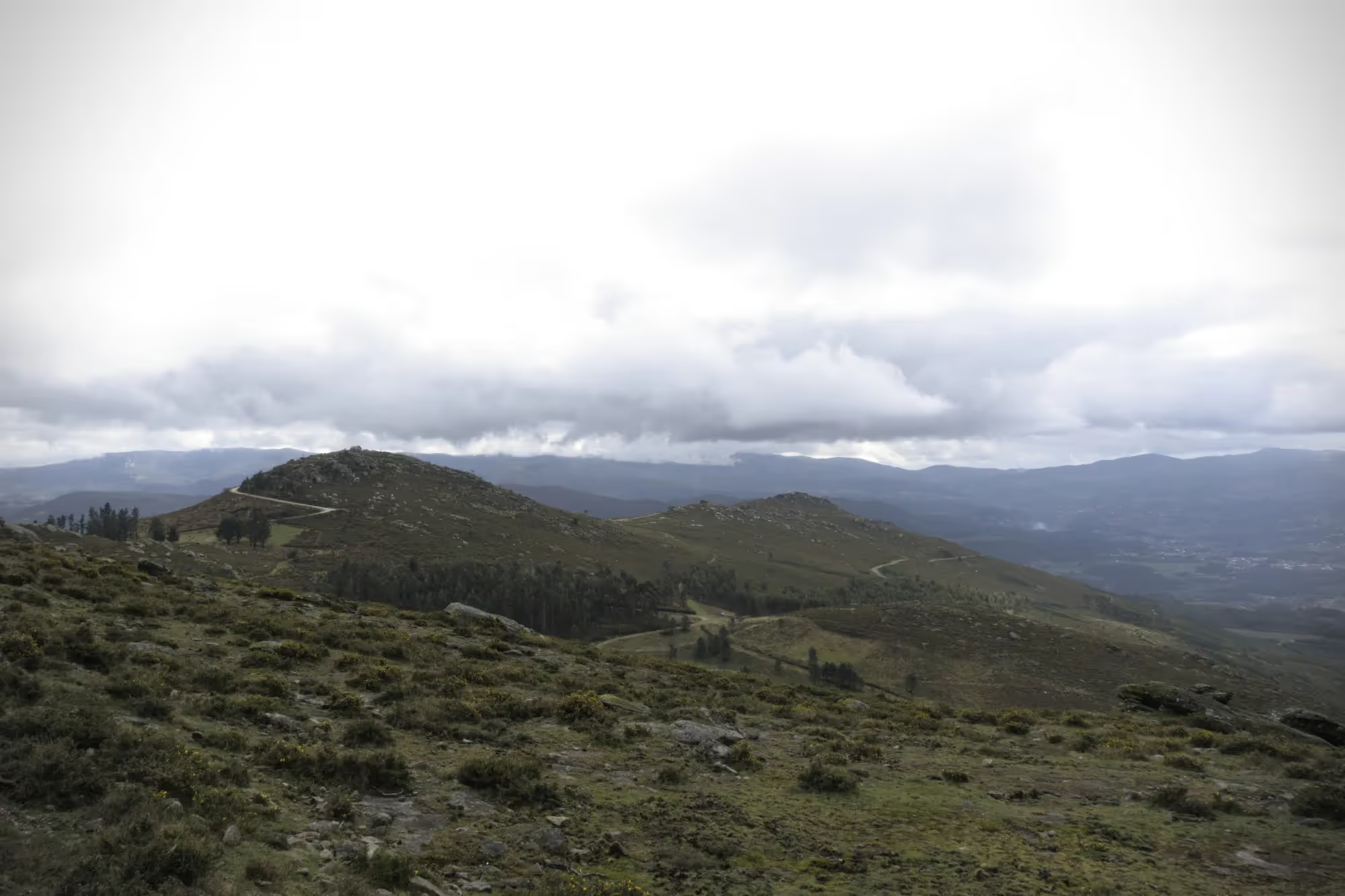
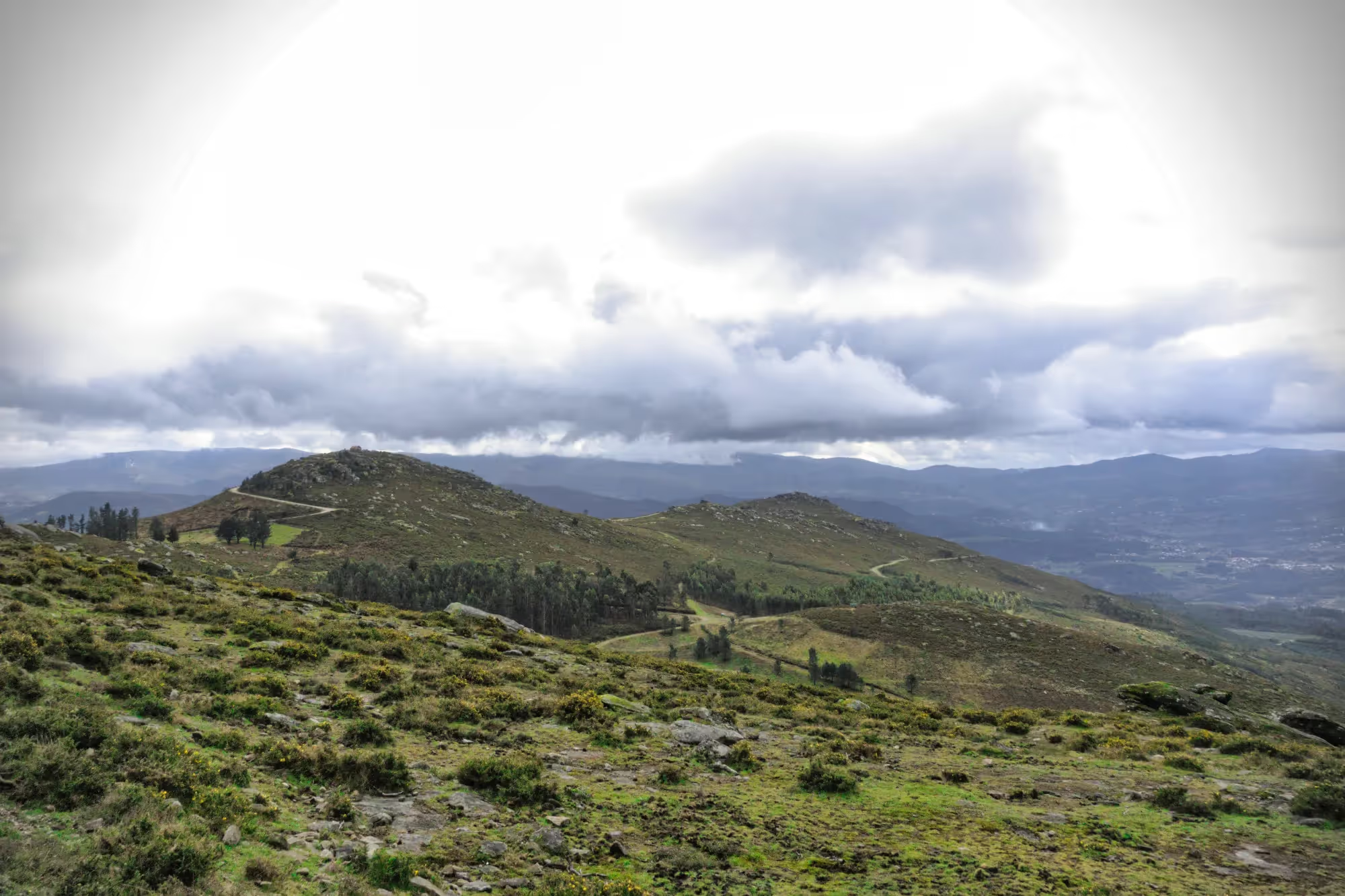
Time is precious, and Luminar's Quick Photo Editor makes every second count. Speed through your editing tasks with easy-to-use tools that help you achieve professional results without the lengthy editing process.
Whether it’s adjusting exposure or removing blemishes, get it done faster and more efficiently than ever before.
Whether it’s adjusting exposure or removing blemishes, get it done faster and more efficiently than ever before.
© shutterstock
No More Waiting Around: The Quick AI Photo Editor That Gets It Done Fast
No need for long waits or complicated editing steps. Luminar uses cutting-edge AI technology to speed up your editing process. Quickly adjust colors, details, and lighting, ensuring that your photos are perfect in less time. The future of fast photo editing is here!
Explore Other Features
Luminar has plenty of other features to help you edit faster and easier

Batch Photo Editor
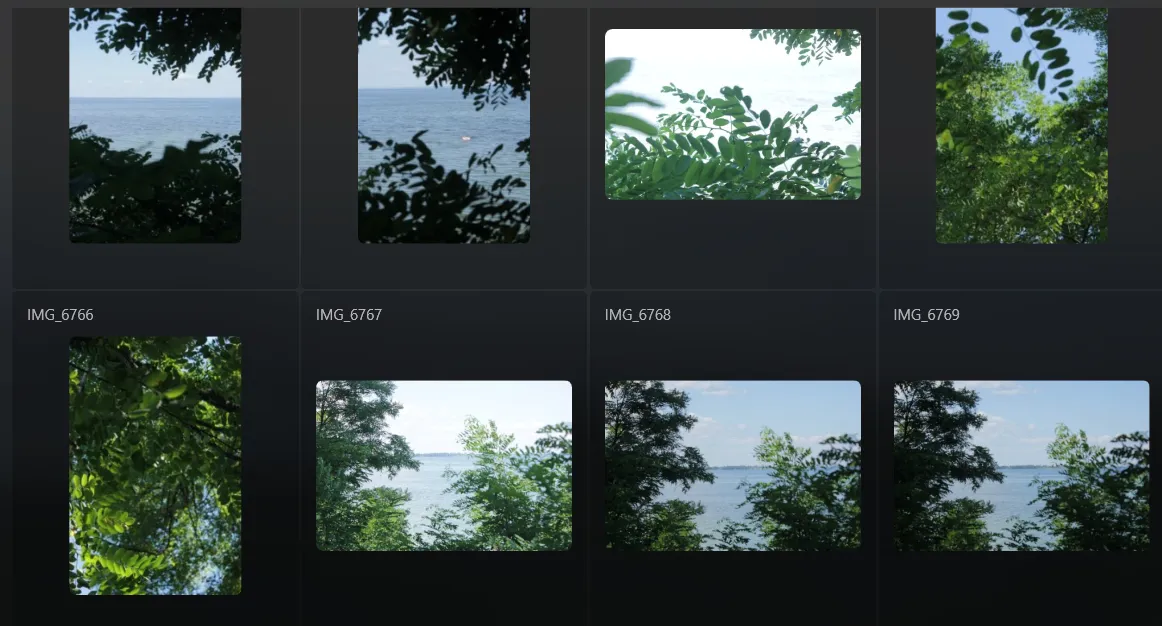
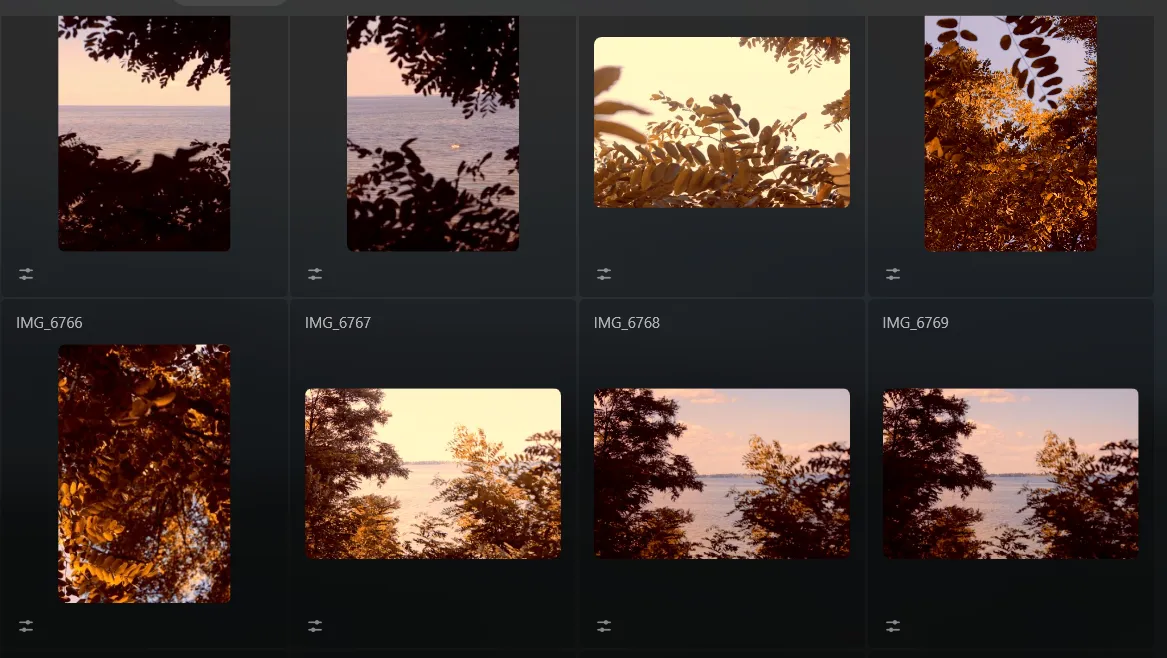
Save time and enhance productivity by editing photos in bulk. Try it now and revolutionize your editing process!




Effortlessly retouch your photos, remove distractions, and showcase your best work with speed and ease.




AI Prompt Photo Editor

.webp)
Bring your ideas to life—just type your prompt in GenSwap and watch AI transform your photo instantly.



FAQ
Does Luminar Offer Powerful Features While Still Being A Quick Picture Editor?
Yes! Luminar combines the power of AI with an easy-to-use interface, offering robust editing tools without the wait. You can enhance, fix, and refine your photos quickly, with no compromise on quality.
What Are The Main Benefits Of Using A Quick Photo Editor For Social Media Content?
Speed and efficiency are key when creating social media content. With Luminar, you can quickly perfect your photos, making them ready to post in no time. Adjustments like cropping, color correction, and lighting are all handled in a few clicks, giving you more time to focus on your content.
Can Luminar Be Used Offline For Quick Photo Editing?
Yes! Luminar works offline, allowing you to edit photos anytime, anywhere, even without an internet connection. Perfect for on-the-go editing.
Can A Quick Editing Software Handle Batch Photo Processing?
Absolutely! Luminar supports batch processing, letting you edit multiple photos at once. This saves time, especially for large projects or when you need to apply similar adjustments across a collection of images.
