View plans
Beauty Photo Editor: Transform Your Photos into Works of Art
The AI-powered Luminar photo editor can help you easily enhance the natural beauty of your subjects and create stunning images.
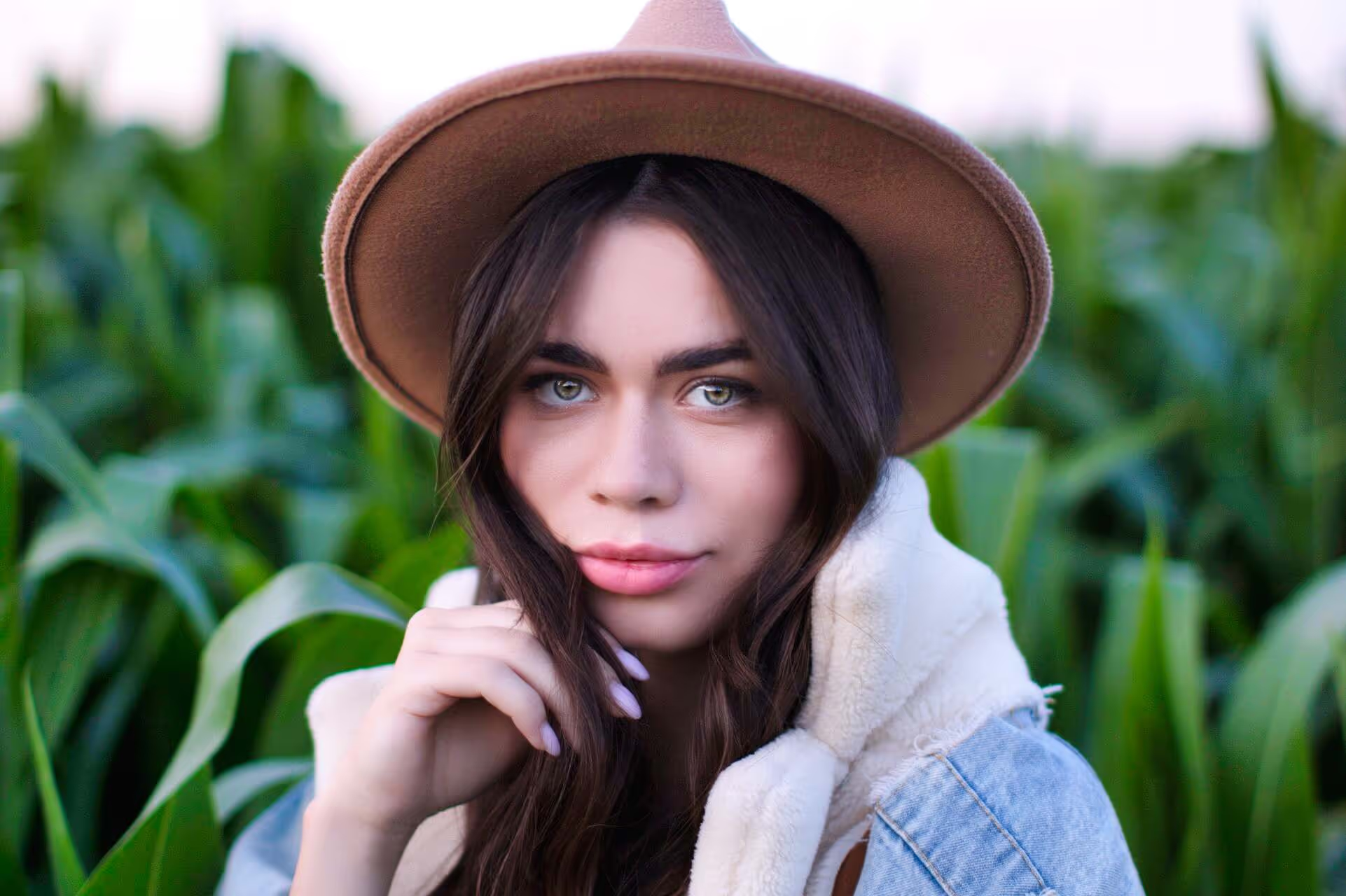
It has plenty of features for skin retouching, color correction, lips and eyes enhancements, as well as other portrait tools for adding a bokeh effect, replacing the backgrounds, and many others.
Elevating Makeup Portfolios with our photo Beauty Editor
Showcase your artistry and talent with stunning before-and-after transformations, highlighting the intricate details and flawless finishes of your makeup creations. Our photo editor for beauty Luminar offers a range of tools to enhance colors, textures, and features, ensuring that your portfolio stands out with vibrant, captivating images.


The Ultimate Guide for Makeup Artists to Using the Best Photo Beauty Editor App
Here are some of the controls you’ll see in Luminar.

Face Light. Adjust the lighting of a face without impacting the rest of the scene, emulate a flash or reflector aimed at the face.

Slim Face. Make the face proportionally smaller and naturally slim, achieving more attractive results in your portraits. It’s also helpful to correct lens distortion on a face.

Iris. This drop-down allows you to change the color or overall look of the iris. You can choose between Blue, Brown, Green, Grey, Hazel, Honey, Mint, and exotic looks (Cat and Owl).

Enlarge Eyes. This slider makes squinting eyes more pronounced. To enlarge a subject’s eyes, increase the value of this slider.

Dark Circles Removal. Easily remove dark circles or shadows below the eye.

Improve Eyebrows. Thicken and darken eyebrows for stronger framing of the eyes.

Lips Saturation. Enhance the color of the lips.



Beauty Photo Editor for PC: Elevate Your Artistry with our photo Editor
All you need to do is tweak a slider to show the amount of the effect you want applied. It’s that easy!


AI-powered editing tools
4.8 TrustPilot Reviews
Technical support
30-day money back guarantee
Other Use Cases



.svg)