Luminar Neo vs Pixelmator Pro: Which Photo Editor to Choose?
So many photo editors are available today that choosing the right one can be overwhelming. To make things easier, we’ve put together this guide to help you decide. Let’s explore which photo editor suits your needs better: Luminar Neo or Pixelmator Pro!
Discover Luminar NeoEvaluating Key Characteristics
Ease of Use
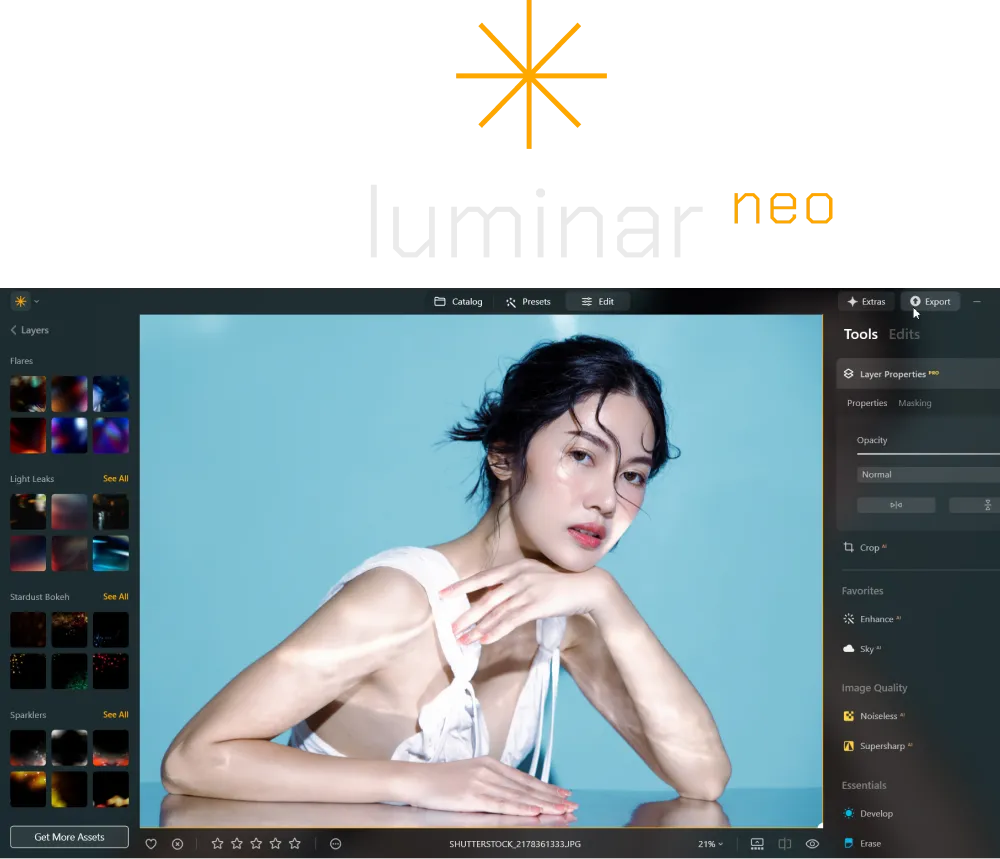
Both editors are user-friendly. However, thanks to its intuitive interface and AI tools that simplify complex edits, we find Luminar Neo to be more accessible. Pixelmator, on the other hand, leans toward a more manual editing experience, which can take a bit longer to master.

Editing Capabilities
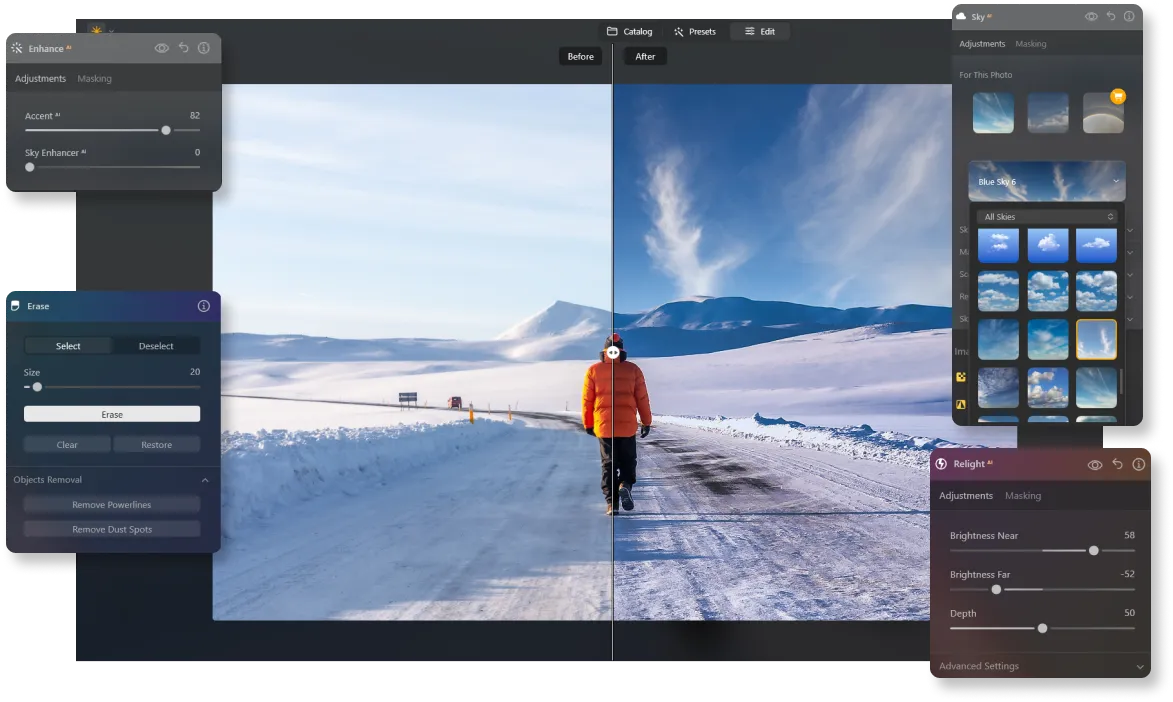
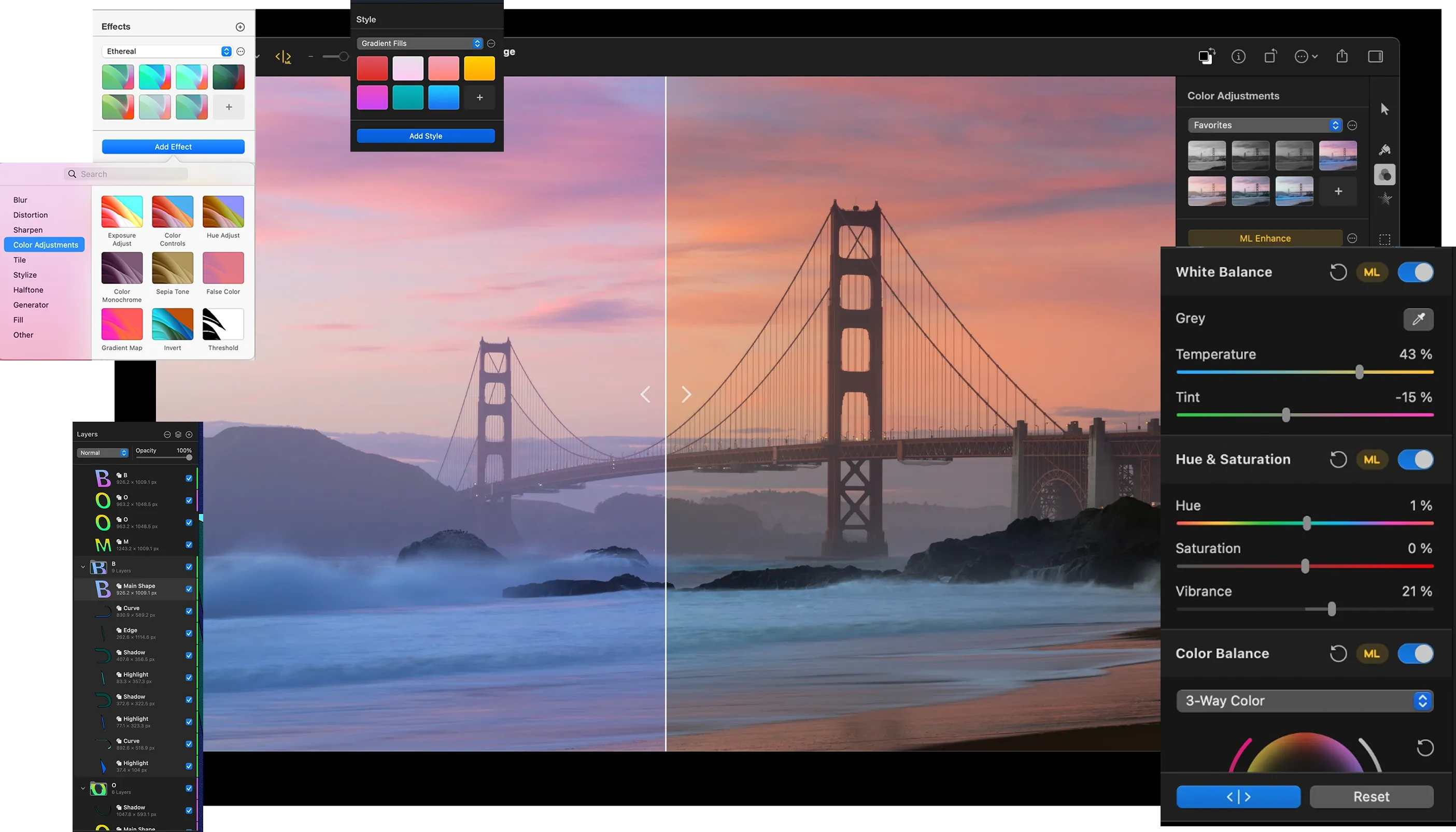
As mentioned earlier, Luminar Neo excels with its advanced AI features, such as Sky Replacement, Relight AI, and object removal. Pixelmator, with its tools for detailed manual customization, focuses less on AI, and more on layer-based editing and graphic design.
Efficient Workflow
Luminar Neo streamlines workflows with its AI tools, wide range of presets, and batch editing capabilities. These features make it a great choice for photographers managing large photo collections. Pixelmator, while efficient for single edits, lacks the advanced batch processing that Luminar Neo offers.
.webp)

Pixelmator vs Luminar:
Breaking it Down to the Basics
| Aspect | Pixelmator Pro | Luminar Neo |
|---|---|---|
Ease of Use | User-friendly but requires more manual adjustments, making it less beginner-friendly | Highly intuitive with AI-driven tools and presets, perfect for quick and professional results |
Editing Capabilities | Robust layer-based editing, but lacks the automation of AI tools | Packed with advanced AI features like Sky Replacement, Relight AI, and object removal for versatile edits |
Workflow Efficiency | Efficient for single edits but lacks batch processing, slowing down larger projects | Streamlines workflows with AI automation, presets, and batch editing, saving time on high-volume tasks |
AI Features | Limited AI tools compared to Luminar Neo | Comprehensive AI-powered tools for creative, fast, and professional edits |
Pricing | One-time purchase with a lower upfront cost, but fewer advanced features | Flexible pricing with one-time purchase or subscription options for long-term value |
Best For | Suitable for users focused on graphic design and detailed manual edits | Ideal for photographers who prioritize speed, creativity, and AI-powered automation |
Pixelmator Pro
Luminar Neo
Ease of Use
User-friendly but requires more manual adjustments, making it less beginner-friendly
Highly intuitive with AI-driven tools and presets, perfect for quick and professional results
Editing Capabilities
Robust layer-based editing, but lacks the automation of AI tools
Packed with advanced AI features like Sky Replacement, Relight AI, and object removal for versatile edits
Workflow Efficiency
Efficient for single edits but lacks batch processing, slowing down larger projects
Streamlines workflows with AI automation, presets, and batch editing, saving time on high-volume tasks
AI Features
Limited AI tools compared to Luminar Neo
Comprehensive AI-powered tools for creative, fast, and professional edits
Pricing
One-time purchase with a lower upfront cost, but fewer advanced features
Flexible pricing with one-time purchase or subscription options for long-term value
Best For
Suitable for users focused on graphic design and detailed manual edits
Ideal for photographers who prioritize speed, creativity, and AI-powered automation



.webp)

Keep your workflow, expand your possibilities
Want to get all the benefits of Luminar Neo but have an established Lightroom workflow? Great news! You can use all the power of Luminar Neo within a plugin for Lightroom without changing up your usual post-production process.

An application & plugin
For macOS & Windows
- High-performance AI editor
24/7 technical support
30-day money back guarantee
Join community of Luminar Insiders