
 View plans
Aesthetic Photo Editor With A Vibe
Give your photos a look that feels like you. Luminar makes aesthetic editing easy with Presets, filters, and AI-powered guidance.
Try it nowHow To Make A Photo Aesthetic In Luminar
Create an aesthetic photo edit in a few steps with Presets:

Open your photo in Luminar and go to Presets.

Browse styles and choose the look that fits your mood.

Adjust the strength to make the effect subtle or expressive.

Fine-tune the result with editing tools if you want more control.
Turn Your Photos Into New Looks With Aesthetic Picture Editor
Know the vibe you want but not how to create it? Tell AI Assistant the aesthetic you want, whether it’s a dreamy portrait, a nostalgic film look, or a cinematic travel photo, and get suggestions on the Luminar tools and adjustments that can help you achieve it.
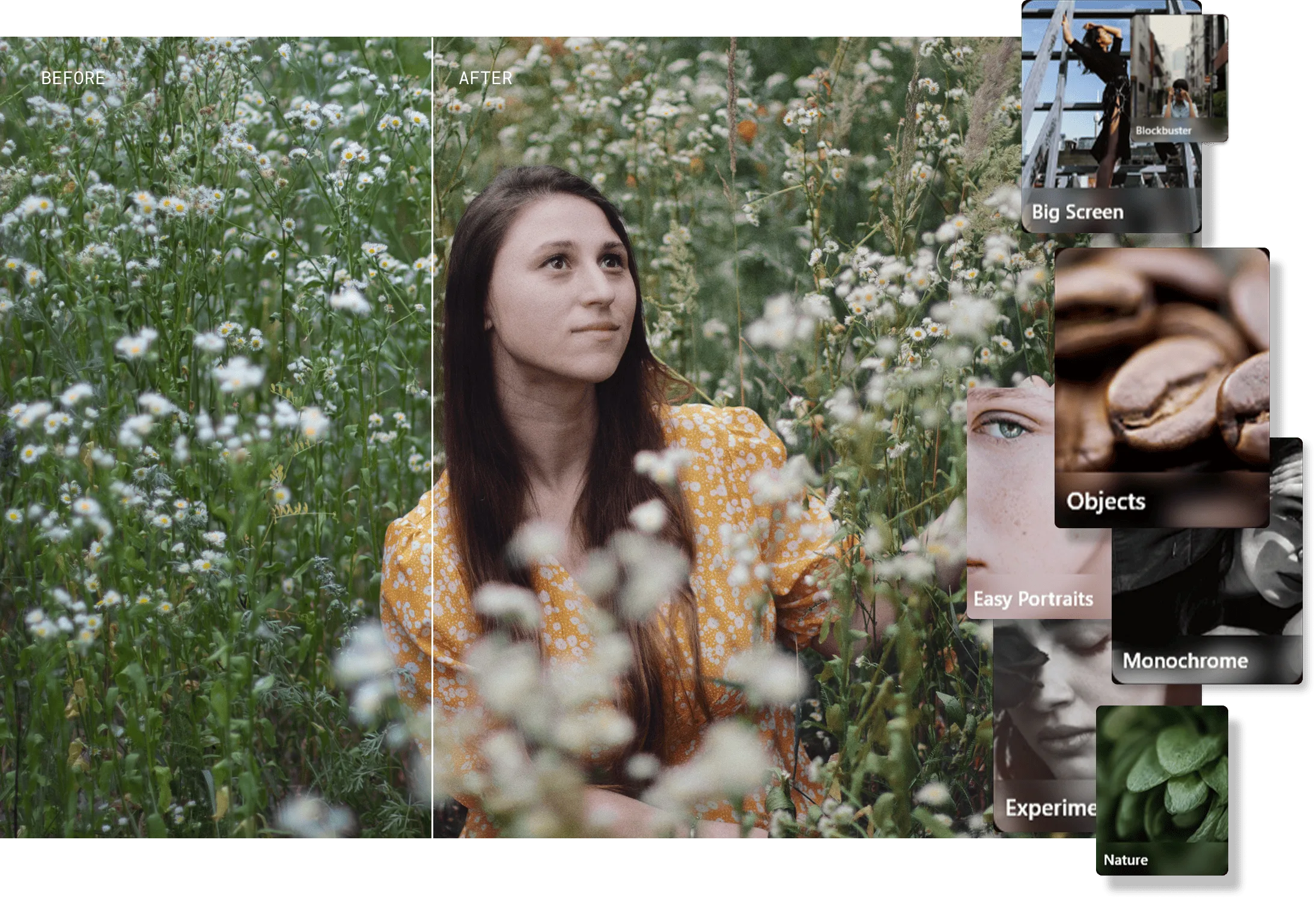
Switch Aesthetic Styles Without Starting Over
Luminar makes it easy to explore different looks without committing to just one. Try a Preset, follow AI Assistant suggestions, and switch between styles in a few clicks. Use the Before/After view to compare each version with the original and quickly see which aesthetic works best for your photo.



© shutterstock
Perfect For Quick Edits And Creative Inspiration
Give a fresh look to:

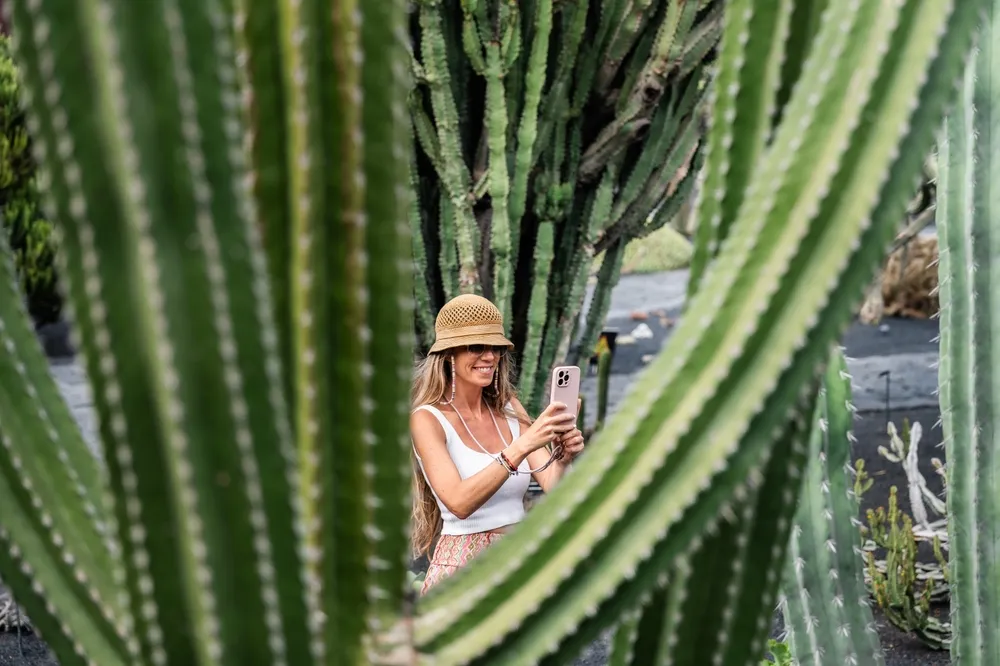

© alinatroeva
Selfies
Selfies you want to make more expressive


© alinatroeva
Portraits
Portraits that need a different mood


© alinatroeva
Travel photos
Travel photos you want to turn into a cohesive visual story
© alinatroeva
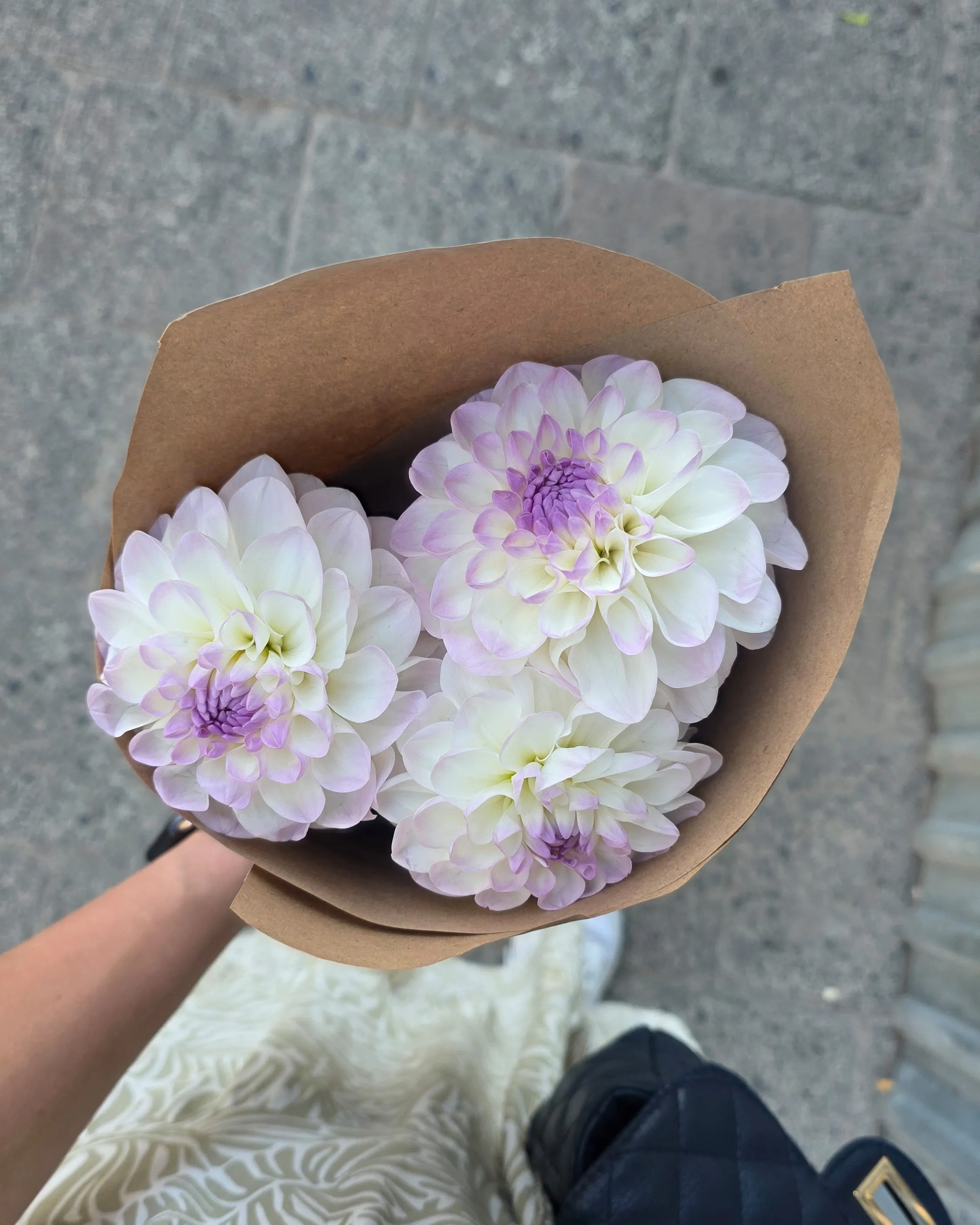
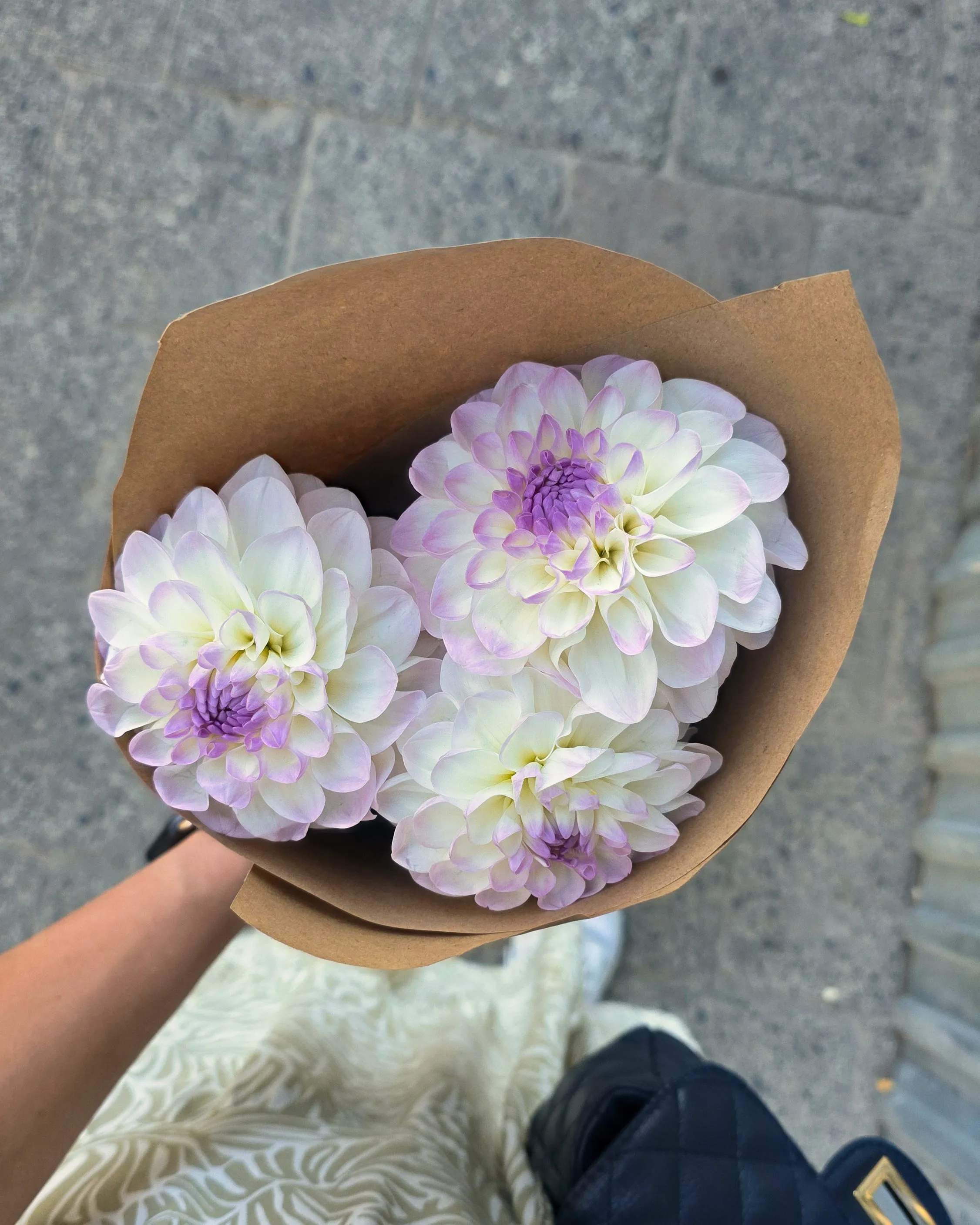
Social media shots
Social media shots that could use a little more character
Selfies
Portraits
Travel photos
Social media shots
A few quick adjustments can completely change the feel of a familiar image. With Luminar as your aesthetic picture editor, you can explore different creative directions.
Explore Other Features
Go beyond aesthetic filters with tools for color, lighting, skies, detail, and creative effects to build a more personal look.

Golden Hour
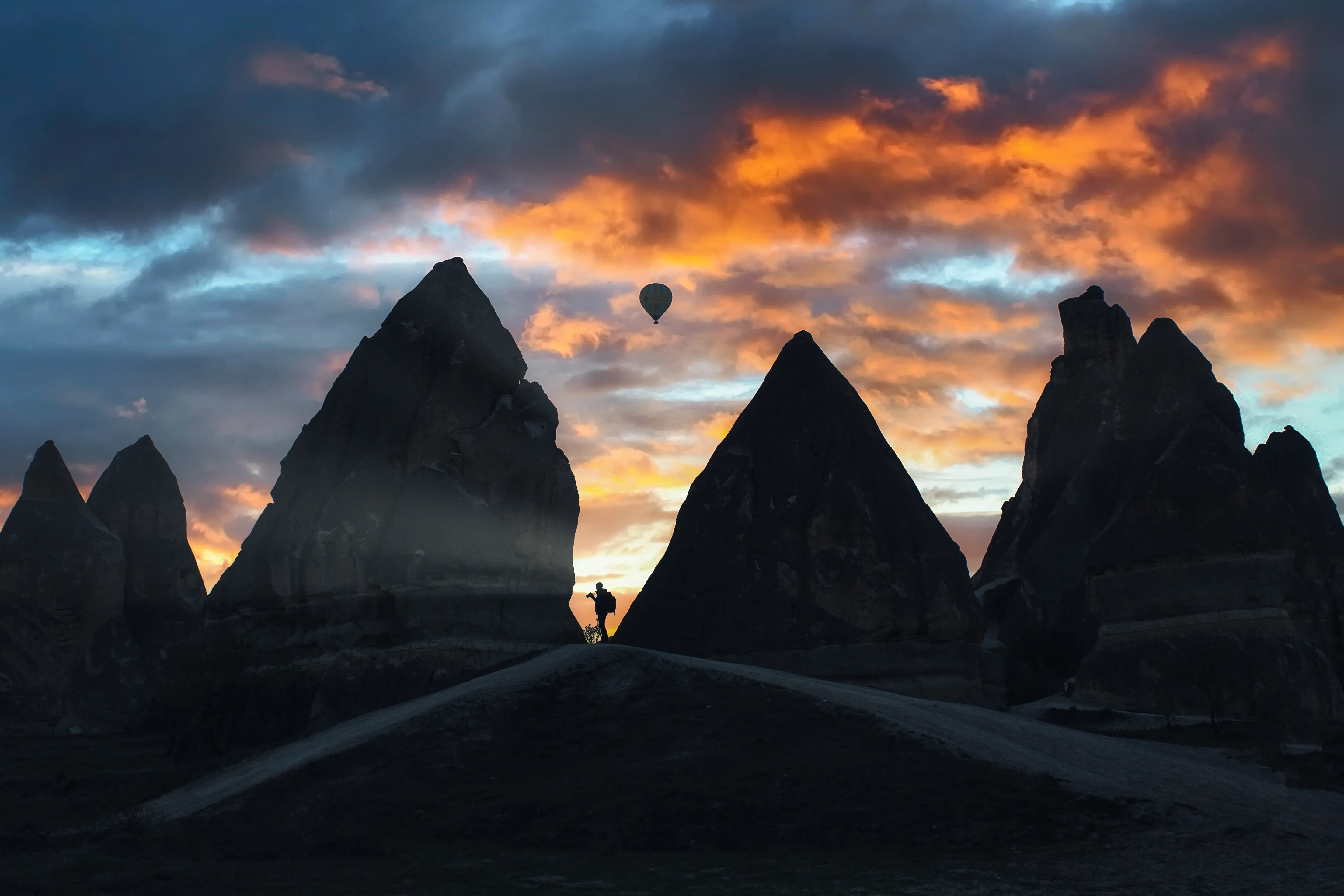
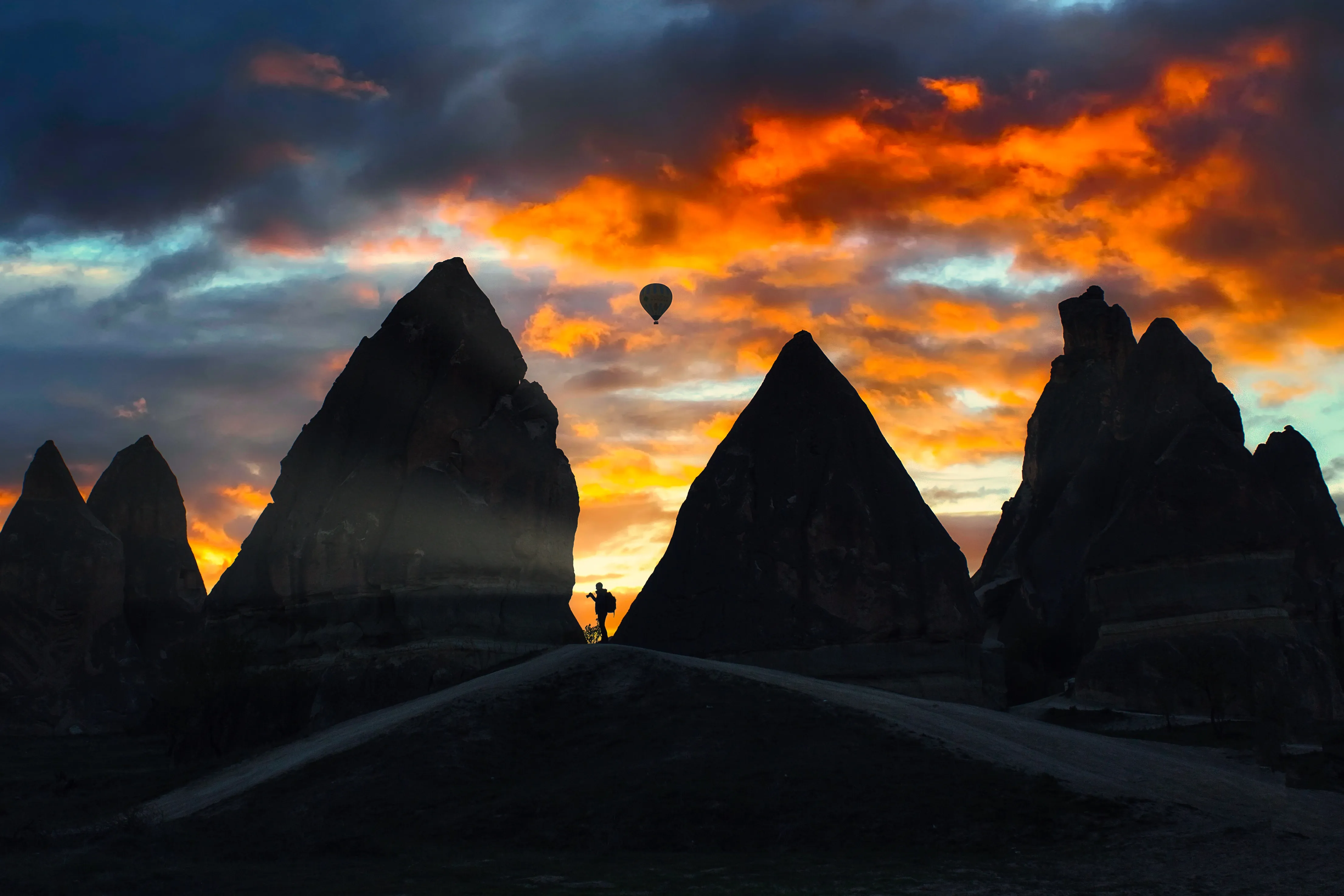
Enhance your photos with the warm, soft, and diffused light of the golden hour.

Supercontrast
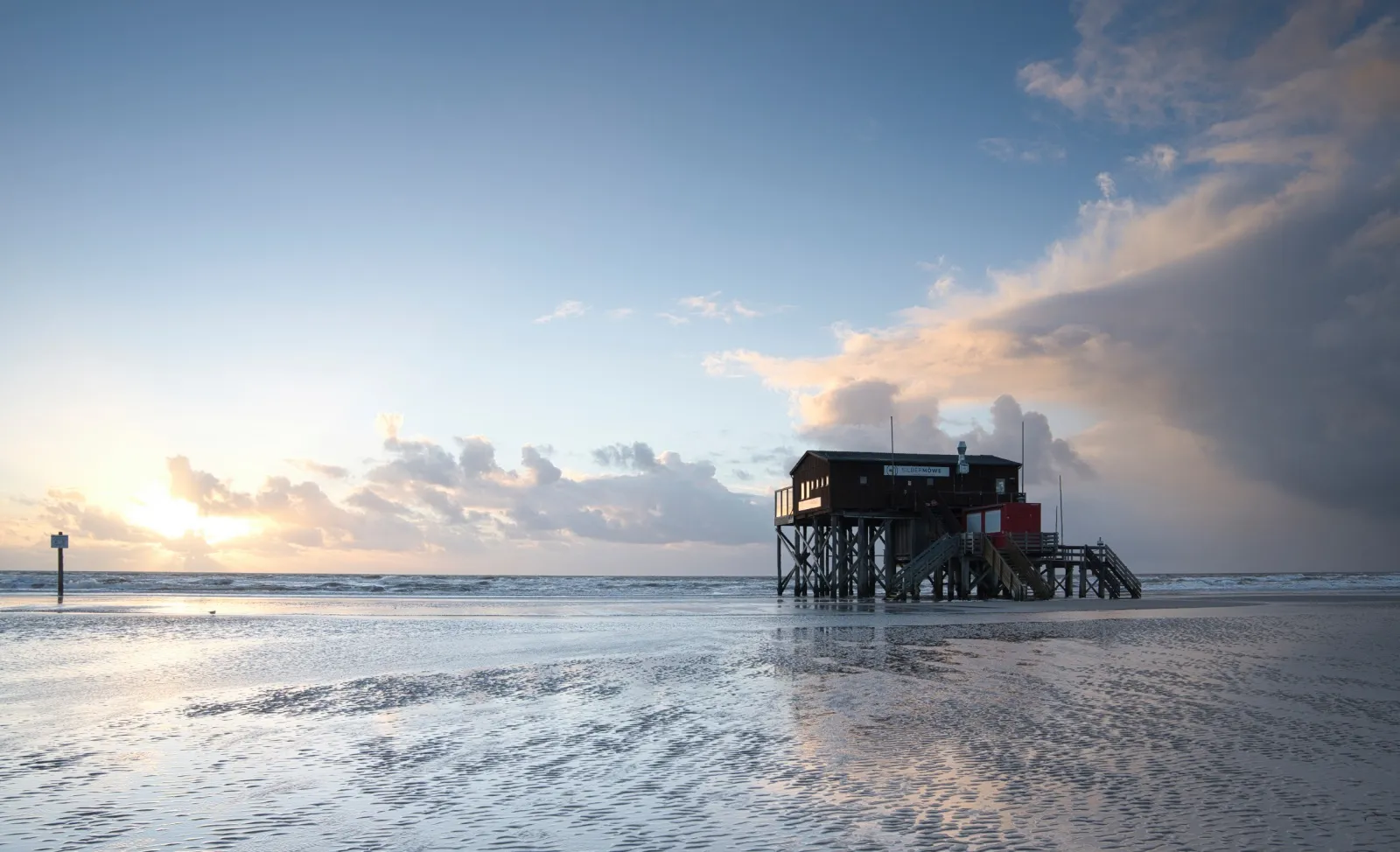
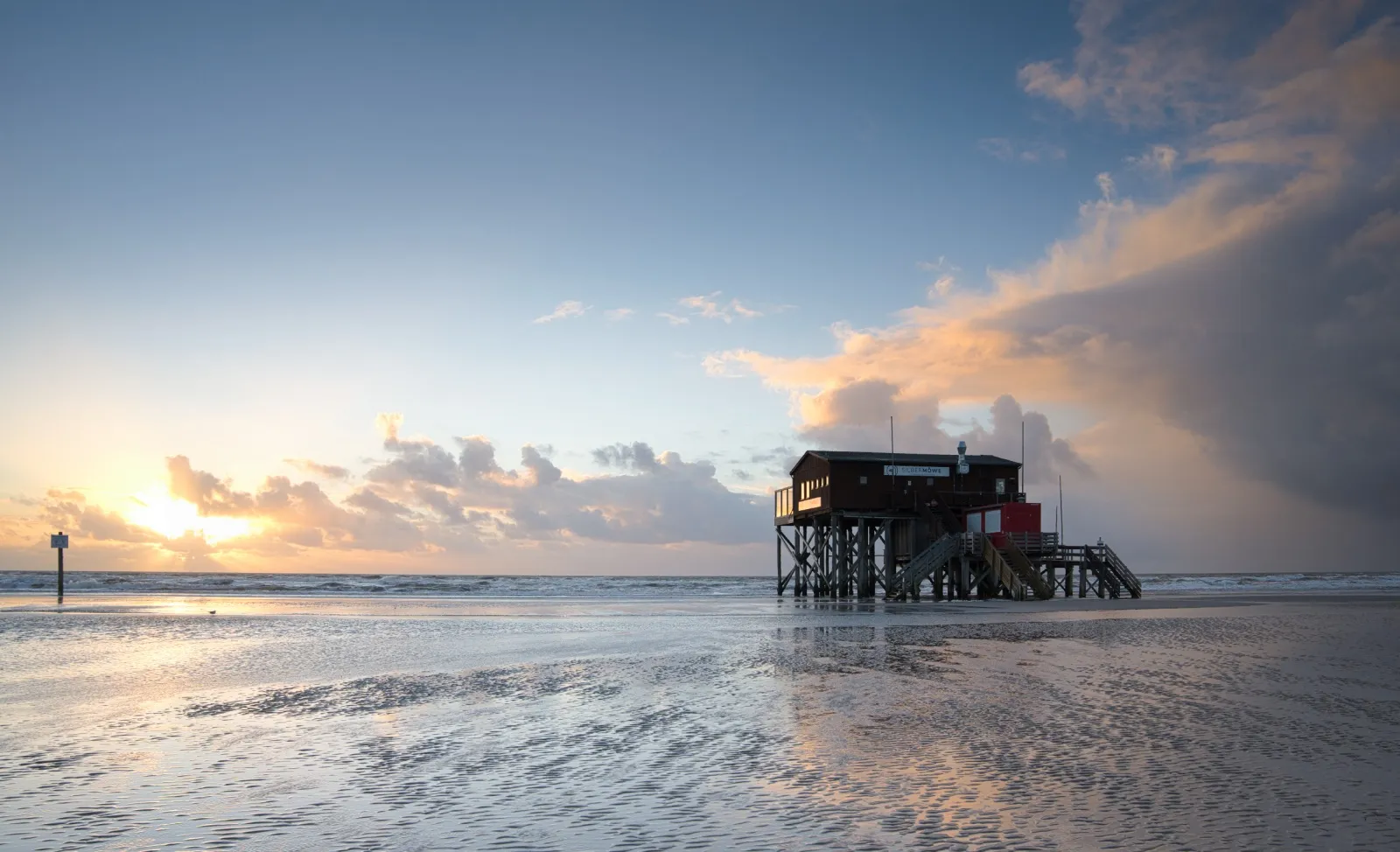
Unlock the perfect contrast for your photos adjusting highlights, midtones, and shadows with precision.

Touch Lens Flare Effect


Add a touch of magic to your shots—embrace light lens flare and turn technical “errors” into dreamy, unforgettable effects.




Vignette Overlay


Start creating visually stunning images today—explore our vignette tools now!

Beauty Filter


Perfect every shot in seconds—try our beauty filter and make your photos look their absolute best with zero effort.
FAQ
What Is A Luminar Aesthetic Photo Editor?
Luminar is an aesthetic photo editor that combines ready-made Presets, AI-powered guidance, and flexible editing tools. You can quickly find a look you like and then customize it to make the result feel more personal.
Can I Fine-tune The Aesthetic After Applying A Style?
Yes. In Luminar, a Preset is just a starting point. You can adjust the look further with color, light, contrast, and other editing tools until it matches the aesthetic you want.
Is It Easy To Match One Photo’s Aesthetic To A Whole Set Of Images?
Yes. With Sync Adjustments in Luminar, you can edit one photo and apply the same adjustments to the rest of the set in a few clicks. It’s a quick way to keep a consistent aesthetic across a series, while still leaving room to fine-tune individual images afterward.
Can I Adjust The Strength Of The Aesthetic Effect?
Yes. Luminar lets you control the intensity of a Preset, so you can keep the effect subtle or make the chosen aesthetic more noticeable.
How To Do Aesthetic Edits On Mobile?
Luminar for Mobile gives you quick access to Presets and creative editing tools on your phone, making it easy to experiment with different aesthetics and polish photos wherever you are.
