
 View plans
Accurate AI Face Restoration
Luminar’s Face Restoration AI helps you recover lost facial details, improve clarity, and restore natural expressions in old photos and low-quality images.
Try it nowAI Face Restoration Tools That Make Editing Simple And Precise
Luminar simplifies face restoration with intelligent automation. The AI analyzes facial structure, texture, lighting, and skin tone to rebuild missing details while preserving authenticity.
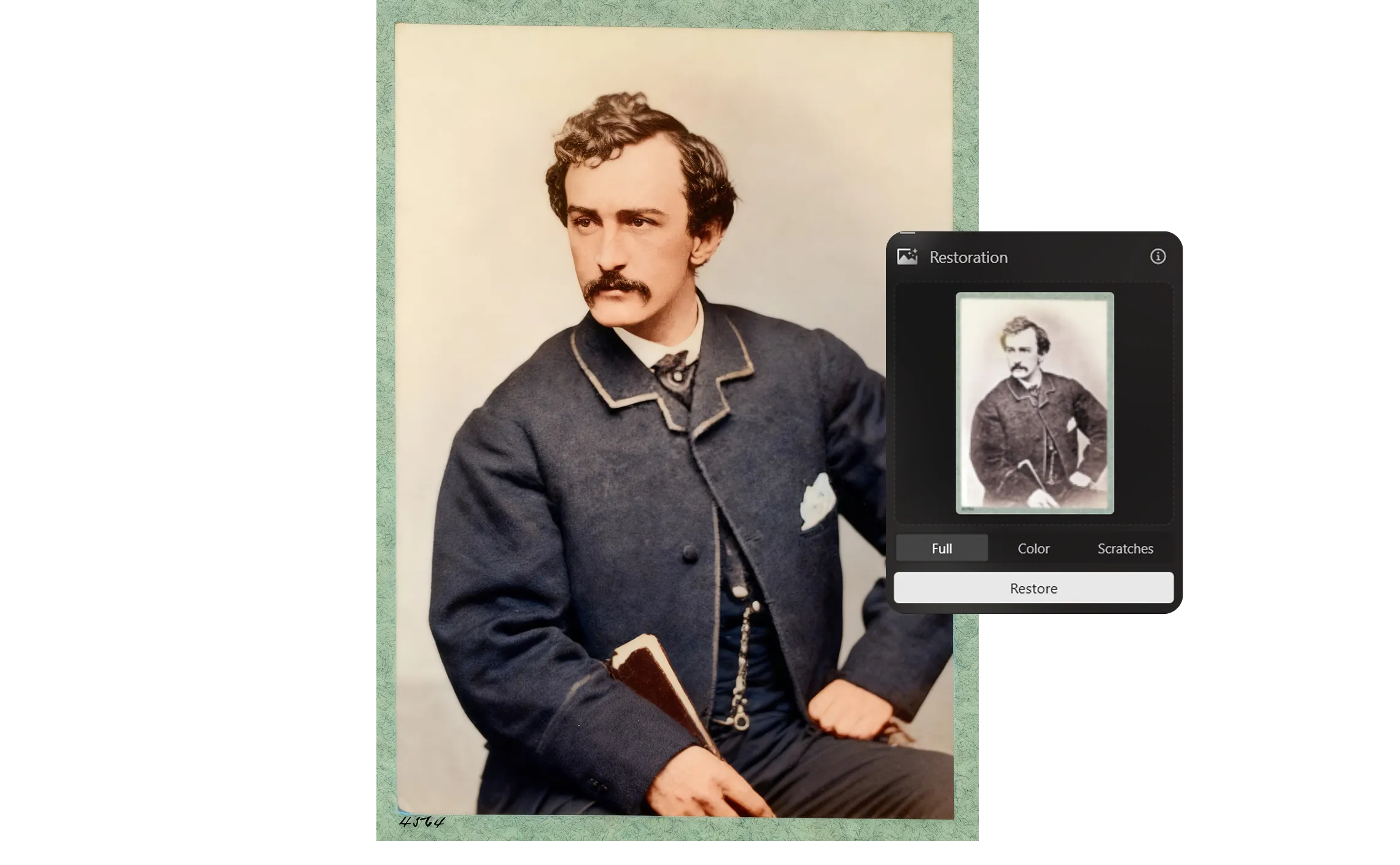
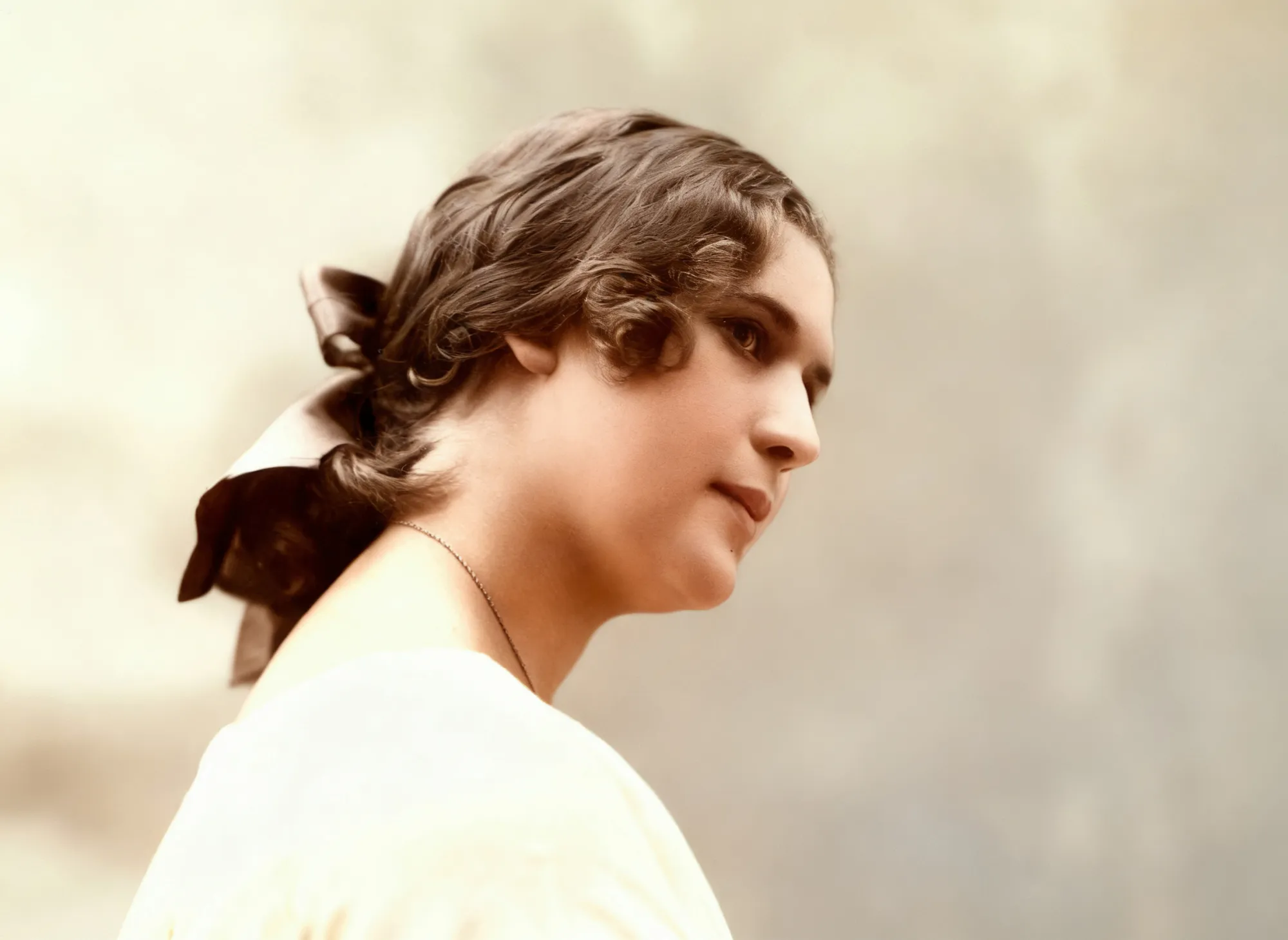
Restore Facial Details in Old Photos
Unlike basic enhancement filters, Luminar’s AI face restoration rebuilds facial features without over-smoothing.
The technology preserves fine details such as skin texture, facial contours, and expressions, delivering natural-looking results that stay true to the original image.
The technology preserves fine details such as skin texture, facial contours, and expressions, delivering natural-looking results that stay true to the original image.

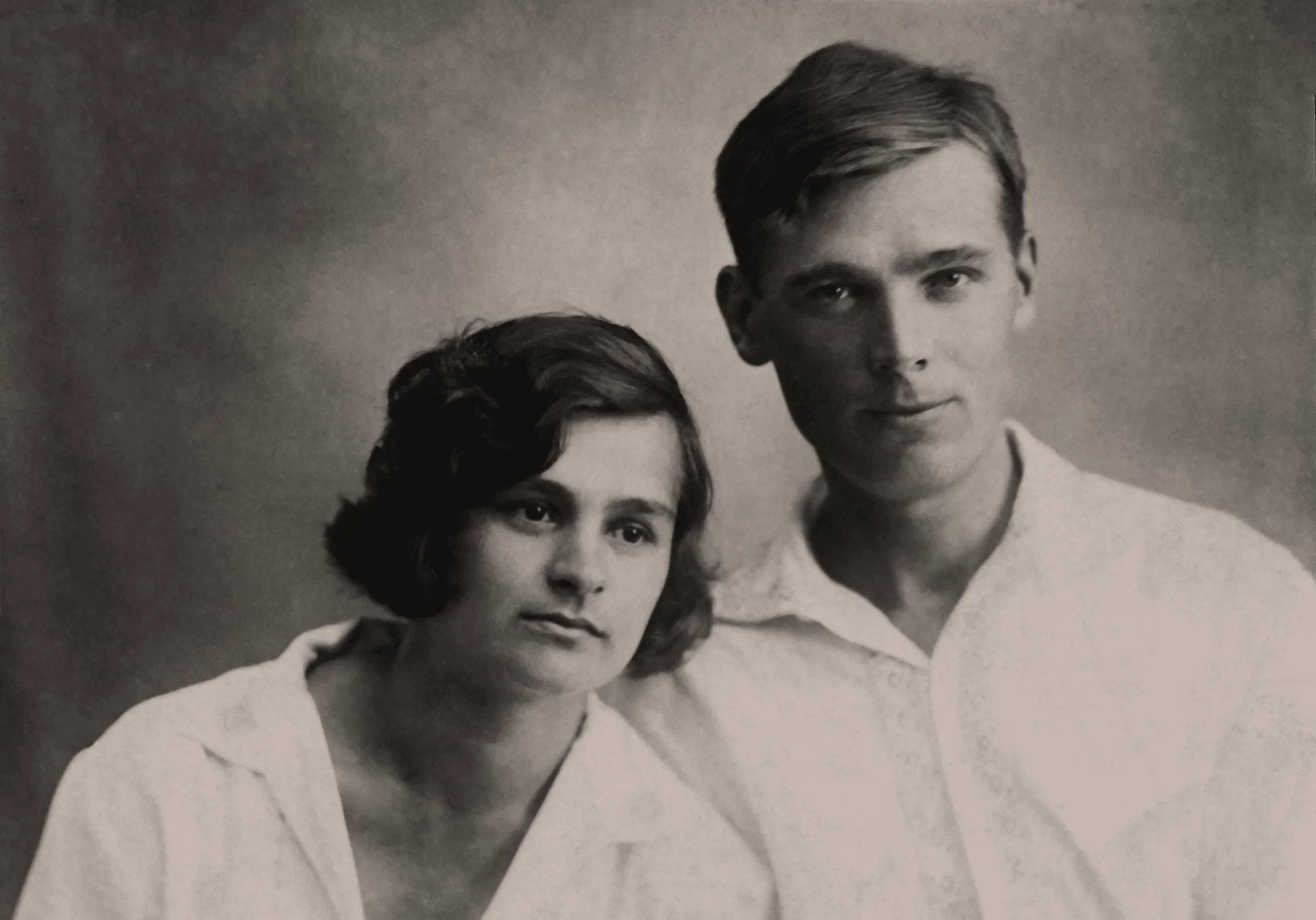
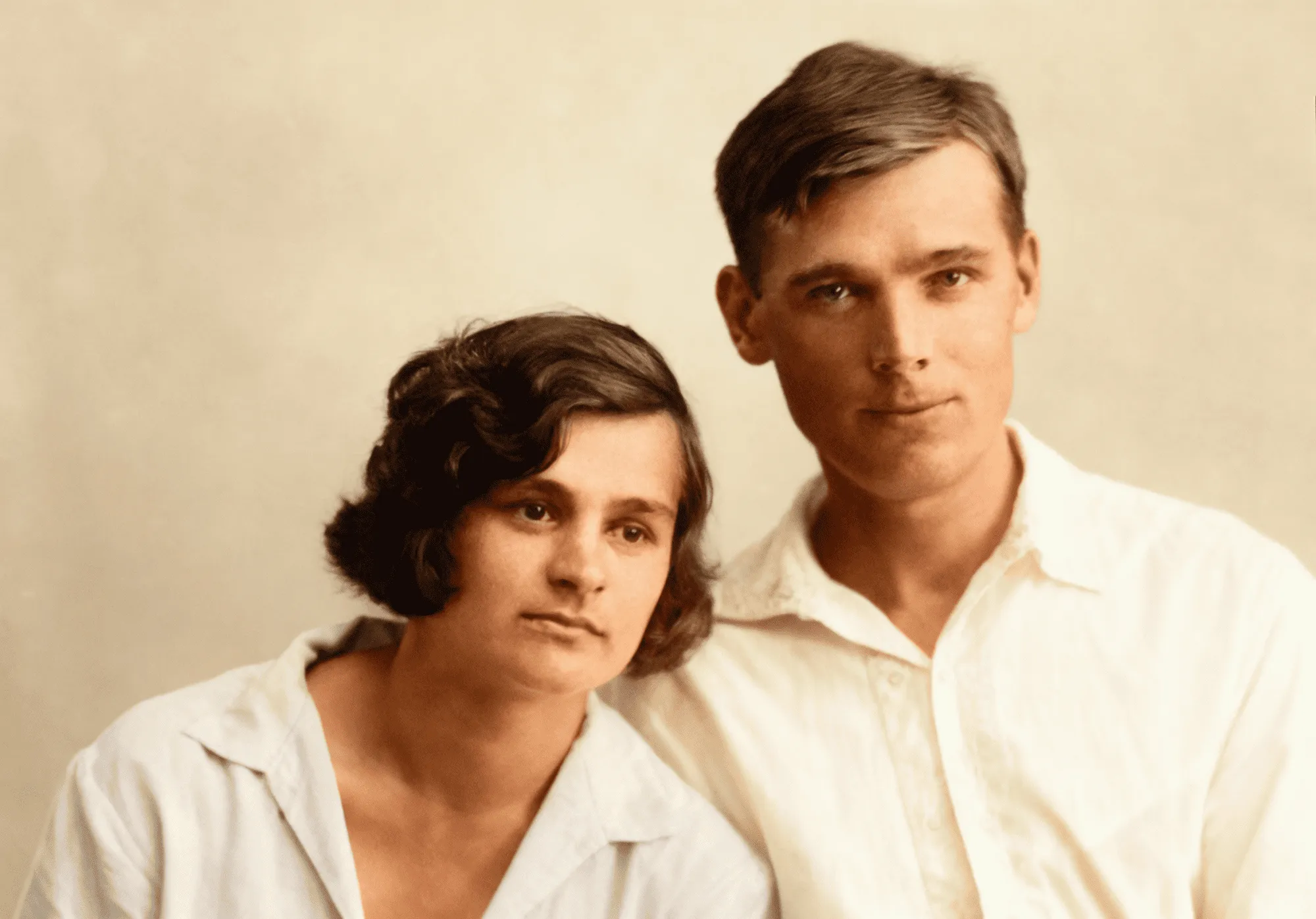
© shutterstock

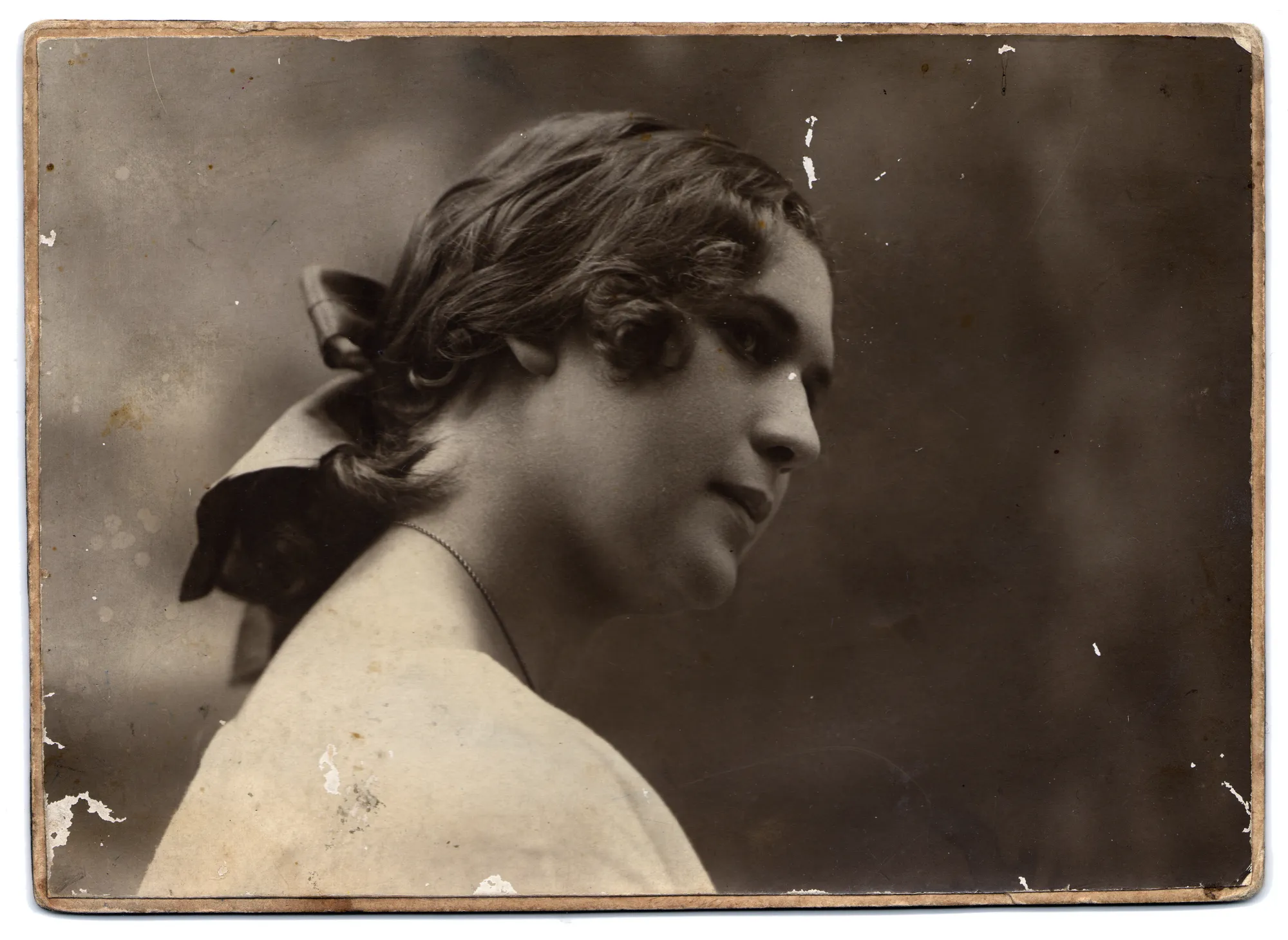
© Shutterstock
Improve eye clarity and sharpness
Enhance eye details with precision while keeping them natural and expressive. The AI increases sharpness and clarity without creating an artificial or over-edited look, helping eyes appear more defined and lifelike.
Maintain realistic skin tones
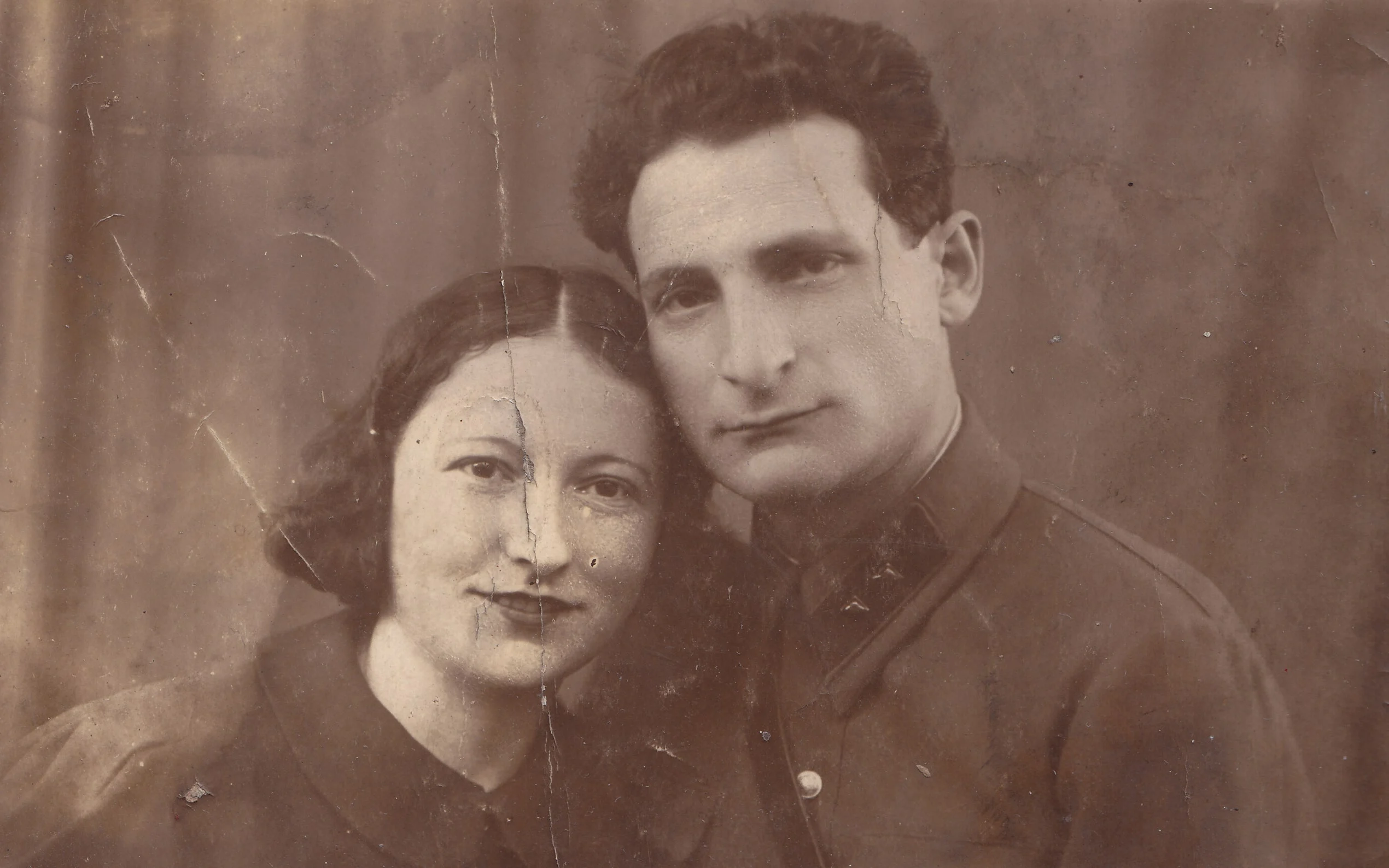
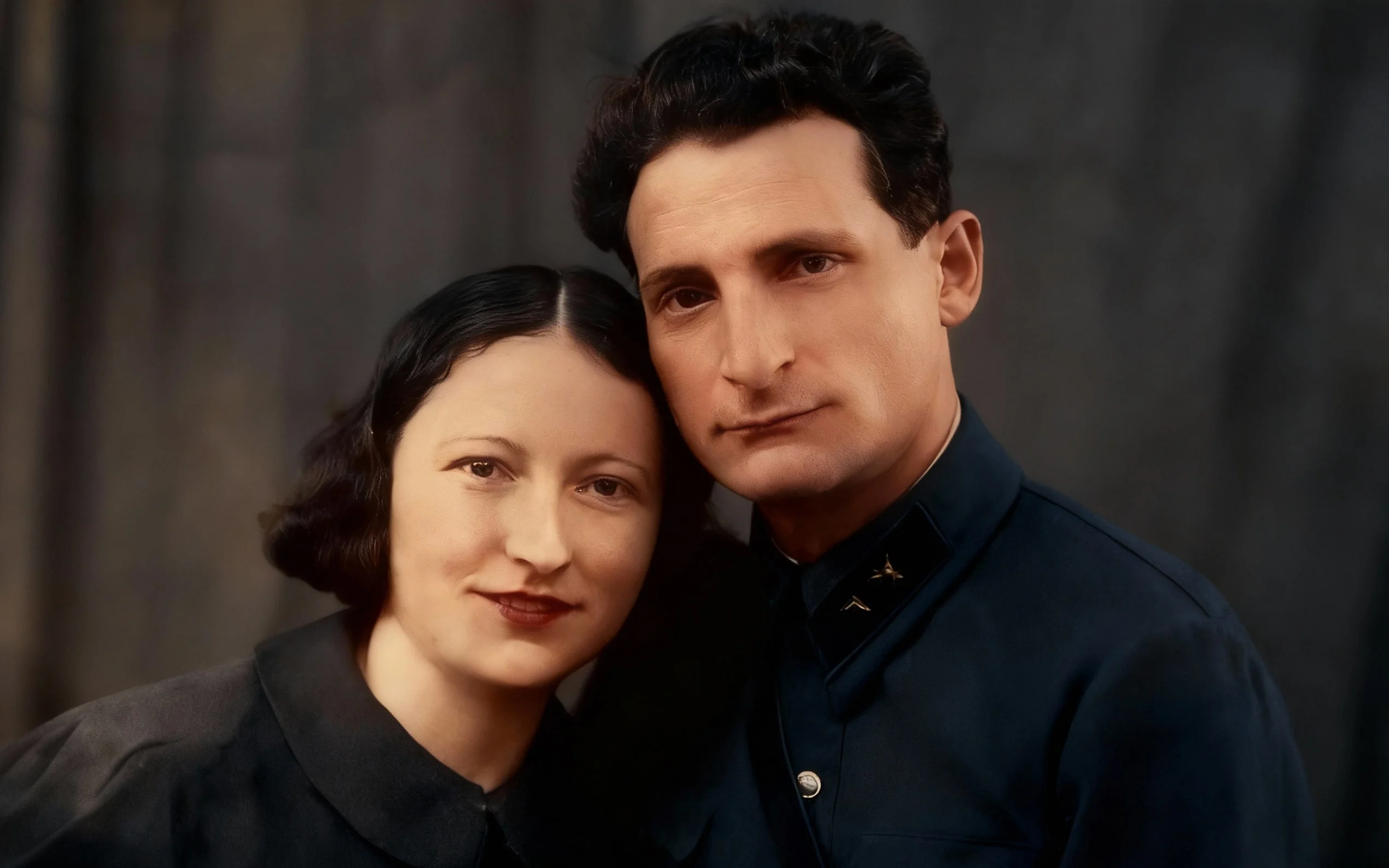
Luminar preserves natural skin tones while restoring faces, avoiding unnatural color shifts or overprocessing.
The AI also protects the original lighting balance, ensuring that highlights, shadows, and overall color harmony remain consistent with the source image.
The AI also protects the original lighting balance, ensuring that highlights, shadows, and overall color harmony remain consistent with the source image.
© shutterstock
Maximize Photo Quality With Advanced Face Restoration AI

Upload your image into Luminar

Activate the Restoration AI tool

Adjust enhancement strength

Export your restored photo
This streamlined workflow helps photographers restore portraits, family archives, and historical photos faster than traditional editing methods.
Explore Other Features
Luminar includes a full suite of AI-powered editing tools:

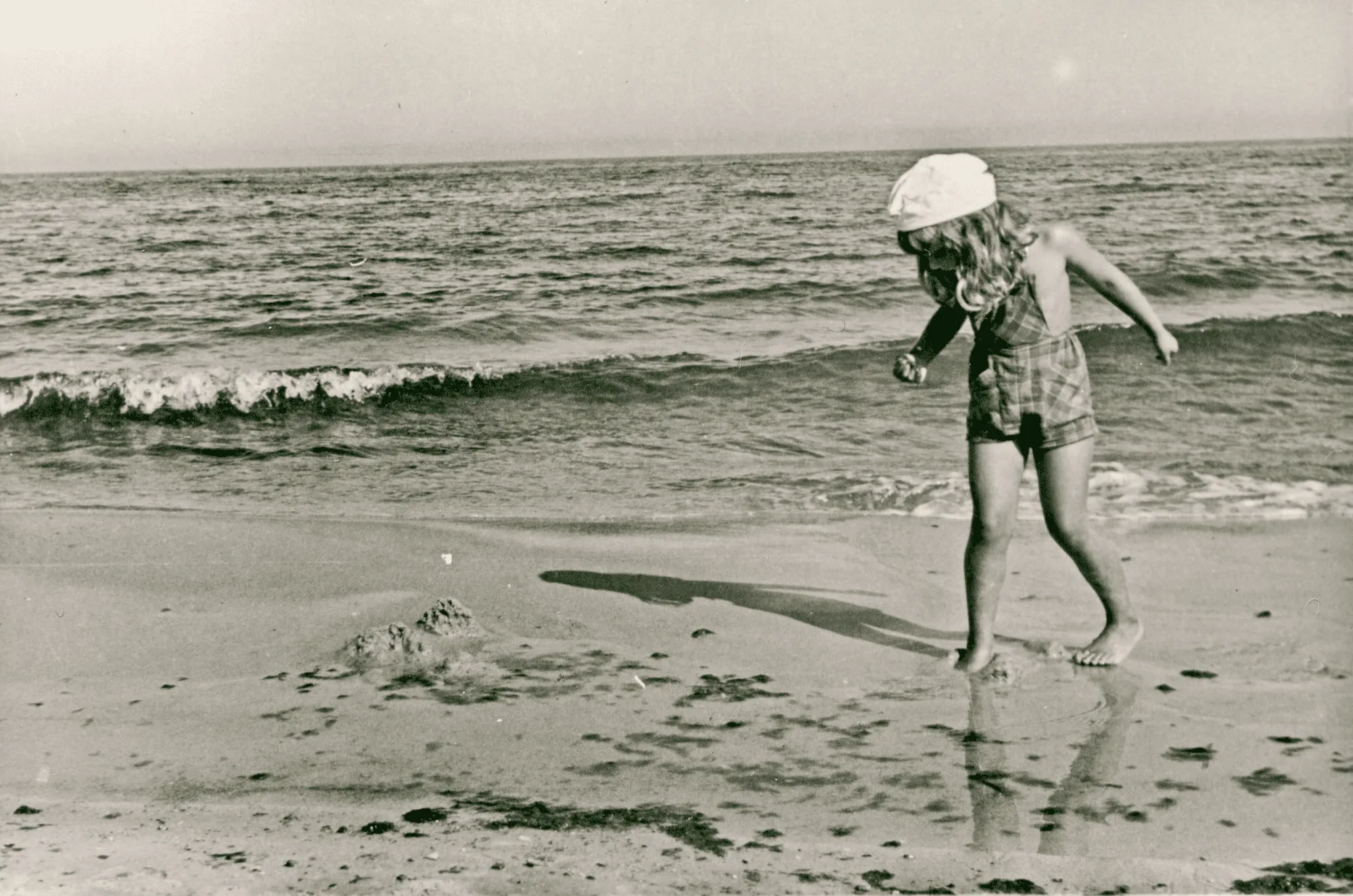
Photo Restoration

© Shutterstock
Transform old photos into stunning, rejuvenated images with the magic of AI-powered photo restoration.

Image Tinter


© Depositphoto
Unlock the true potential of your images through expert color correction and mood setting.

Film Grain


© Shutterstock
Our film grain effect transforms your pictures, adding a touch of nostalgia and artistic flair.

Overlay Pictures


© Ksenia Kazak
Add texture, light effects, or graphics to elevate your visual storytelling.

Sepia Filter


© Ksenia Kazak
Add a touch of vintage charm and warmth to your images with our easy-to-use sepia color filter.

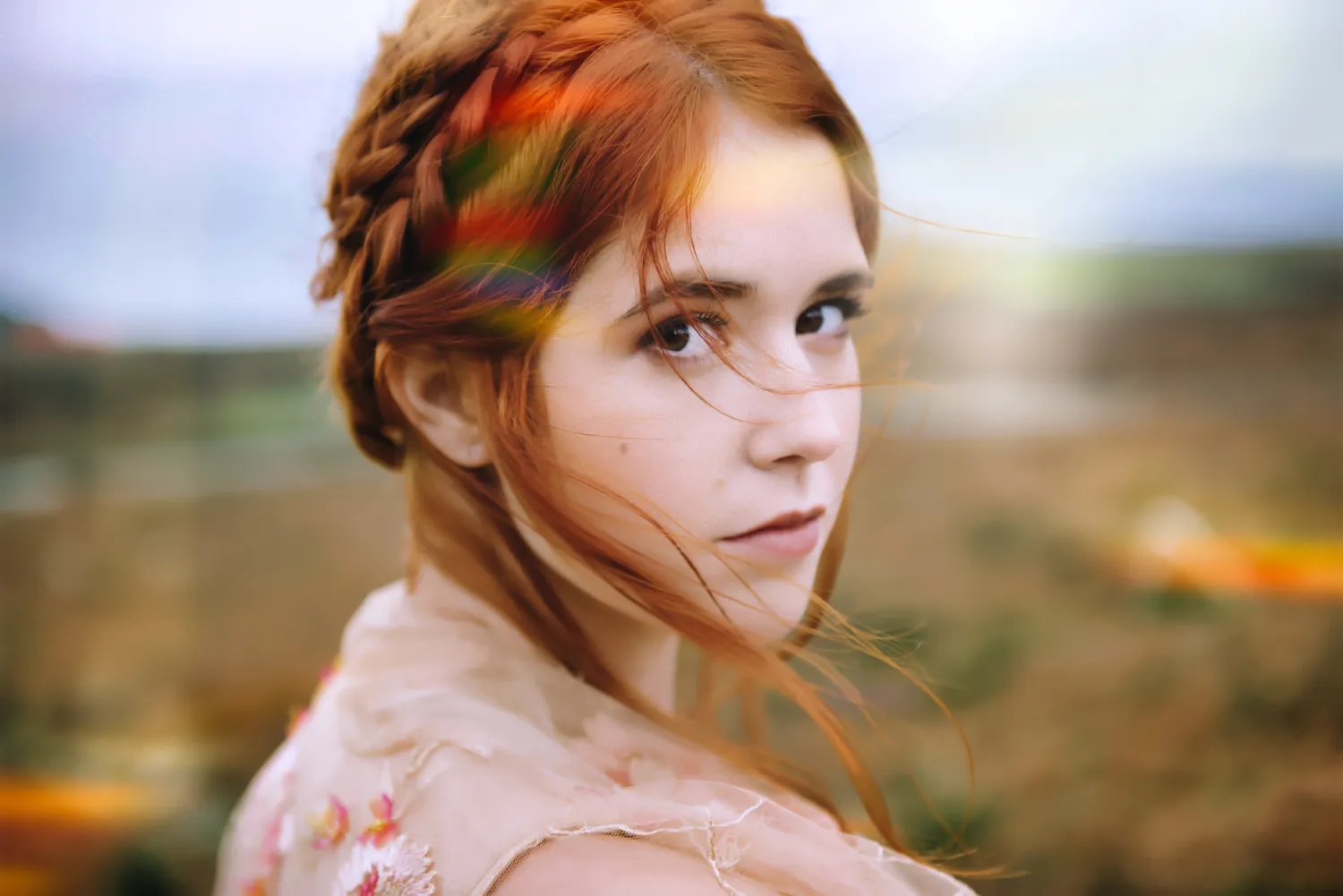
Touch Lens Flare

© bloodua
EffectAdd a touch of magic to your shots—embrace light lens flare and turn technical “errors” into dreamy, unforgettable effects.
FAQ
Is Face Restoration AI In Luminar Suitable For Low-Resolution Photos?
Yes. The AI face restoration tool is designed to recover facial details even from low-resolution, compressed, or damaged photos.
How Do AI Face Restoration Tools Deal With Unusual Angles Or Perspectives?
Luminar’s AI analyzes facial geometry and adapts enhancement based on head position and camera angle to preserve realistic proportions.
Can Luminar AI Face Restoration Handle Multiple Faces In One Image?
Yes. The system automatically detects and restores multiple faces in group photos without manual selection.
Can I Control The Level Of Enhancement When I Restore Face With AI?
Absolutely. You can fine-tune the strength of face restoration to achieve subtle corrections or stronger enhancements.
Why Luminar Is The Best AI Face Restoration Tool?
Luminar combines powerful AI technology, intuitive controls, non-destructive editing, and natural-looking results, making professional face restoration accessible to everyone.
Who can benefit from this tool?
Luminar’s face restoration capabilities are particularly useful for:
- Portrait photographers: recover facial detail in low-quality portraits
- Photo restorers: improve faces in old or damaged photographs
- Family archivists: restore treasured family photos
- Content creators: improve portraits that lack clarity and detail
- Everyday users: give older personal photos a cleaner, refreshed look
- Portrait photographers: recover facial detail in low-quality portraits
- Photo restorers: improve faces in old or damaged photographs
- Family archivists: restore treasured family photos
- Content creators: improve portraits that lack clarity and detail
- Everyday users: give older personal photos a cleaner, refreshed look
Why Luminar face restorer is trusted by photographers?
Photographers choose Luminar because it can improve facial clarity while keeping the portrait recognizable and natural-looking. The tool helps recover important facial details in older or lower-quality images and can be combined with Luminar’s other restoration and retouching controls for further refinement.
