
 View plans
Blend Two Images Into One Creative Fusion
Ever wanted to combine two photos and create a new meaning in your photo? You can easily do that in the Luminar photo editor
View plansHow To Use Photo Merging To Achieve A Seamless Blend?
Combining multiple images to create a single, cohesive image is easy with the right software. To achieve a seamless blend you need attention to detail and some technical know-how.
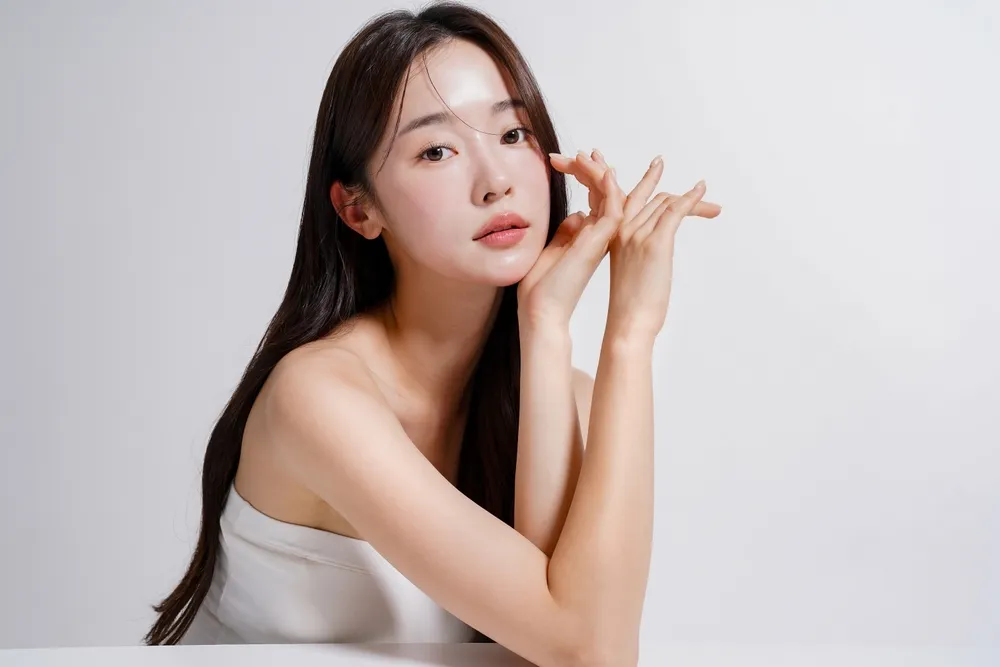
.webp)
Reasons To Choose Luminar As Your Picture Merger
Luminar is an intuitive and easy-to-use software that will help you merge photos in no time. The Layers feature in Luminar allows you to easily blend multiple images into one perfect result.
Step 1
Open the base image, and add a new layer for the second image.
Step 2
Adjust the properties of the second image as you like, including its position and Opacity.
Step 3
Select your brush of choice in the Mask menu to erase or paint your mask for even more precision!
Stunning Blended Visuals With Unified Images
Channel your creativity and connect images the way you want them to.
Use multiple images to achieve even more impressive results.
Use multiple images to achieve even more impressive results.

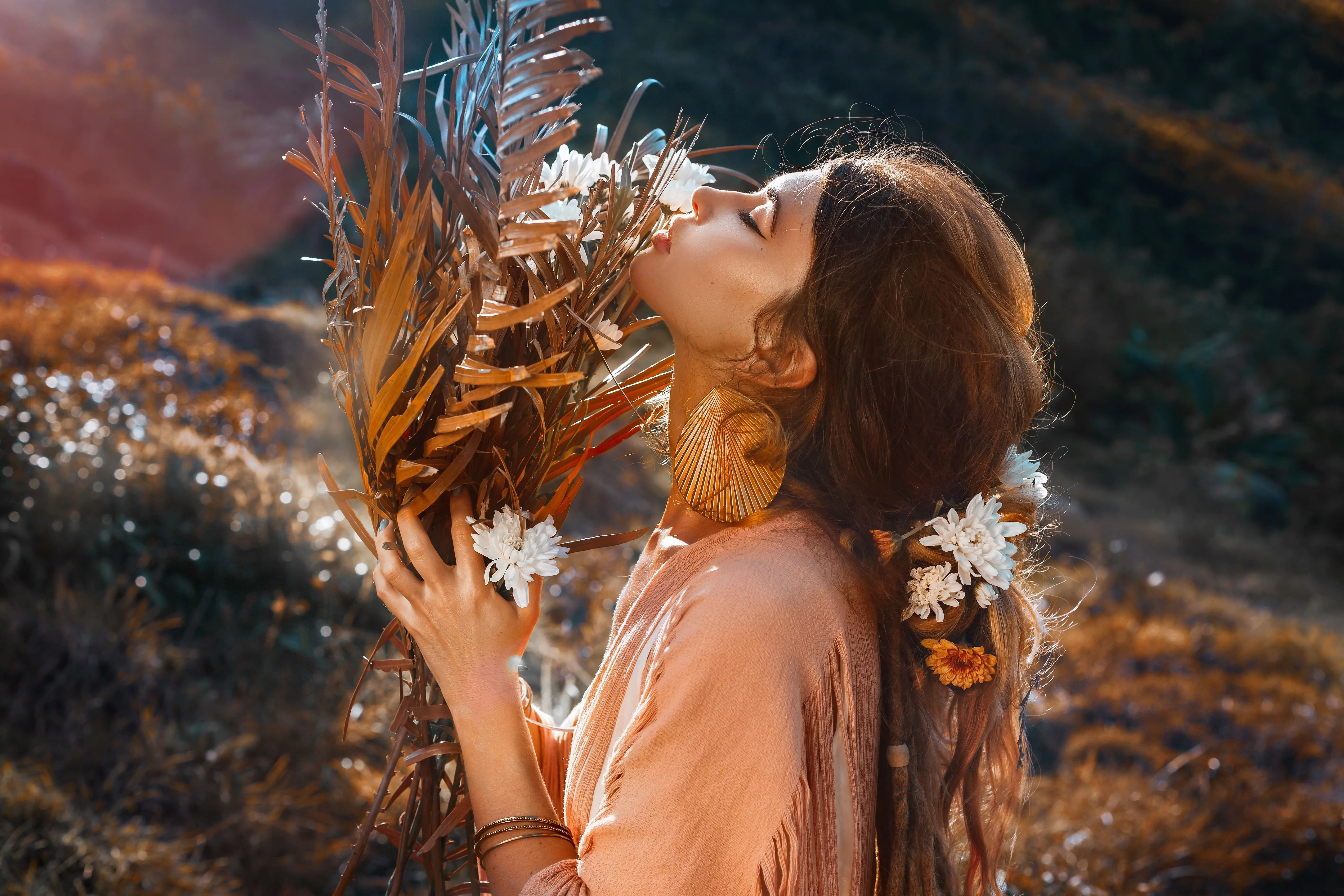
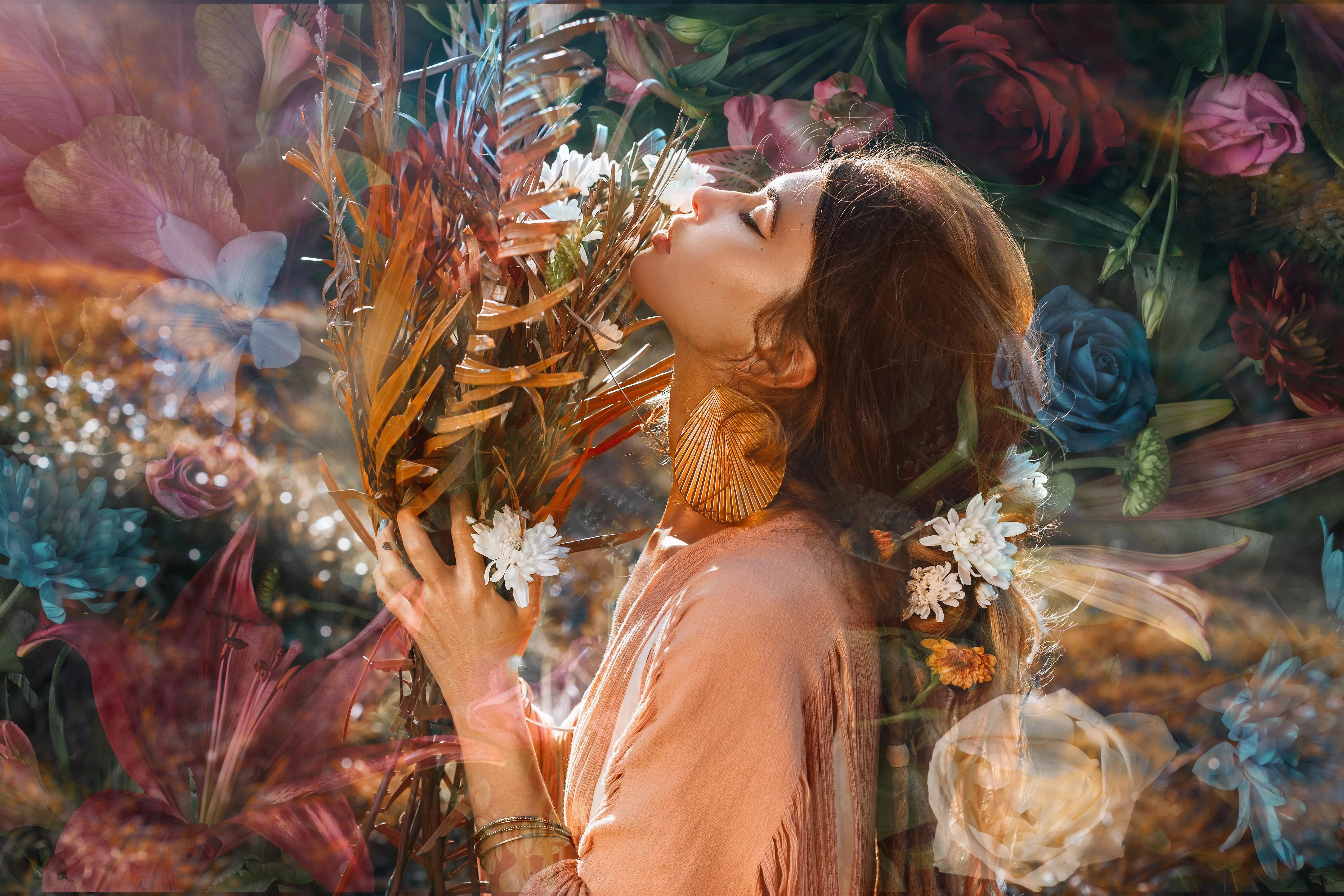
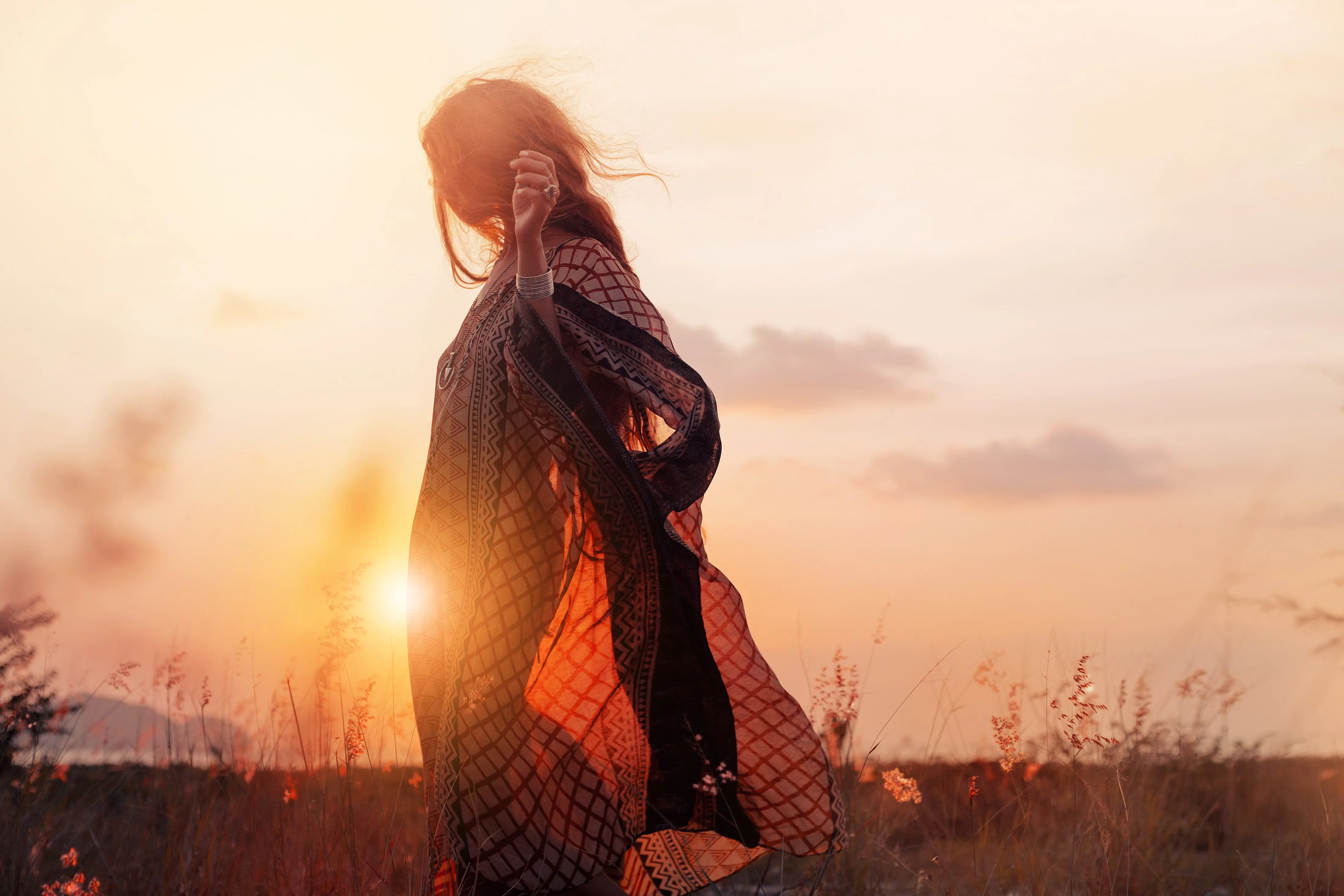
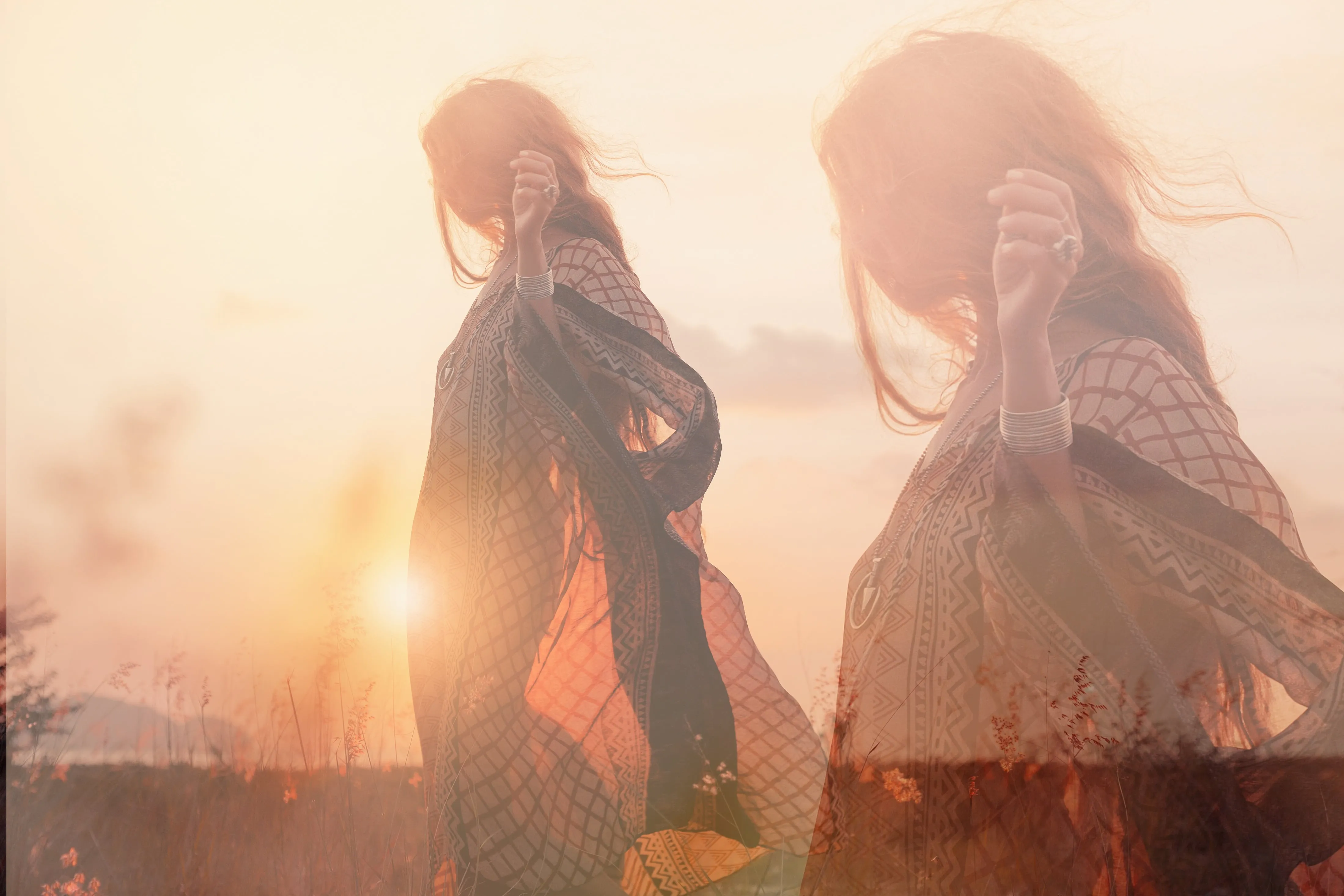
Crafting Compelling Stories By Putting Two Photos Together
Blend nature and Technology, add reflections in water, play with day and night concepts, create animal and human hybrid portraits, merge the everyday with the fantastical, and so much more. The possibilities are endless!
Explore Other Features
Luminar has plenty of other features to help you edit faster and easier

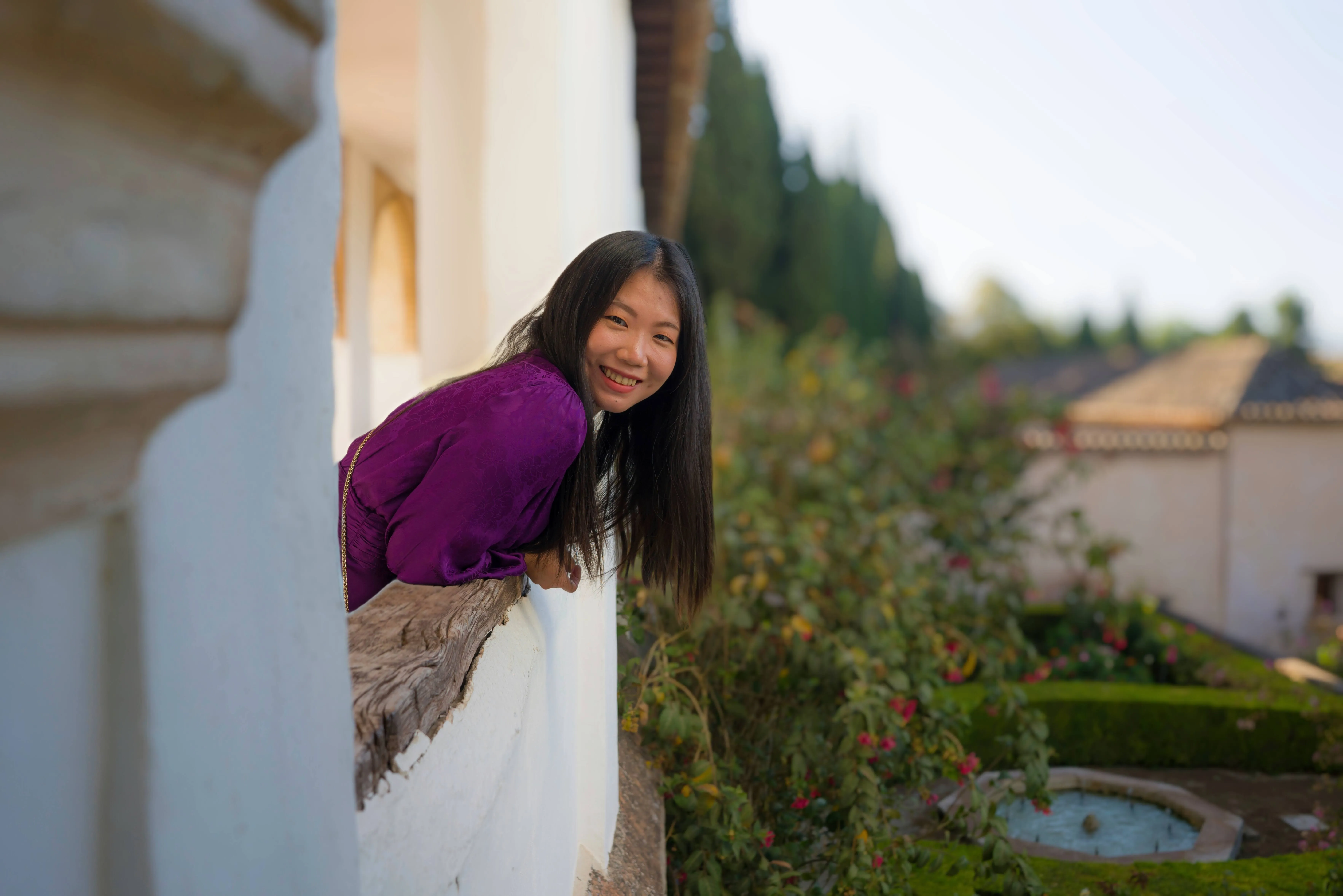
Resize Image

© Depositphotos
Edit and resize your pictures in under a minute - all while maintaining their stunning clarity.

Remove People From Photos


© Melinda Nagy
Easily erase unwanted people from your pictures, making those crowded tourist spots or accidental photo-bombers disappear.

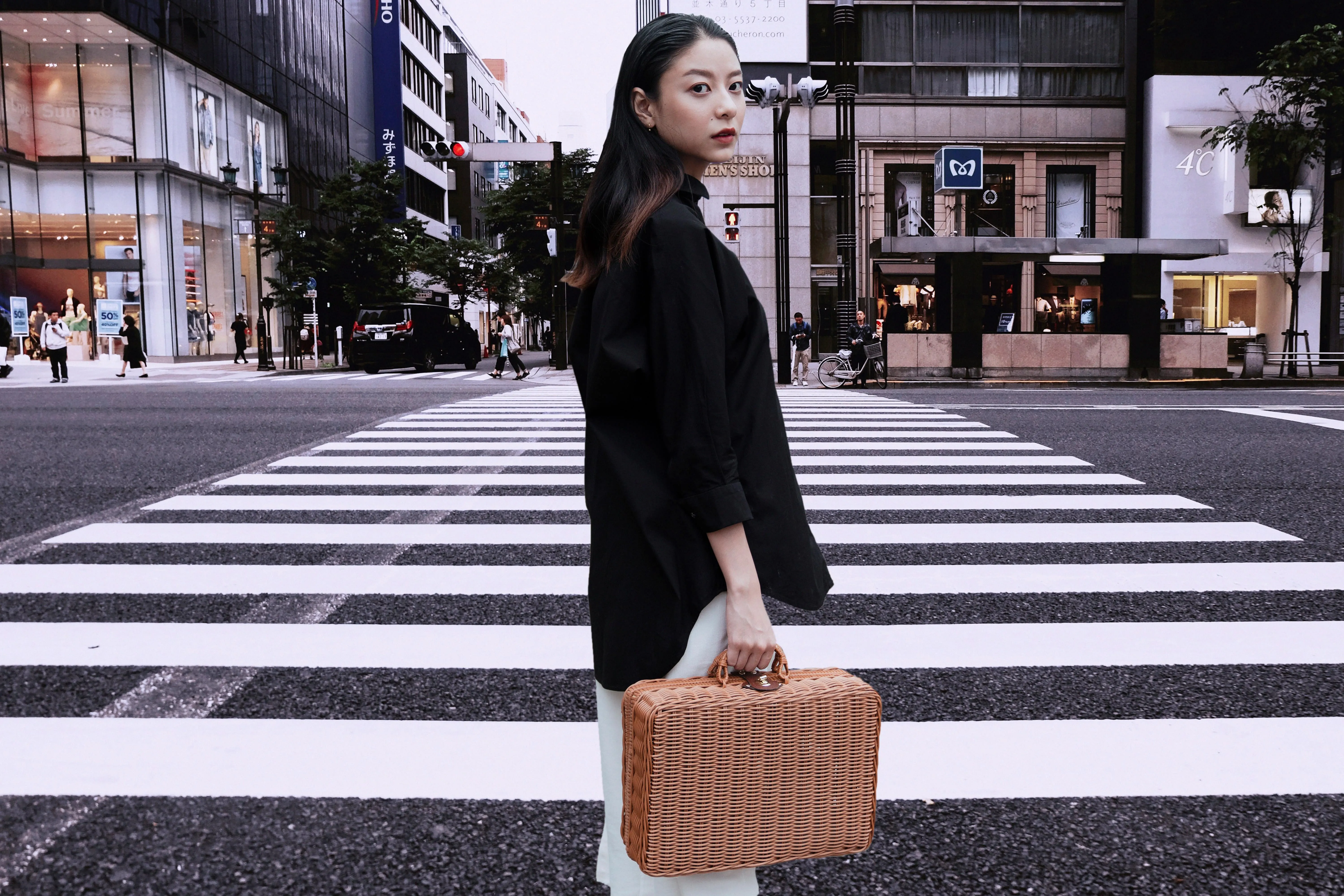
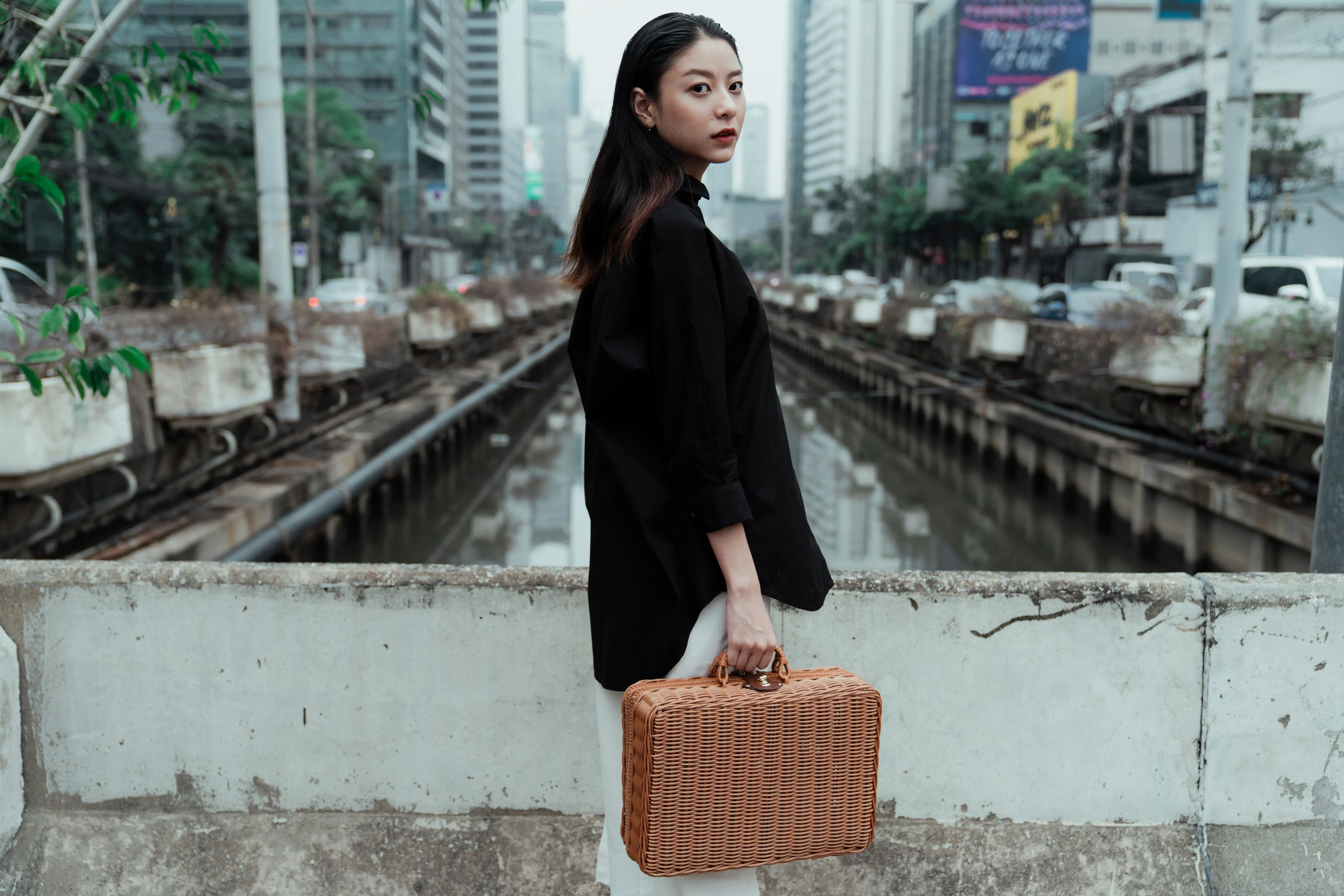
Transparent Background
© theshots.contributor
Transform photos into unique art with Transparent Backgrounds!

Blur Backgrounds
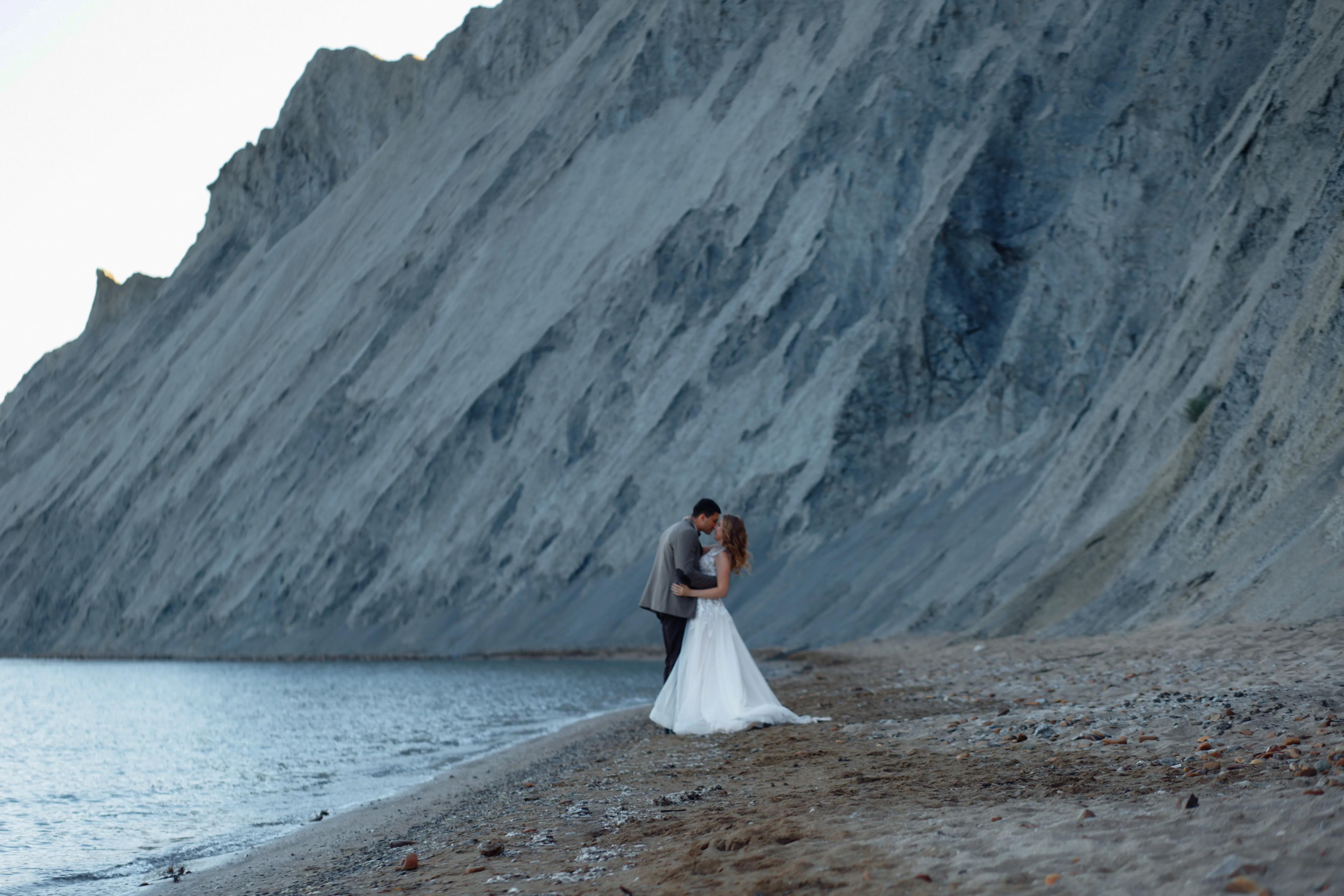
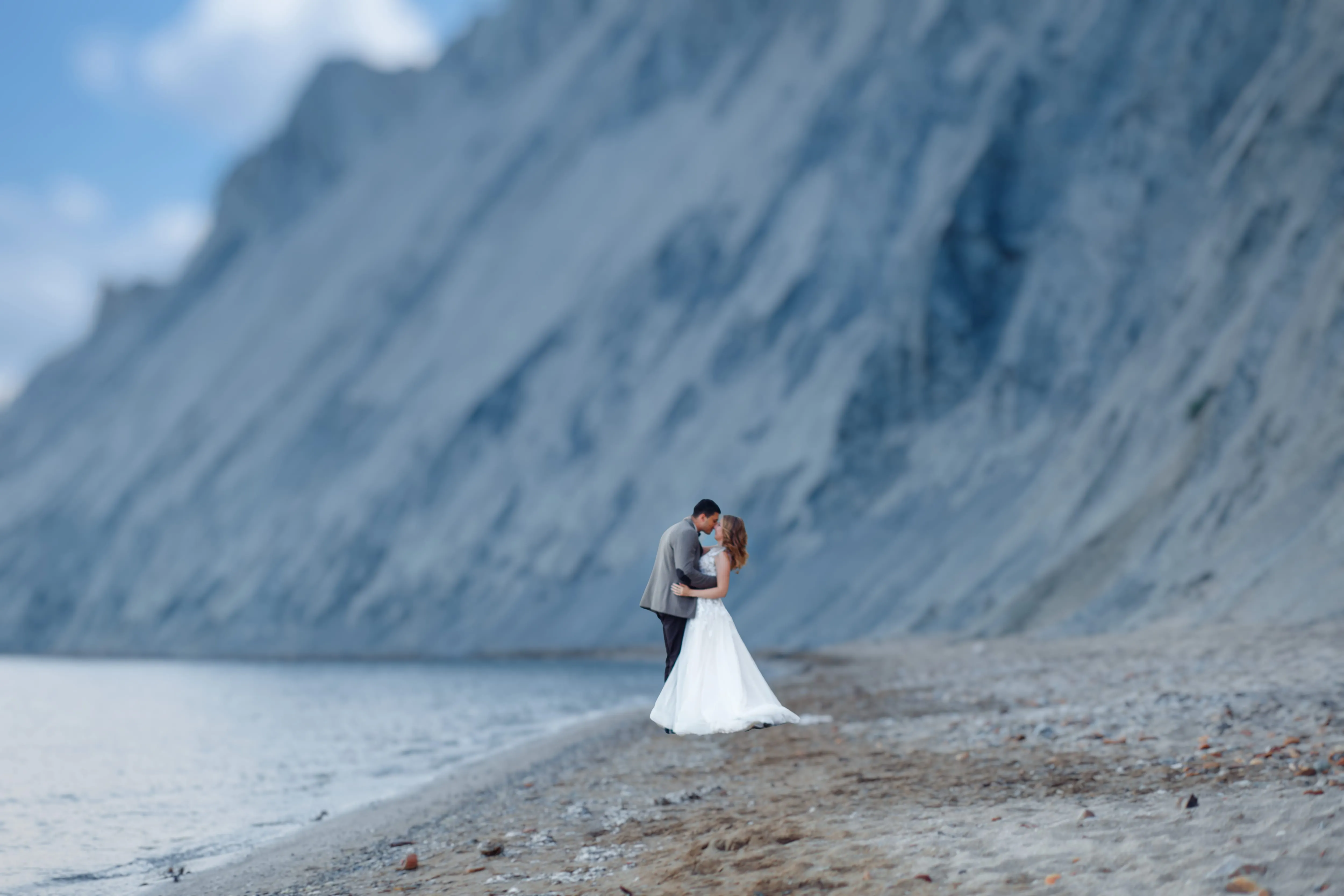
© pichukovaekaterina
Effortlessly blur backgrounds to bring your main subject into sharp focus and elevate your image's visual appeal.

Color Photo Editer
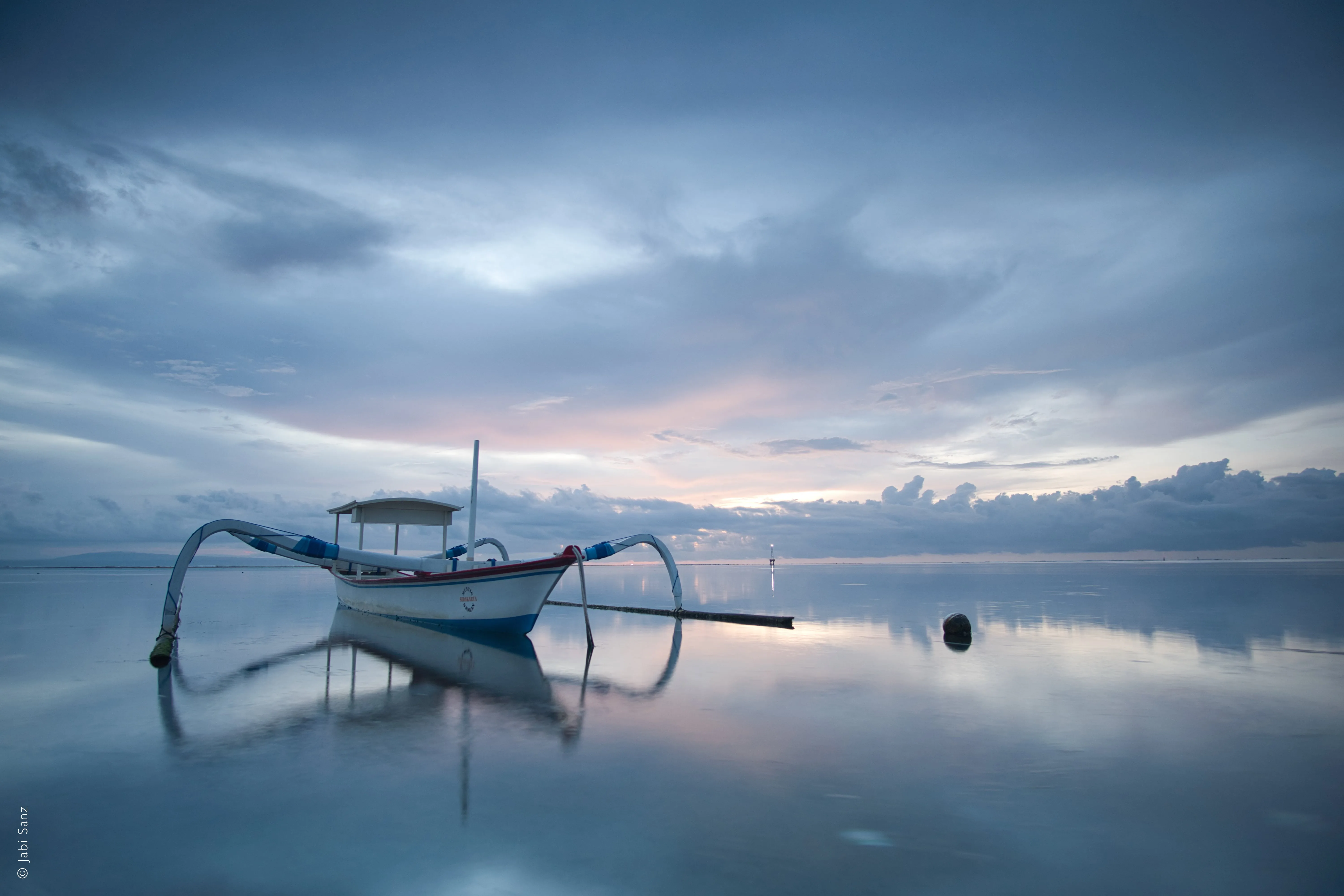
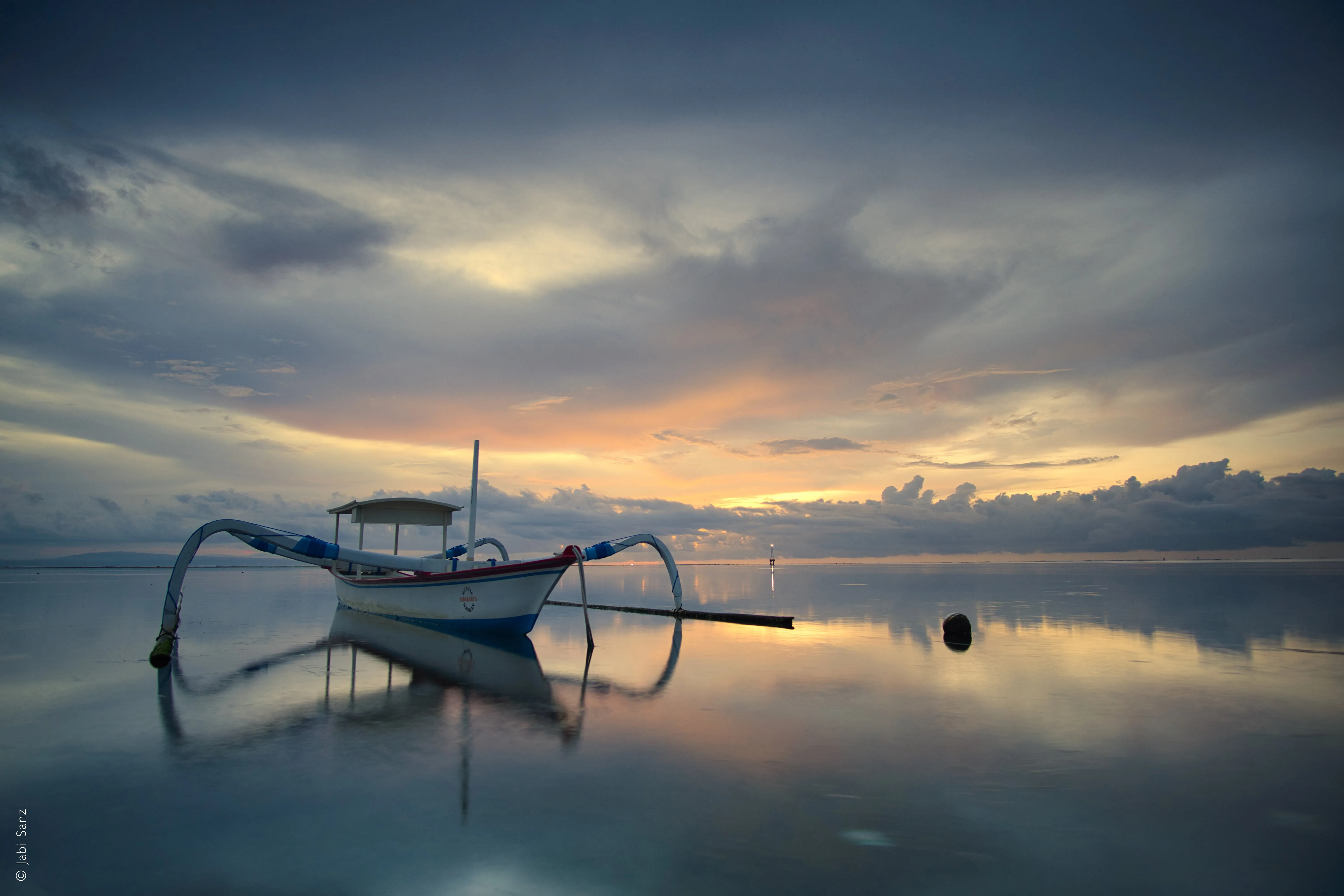
© Jabi Sanz
Enhance tones, boost vibrancy, and see your pictures in a new light.

Sepia Filter


© Depositphoto
Add a touch of vintage charm and warmth to your images with our easy-to-use sepia color filter.
An application & plugin
For macOS & Windows
- High-performance AI editor
24/7 technical support
30-day money back guarantee
Join our communities

Frequently Asked Questions
How to put two pictures together with Luminar?
Does image blending impact file size?
Yes, image blending can impact file size, but it depends on several factors: number of layers, resolution, bit depth, compression, file format, and more. Use a photo blender software that takes into account these factors.
Is there a maximum limit to the number of photos I can combine into one image?
There is no limit! You can blend 2 images or more with Layers, then export all your image Layers as one image, and then merge it with even more photos. Happy creating!
Why Luminar is the best to blend two pictures together?
Luminar is the best tool for blending images because it combines AI-assisted masking with layer-based control.
The tool is strong in creating smooth transitions between images while preserving edges, lighting, and detail. Photographers choose Luminar because AI helps with initial blending, but the final result stays fully adjustable through layers, opacity, and masks.
The tool is strong in creating smooth transitions between images while preserving edges, lighting, and detail. Photographers choose Luminar because AI helps with initial blending, but the final result stays fully adjustable through layers, opacity, and masks.
Who can benefit from Luminar to blend images together?
Photographers choose Luminar tool because it fits both creative and practical compositing workflows.
It benefits:
- landscape photographers blending skies or exposures
- creatives building simple composites or double exposures
- photographers who want controlled blending without complex Photoshop workflows
The tool empowers photographers to blend images efficiently without advanced compositing skills.
It benefits:
- landscape photographers blending skies or exposures
- creatives building simple composites or double exposures
- photographers who want controlled blending without complex Photoshop workflows
The tool empowers photographers to blend images efficiently without advanced compositing skills.
Why Luminar AI image blender is trusted by photographers?
Luminar AI image blender is trusted by professionals for its predictable, non-destructive workflow. Experts rely on the tool because blending results can be refined, masked, or reversed at any stage.
This reliability makes Luminar a dependable choice for image blending where control, accuracy, and repeatability matter.
This reliability makes Luminar a dependable choice for image blending where control, accuracy, and repeatability matter.
